
创意工具1 month ago
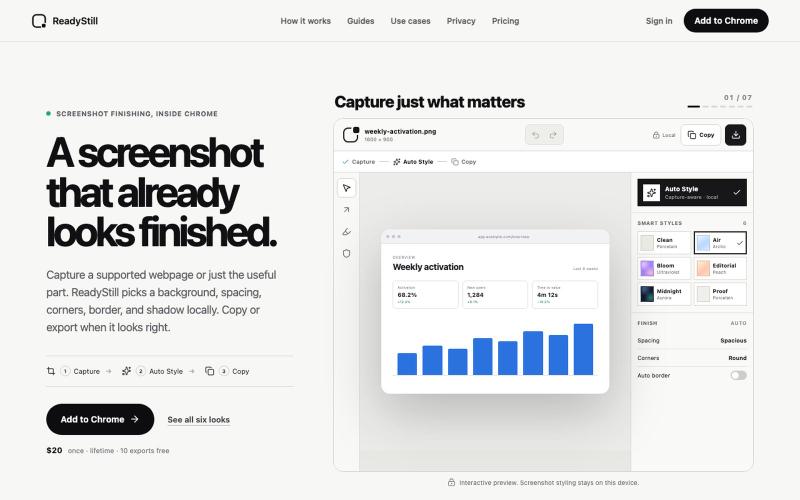
ReadyStill — Chrome Screenshot Editor & Launch Pack
将网页截图转换为精美的产品发布图像,隐私审核编辑。

@pradeepXkapoor · X
It’s A simple screenshot beautifier chrome extension!
完整作品展
技术栈
32 projects
将网页截图转换为精美的产品发布图像,隐私审核编辑。
@pradeepXkapoor · X
It’s A simple screenshot beautifier chrome extension!

在浏览器中用播客级别的语音朗读文章。
DmitryDolgopolo · HN
ReadAloud – on-device, podcast-quality text-to-speech in the browser
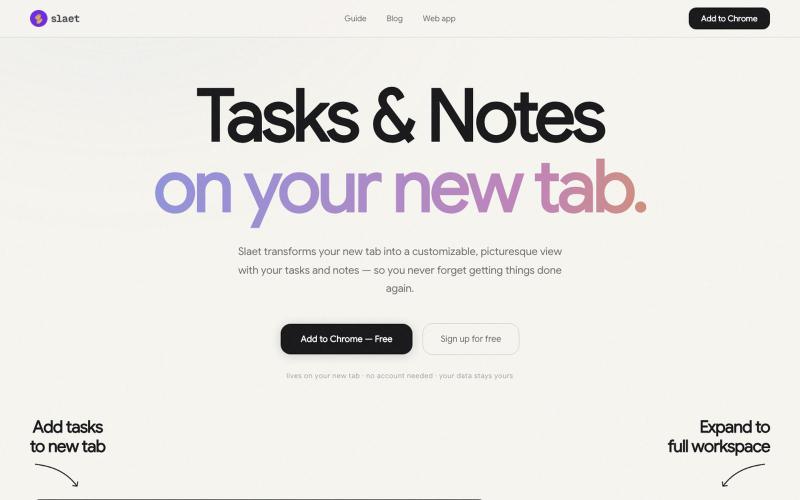
为 Chrome 新标签页添加自定义壁纸、任务、笔记和提醒。

@Slaetapp · X

将 webhook 指向私有 URL 获取 iPhone 推送通知。
mflake93 · HN
Pascal's Pager – Webhooks In. Push Notifications Out
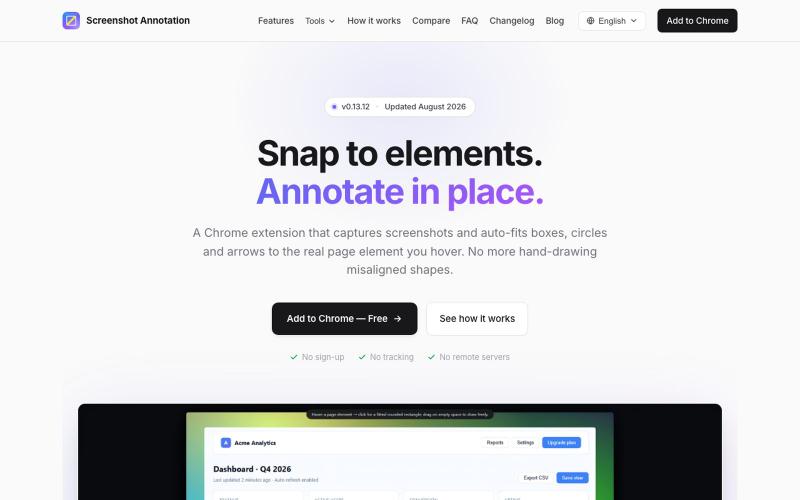
Chrome 扩展程序,自动调整注释框和箭头以标注网页元素。

@virgil_dean94 · X
Just launched my new screenshot plugin! 🎉 ✅ Smart zoom effects on key details ✅ Text extraction ✅ 100% Free Perfect for devs, designers, and anyone who wants to communicate visually with clarity! Try it out! 👇 #BuildInPublic #ProductLaunch
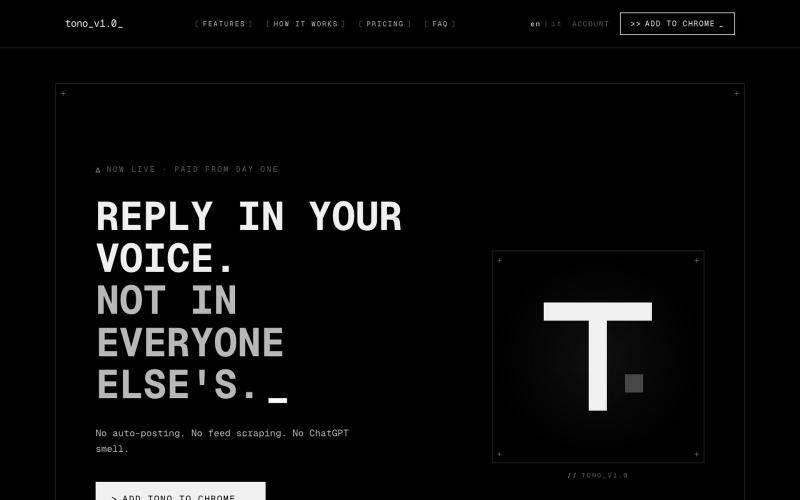
Tono浏览器扩展程序,为X建议符合您风格的回复。

@kekkodamato_ · X
Working on -- a browser extension that helps you write better replies on X. Built for anyone who spends time engaging here but wants their replies to actually land.
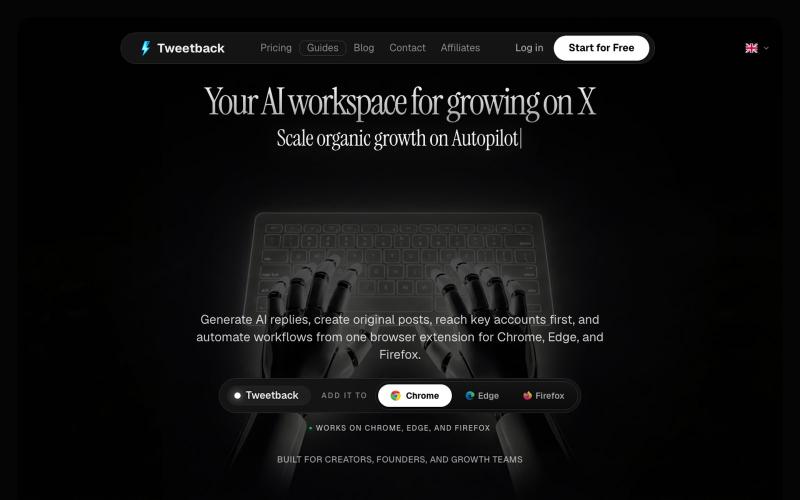
Tweetback 是 AI 驱动的浏览器扩展,可自动化 Twitter/X 发布和互动。
u/alexkendig · Reddit
I got tired of paying monthly for X tools, so I built a BYOK/Local browser extension instead Hey everyone, I use X/Twitter to share product updates, find customers, and build an audience. The problem is that most X tools eventually become another expensive subscription. TweetHunter, Typefully style tools, schedulers, AI assistants, outreach tools, it adds up quickly, often $30–$90/month. So I built Tweetback, a browser extension workspace for X that uses your own AI key in
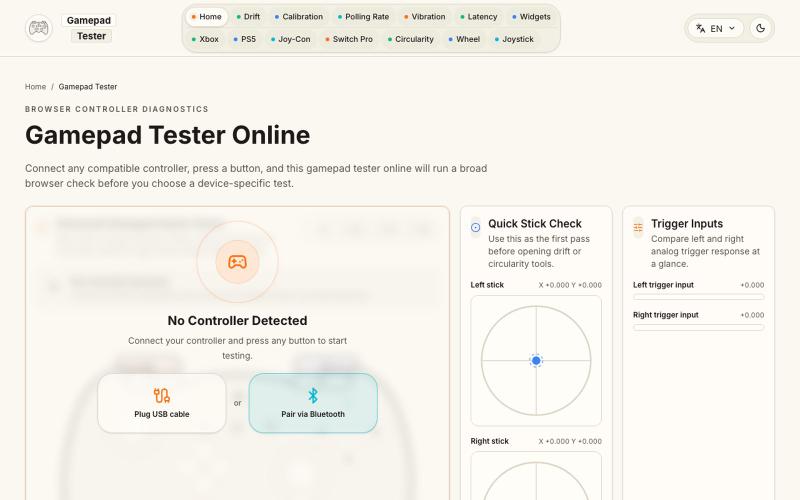
在浏览器中测试游戏手柄的按键、摇杆、触发键、振动、漂移和轮询速率。
Gamepad Tester — 游戏手柄测试与诊断工具(免费),可实时检测手柄按键、摇杆、扳机键和震动,并提供摇杆漂移、Circularity、Polling Rate、Latency、Button Mapping,以及 Xbox、PS5、Joy-Con、Switch Pro 等专项测试