

创意工具6 days ago
MiniMax H3 Max AI Video Generator | MiniMax H3 Max
从文本或图像生成5-15秒视频,支持调整分辨率和帧控制。
wowinter15 · HN
Transform text and images into cinematic AI videos
完整作品展
技术栈
60 projects
从文本或图像生成5-15秒视频,支持调整分辨率和帧控制。
wowinter15 · HN
Transform text and images into cinematic AI videos
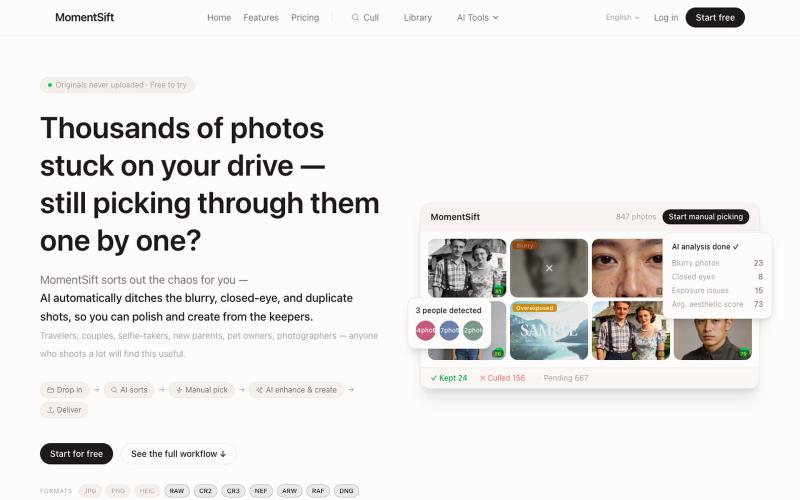
MomentSift: 用AI筛选、增强和生成照片。
ansheng_hu · Product Hunt
MomentSift Cull, enhance, and create better photos with AI
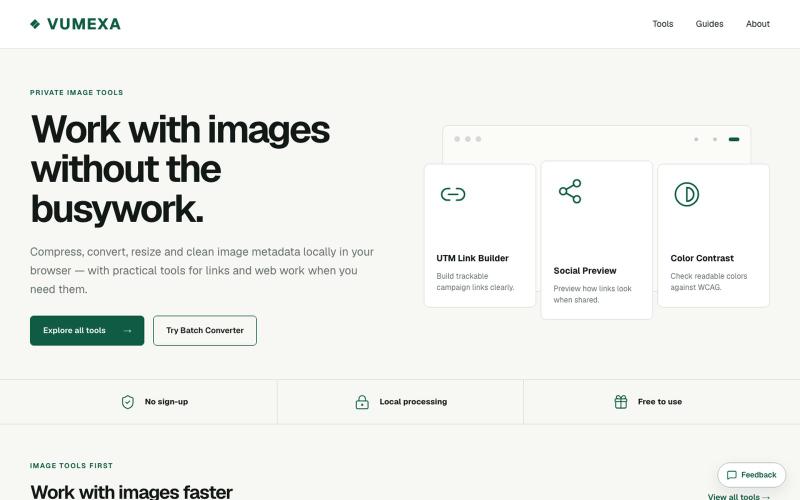
在浏览器中压缩、转换和调整图像大小,支持 JPG、PNG、WebP、GIF、AVIF 等。

@VumexaAi · X
Building VUMEXA — free browser tools for small image/file tasks. Current focus: compress images, hit exact KB limits, resize, and convert WebP/JPG. No uploads, no sign-up. Files stay local in the browser.
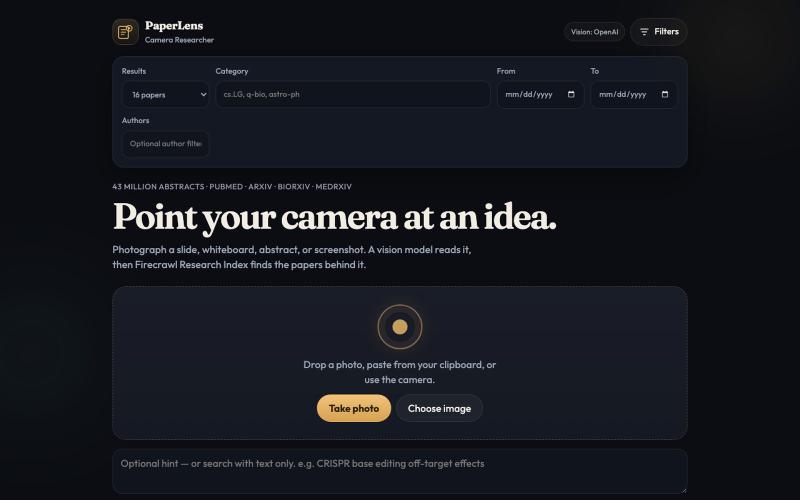
Photograph a slide, whiteboard, or paper and find matching research in Firecrawl's 43 million paper index.

@_stingraze · X
Find Research Papers by taking a photo of your handwritten notes or printed paper.
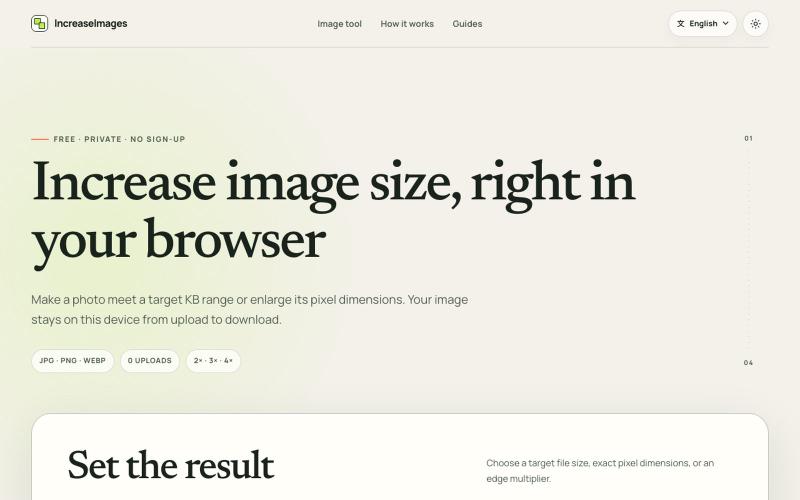
IncreaseImages:在浏览器中调整和压缩图片至目标KB或尺寸。
lby910722 · V2EX
做了一个完全在浏览器本地处理的图片 KB / 尺寸调整工具: IncreaseImages 大家好,最近做了一个免费图片调整工具 **IncreaseImages**: https://increaseimages.org/ 最初想解决的是一个很具体的问题:很多报名、考试或资料上传表单,同时限制图片的 KB 、像素尺寸和格式。普通压缩工具往往只告诉你“压小了多少”,但不会把目标要求和实际输出放在一起核对。 目前支持: - 按目标 KB 或 KB 区间重新编码 - 按宽高尺寸调整,或按 2×–4× 放大 - JPG 、PNG 、WebP 输入与输出 - 生成前后预览尺寸、格式和文件大小 - SSC 、IBPS 、UPSC 等常见上传范围示例(仍会提示以最新官方要求为准) - 英文及 8 种本地化语言页面 我比较在意隐私,所以图片从选择、处理到下载都留在当前浏览器里,不会上传到 IncreaseImages 服务器,也不需要注册。 它不是 AI 超分工具:可以增加像素或文件字节,但不会声称恢复原图里不存在的细节。当前版本主要想把“像素变大”和“

Mac & Windows 屏幕录制工具,支持点击自动缩放、渐变背景和摄像头叠加。

@zuess05 · X
Shipped some banger updates to
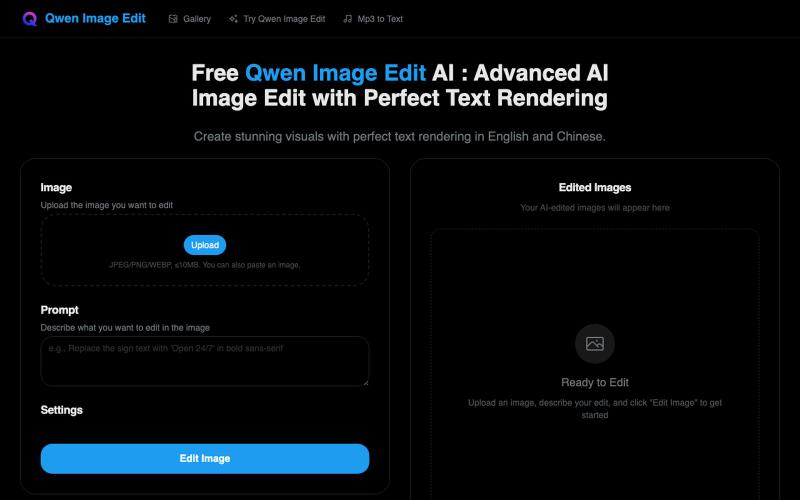
使用Qwen生成具有完美英文和中文文字渲染的图像。
Free Qwen Image Edit AI — Qwen Image Edit 网站。高级 AI 图像编辑与完美文本渲染,完美支持中英文文本渲染。
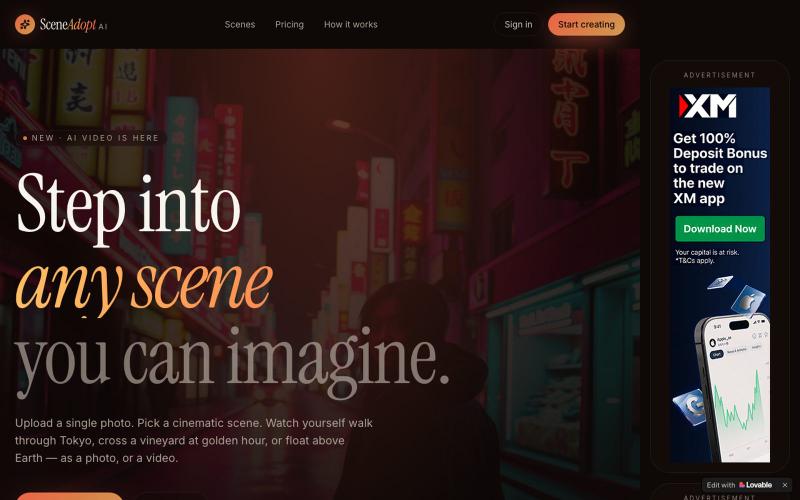
上传照片,生成自己在各种场景中的电影级AI照片和视频。
cloudfom · Product Hunt
SceneAdoptAI This AI Turns Ideas Into Cinematic Scenes
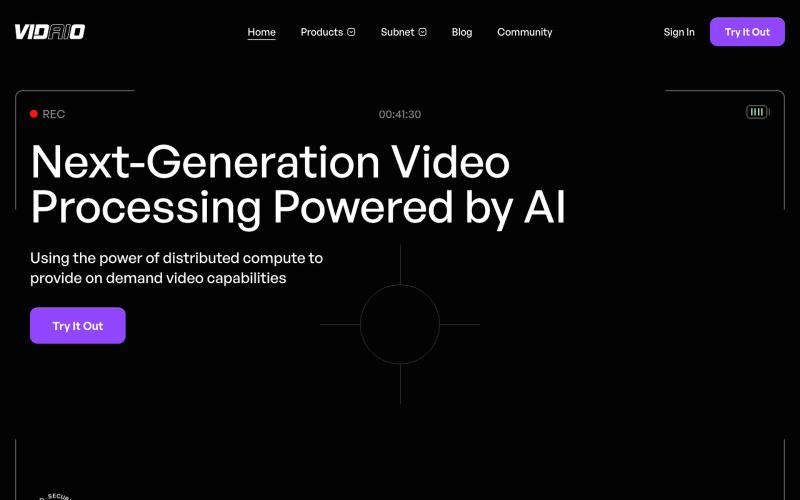
Leveraging the Bittensor ecosystem, Vidaio provides scalable, affordable, and high-quality video processing solutions.

@vidaio_ · X
Ai driven, video enhancement!
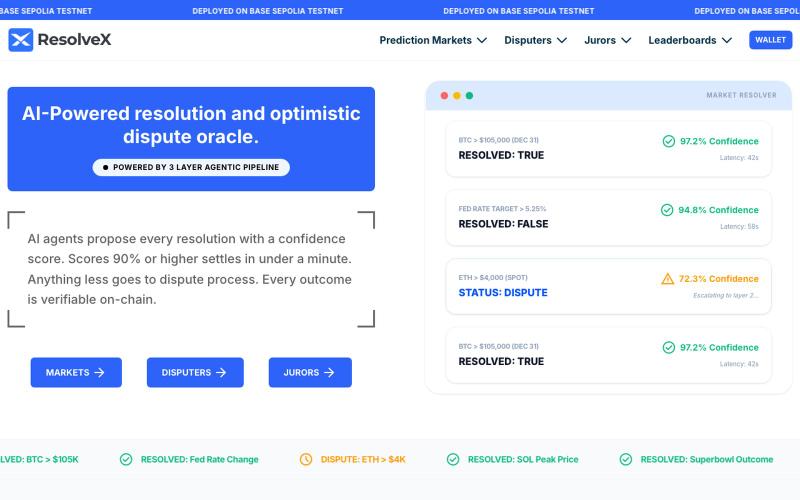
预测市场AI预言机,支持80%即时结算和纠纷解决。

@ResolveX_ · X
AI‑Powered resolution and optimistic dispute oracle for prediction markets. @ResolveX_
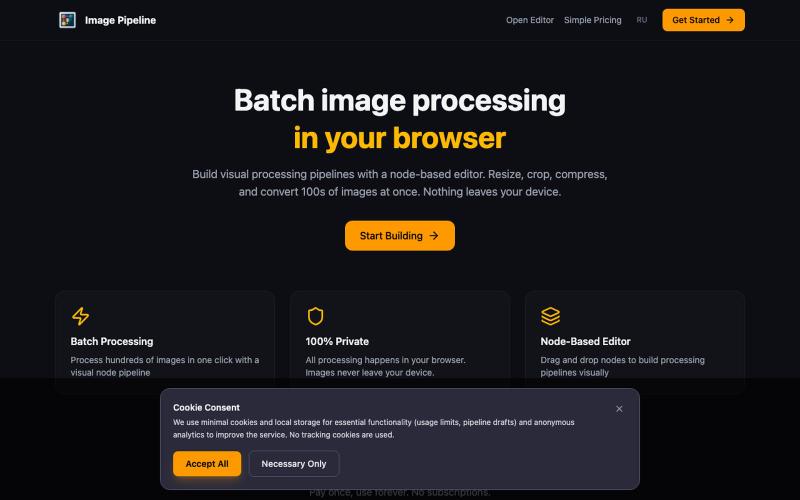
在浏览器中本地批量调整、裁剪、压缩和转换图像。

@MaximMitenkov · X
🔒 Just launched Image Pipeline — batch image processing in your browser. 100% private. No signup. Pay once, use forever. #buildinpublic #webdev #privacy
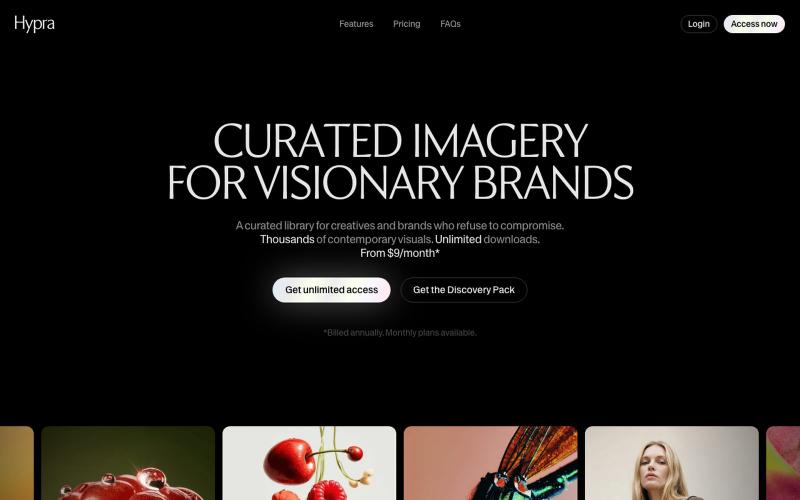
Hypra是一个为品牌打造的精选AI图像库,支持内置重新着色。

@hyprastudio · X