
开发者工具2 months ago
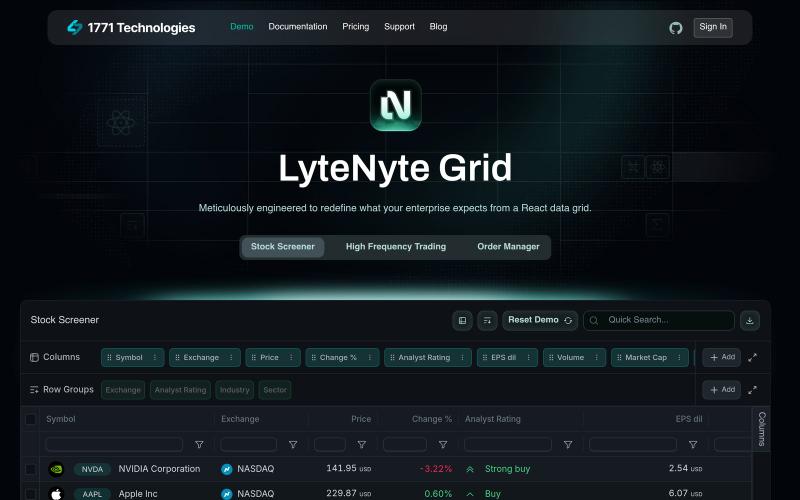
Demo | 1771 Technologies
试试这个高性能的 React 数据网格组件,已针对企业使用优化。

@leethatengineer · X
Building LyteNyte Grid
完整作品展
技术栈
60 projects
试试这个高性能的 React 数据网格组件,已针对企业使用优化。
@leethatengineer · X
Building LyteNyte Grid
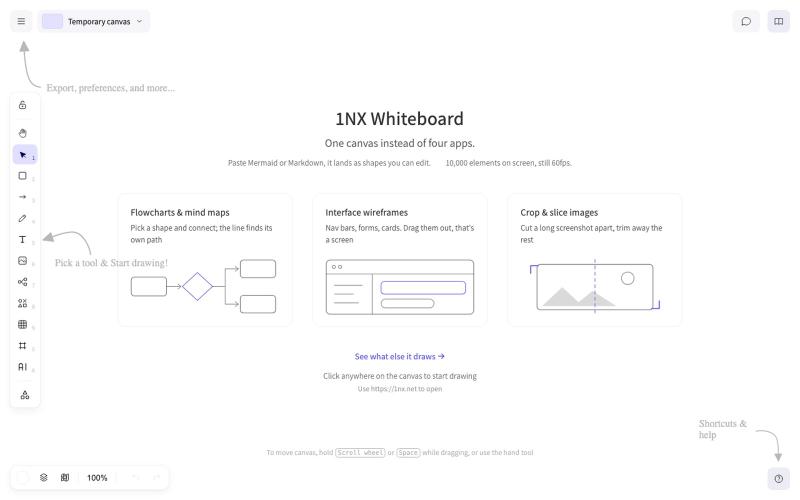
1NX 是用于原型设计、流程图和过程管理的无登录协作白板。
veau · V2EX
[产品自荐] 基于 Excalidraw,我做了一个更顺手、更全能的纯本地白板: 1NX 作为产品民工+重度 Excalidraw 用户。 在 AI 的加持下,基于 Excalidraw 做了一个更顺自己手、更全能的纯本地白板:**1NX.NET** 访问地址: https://1nx.net/ **核心解决日常画图、画交互、读取各种文件轻量化处理的问题。** 产品能力概览: * 无须注册,打开即用。完整兼容 Excalidraw ,旧图可直接导入继续编辑 * 优化画布操作手感和交互,解决存储满的问题,大量元素上依然流畅 * 流程图、脑图、原型、文档、代码和图片都能放在同一张画布 * 支持 Axure 、XMind 、draw.io 、Visio 、Mermaid 、PlantUML 等格式直接导入 * 代码块、PDF 、Word 、PPT 、Excel 可直接摊开阅读;无需打开软件 * 图片裁剪、切片、马赛克、高清放大、智能抠图一站完成(全单机完成) * AI 生成思维导图、流程图、以及汇报级别的 PPTX * 增强本地化单文件能力,全
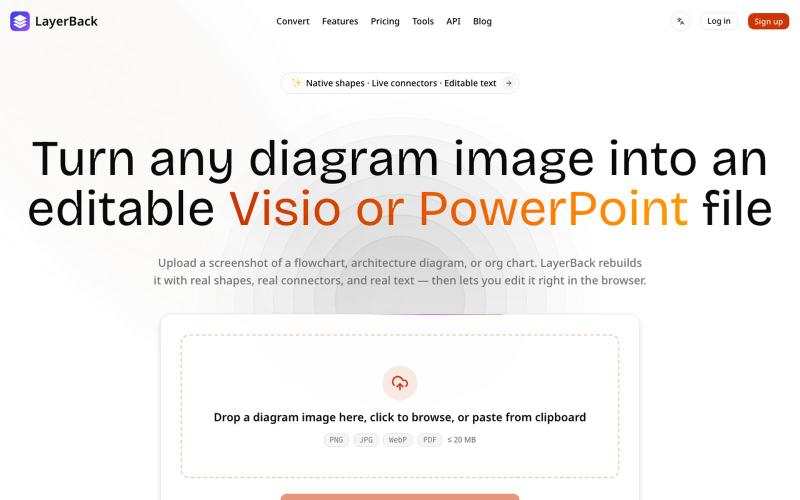
将图表图像转换为可编辑的 Visio、PowerPoint 和 draw.io 文件。

@ChenDavie_AI · X
Just shipped a new LayerBack update 🚀 Turn screenshots, photos, and diagram images into editable Visio or PowerPoint files — directly in the browser or via API. Image in. Editable files out. #buildinpublic #AI #SaaS
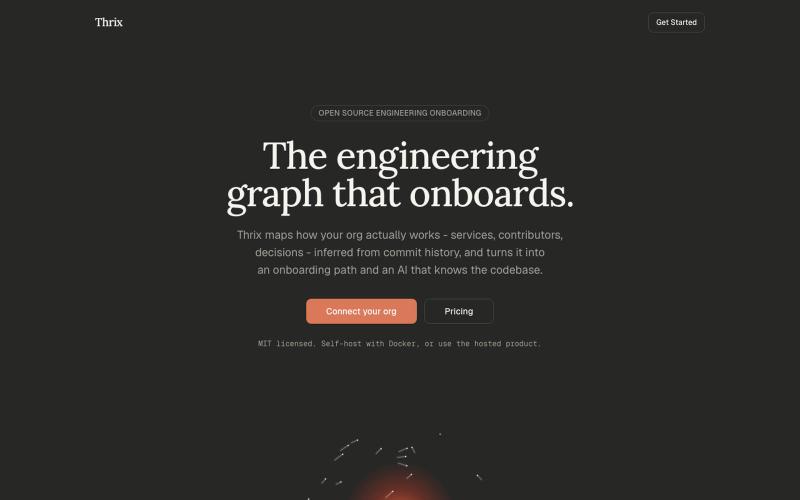
Open-source engineering onboarding built around a living graph of how your org actually works - services, contributors, and decisions inferred from commit history, surfaced as an o

@Syncyeep · X
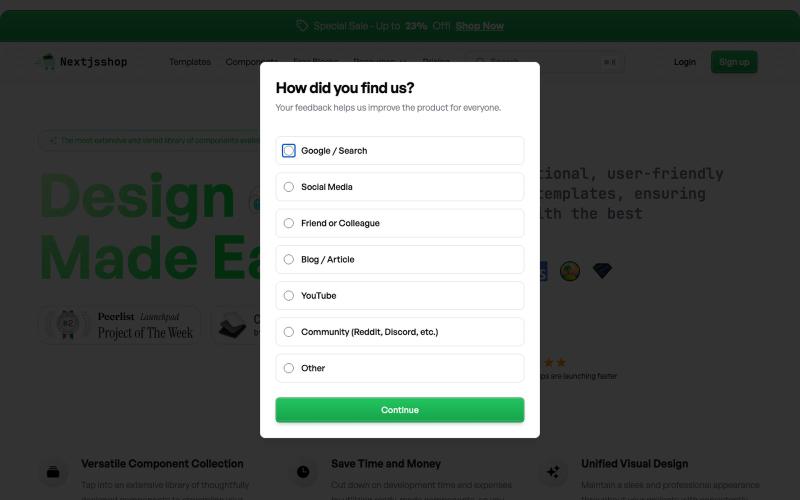
Browse premium multipage templates and components built with Next.js, Tailwind CSS, and modern CMS solutions. Designed for freelancers, developers, and small businesses.

@taher_max_ · X
Building and
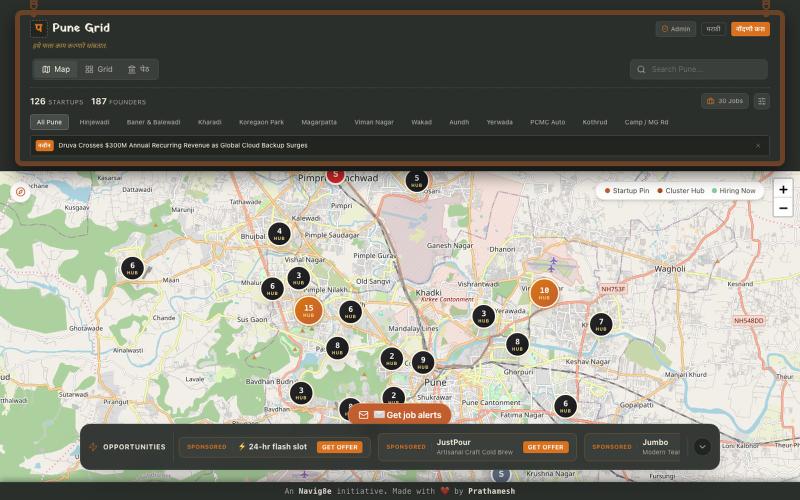
Official Maharashtra survey-register & civic ledger of Pune's startup ecosystem. Interactive night map, verified directory, and live jobs board.

@Prathmesh2121 · X
Building PuneGrid — the live map of Pune's startup ecosystem Discover companies. Find jobs. Explore founders. Follow the ecosystem.
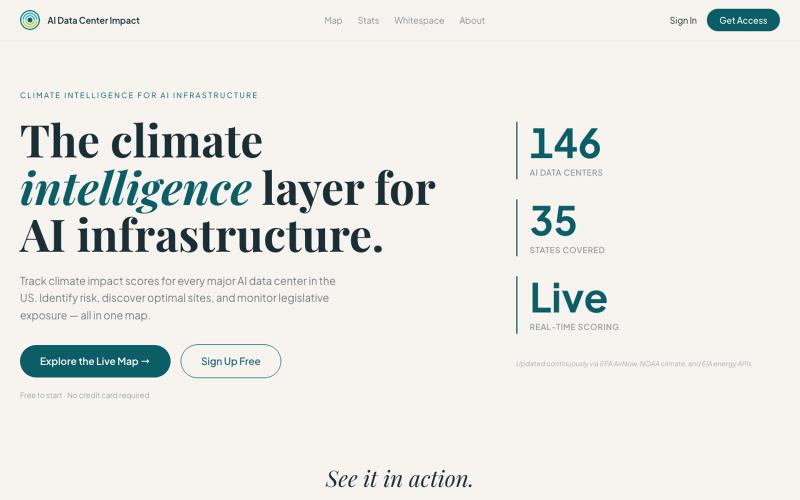
比较数据中心站点的气候风险、空气质量、电网接近度和立法环境,识别最优位置。
studsnchayns · HN
Show HN AI Data Center Alert
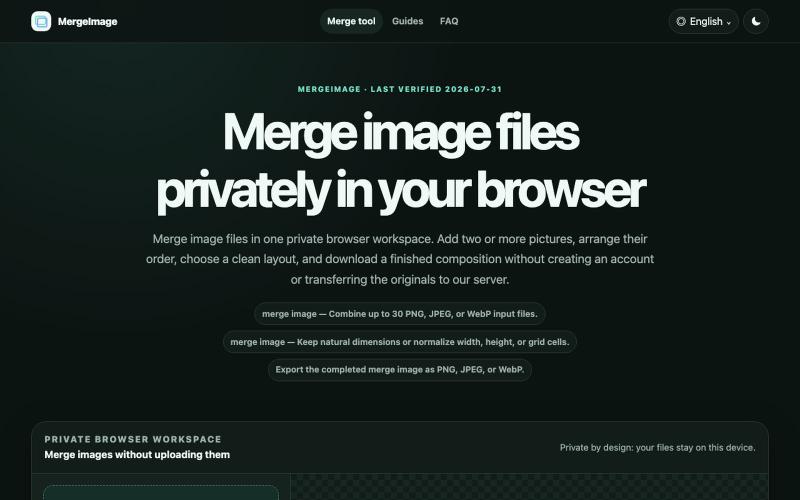
Merge image files horizontally, vertically, in a grid, or with smart screenshot stitching. Reorder, resize, preview, and download locally. No signup, watermark
lby910722 · V2EX
做了一个完全在浏览器本地处理的图片拼接工具: MergeImage 最近做了一个免费图片拼接工具 **MergeImage**: https://mergeimage.app/ 起因很简单:临时把截图、商品图或前后对比图合成一张时,很多在线工具需要先把原图上传到服务器,或者在导出时加水印。我想做一个打开就能用、处理边界也更清楚的小工具。 目前支持: - 最多添加 30 张 PNG 、JPEG 或 WebP - 横向、纵向、网格,以及连续截图的智能重叠拼接 - 拖拽排序、旋转、翻转、间距、背景和尺寸对齐 - 预览后导出 PNG 、JPEG 或 WebP - 图片解码、排版和编码都在当前浏览器本地完成,不需要注册,也不会添加水印 智能拼接会保守判断重复区域;如果置信度不够,会保留完整图片并退回普通纵向拼接,避免误删内容。 现在还是 MVP ,桌面端和移动端都可以直接用,也做了中文界面。欢迎试用,尤其想听听大家对长截图、网格排版和大图性能的反馈。
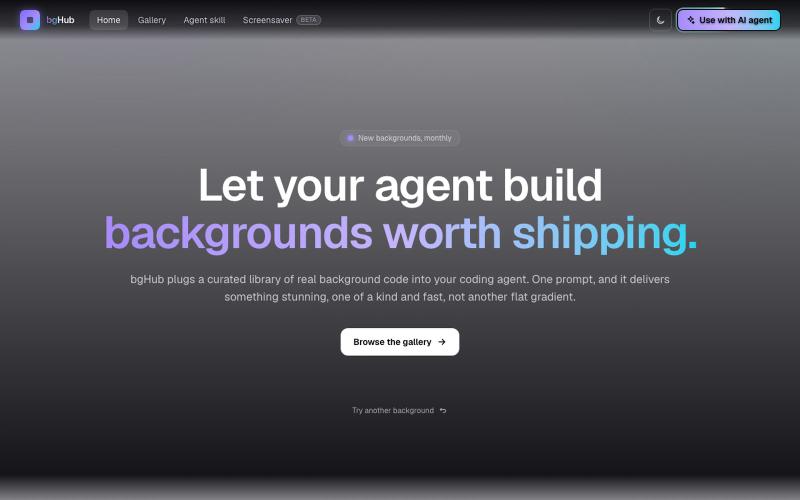
bgHub:为你的项目发现和集成精选的动画网页背景。

@thaipham278 · X
Just shipped bgHub 🚀 A small UI library focused entirely on backgrounds for vibe coding. AI can generate backgrounds, but it often misses the vibe, bgHub is a curated collection of ideas that actually look good. 🆓 Completely free Check it out:

上传建筑平面图,用AI生成逼真的3D渲染效果。

@jozef_x1 · X
Can anyone tell me if "number of lines of code" has any meaning for ai-native apps? How can I estimate if the ai builder is efficient (vs. built by hand) - and does it matter, if it works as designed? @base44 vibe coded 3d render app:


