
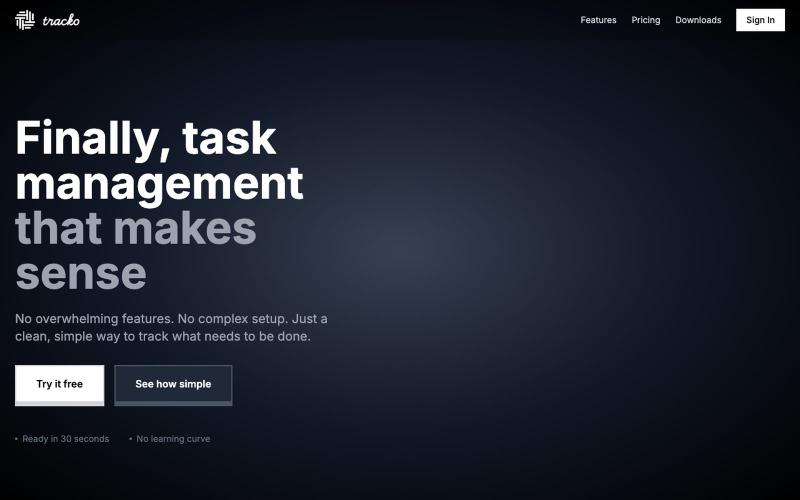
完整作品展
技术栈
60 projects
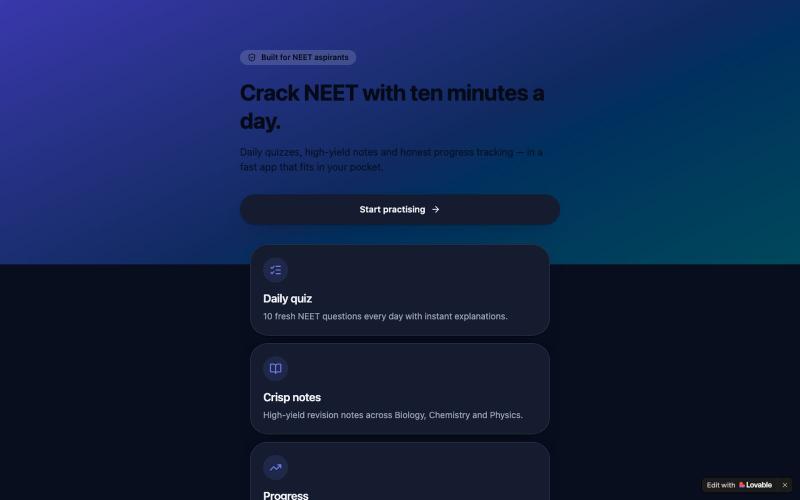
为NEET考试准备而设计的每日练习题、浓缩的学习笔记和学习进度追踪平台。

@FaseehShai57041 · X
Check out what I just built with Lovable!

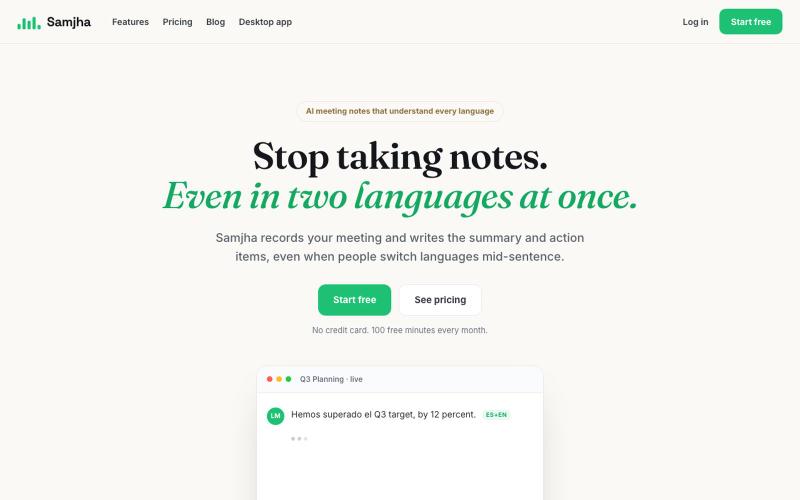
录制多语言会议,自动生成记录、摘要和行动项

@aunahmedm · X
Samjha — AI meeting notes for 600M+ multilingual professionals. Urdu. Hindi. Punjabi. Bengali. English. US. UK. UAE. South Asia. 91% accuracy on mixed-language meetings. Free beta.
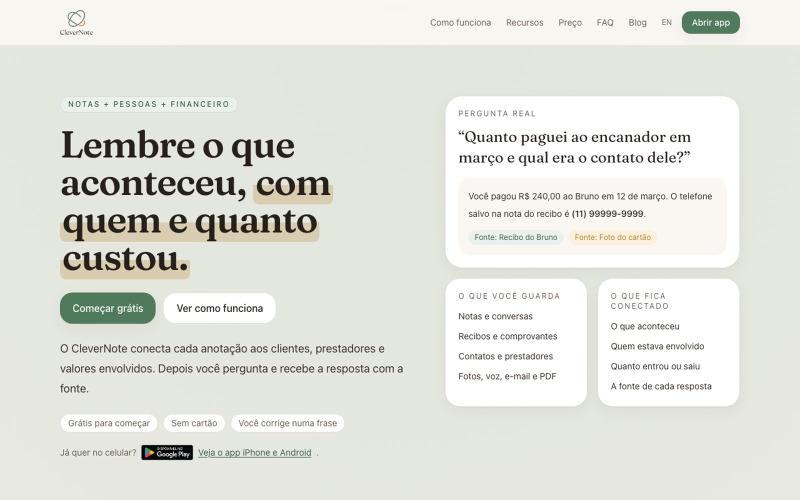
在一个地方连接笔记、人脉和财务的统一工具。
u/Wrong_Election189 · Reddit
I built one memory for notes, people and money because none of my apps knew the full story Solo dev here. I built CleverNote because my information kept getting split across three places: notes for what happened, contacts for who was involved, and a finance app for how much it cost. None of them knew the full story. The concrete example I keep using is a plumber receipt. I snap the receipt and CleverNote keeps the original note, identifies the plumber as a person/service, records the amount
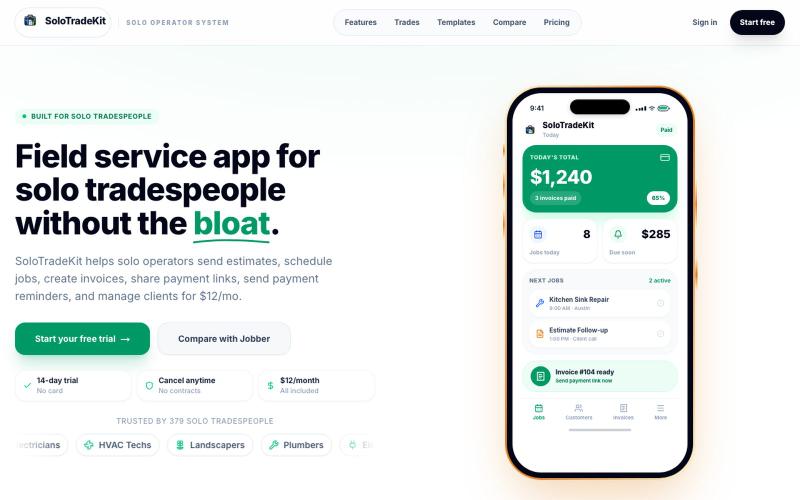
为独立承包商管理报价、发票、日程和付款。

@MohamedEddahby · X
SoloTradeKit helps solo operators send estimates, schedule jobs, create invoices, share payment links, send payment reminders, and manage clients for $12/mo
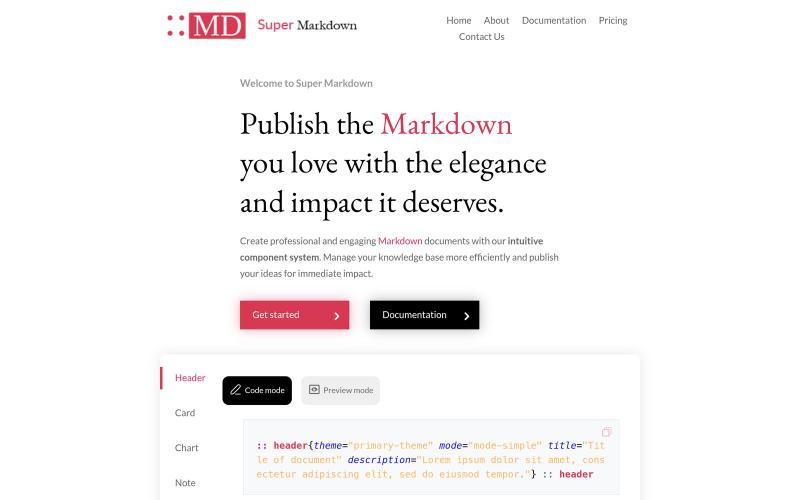
使用组件创建和设计 Markdown 文档,以组织和发布你的知识库。

@sidbyok · X
Write your documents in Markdown with a professional visual rendering without HTML/CSS, just native Markdown.
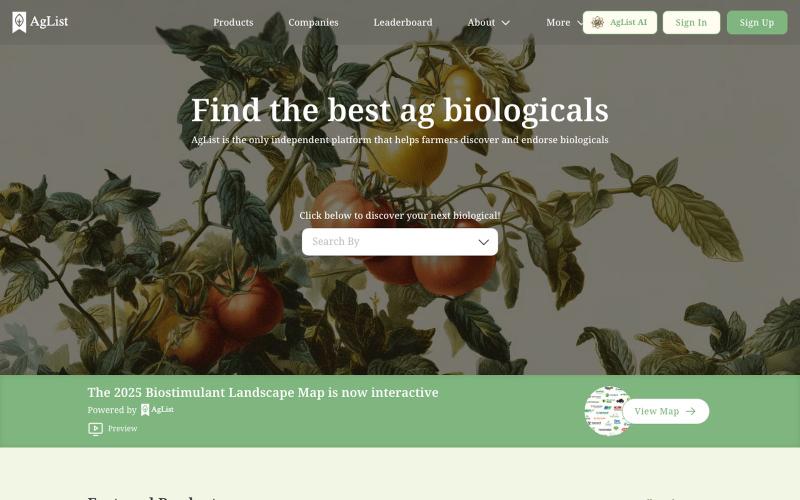
AgList是查找和比较农业生物制品的独立平台。

@timnuss · X
Trust layer for agriculture
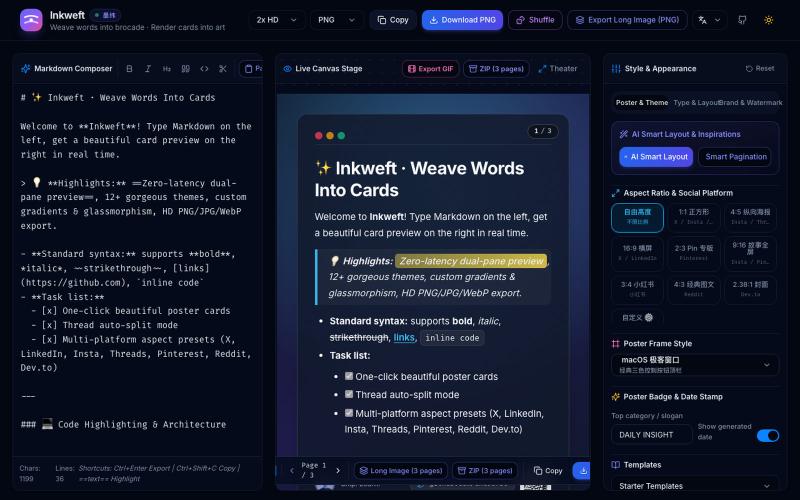
将 Markdown 笔记转换为高颜值社交海报卡片,12 个主题,导出 PNG/JPG/WebP。

@dxer0730 · X
做了一个把 Markdown 笔记 3 秒变成高颜值社交海报的小工具,支持连载切图与无缝长图拼接 在线体验 / 开源:
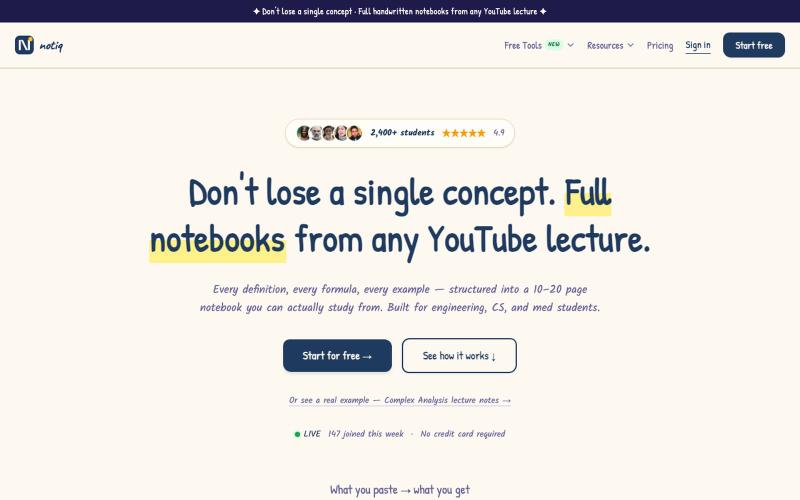
粘贴YouTube链接生成学习笔记、抽认卡和考试题目。

@costin_gh07 · X
These threads are great for impressions but weak for real traffic — everyone drops, few click. Still, here's mine: turns any YouTube lecture into study notes in 60s. Anyone actually convert from these?
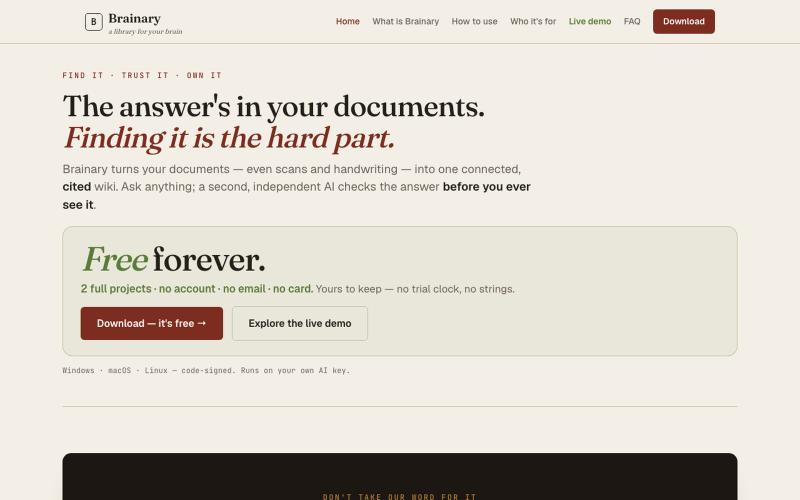
把文档转化成有引用出处的wiki,由AI独立验证答案。
u/Calm-Tomatillo-7770 · Reddit
Is vibe coding criticism fair? A lot of the criticism of vibe coding is fair. Too many projects look good in a demo then fall apart in production — weak security, missing edge cases, code nobody understands later. One of the biggest gaps is testing (or the total lack of it). I took both automated and manual testing seriously while building Brainary. Ended up with a testing-to-code ratio of about 1 to less than 3, plus a lot of hands-on checking. I think it turned out solid because of that.
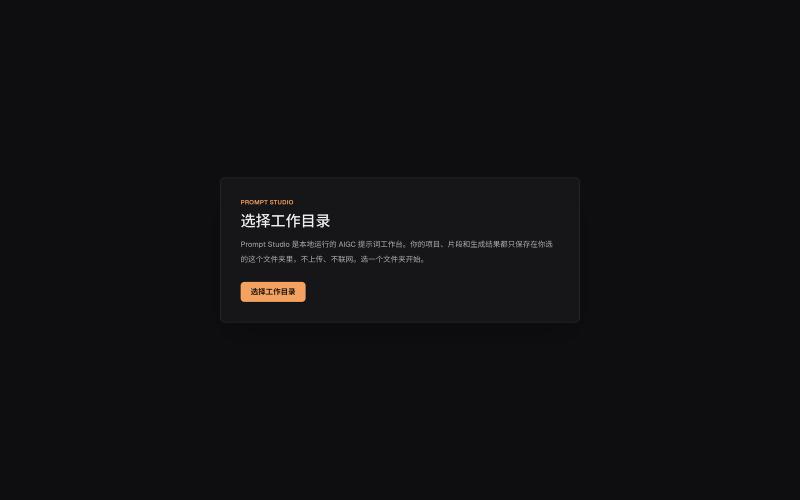
本地管理 AIGC 提示词、角色设定和视觉描述的工作台。
innerpeace03 · V2EX
做了个管 AIGC 提示词的本地工作台 —— Prompt Studio 先放地址(纯静态、无后端,打开即用): https://prompt-studio-7gh.pages.dev ## 为什么做这个 起因是身边一个做漫剧 / AI 短视频的朋友,她的 prompt 和素材全靠飞书文档 + 手动复制粘贴管理。 同一段角色设定、画风描述,在几十条 prompt 里被物理复制了几十遍 —— 真实样本里同一段片段重复出现了 16 次。 改一个设定就得全文档翻着改,漏一处就出错。 市面上要么是「以图为中心」的图库( MJ / Civitai 那种),要么是通用文档( Notion / 飞书), 都没解决「同一段提示词在很多地方被重复、想改一处就同步所有引用」这件事。所以自己动手做了一个。 ## 它是什么 一句话:浏览器里运行、数据全在本地、单人用的「提示词 + 素材」工作台。 核心就一件事 —— 消灭 prompt 片段的物理重复: - 片段层 + 规则层两级可复用资源,prompt 里用「引用」而不是复制粘贴 - 改一次片段,所有引用它的

