

AI 智能体4 weeks ago
Give your AI the keys to your actual business | GreatArrow.ai
将AI工具与Gmail、Slack等业务应用连接,实现自动化与共享记忆。
clapptastic · HN
GreatArrow.ai – Shared memory for Claude, ChatGPT, Gemini and Cursor
完整作品展
技术栈
30 projects
将AI工具与Gmail、Slack等业务应用连接,实现自动化与共享记忆。
clapptastic · HN
GreatArrow.ai – Shared memory for Claude, ChatGPT, Gemini and Cursor
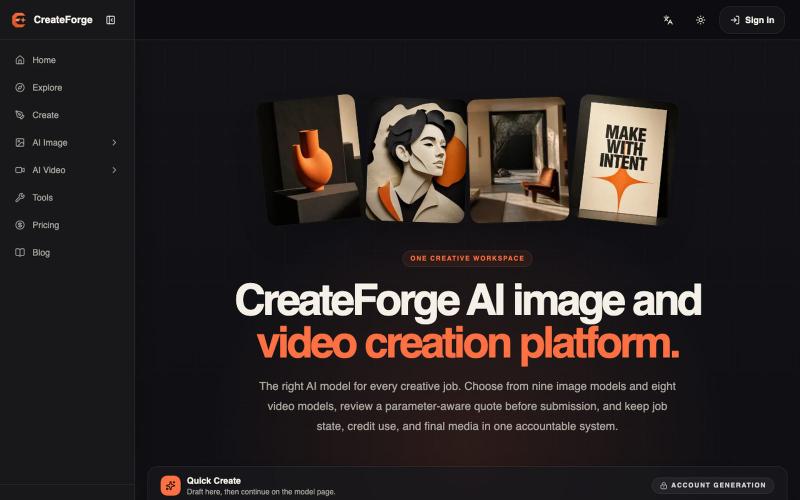
用17个模型生成和管理图像与视频的AI工作台。
CreateForge AI — AI 图像与视频生成工作台,接入 17 个模型,支持 Seedance 2.5、Veo 3.1 等模型的文生图、图生图、文生视频和图生视频,提供积分报价、任务中心与私有媒体库
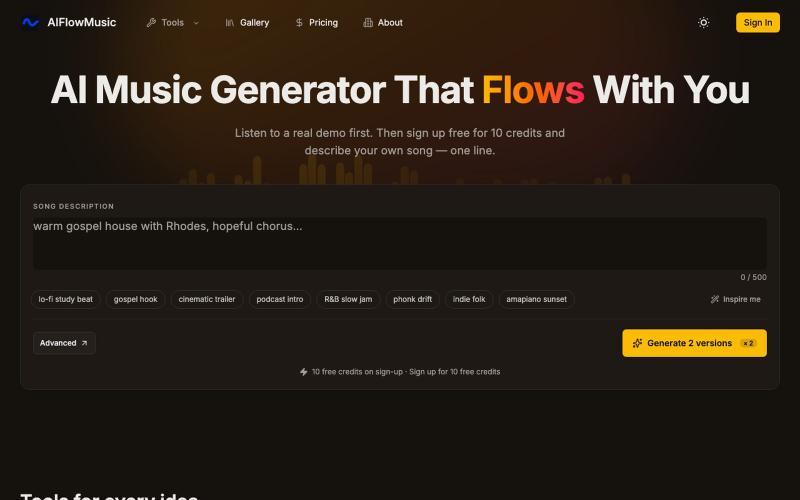
AIFlowMusic:从一行文本生成完整歌曲,或使用音频转MIDI、混响降速等创作工具。
AIFlowMusic — AI 音乐生成网站
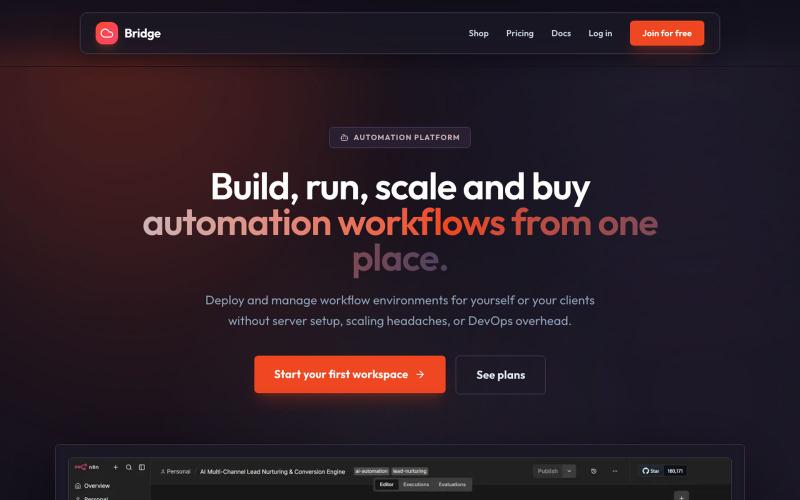
在一处部署 n8n 工作流和管理自动化,无需技术设置。

@mascot75572 · X
Hey I’m building with this you get n8n workflows deployed in click without any technical setups, plus u get a technical overview, setup and break down of any JSON workflow, and also client handoffs from uploaded workflows also u get markdown/txt files to pdf/word docs, I also built seltechai local n8n install which is completely offline, it helps set up ur machine and installs n8n locally in your computer for those who want to selfhost it only available on windows, on my cloud plan starts at $9 with 3 days free trial
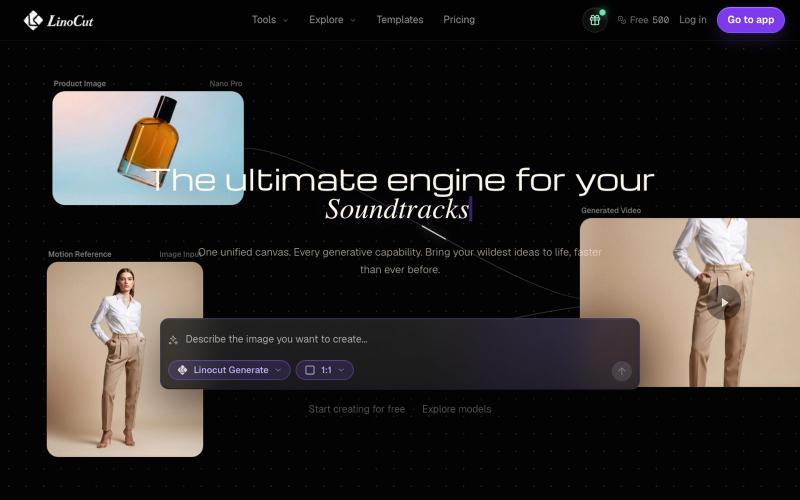
Create, repair, enhance, animate, write, and reuse image, video, audio, and text work from one AI creative workspace for faster production workflows.

@qingdanqianlv · X
用Minimax H3做了一个产品介绍视频,实测选效果有种小时候看《动漫世界》开头动画的体验,纸艺小人也会跟着视频动效做反应,非常有趣味性。 想免费试用的朋友可以直接把官方提示词投喂给豆包+豆包生成视频,效果会差一些。 产品是Linocut图文生成网站:
