
生产力1 month ago
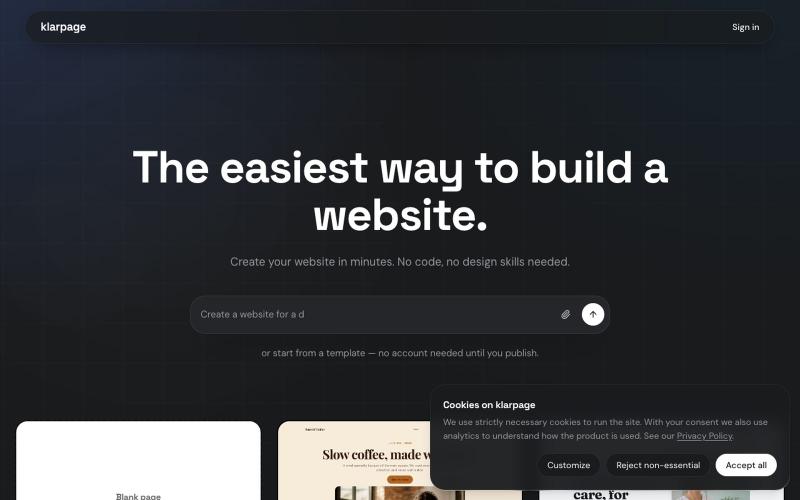
klarpage — create your website in minutes.
用AI或模板在几分钟内创建和发布专业网站,支持在线编辑。

@KhaledMMatar · X
完整作品展
技术栈
37 projects
用AI或模板在几分钟内创建和发布专业网站,支持在线编辑。
@KhaledMMatar · X
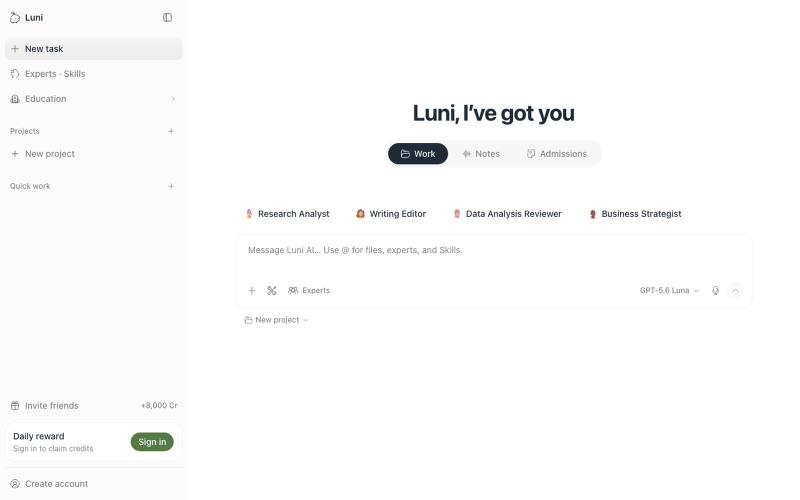
Luni 结合文档编辑和AI聊天,让研究和写作无需上下文切换。
u/Sasha9910 · Reddit
We built Luni because document editing + AI Chatting is a pain I do a lot of document work, and I kept hitting the same problem. You're in a document, you need to research something, you jump to ask a question, then back to the doc. Back and forth. It kills your momentum. So I thought: why can't this just be one place? Why can't I have the chat right there while I'm editing, and why can't the AI actually know what I'm working on? That's Luni. It's a document editor where you pull in diffe

在浏览器中编辑、压缩、转换和合并视频和音频文件。
zhw2590582 · V2EX
最近对网站进行了重构,做成了免费的视频工具站:[ArtPlayer Tools]( https://artplayer.org/tools/) 主要是围绕着 ffmpeg.wasm 和 mediabunny 实现的一些可以直接在浏览器里用的视频/音频工具,常用的有: - 视频压缩:[Compress Video]( https://artplayer.org/compress-video/) - 视频裁剪:[Crop Video]( https://artplayer.org/crop-video/) - 视频合并:[Merge Video]( https://artplayer.org/merge-video/) - 视频尺寸调整:[Resize Video]( https://artplayer.org/resize-video/) - 视频旋转:[Rotate Video]( https://artplayer.org/rotate-video/) - 视频调速:[Change Video Speed]( https://artplayer.org/change-video-speed/) - 添加文字到视频:[Add Text to Video]( https://artplayer.org/add-text-to-video/) - 添加水印:[Watermark Video]( https://artplayer.org/watermark-video/) - 提取字幕:[Subtitle Editor]( https://artplayer.org/subtitle-editor/) - HLS 转 MP4:[HLS to MP4]( https://artplayer.org/hls-to-mp4/) - 音频可视化:[Audio Visualizer]( https://artplayer.org/audio-visualizer/) 大部分工具都是本地处理,文件不会上传到服务器。最开始是因为自己偶尔要处理一些视频,开剪辑软件又有点重,在线工具又担心隐私,所以就慢慢做成了一个站。 目前还在持续完善,体验肯定还有不少粗糙的地方,比如不同浏览器的兼容、移动端操作、长视频性能之类的。 网站: [ArtPlayer Tools]( https:
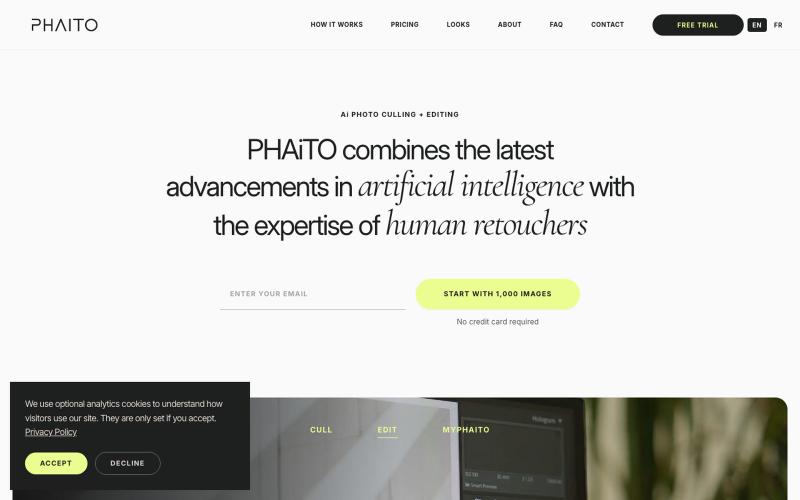
使用由专业编辑训练的AI自动编辑和筛选照片。

@jkudish · X
Refining stuff on (ai editing for professional photographers) and (sms forwarding)
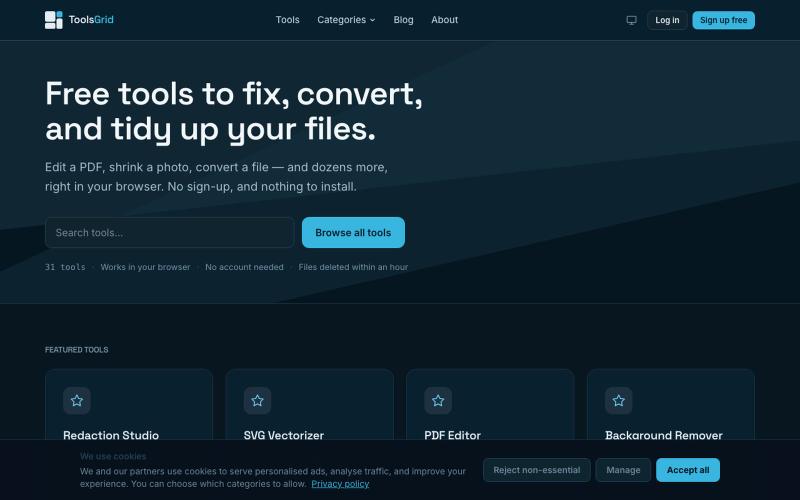
编辑和转换 PDF、图像、视频、JSON、SVG 和电子邮件文件的免费在线工具。

@bigchusstheory · X

用于查看和接受 Claude 代理代码编辑的 Markdown 编辑器
samuelstros
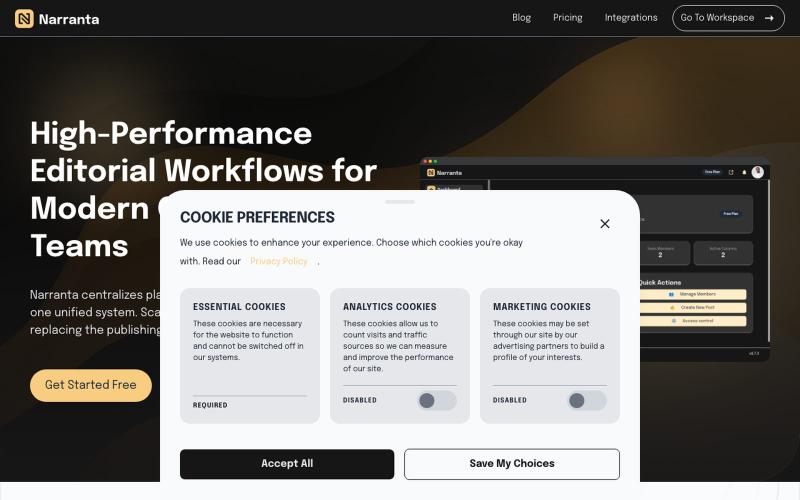
Narranta 是团队编辑工作流平台,支持内容规划、撰写、审核和发布。

@duke_can_c_u · X
Hi I’m the founder of a content collaboration platform for teams and creators, with focus on editorial workflows. Always looking to connect with people passionate about content, SaaS, and building great products.
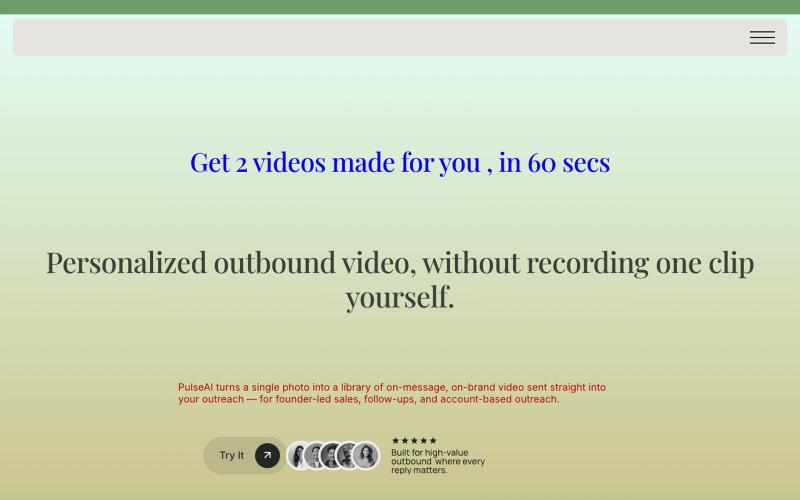
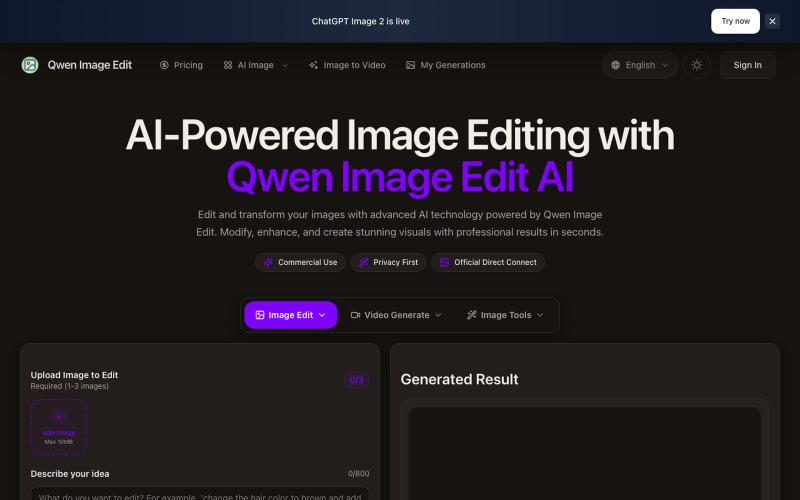
文本驱动的AI图像编辑工具,支持照片修复、去水印和头像生成。
Qwen Image Edit — AI 图像编辑工具,支持文本指令编辑、照片修复、去水印、专业头像生成和多图像处理
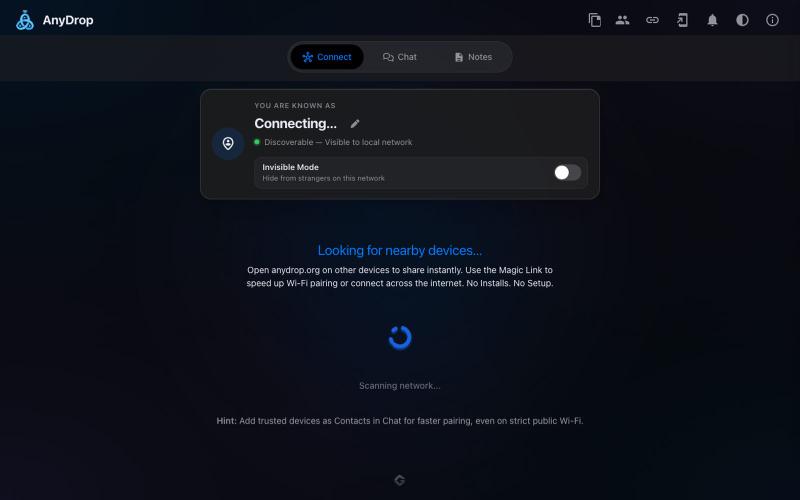
在浏览器中跨设备(Mac、PC、iOS、Android、Smart TV)即时分享文件和文本,无需注册。

@WackyCrocoGator · X
This one doesn’t require any signup or payment. Just load and multiple device by opening the site on them and connect them for an easy way to drop text and file to each other.
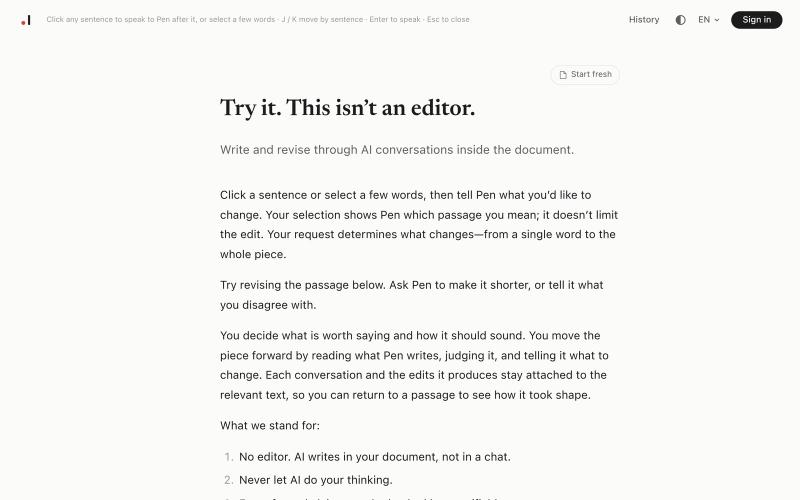
在Pen中通过与AI的对话来撰写和修订您的文档。
harleyverse · HN
Pen – A writing tool where conversation is the editor
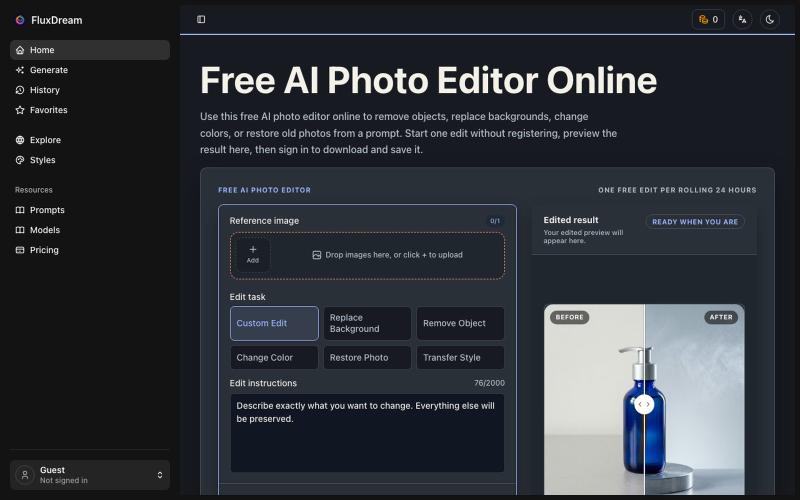
用 AI 提示词编辑图片,无需登录,无需付费。
yyy · V2EX
折腾几个月做了个不用登录就能改图的 AI 编辑站,顺便聊聊 Cloudflare Workers 上跑 AI 工作流踩的坑 ## 正文 大家好。做独立开发的,前几个月一直在拿 Nano Banana 和 GPT Image 2 帮朋友批量改图 —— 每次都要开桌面工具、开 API 、开命令行,朋友那边发张原图过来再截屏发过去。烦了。 于是想:能不能就一个网页,打开就能改,不用登录、不用交钱、不用装桌面客户端?做出来了,叫 FluxDream 。 链接: https://fluxdream.com ### 现在能干嘛 网页里就是一堆常见的图片编辑动作,选一个上传原图,写几个字或者不写,出图: - **Photo to Cartoon** — 把照片改成卡通/动漫风 - **Make Photo Realistic** — 反过来把 AI 图 / 手绘做成真实照片质感 - **Polaroid Photo Maker** — 拍立得风,带边框和光晕 - **Relight Photo** — 换光照方向 / 换色温 / 换白天黑夜 - **Rem
