
生产力1 month ago
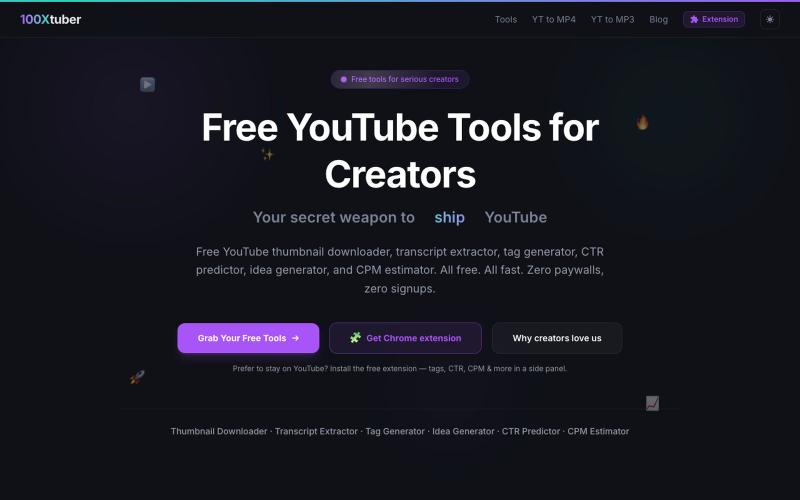
Free YouTube Tools for Creators - Thumbnail Downloader, Transcript Extractor & M
100Xtuber提供免费YouTube工具,下载缩略图、提取字幕、生成标签等。

@100xTuber · X
完整作品展
技术栈
60 projects
100Xtuber提供免费YouTube工具,下载缩略图、提取字幕、生成标签等。
@100xTuber · X
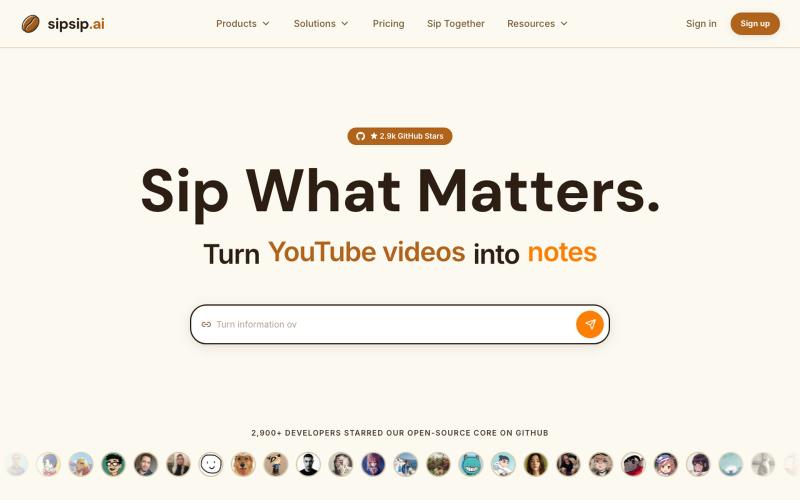
用AI转录和总结YouTube视频、播客、PDF和MP3/MP4文件。
sipsip.ai — 支持30+平台视频AI转录并提取摘要,订阅RSS可以每天发送早报
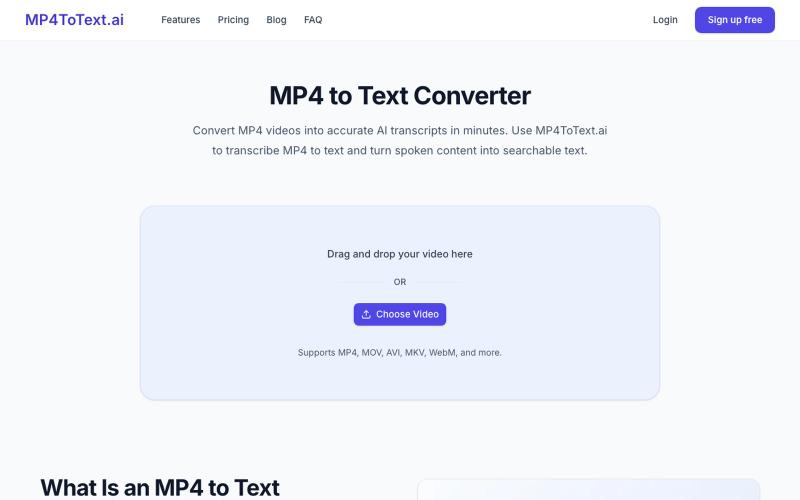
将 MP4 视频转录为文本,支持时间戳和说话人标签。
yongkunchen · V2EX
做了一个 MP4 转文字的小工具 最近自己做了一个 MP4 转文字的 AI 小工具,主要用于把视频快速转换成文本。 项目地址: https://mp4totext.ai/ 开发过程中发现,真正麻烦的并不是调用语音识别模型,而是视频格式兼容、音频提取、长视频处理以及异步任务这些细节。 目前还在持续优化,如果大家平时有视频转文字的需求,欢迎试试看。 也想听听大家对视频转写类工具还有哪些实际需求。
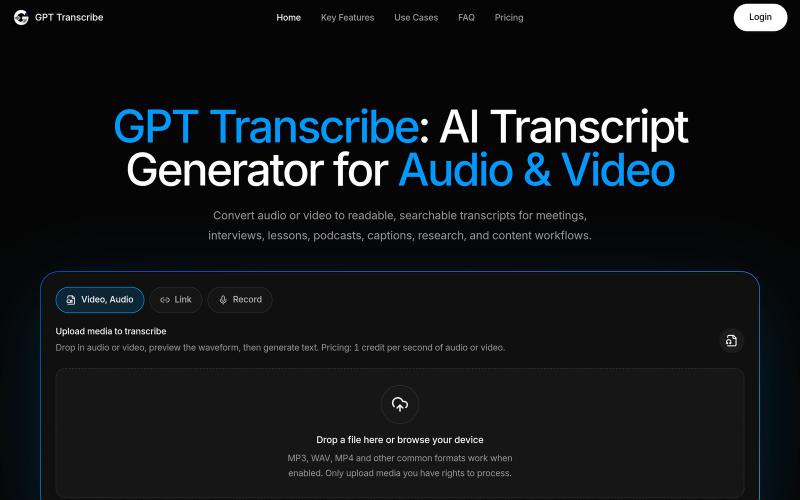
用AI将音频和视频转换为可搜索的转录文本。
giang_taira · Product Hunt
GPT Transcribe Turn recorded speech into reviewable text
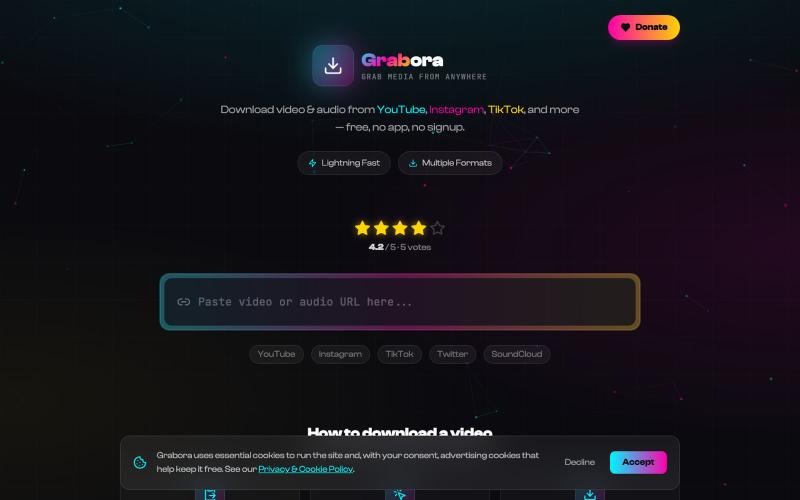
从 YouTube、TikTok、Instagram 等平台免费下载视频和音频。

@myrrakle · X
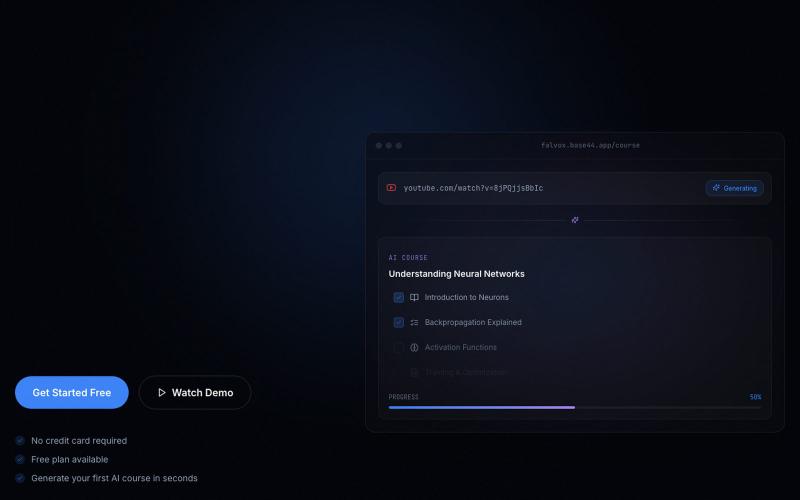
从 YouTube 教学视频生成 AI 课程,含课程、测验、闪卡、笔记。

@adirsluk · X
Falvox 👇 It turns YouTube transcripts into personalized AI courses instead of giving users only another summary. Would love your honest rating.
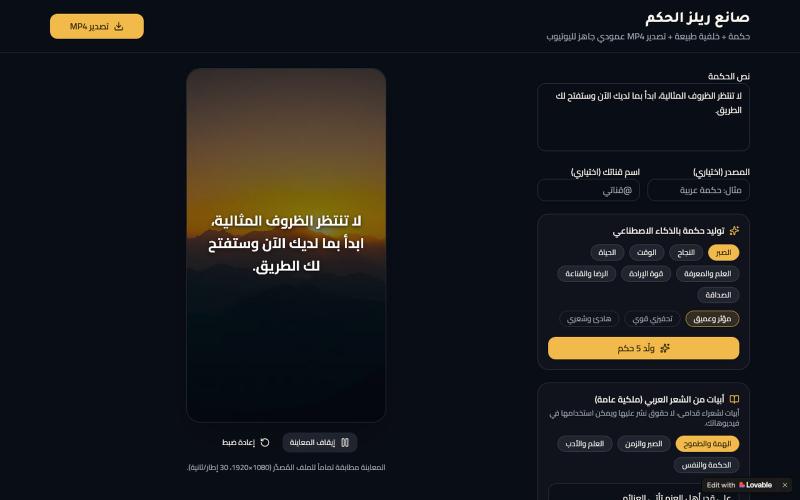
使用阿拉伯文字和自然背景创建竖屏视频,适配YouTube。

@greyflower75 · X
Check out what I just built with Lovable!
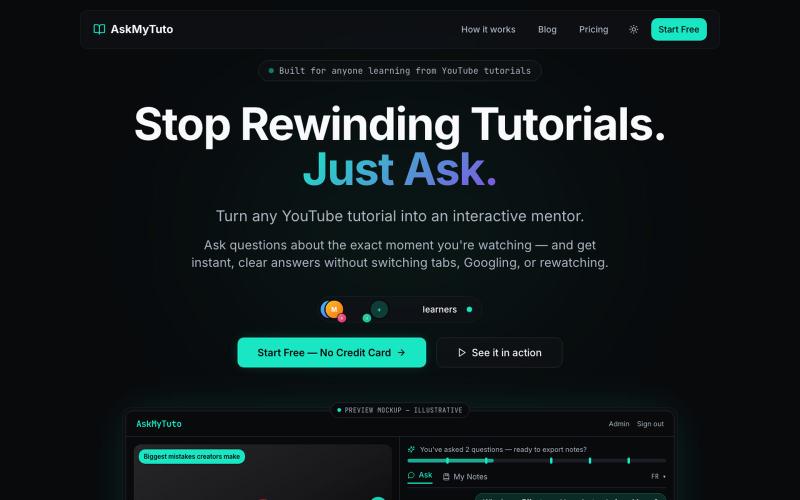
与AI讨论YouTube教程,提问、提取代码并生成摘要。
benmarhol · Product Hunt
AskMyTuto Turn any YouTube tutorial into an interactive AI mentor
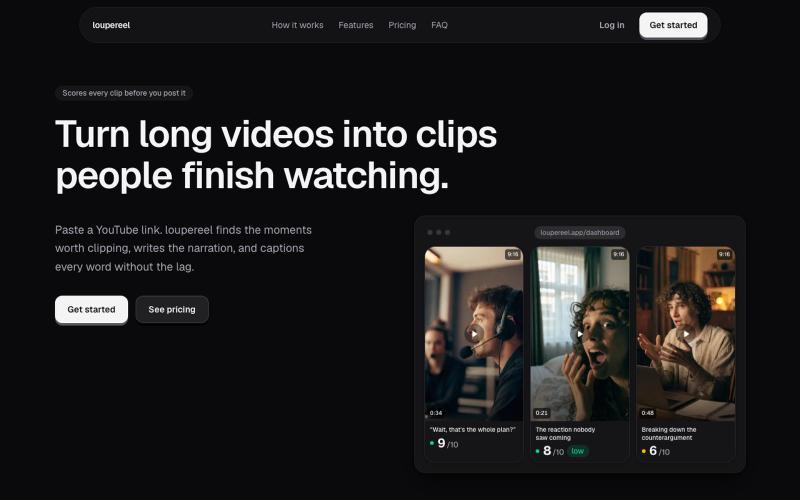
将 YouTube 视频转换为竖屏短视频,AI 生成字幕和配音,适合社交媒体。
u/Flimsy_Elevator_5231 · Reddit
I built LoupeReel to turn long videos into short-form clips without relying on a black-box clipping API Founder here. I’ve been working on LoupeReel, a web app that turns a long YouTube video into vertical clips for TikTok, Reels, and Shorts. The basic flow is: paste a YouTube link, choose how many clips you want, and LoupeReel transcribes the video, finds the strongest moments, scores them, adds captions, and renders ready-to-post clips. There’s also an editor so you can adju
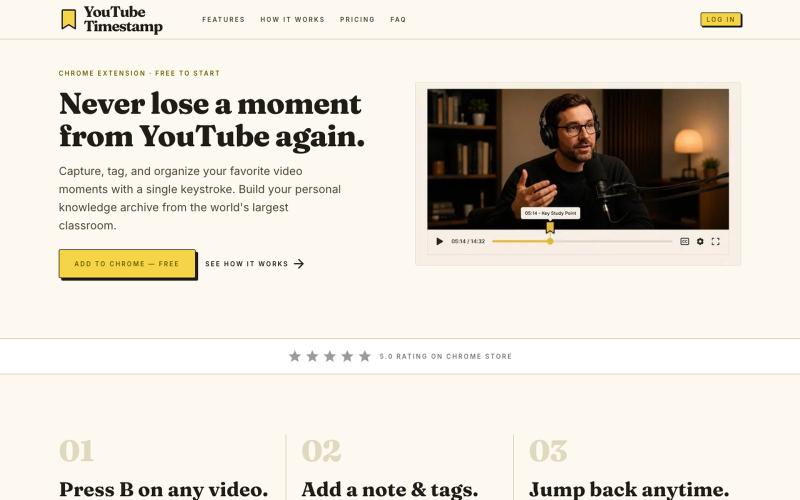
保存YouTube视频时间戳、笔记和标签,建立个人档案库。
u/ketansahu · Reddit
About a quarter of my site traffic started coming from AI. Here’s what I changed. https://preview.redd.it/cj5qll7ax4oh1.png?width=464&format=png&auto=webp&s=d3f4c0d57a3fa9444ad072c624de95bd68840716 I built a Chrome extension that saves timestamps on YouTube. The site is youtubetimestamp.com . For a while, almost all product traffic was from people already in the extension (sidebar, app menu). Then ChatGPT started appearing in the analytics. From Aug 7 to Sep 5, it was abo
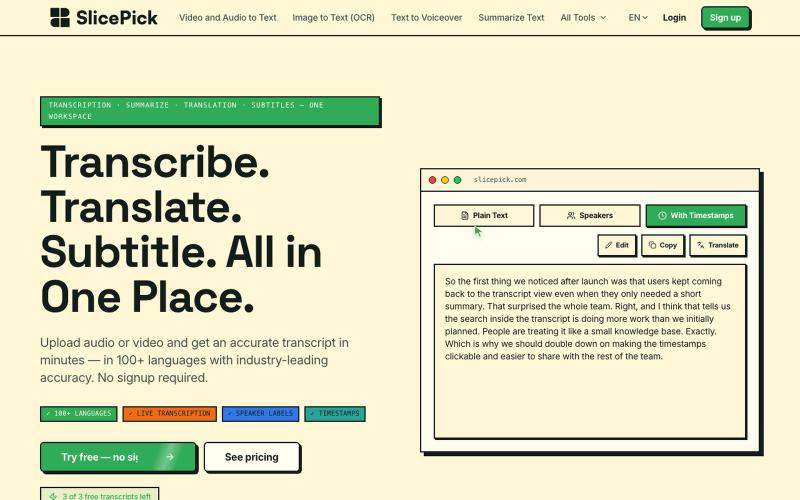
用AI快速转录视频和音频,配有40多个工具生成字幕、摘要、翻译和图像放大。

@indrapurnomos · X
Check out what I just built with Lovable!
