
生产力1 month ago
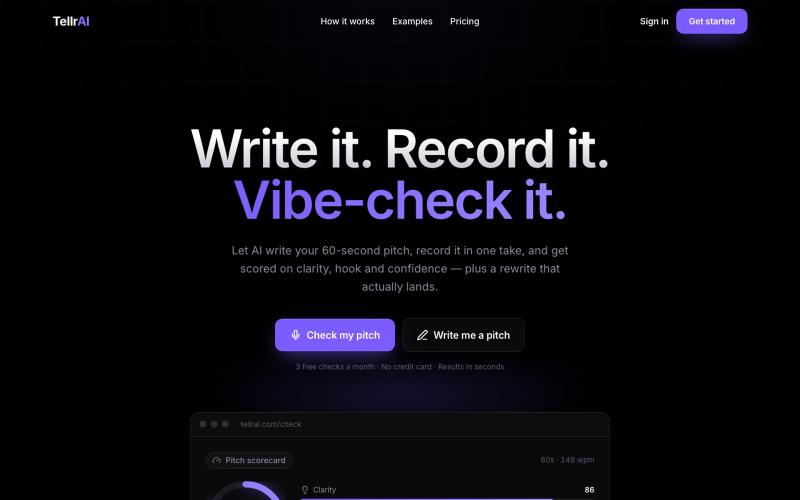
TellrAI — AI Pitch Coach: Write, Score & Rewrite Your 60-Second Pitch
录制你的60秒推销词,获得关于吸引力、清晰度和自信心的AI反馈以及改写版本。

@Ethan_Cohen07 · X
, feel free to reach out to discuss ideas
完整作品展
技术栈
60 projects
录制你的60秒推销词,获得关于吸引力、清晰度和自信心的AI反馈以及改写版本。
@Ethan_Cohen07 · X
, feel free to reach out to discuss ideas
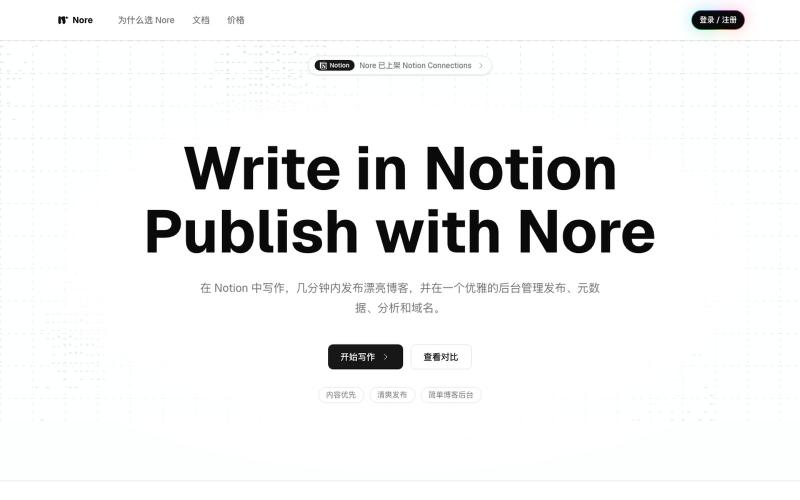
从 Notion 发布博客,支持自定义域名和分析仪表板。
heywitt · V2EX
有在 Notion 写作的用户吗,一个 Notion Blog 产品免费赠送半年 https://nore.sh/zh 是我最近的作品,有关动机可以阅读 [个人博客与 Nore 的价值]( https://witt.im/posts/personal-blogging-with-nore)。 简单的说,即是将 Notion 中的页面发布成一个独立的 Blog ,这是一个常见的功能,并且有多个竞品,Nore 的特点是提供低运维参与、低营销、高性能与质量的替代品。 你可以试用,因为你的文章仍旧保存在你自己的 Notion 中,你也可以随时退出 Nore ,没有任何损失或绑定风险。 以下是活动链接,立刻领取 180 天会员: https://nore.sh/zh/campaigns?code=dEieZYnEs1St8yUvnawO 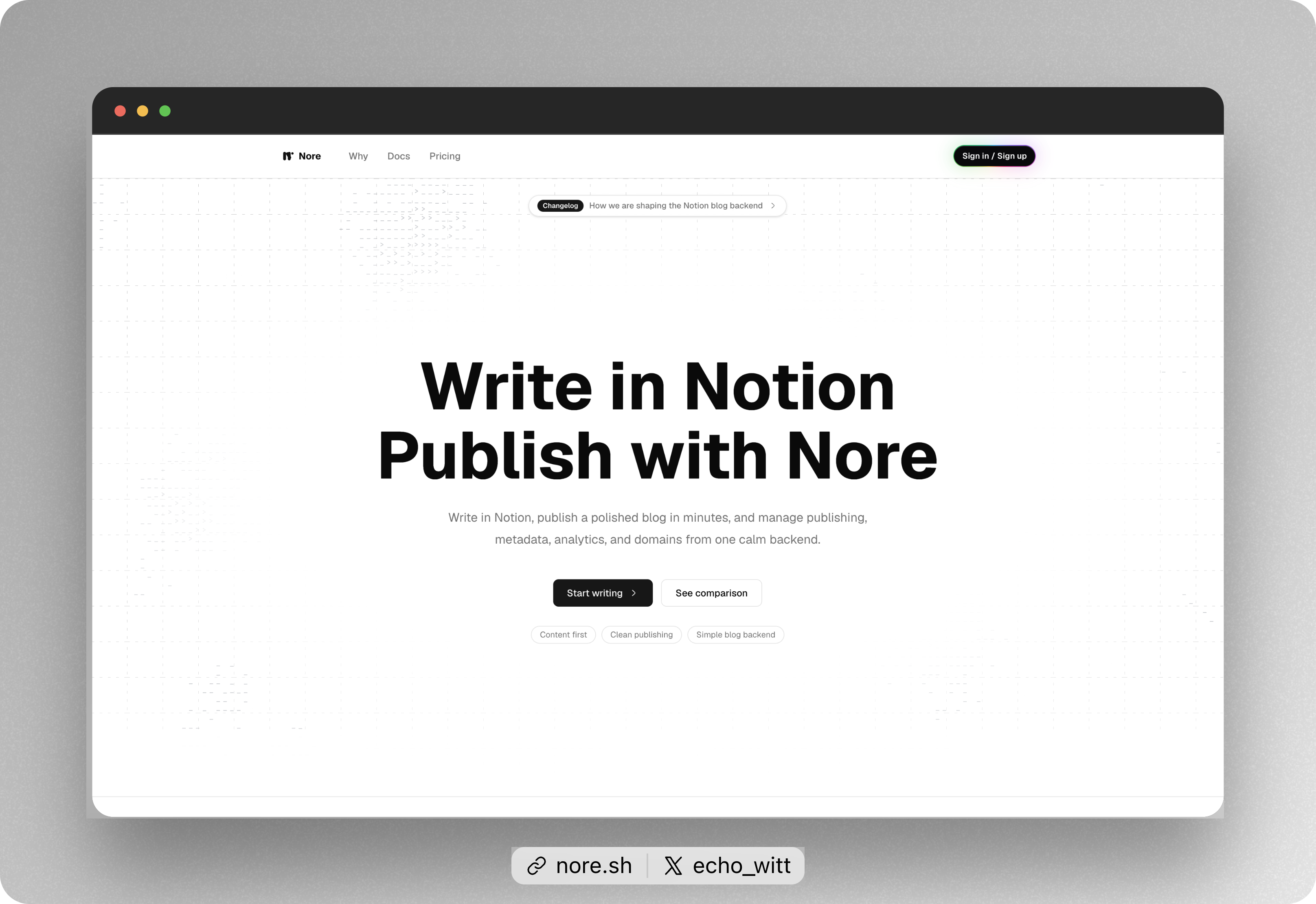 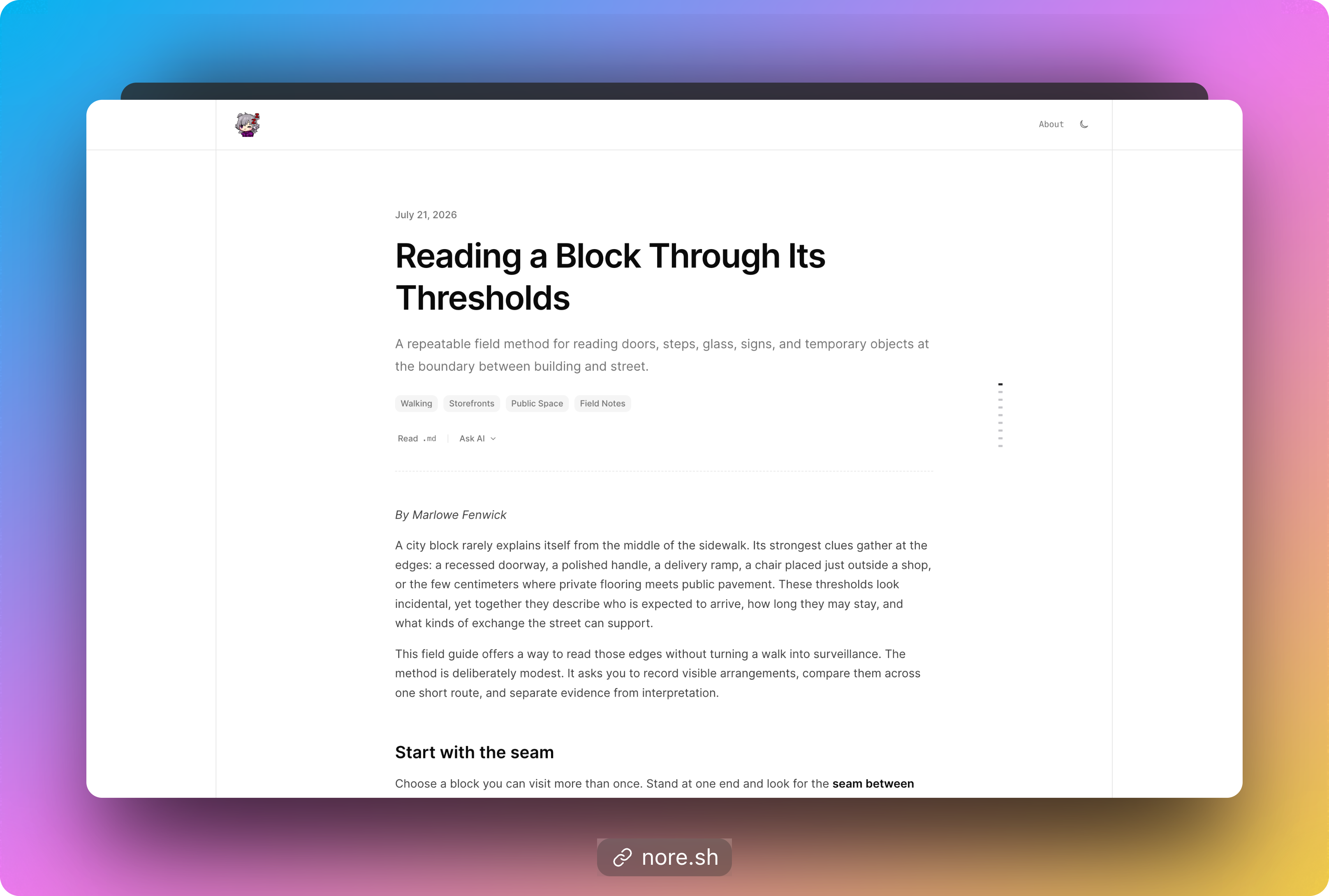 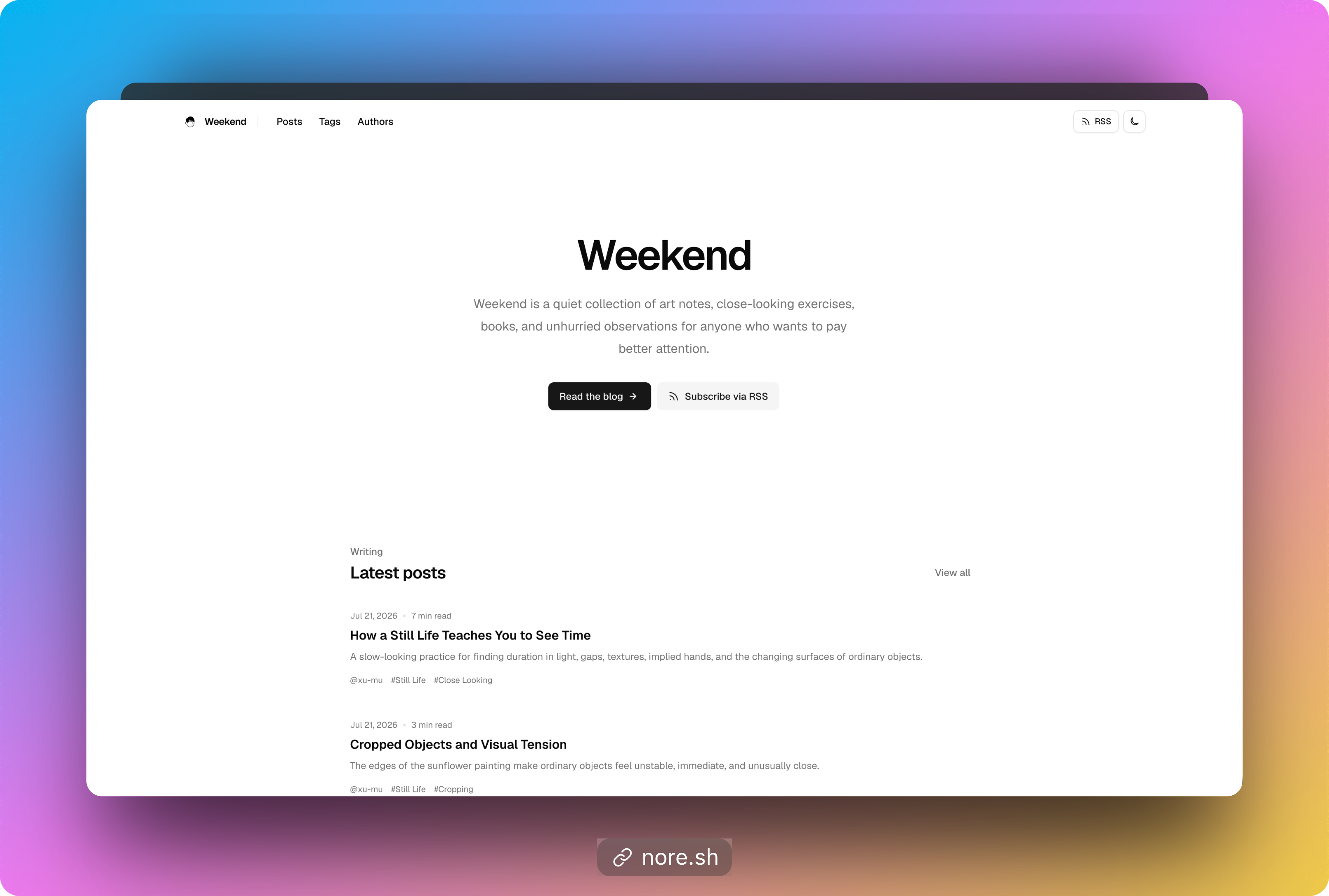
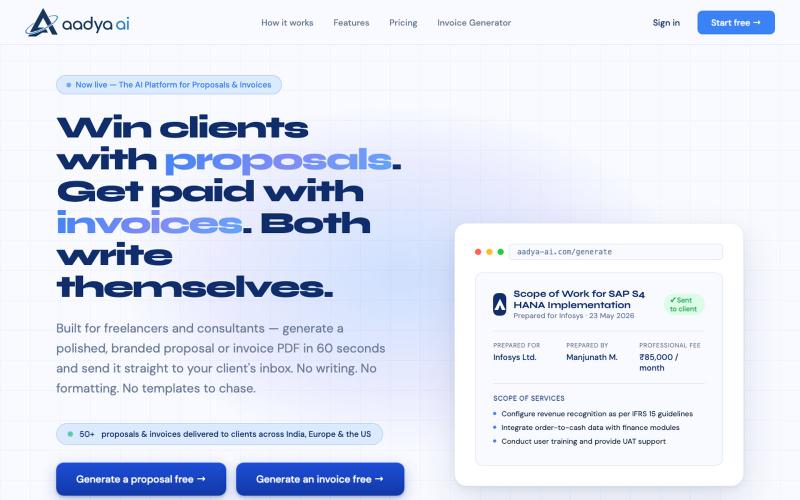
AI 60 秒内生成品牌化提案、发票和专业文档 PDF。

@AadyaAI · X
Aadya AI turns a client conversation into a branded, ready-to-send proposal or invoice PDF in 60 seconds — no templates, no formatting, no chasing.

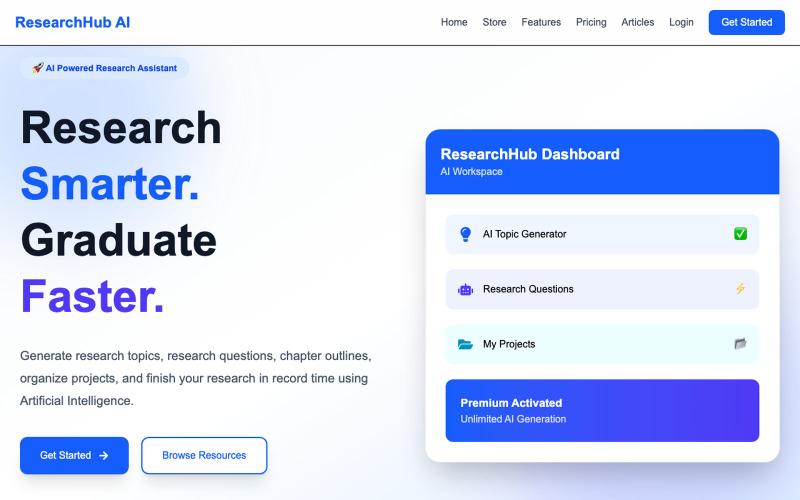
Generate AI-powered research topics, objectives, abstracts, methodologies and project materials.

@UdungeriPhymba1 · X
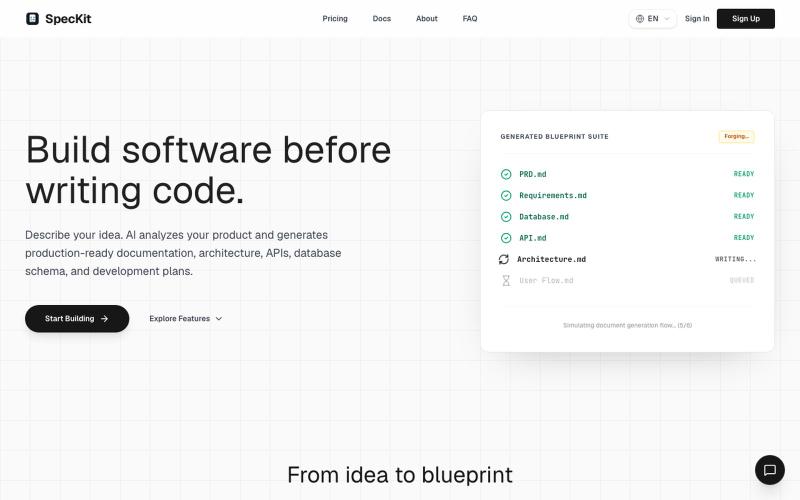
SpecKit 根据项目描述自动生成完整的技术规格、架构和开发路线图。

@satulipa_ · X
My workflow: 1. Open Speckit → answer 5 questions 2. Get blueprint (PRD, DB, API, roadmap) 3. Take it to Cursor/Claude Code 4. Vibe code with actual direction Built with Next.js, Vercel, try it on
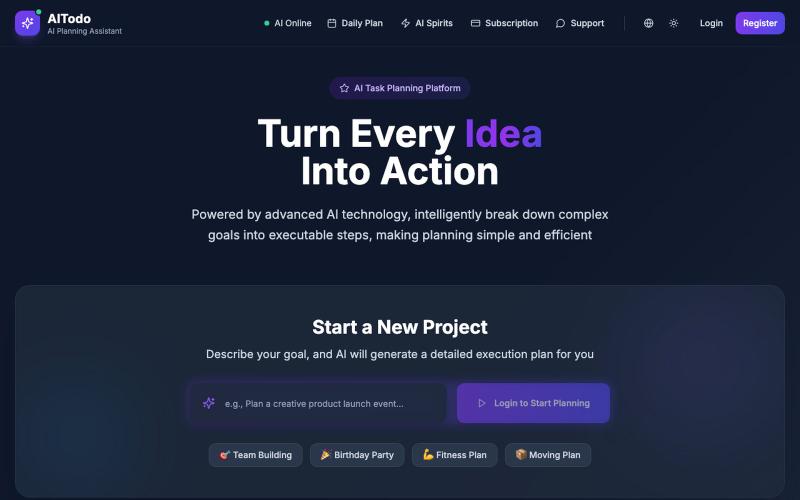
AI Todo 用智能方式将目标分解为可行步骤,优化任务优先级。
AI Todo — 像很多程序员一样,我日常要兼顾工作任务、生活琐事、项目计划,时常感到事情多但漏掉的也不少。想用智能方式管理这些待办,但市面上的工具要么设计臃肿,要么 AI 能力很弱。于是我花了几周开发了 AI Todo,目标是:
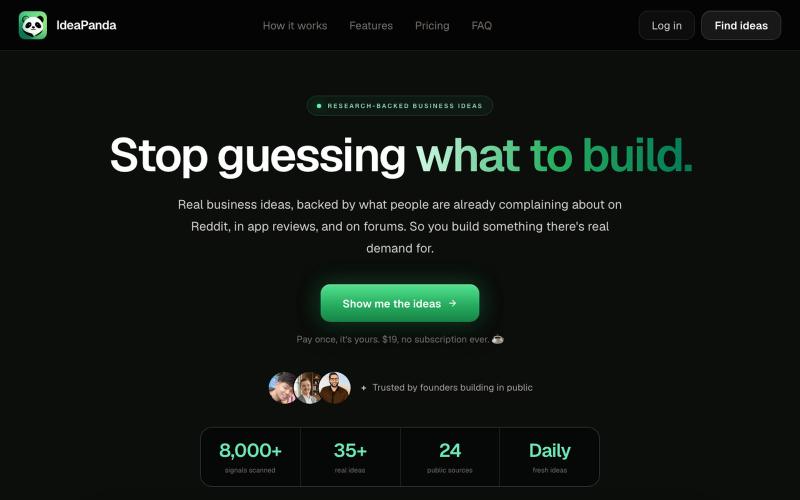
根据市场可行性、竞争和需求为商业创意评分。

@buildwithmaya · X
Hi Rashka I am building
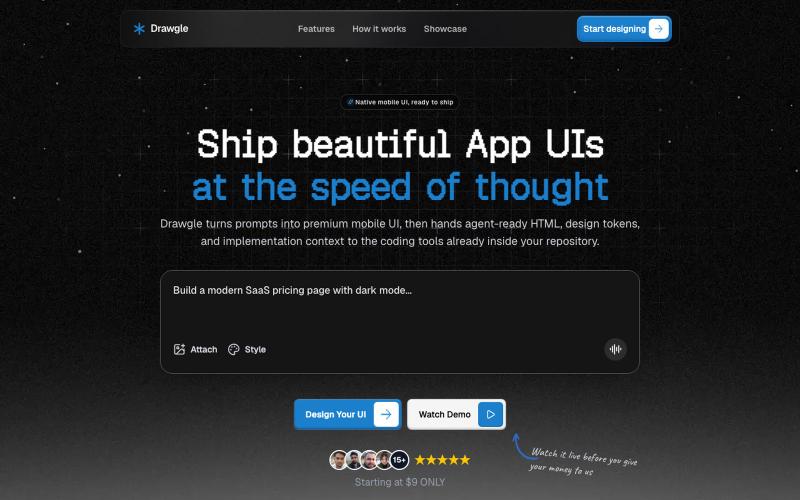
使用AI设计移动应用界面,导出HTML、设计令牌和代码。

@9to5_Dad · X
Ai mobile app ui designer with taste
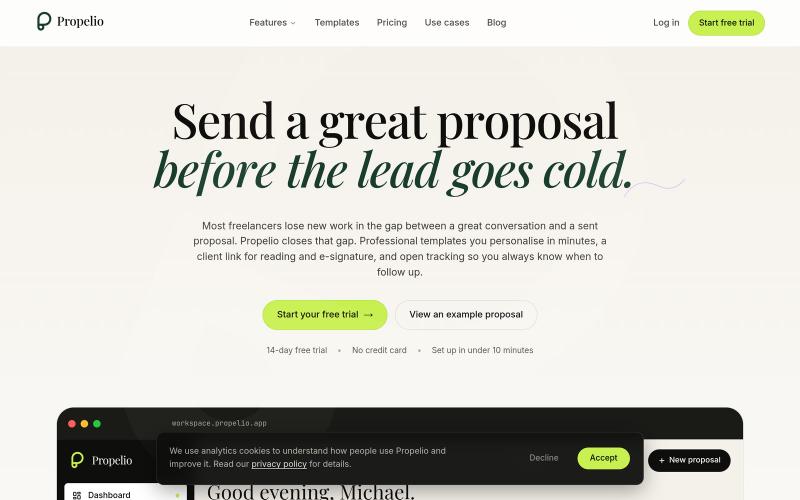
使用模板、电子签名和分析功能创建商业提案

@propelio_app · X
Hey man, Building Propelio, proposals for freelancers Let’s connect!
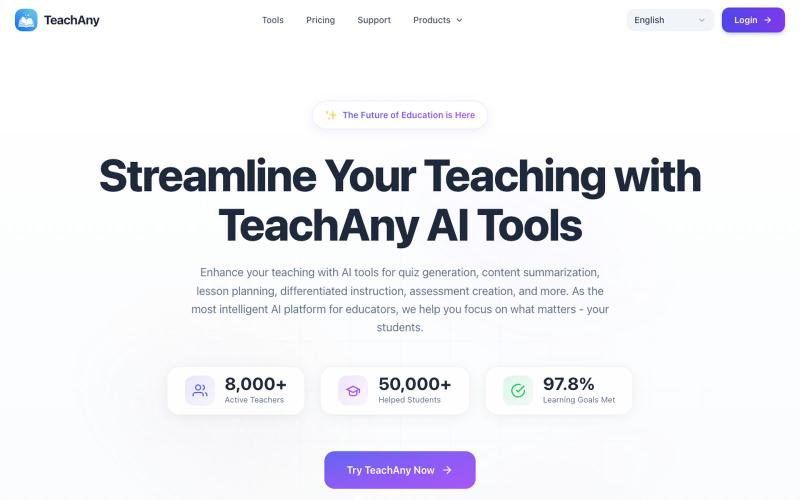
用 TeachAny 创建个性化课程、工作表和测验,节省教学规划时间。
TeachAny — 使用 TeachAny AI 工具,简化您的教学 - [更多功能](https://www.teachany.com/tools)

通过描述快速生成高保真UI界面,支持移动和网络应用。

@ninakolari · X
Google just dropped Stitch and it changes the entire vibe coding workflow. You describe what you want your app to look like. It builds full high-fidelity screens in seconds. No Figma. No designer. No credit card. Here is how to use it: Go to Sign in with your Google account. That’s it. You’re in. Instead of typing “make me an app” type this: “A lesson planning app for teachers. Clean and calm. Inspired by Notion. Minimal. White space.” The more specific you are the better your screens. Then refine with follow up prompts. Change the nav. Try dark mode. Get 3 menu variations. Or just speak it. Your screens become a clickable prototype in seconds. Click a button and Stitch generates the next screen automatically. Your entire app flow. Before you write one line of code. Then take it further. Export to Lovable or Cursor and build the logic on top. Use the MCP server to keep your design and code in sync. Pull any website’s design system in seconds. Save everything as
