Animated visuals & illustrations for React and shadcn/ui - CodedVisuals
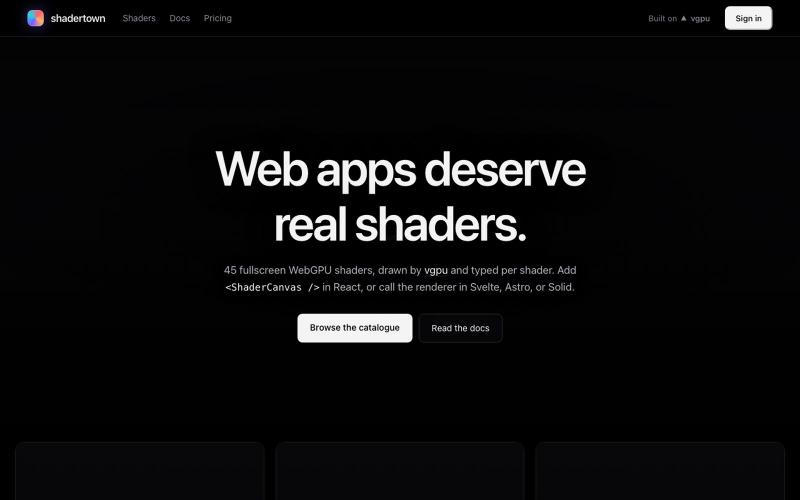
React 和 shadcn/ui components,用于在营销和登陆页面上创建 animated visual elements
@pixelcave_john · X
Hey Germán! I recently launched and a major update to Tailkit!
完整作品展
技术栈
34 projects

React 和 shadcn/ui components,用于在营销和登陆页面上创建 animated visual elements
@pixelcave_john · X
Hey Germán! I recently launched and a major update to Tailkit!


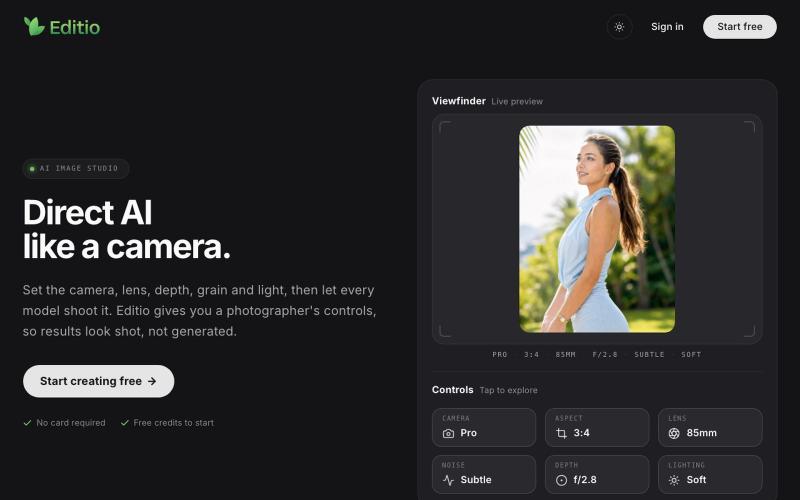
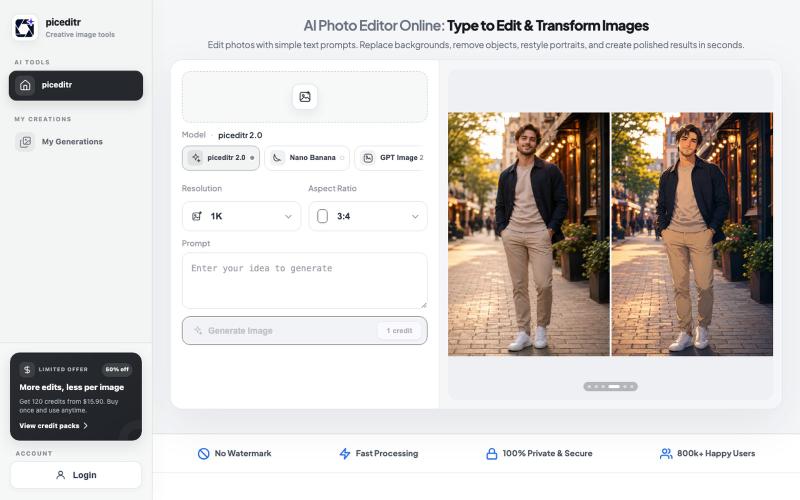
用自然语言描述所需更改来编辑照片
@wyfcoder · X
最近做了一个 AI 修图网站:Picuro Photo Editor。 不用复杂参数,上传图片后,直接说出你想修成的样子,比如“更清晰”“电影质感”“日系清新”“蓝天白云”,AI 就会帮你生成效果。 目前还在早期版本,欢迎试用,也欢迎提建议 🙌

文本驱动的AI图像编辑工具,支持照片修复、去水印和头像生成。
Qwen Image Edit — AI 图像编辑工具,支持文本指令编辑、照片修复、去水印、专业头像生成和多图像处理

使用CraftVis生成和编辑图像,制作产品照片和社交内容。
Samlion · HN
I built CraftVis, an AI image editor

支持Markdown的协作LaTeX编辑器,提供实时编辑和参考文献管理。
danielszabo · HN
Online editor with LaTeX, Markdown, LaTeX+Markdown Hybrid and WYSIWYG (MD only) support, AI assistant with resource lookup and anti-hallucination features, live collaboration and more fun things. Still in quite early beta. First institutional deployment scheduled in the autumn. Feel free to play around.

AI驱动的浏览器IDE,提供实时编辑、网站构建和设计功能。
@zyvadev · X
✨ AI Vibe Coding 🎨 Website Cloning 💻 Live Code Editor 👀 Live Preview 🎭 Design Presets 🖼️ Auto Logo & Favicon 🗄️ Database 🌐 Free Hosting & Subdomains Native 0G SDKs: ⚡ 0G Compute 💾 0G Storage ⛓️ 0G Chain Everything in one AI Cloud IDE. build with 0G

可嵌入的可视化工作流编辑器,支持AI驱动或纯逻辑设计。
tahazsh · HN
Hi! I’m Taha. In many agentic products that support workflows (including one I worked on), I noticed they either don’t support node-based editors, or use React Flow and go through the difficult work of integrating it into their product to run it and work with their existing logic. So I thought about creating a tool that could help with this by closing the gap between the editor and the runtime. That’s why I created Wayflow. The basic architecture is simple: you just need to create a graph (which is a JSON object) that the runtime knows how to run. The runtime doesn’t care where that graph is coming from, it just needs the right schema. And with the help of the editor, you can create the graph, and then export it or directly save it on your backend in your database. And then when you want to execute it, you just hand it to the runtime. The runtime can either stream the execution (which is useful for the editor), or give you the final result. How you execute the graph is up to you: t

在CanvexAI上设计和生成电影及创意项目的视觉内容。
@Canvexxx · X

免费图形设计和动画工具,支持AI文生图和图生图功能。
Canvave — 简单图形设计和动画制作平台。无须专业技能也能做出任意尺寸的精美设计;最高支持图片 3x 或动画 240 FPS 导出;内置基于 Flux 的 AI 文生图、图生图;适合电商卖家、广告设计、社媒运营、独立开发等有设计需求的群体