
其他10 minutes ago
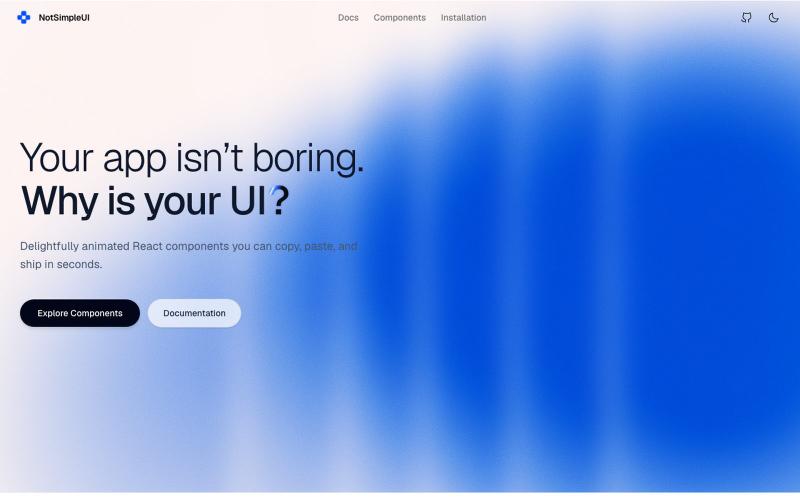
NotSimpleUI
A modern, accessible component library built with Radix UI, Tailwind CSS, and CVA.

@mirtariq2006 · X
Rare component Library with unmatched Components:
完整作品展
技术栈
60 projects
A modern, accessible component library built with Radix UI, Tailwind CSS, and CVA.
@mirtariq2006 · X
Rare component Library with unmatched Components:
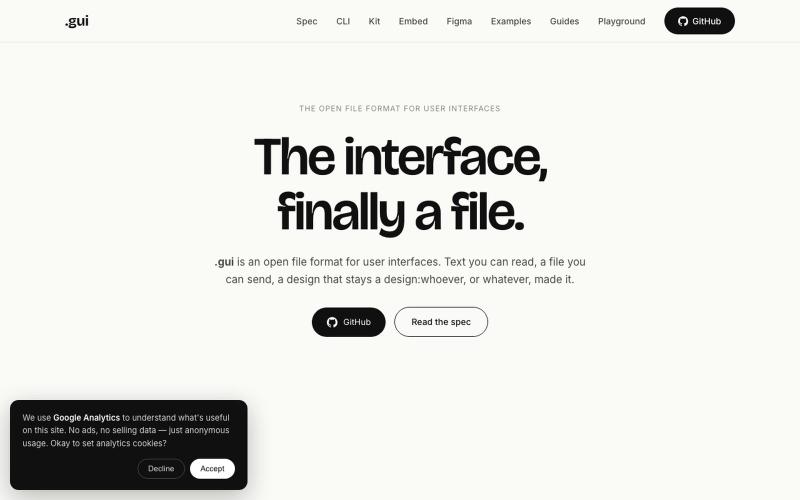
.gui是开放的文本文件格式,用于创建用户界面。AI代理可编写它,任何浏览器或设计工具都能渲染。
u/Rough-Mortgage-1024 · Reddit
I built an open file format for user interfaces, like SVG or PDF. Why? For years we've had open formats for documents (PDF), images (PNG) and graphics (SVG). But user interfaces are still mostly locked inside design tools. And that was fine when humans were creating and consuming UIs. Now AI is also creating and consuming them. Today AI usually works with screenshots, editor-specific JSON, or tool-specific APIs. They work, but they weren't really designed for AI or for movin
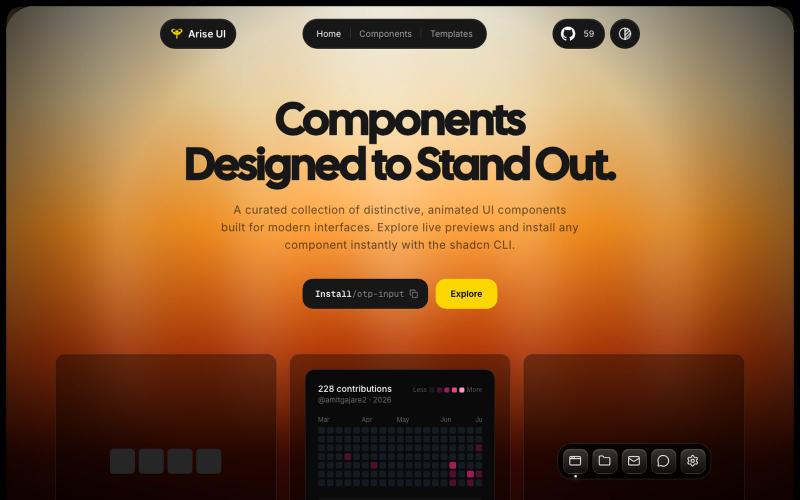
A shadcn registry of best animated React components.

@AmitGajare4 · X
Building weird open-source UI components
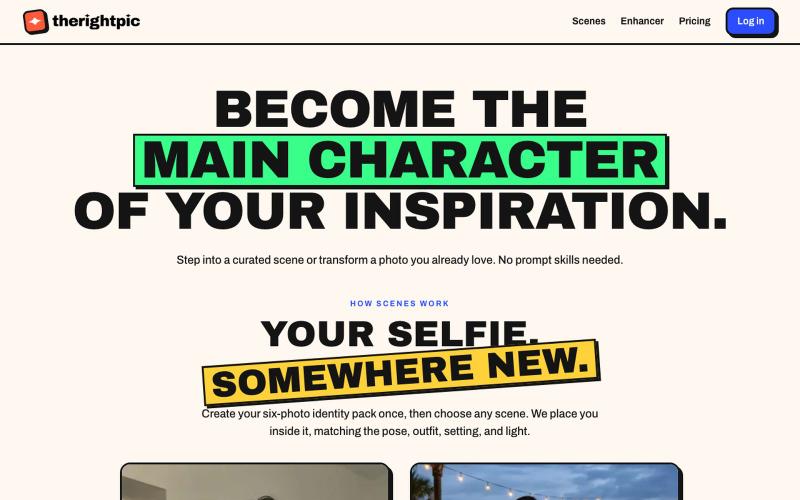
将自己融入精选AI场景或转换照片,无需提示词。
u/TheChilledTribe · Reddit
My product bet: image prompt libraries are a workaround for a missing discovery layer There’s a strange workflow around AI images: People see an image they like, search for the prompt or ask the LLM to craft a prompt to reproduce the same style, paste it into another ChatGPT, and hope they can reproduce the result. That feels less like a creative tool and more like moving source code between text boxes. I’m building therightpic around a different product hypothesis: The gallery should
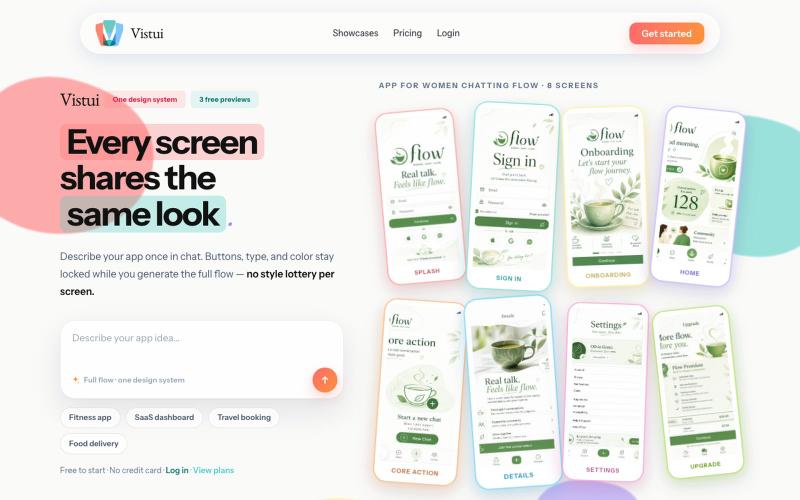
从文本提示生成完整的应用和网站设计流程,包含最多30个屏幕。
u/Salt-Pop6476 · Reddit
(Feedback Needed) I built Vistui – AI that generates complete, consistent app & website design flows from one prompt Hey everyone, I built vistui an AI tool that turns one prompt into a complete multi-screen design flow (up to 30 screens) with a locked design system, so every screen stays consistent. Would love honest feedback from designers and makers: • Does the consistency feel useful in real work? • What’s missing or confusing? • Would you actually use this? You can try 3 free
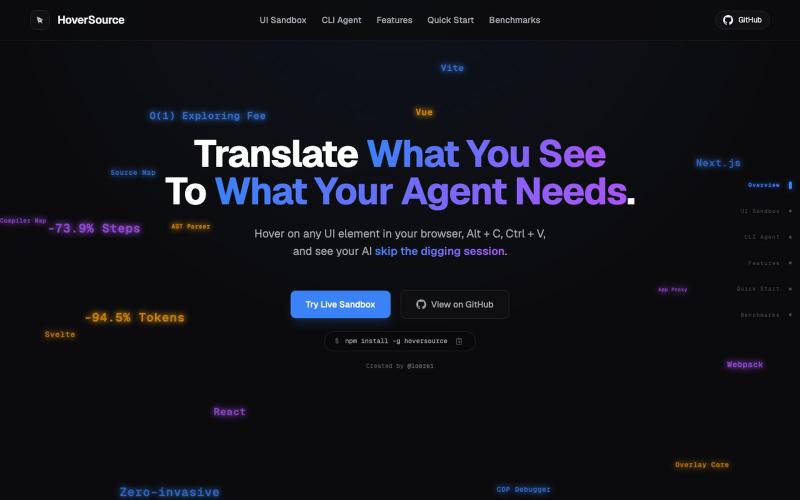
捕获UI元素及其代码上下文,与AI代理分享以调试视觉缺陷。
Loerei · HN
I found that describing where a broken UI is and taking screenshots for AI agents really sucks. I’m too lazy to explain an indescribable visual bug or capture a millisecond-long flash. I also don’t want to remember which file defines an element, whether it's right in the .tsx or a problem with the Parent Styles in .css. And even if you can point out the exact file, your agent still has to dig through thousands of lines of code to know what on earth you're yapping about. In a 7700-file monorepo like Cal.com, simply giving the right file in the prompt for your agent saves about 68.9% of execution time and 94.2% of the tokens your agent needs to digest. HoverSource gives all the needed information and further pushes it to -88.5% time and -94.5% tokens, basically skipping the entire digging session and jumping straight to reasoning and executing. The save is linear to how big your codebase is. I want to save tokens, but don’t want to spend my time and energy digging manually, and a junio
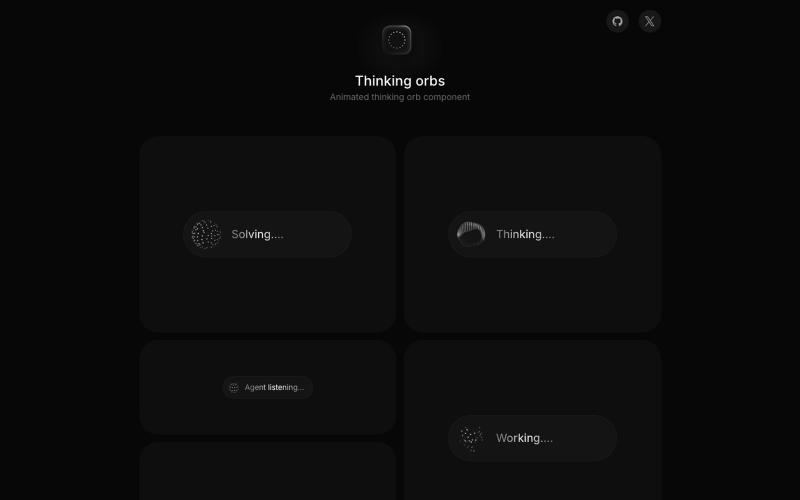
AI接口的动画思考球组件,具有六种状态和自动主题。

@MengTo · X
These will instantly make your vibe-coded projects look less generic. Free, open-source libraries from the same creator: • • •
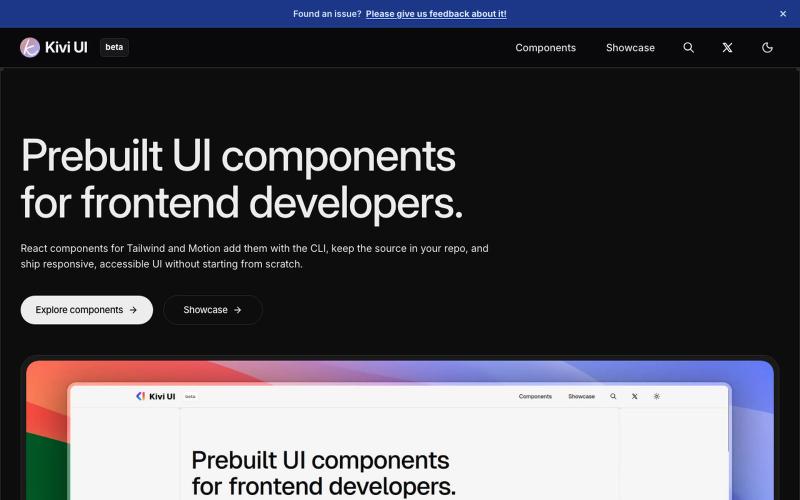
Kivi UI 是一个可访问的 React 组件库,深色优先,精心设计。

@JAY_VEGAD_ · X
Not a proper SaaS yet, just a small step in my journey. Feedback is always appreciated.
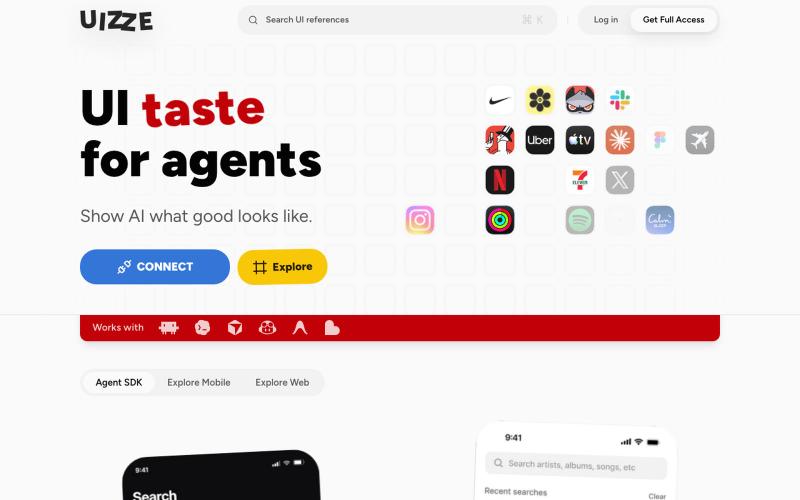
UIZZE 分析 UI 截图并为 AI 代理提供设计审计。
u/albanianspy · Reddit
the boring internal tool became the product we didn’t start with a saas idea. we were just annoyed that every agent-built UI looked weirdly related. so we made an internal finish gate: real screen references, a design contract, browser checks, and a ban list for generic AI defaults. one developer kept asking why it wasn’t public. eventually we stopped having a good answer. now UIZZE has a few paid users. builder disclosure: it’s mine, $9/mo or $99 lifetime: https://uizze.com current
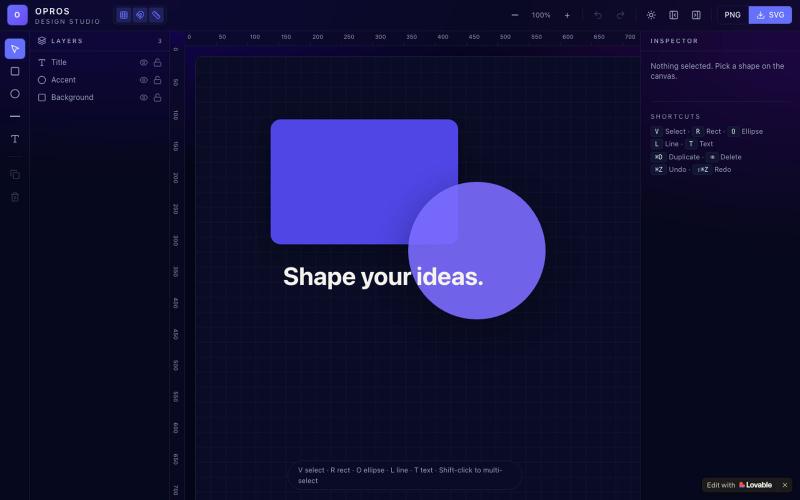
在网络上创建和可视化设计的创意工作室OPROS Design Studio。

@OprosOlamiflex · X
Check out what I just built with Lovable!

为 Codex Desktop 设计自定义主题,调整背景、颜色、透明度和视觉效果。
plutozc · V2EX
做了个 Codex Desktop 主题预览和切换工具,先调好再安装 最近一直在用 Codex Desktop ,觉得默认界面看久了有点单调,就顺手做了个主题编辑工具,分享一下: [Codex Skin]( https://getcodexskin.com) 可以先在网页里预览主题,调整背景透明度、面板透明度、颜色、模糊和圆角等参数,满意之后再下载并切换到 Codex Desktop 。 目前支持: - 自定义 JPG 、PNG 、WebP 背景 - 在线实时预览主题效果 - 调整透明度、颜色、模糊、圆角 - 预览满意后生成安装命令 - 不喜欢了可以恢复默认外观 目前主要面向 macOS 上的 Codex Desktop ,还是个人项目,功能和兼容性都在继续打磨。 欢迎试试,也想听听大家对主题参数、预览效果和安装流程的反馈。 直接网址: https://getcodexskin.com [轻喷 轻喷,可能还有些 bug
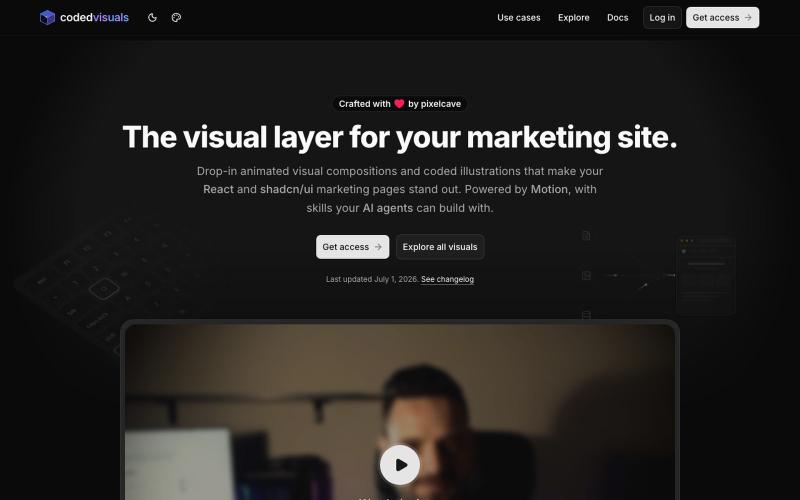
React 和 shadcn/ui components,用于在营销和登陆页面上创建 animated visual elements

@pixelcave_john · X
Hey Germán! I recently launched and a major update to Tailkit!