
创意工具1 month ago
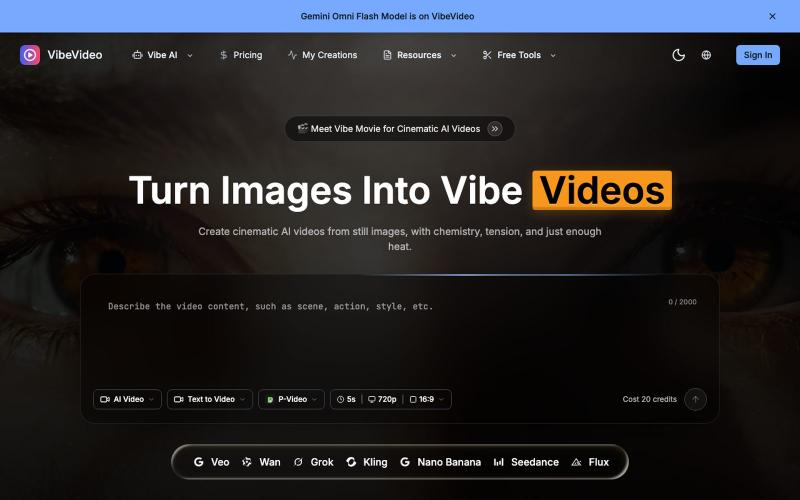
Vibe Video - AI Video Generator: Image & Text to Video Online
用AI将图像和文本转换成电影级视频,支持动作控制。
Vibe Video — 面向普通用户的 AI 视频生成网站,支持文生视频、图生视频、参考图生视频和电影化镜头控制,适合创作者和营销团队快速产出视频
完整作品展
技术栈
61 projects
用AI将图像和文本转换成电影级视频,支持动作控制。
Vibe Video — 面向普通用户的 AI 视频生成网站,支持文生视频、图生视频、参考图生视频和电影化镜头控制,适合创作者和营销团队快速产出视频
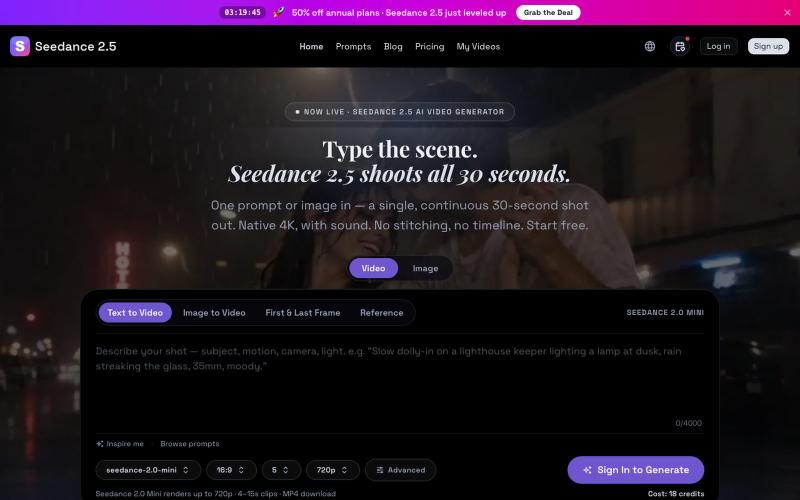
Seedance 2.5 从文字提示生成原生 4K 视频,可达 30 秒。
Seedance 2.5 — 字节跳动推出的 AI 视频生成器,输入提示词生成原生 4K 画质、时长达 30 秒的视频,支持最多 50 个参考输入,免费使用
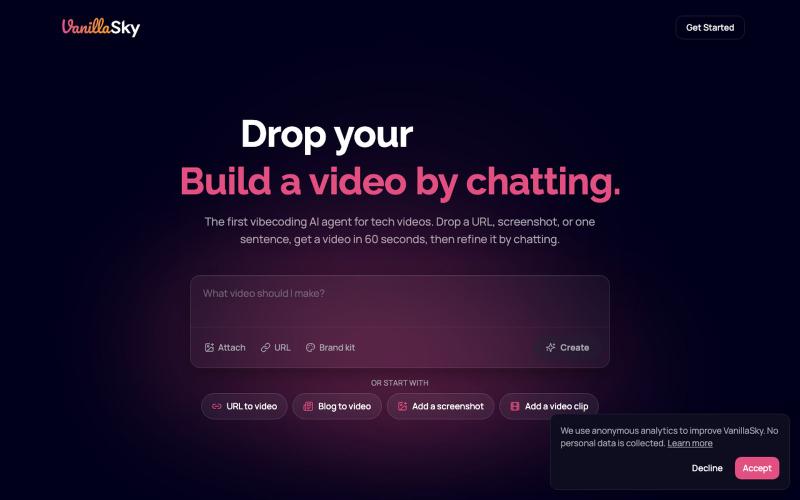
从URL或文本描述快速生成发布视频。

@VanillaSkyAI · X
is like Lovable for video. Paste a URL, get a launch video, chat to edit, post 🎬 Here's one I made in minutes 👇
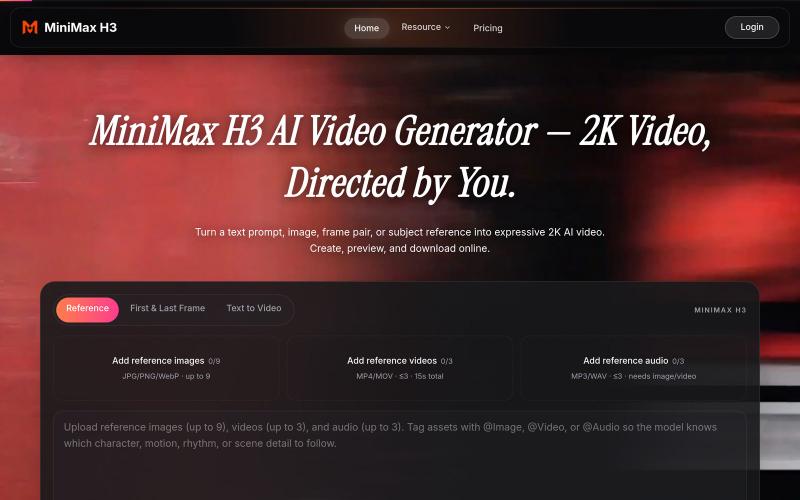
使用AI从文本、图像或参考资料生成2K视频。
wendy29 · Product Hunt
MiniMax H3 AI image-to-video clips for launch demos
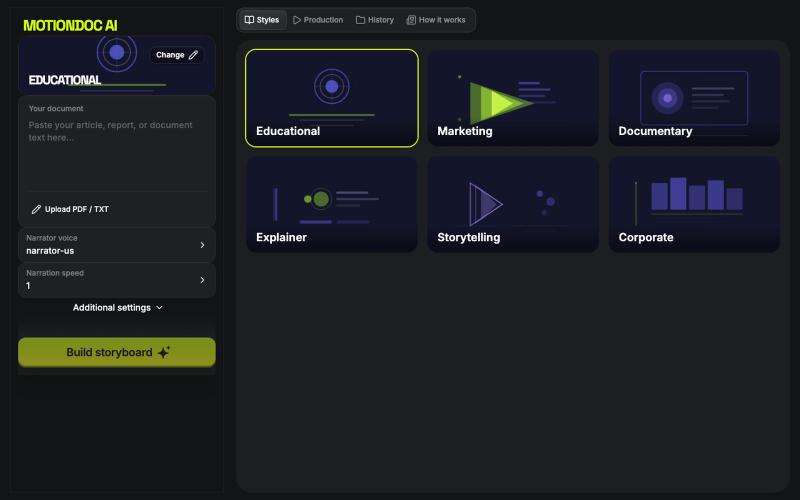
将文档(PDF、文本、Markdown)转换为专业动画视频,配有AI叙述和字幕。

@Alkaderpro · X
Just launched MotionDoc AI for the Higgsfield App Contest! 🚀 Turn any document into a professional motion graphics video with AI. 🔗 #HiggsfieldApp #MCP #AI #BuildInPublic
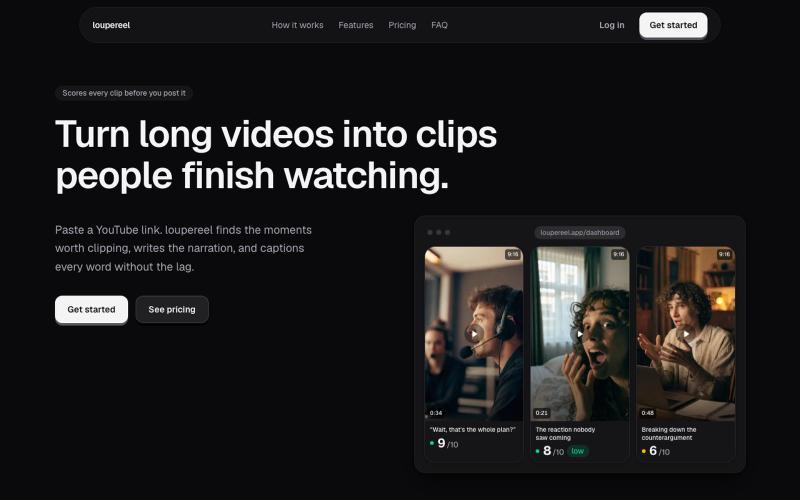
将 YouTube 视频转换为竖屏短视频,AI 生成字幕和配音,适合社交媒体。
u/Flimsy_Elevator_5231 · Reddit
I built LoupeReel to turn long videos into short-form clips without relying on a black-box clipping API Founder here. I’ve been working on LoupeReel, a web app that turns a long YouTube video into vertical clips for TikTok, Reels, and Shorts. The basic flow is: paste a YouTube link, choose how many clips you want, and LoupeReel transcribes the video, finds the strongest moments, scores them, adds captions, and renders ready-to-post clips. There’s also an editor so you can adju
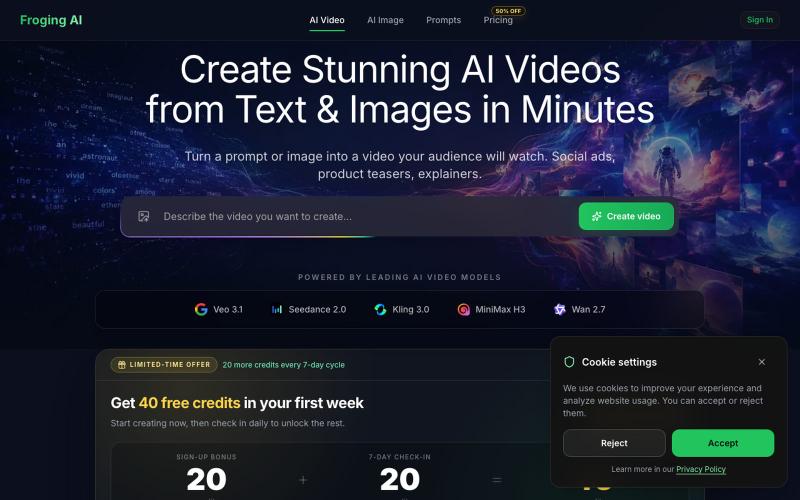
从文字和图像生成高清 AI 视频,支持 Kling、Veo 等多个模型。
hashkitly · HN
Froging AI – image and video models in one workflow
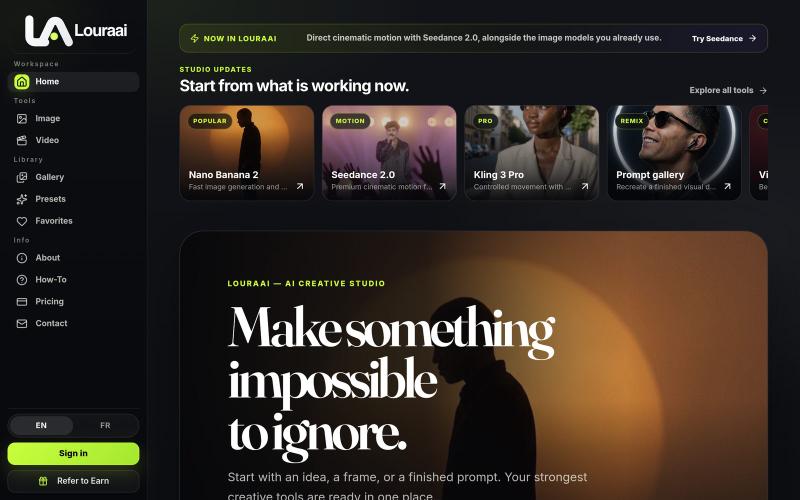
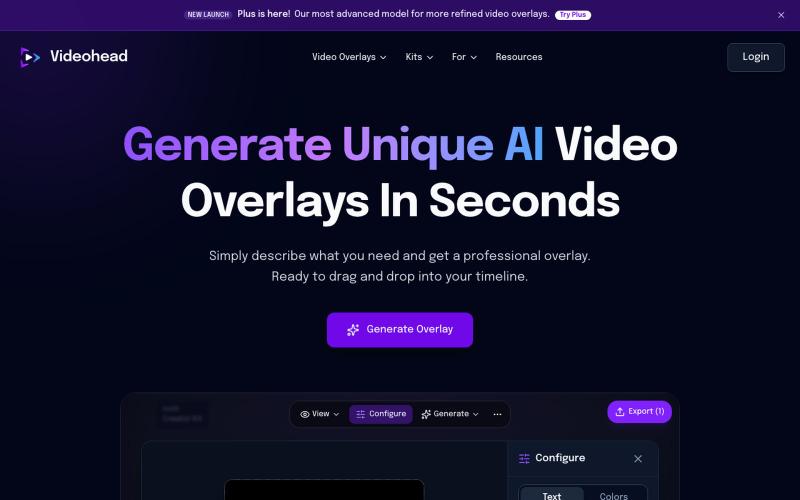
通过AI描述自动生成视频叠层,导出为透明WebM格式。

@rsaladocid · X
Generate unique video overlays with AI
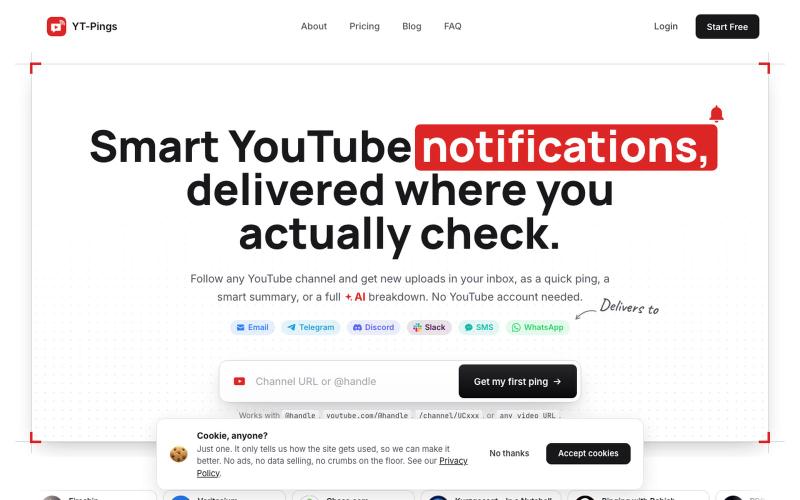
Multi-destination YouTube notifications with filters and AI summaries. Email, Telegram, Discord, Slack, SMS, WhatsApp.

@papaemman_pan · X
You just found it! YouTube’s “bell” notifications are awful, so I created an app to get notifications (with an AI summary) for new uploads from my favorite creators. It works with email, WhatsApp, Discord, Telegram, Slack or SMS.

在浏览器中编辑、压缩、转换和合并视频和音频文件。
zhw2590582 · V2EX
最近对网站进行了重构,做成了免费的视频工具站:[ArtPlayer Tools]( https://artplayer.org/tools/) 主要是围绕着 ffmpeg.wasm 和 mediabunny 实现的一些可以直接在浏览器里用的视频/音频工具,常用的有: - 视频压缩:[Compress Video]( https://artplayer.org/compress-video/) - 视频裁剪:[Crop Video]( https://artplayer.org/crop-video/) - 视频合并:[Merge Video]( https://artplayer.org/merge-video/) - 视频尺寸调整:[Resize Video]( https://artplayer.org/resize-video/) - 视频旋转:[Rotate Video]( https://artplayer.org/rotate-video/) - 视频调速:[Change Video Speed]( https://artplayer.org/change-video-speed/) - 添加文字到视频:[Add Text to Video]( https://artplayer.org/add-text-to-video/) - 添加水印:[Watermark Video]( https://artplayer.org/watermark-video/) - 提取字幕:[Subtitle Editor]( https://artplayer.org/subtitle-editor/) - HLS 转 MP4:[HLS to MP4]( https://artplayer.org/hls-to-mp4/) - 音频可视化:[Audio Visualizer]( https://artplayer.org/audio-visualizer/) 大部分工具都是本地处理,文件不会上传到服务器。最开始是因为自己偶尔要处理一些视频,开剪辑软件又有点重,在线工具又担心隐私,所以就慢慢做成了一个站。 目前还在持续完善,体验肯定还有不少粗糙的地方,比如不同浏览器的兼容、移动端操作、长视频性能之类的。 网站: [ArtPlayer Tools]( https:
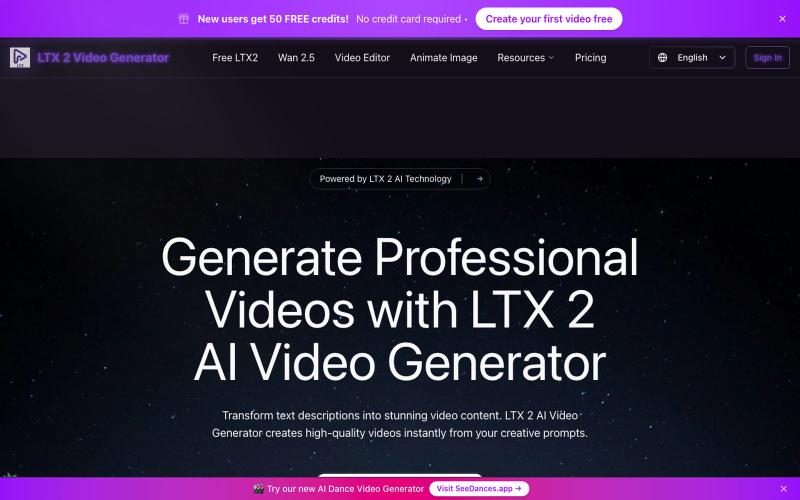
输入文本提示生成AI视频。
LTX 2 AI Video Generator — AI 视频生成器,可将创意提示即时转换为高质量视频
