

开发者工具1 week ago · 1 次试用
MotionFlow – Scroll Animations, Parallax, Text Effects, Counters & Tickers
MotionFlow是一个免费的JavaScript库,用HTML属性为网站添加滚动、视差和文本动画。
Open source

@iamdeepak89 · X
完整作品展
技术栈
60 projects
MotionFlow是一个免费的JavaScript库,用HTML属性为网站添加滚动、视差和文本动画。
@iamdeepak89 · X
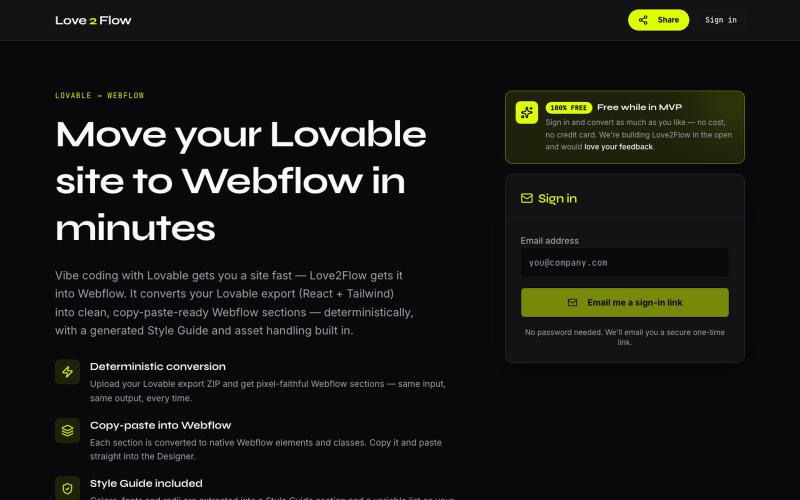
将 Lovable React 导出转换为 Webflow 可粘贴部分

@philippxroth · X
Turn your vibe-coded @Lovable site into clean, paste-ready Webflow sections. Upload your export, organize your migrations in projects, paste straight into @webflow. Free MVP. No password, no credit card — just a magic link and you're in. ✨

编写 React 邮件模板和 TypeScript 自动化,然后随应用部署。

@stewartjarod · X

使用最灵活的AI模型生成线框图和UI设计。借助AI加速设计和发布您的产品。

@jf_watcher · X

捕获UI元素及其代码上下文,与AI代理分享以调试视觉缺陷。
Loerei · HN
I found that describing where a broken UI is and taking screenshots for AI agents really sucks. I’m too lazy to explain an indescribable visual bug or capture a millisecond-long flash. I also don’t want to remember which file defines an element, whether it's right in the .tsx or a problem with the Parent Styles in .css. And even if you can point out the exact file, your agent still has to dig through thousands of lines of code to know what on earth you're yapping about. In a 7700-file monorepo like Cal.com, simply giving the right file in the prompt for your agent saves about 68.9% of execution time and 94.2% of the tokens your agent needs to digest. HoverSource gives all the needed information and further pushes it to -88.5% time and -94.5% tokens, basically skipping the entire digging session and jumping straight to reasoning and executing. The save is linear to how big your codebase is. I want to save tokens, but don’t want to spend my time and energy digging manually, and a junio


Takt 自动分组标签页、防止重复、跟踪资源。
u/-Leelith- · Reddit
Takt tab manager Update n°4: Adding 6 languages translations, (almost) fully interactive demo, an AI grouping feature, reworked our onboarding and fixing many bugs After discovering this sub and my first post , sharing my update n°4: We mentioned on the update n°3 that we wanted to build a live interactive demo. So we did that and build an almost identically fully interactive "try before you install" demo of the extension. The goal was to have a demo that converts a browser visit into a

给图片的指定区域添加抖动效果,生成动画GIF或视频。
plutozc · V2EX
purupuru 抖动起来吧 部分图片区域抖动工具 二次元们 抖动起来吧 [purupuru maker]( https://purupuru-maker.com/) 二次元们 各位食用愉快😀 各种不同的抖动方式 优化了下手机端使用

Screely — 在浏览器中快速为截图添加框架、背景和注释,生成专业效果图。

@Aticmatic_com · X
of course for people:
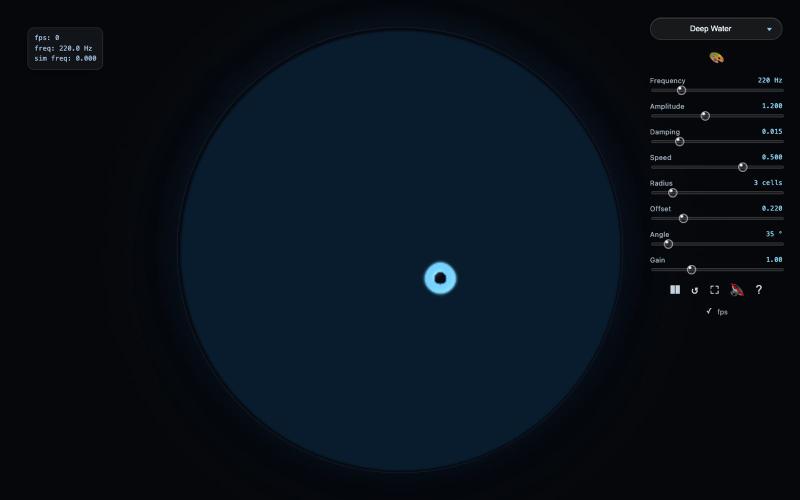
物理引擎驱动的波浪生成交互工具

@Chris73ai · X
Finished this up recently, it’s a wave generator based on physics. Purely for fun 😁

Chrome extension,在新标签页上可视化地组织书签,支持 workspaces 和 notes

@IamYashKapoor · X
Built Tabisto (bookmark manager), a free Chrome extension and launched it in 5 days using Claude Code. Must try, you will really love it.
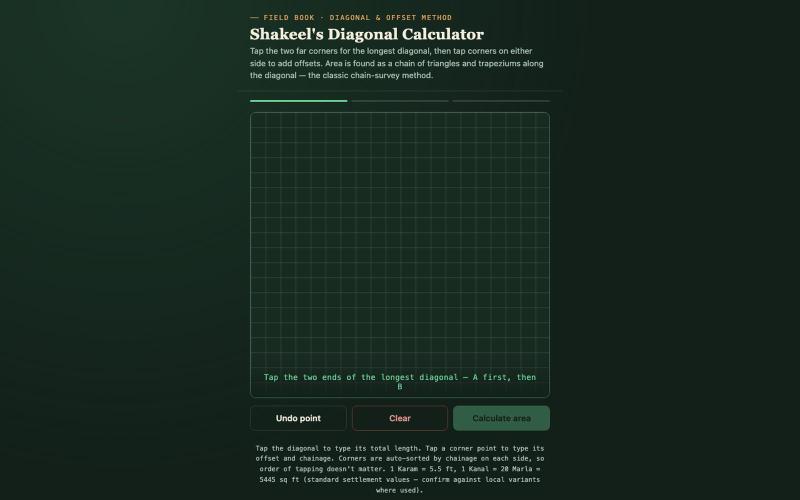
用于框架和施工的快速对角线和偏移计算器。

@ShakeelBinAbdul · X
Check out what I just built with Lovable!
