
生产力1 week ago
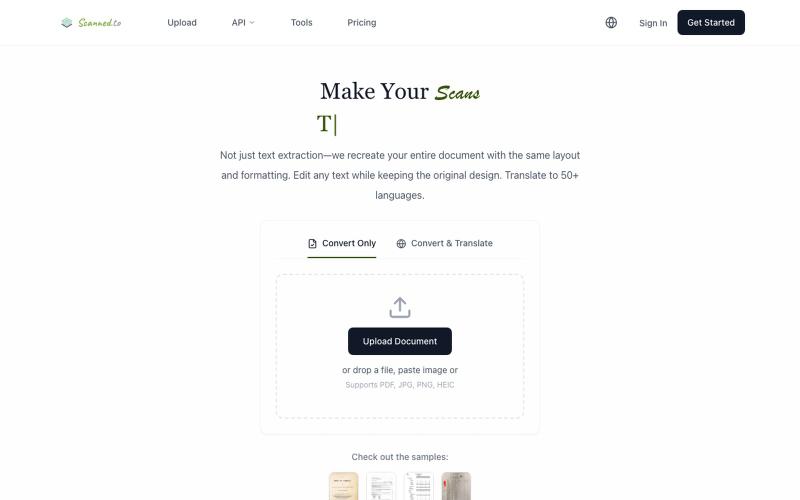
scanned.to | AI OCR to Convert Scanned Docs & PDFs
Scanned.to:用 AI OCR 将扫描文档转为可编辑 Word 或文本,支持多语言翻译。
Scanned.to — AI 驱动的 OCR 文档识别与翻译平台,将扫描 PDF/图片转为可编辑 Word/Text,保留原始排版,支持 50+ 语言翻译
完整作品展
技术栈
35 projects
Scanned.to:用 AI OCR 将扫描文档转为可编辑 Word 或文本,支持多语言翻译。
Scanned.to — AI 驱动的 OCR 文档识别与翻译平台,将扫描 PDF/图片转为可编辑 Word/Text,保留原始排版,支持 50+ 语言翻译
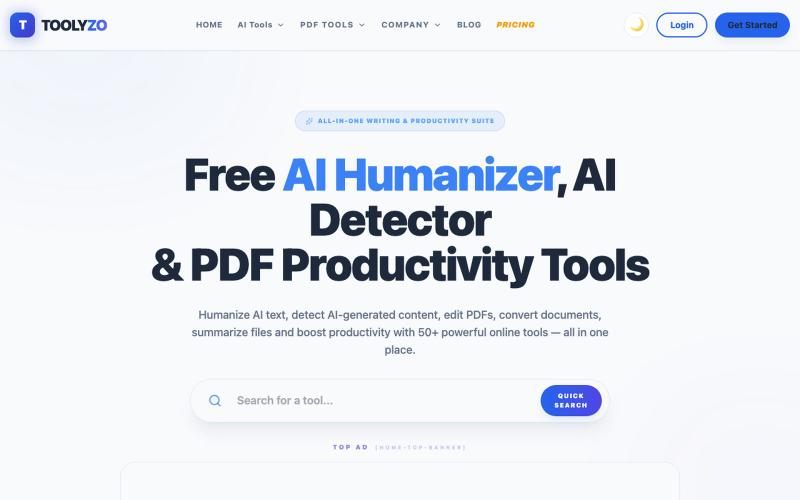
Toolyzo: 人性化AI文本,检测AI内容,处理PDF文件,无需登录。

@varu_jigar · X
Building Toolyzo — an all-in-one AI productivity hub. ✅ AI Detector ✅ AI Humanizer ✅ PDF Tools ✅ Resume Builder Coming soon: Coding AI Agent AI Image Detector Watermark Remover ...and more. No signup required for most tools. 🌐
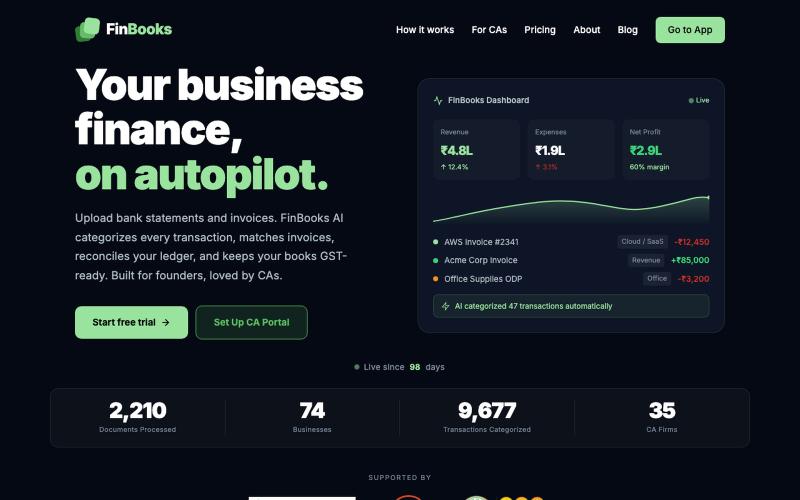
上传银行对账单和发票,自动生成分类账和GST对账账簿。

@pujaabharadwaj · X
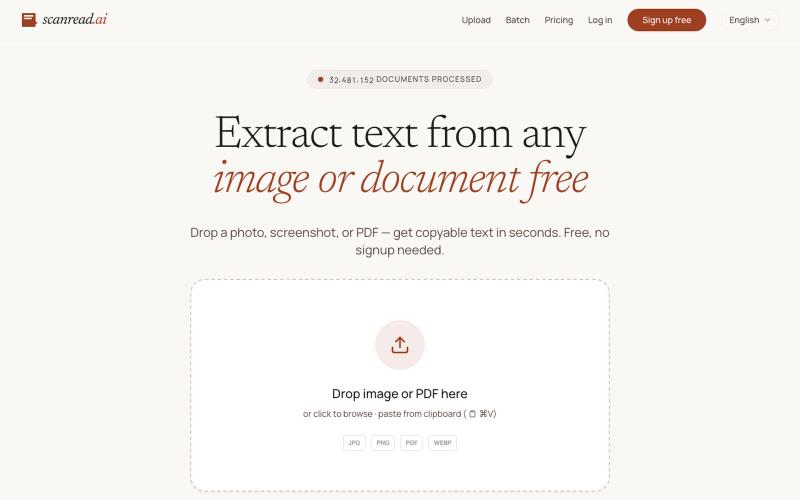
从图片、PDF和截图中提取文本,支持100多种语言,免费无需注册。
ScanRead.ai — OCR 文字提取工具,支持 100+ 语言,可从图片、PDF、截图和手写文档中提取文字
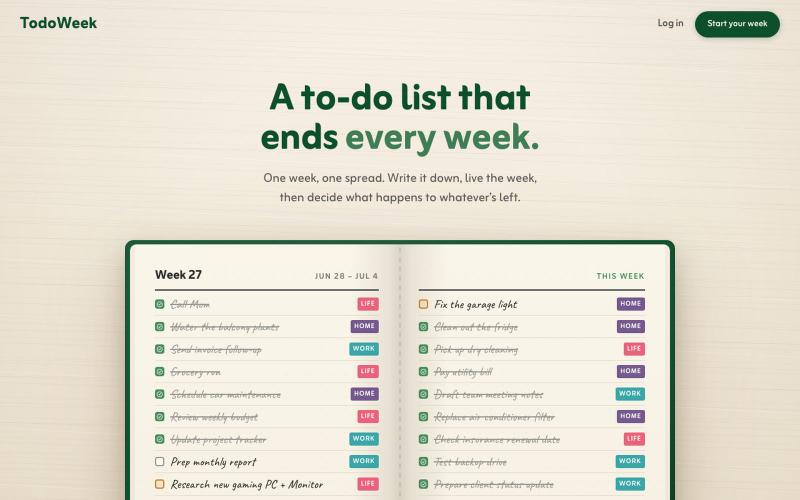
一个像纸质笔记本的每周待办应用,每周日决定任务是否延续或删除。

@faruque · X
TodoWeek: Works like a paper notebook, one week per spread, and every Sunday you decide what todos slide over to next week, and which ones get dropped. Mostly vibe coded with Claude Fable + Laravel 13 Vue starter kit.
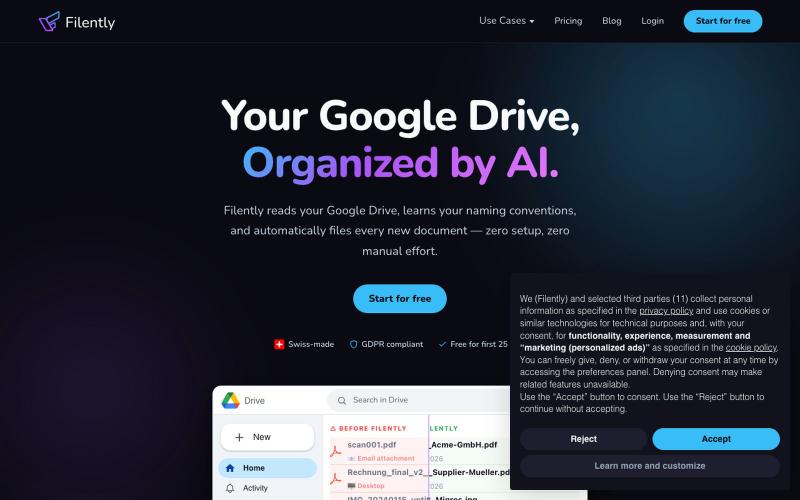
自动整理和重命名 Google Drive 中的文档

@filently · X
Get rid of the CHAOS in document filing
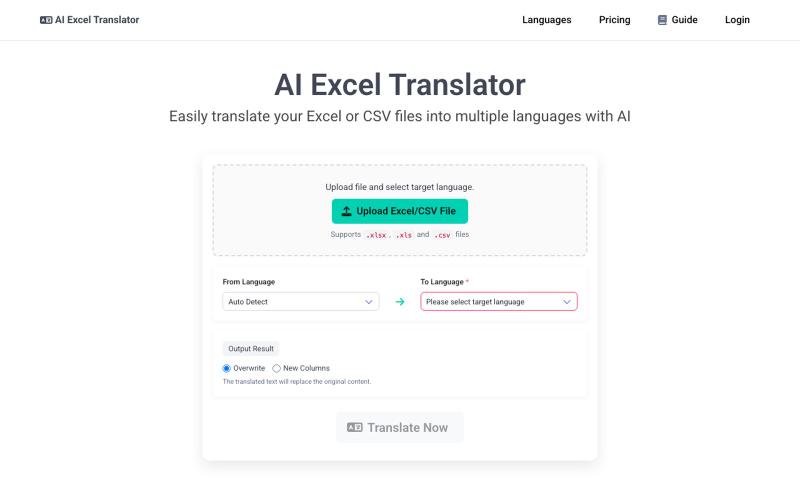
使用 AI 将 Excel 和 CSV 文件翻译为 100+ 种语言
AI Excel Translator — 批量翻译 Excel 或 CSV 文档,支持 100+ 语言。

ToolsLoop:自由职业者免费工具套件,包括发票、增值税、报价、费用追踪和商名生成。

@tools_loop · X
一键创建并发布格式丰富的文章到网络。

@masafumiohta · X
I’ve been using Windows as my daily use lately despite I have been using Mac/Linux for a long time, but I keep running into all sorts of issues, so I’ve been fixing them vibe-coding with Claude. I’m gonna dump all that stuff on This blog is fully automated with Claude Code, from coding all the way to reporting. It’s nothing special—anyone could do it—but it’s actually pretty fun once you try it. The only annoyed is that it burns through tokens like crazy. Most of the tips are pretty interesting, so I hope you find them useful.
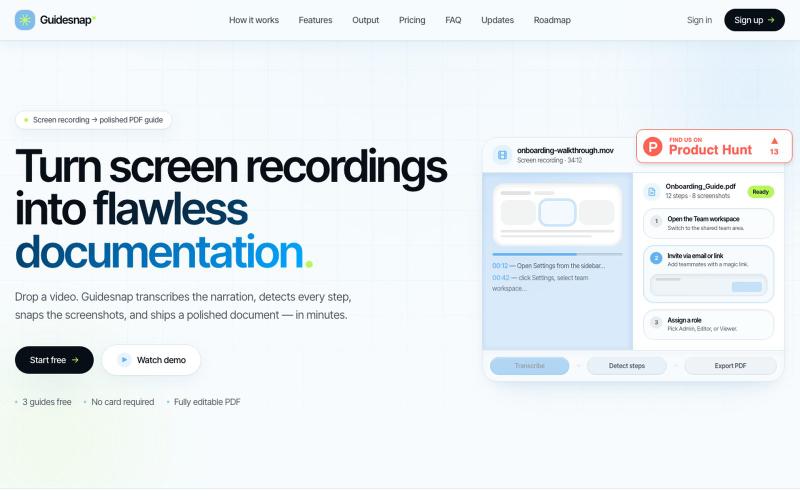
将屏幕录制转换为精美的PDF指南。

@vanmurten_eth · X
Guidesnap: turn any screen recording into a polished PDF guide.
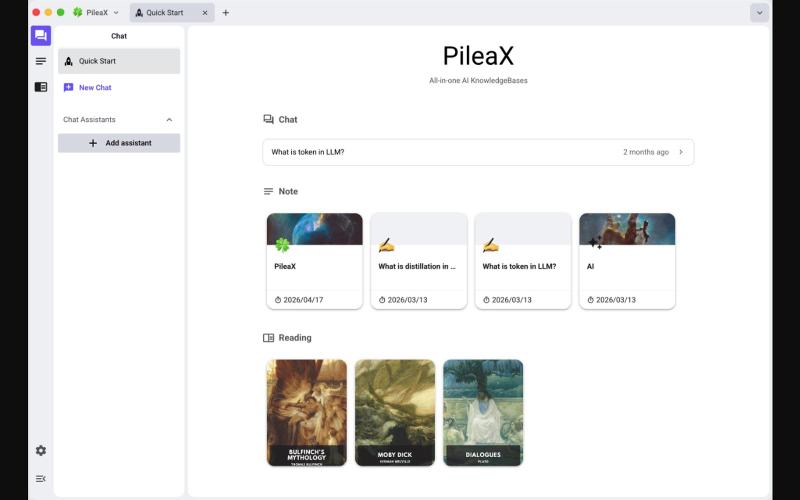
集成笔记、阅读和AI回答的电子书阅读器,帮助构建和系统化个人知识库。
mekery · V2EX
我开源了一个 AI 电子书阅读器,欢迎大家体验 Hi V 友们, AI 时代,搭建自己的知识库非常有必要,我想把笔记、阅读和 AI 回答集成在一起,不断完善知识的积累和系统化,因此做了这款阅读器。 ## 整体预览 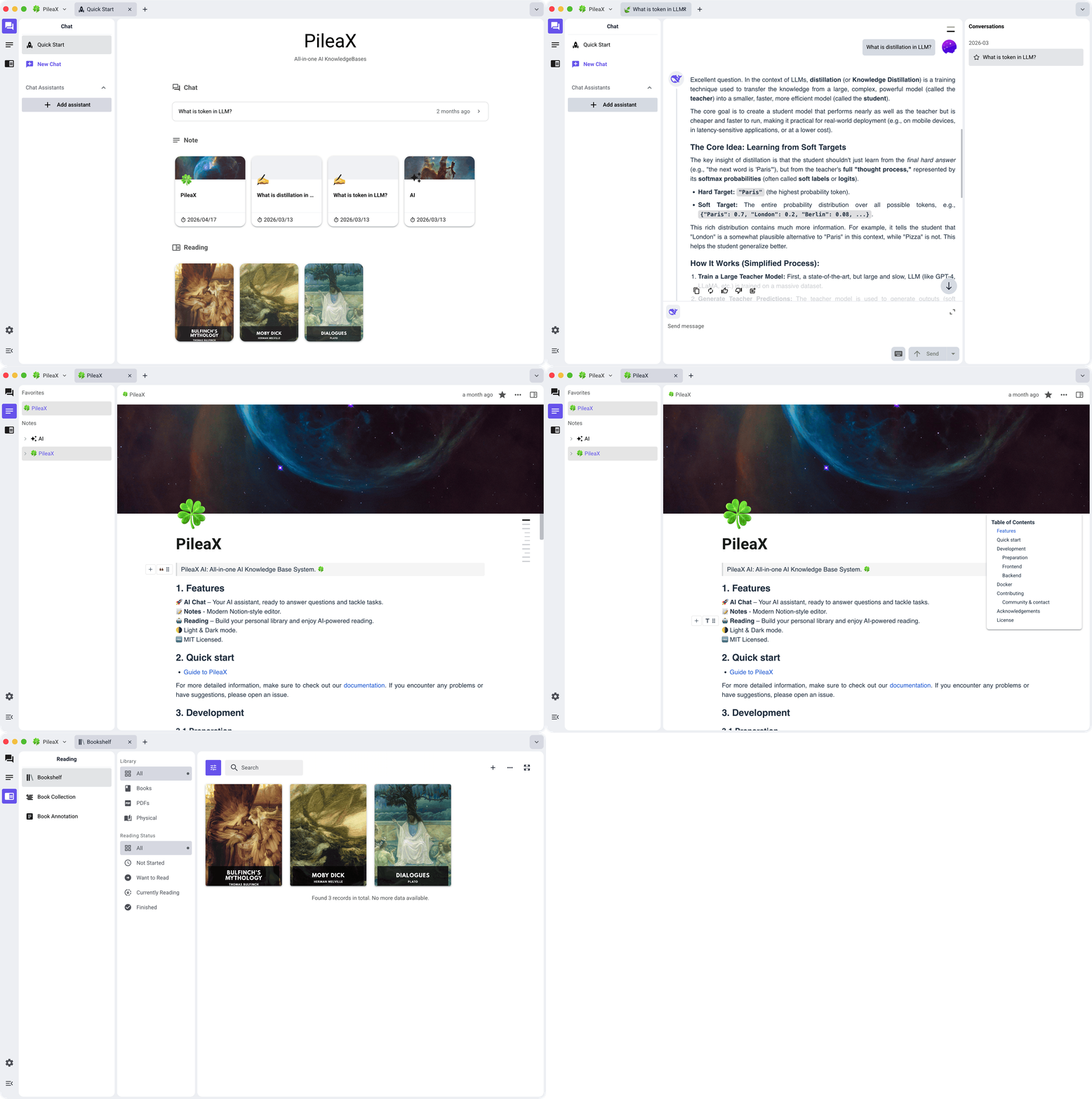 ## 阅读 ### 书架 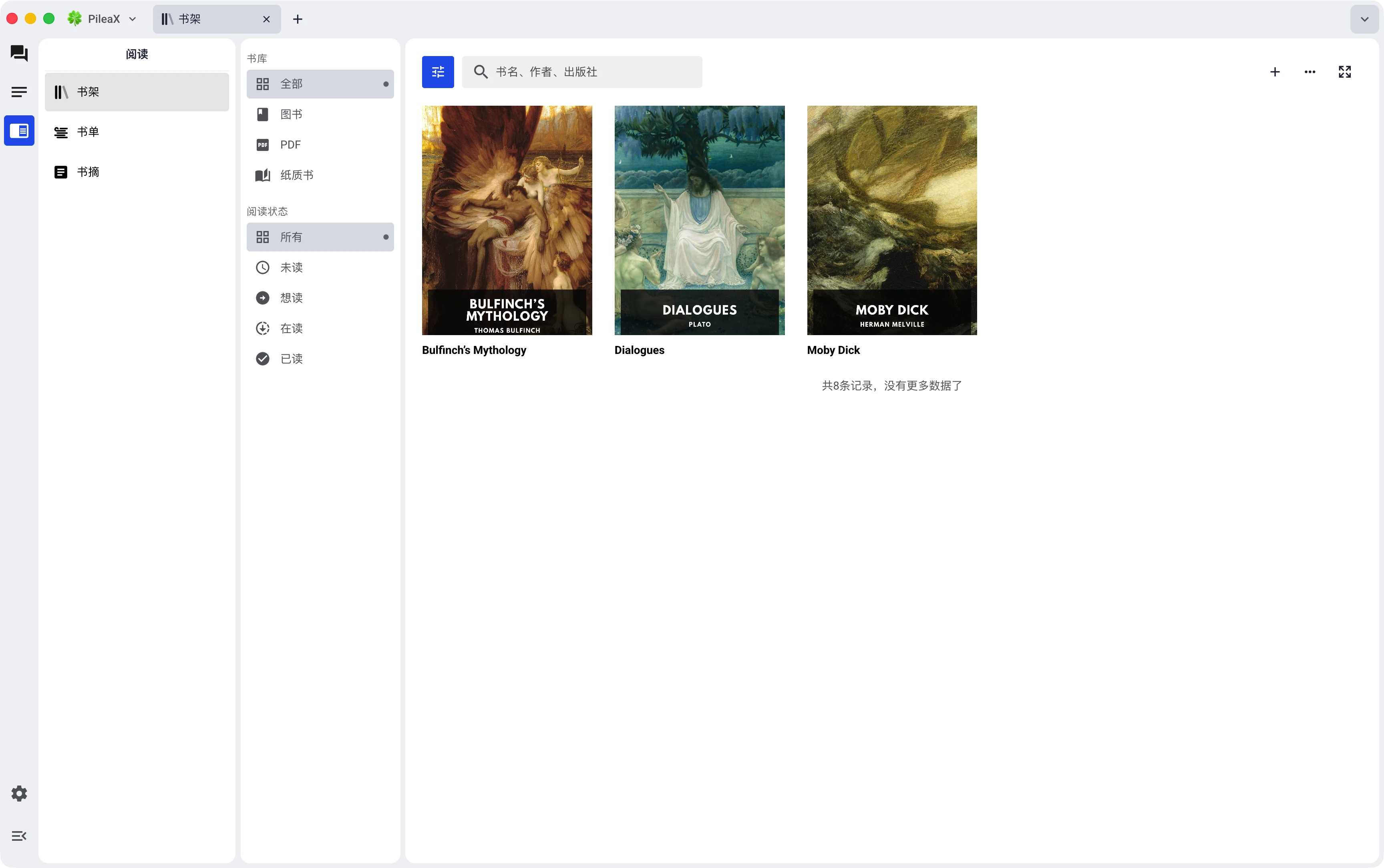 ### 阅读视图 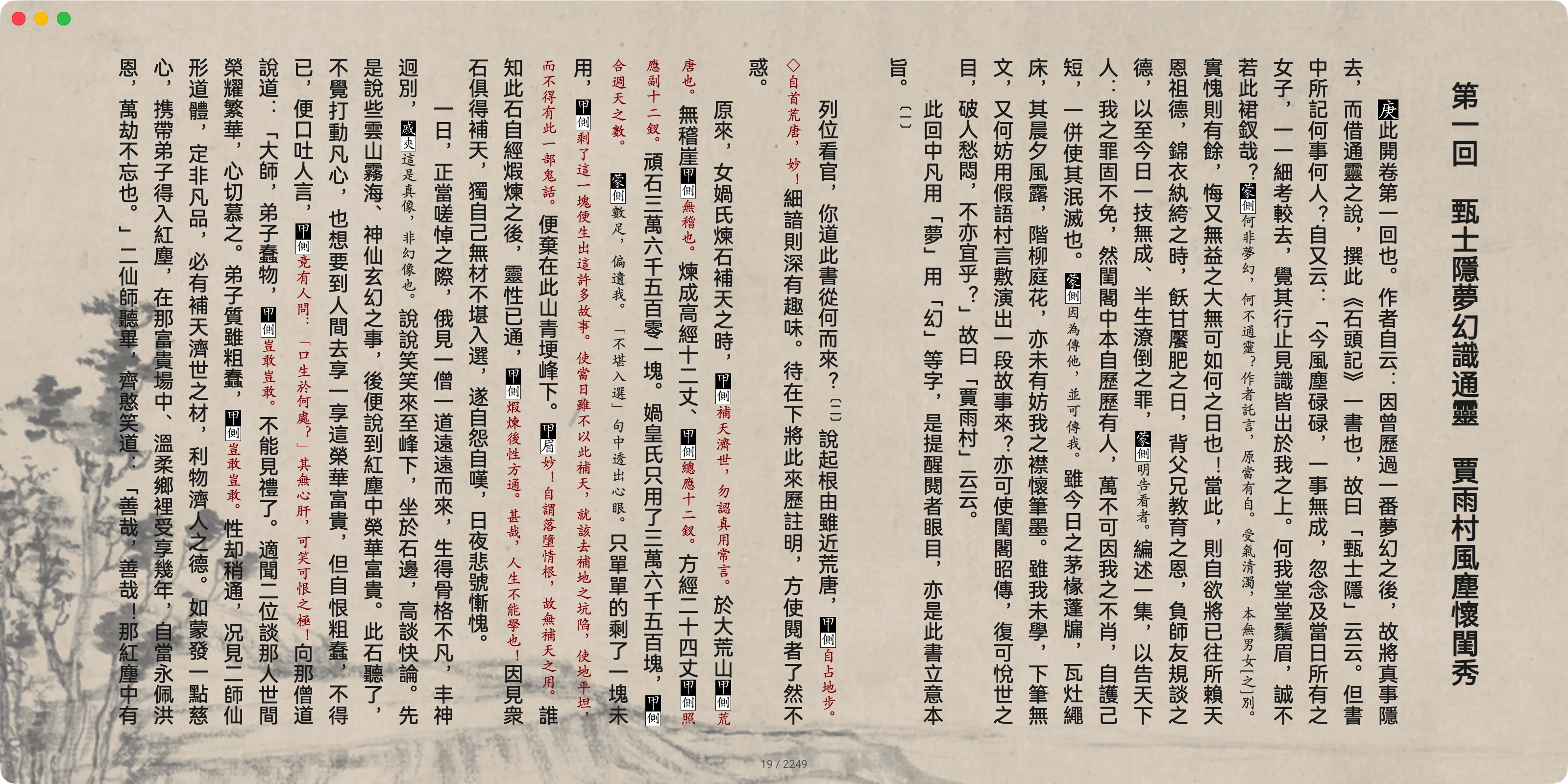 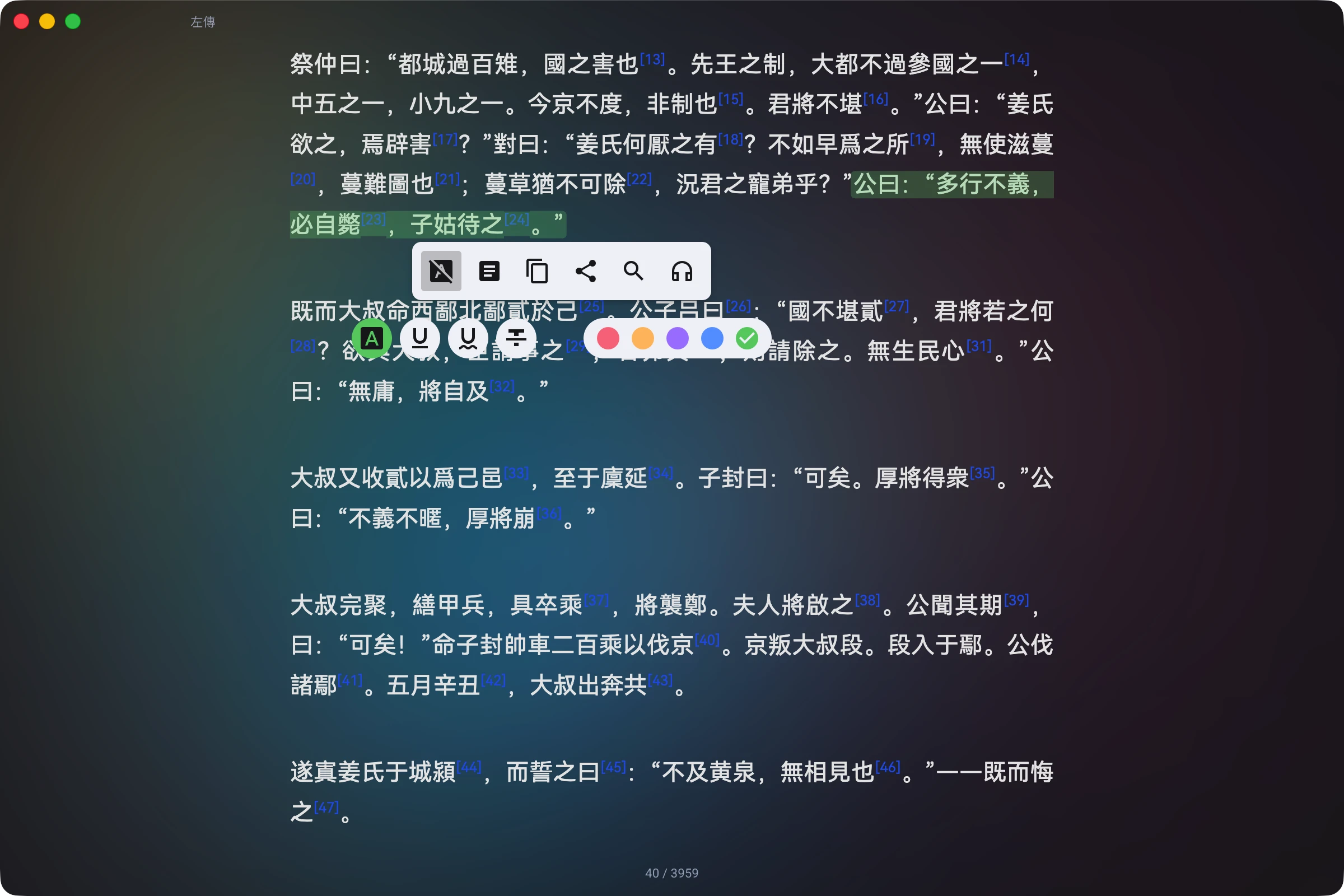 ### 目录、书签、高亮、注释和 AI 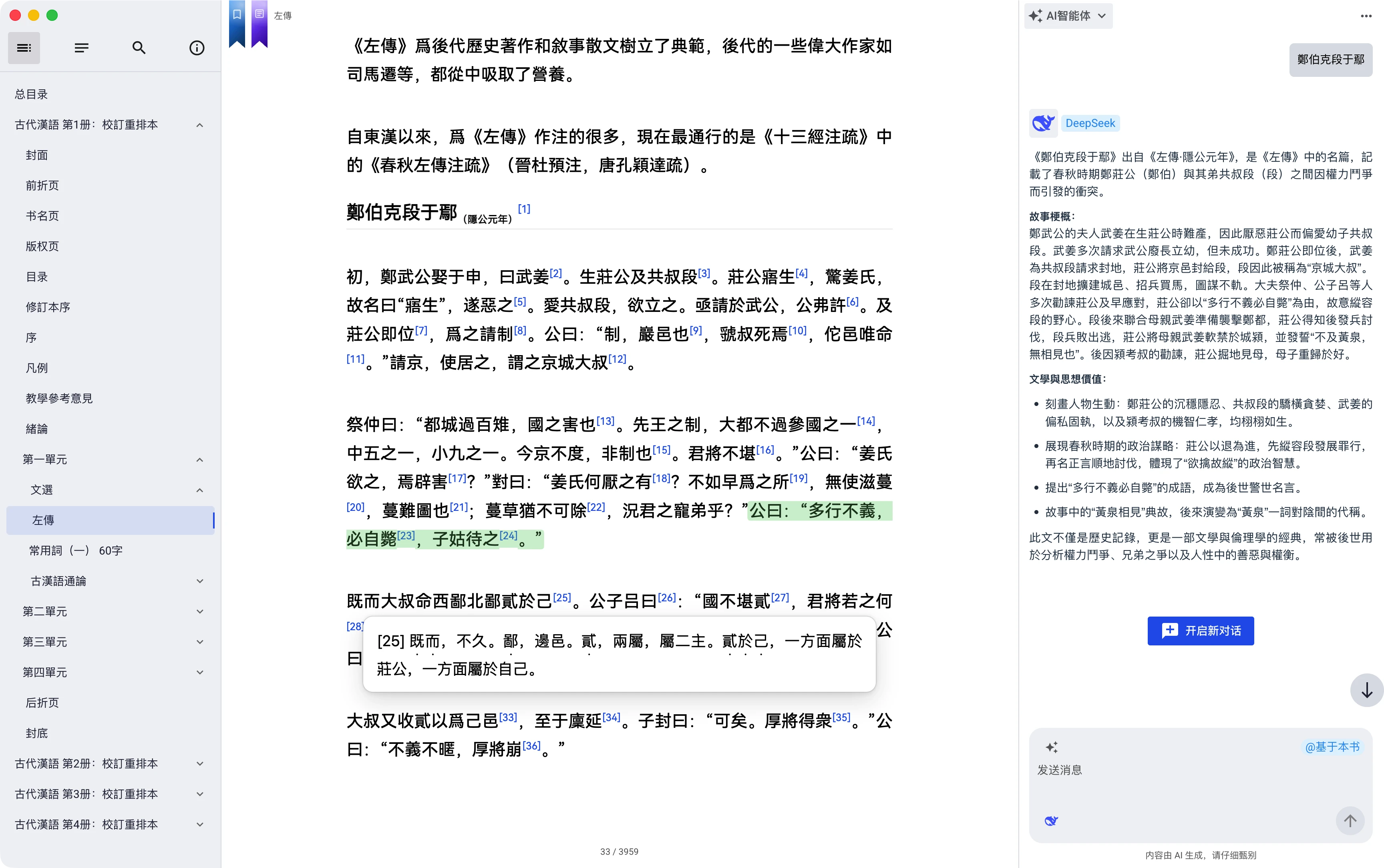 ###