
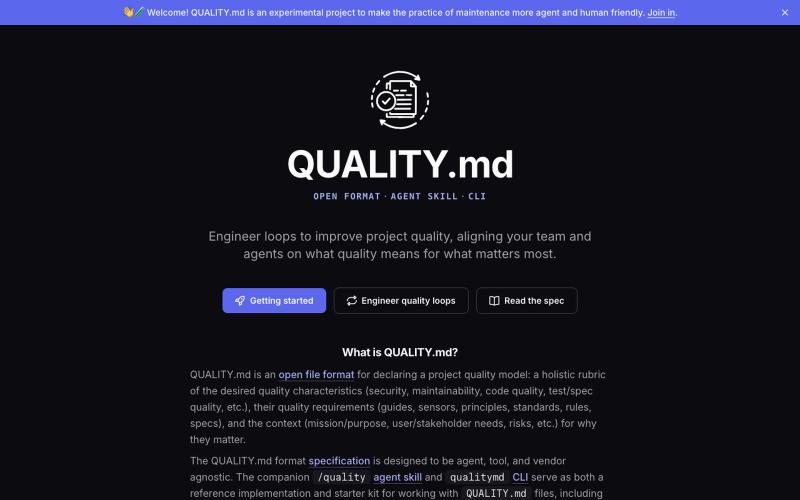
完整作品展
技术栈
60 projects
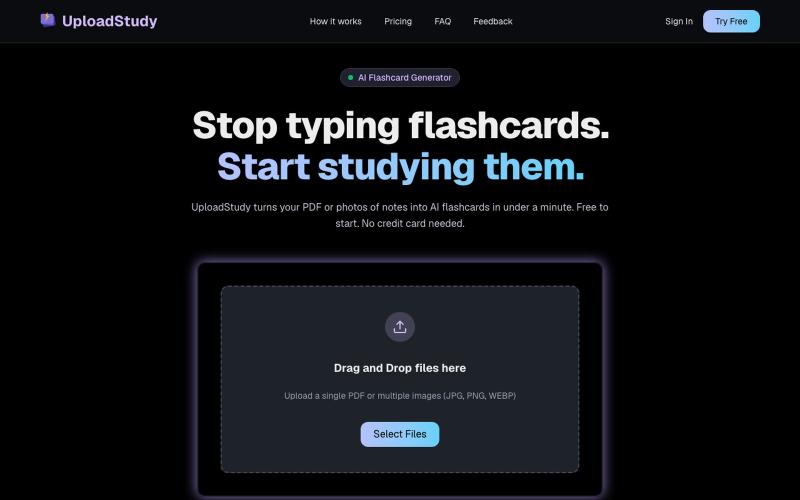
从PDF和笔记照片快速生成AI学习卡片。

@MrDave_id · X
I built an ai flashcard generator
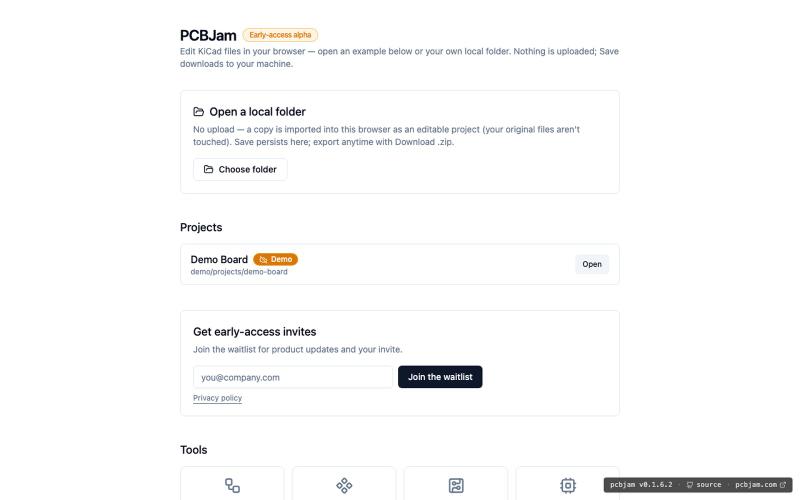
在浏览器中使用 KiCad 设计电子电路和 PCB,无需安装。
ViktorEE · HN
KiCad, a PCB EDA suite is now working in a browser, you can try it at the link, there's a demo project or you can bring your own. Firefox is best, Chrome is good, Safari is "working". We’re Emergence Engineering, a dev shop from Hungary, mostly working with rich text editors, CRDTs. PCBJam started as my (Viktor, CTO, ex-electrical engineer) hobby project but as time went on I put more and more energy into it, and a product started shaping up in my head, in the last few months we’ve started to focus on this project a bit more, and this is the first MVP~ish result. This project is a ton of fun, ton of learning, ton of improvements over improvements: - I thought there must be ways to emulate the PCB canvas OpenGL code on the web. And yes, there are a lot of ways, all of them very buggy. Turns out it’s faster to just write WebGL code that works with KiCad’s Graphics Abstraction Layer if you add the right intermediate debugging steps. I (with Claude) implemented the features and compared
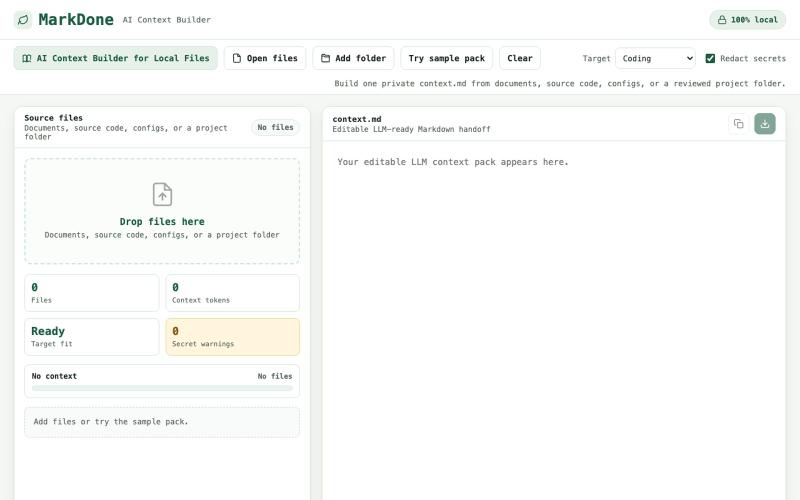
上传项目文件生成优化的 context.md 文件,用于 Claude 和其他 AI 工具。
u/Jealous_Buy_8829 · Reddit
Just updated my context builder https://reddit.com/link/1utq6y0/video/jy8bpbotxmch1/player You can now upload your whole project folder and get one clean, optimized markdown file that you can paste straight into Claude or Codex. All file uploads are 100% client-side. Let me know if you find this useful or not, would love some feedback! https://markdone.dev/ai-context-builder/ submitted by /u/Jealous_Buy_8829 to r/SideProject [link] [comments]

输入URL或ISBN快速生成多格式学术引用(APA、MLA、Chicago等)。
colin_peterson · Product Hunt
Corroba - Free, accurate citation Cite AI, Verify Links, How To Cite

浏览器中免费合并PDF、压缩图片、去除背景和其他实用工具。

@damiadeh · X
Your files utility tools stacks in your browser. No uploads, files stays on your pc.
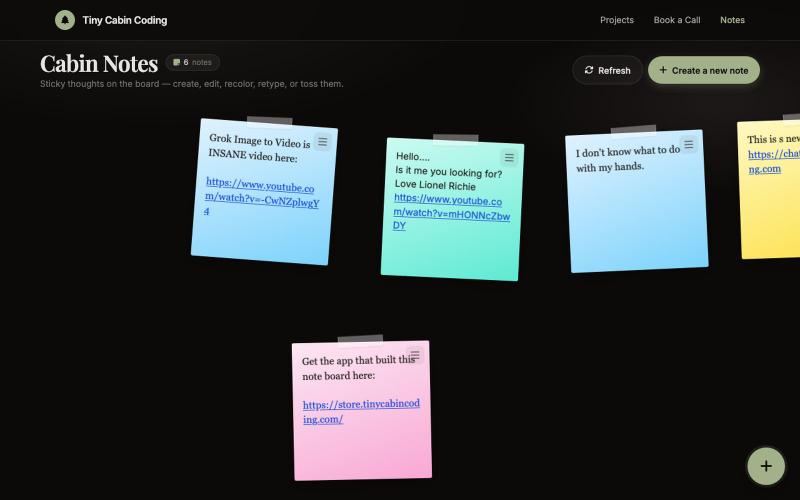
由Codex和Grok驱动的AI笔记应用。

@Number1AIFanboy · X
I got to go to bed. More coding tomorrow. I just had a realization that I'm building cool shit, using @grok in an app that I built with Codex and refined with Grok. And now Grok just works on himself. LFG🚀 Drop me a note here: Get the app here (use LAUNCH50):
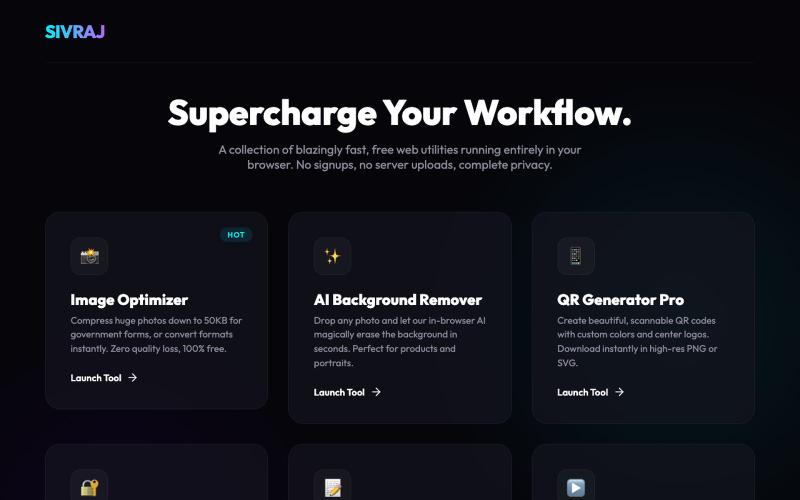
免费在线工具合集,用于图像压缩、PDF合并和文件处理,无需创建账户。
u/Numerous_Western_146 · Reddit
Literally guyss u need to check this 🤯 Hey guys, I was getting really annoyed with all those "free" online tools that compress images or merge PDFs but then force you to create an account or pay a premium fee to download your file. Also, uploading sensitive documents to random servers always felt sketchy to me. So, I built a collection of 9 web tools that process everything 100% locally in your browser. No data is ever uploaded to a server, there are no signups, and it's completely free.

RightPDFKit是免费PDF编辑器,有51个工具,无需账户,支持离线。

@zubidavies · X
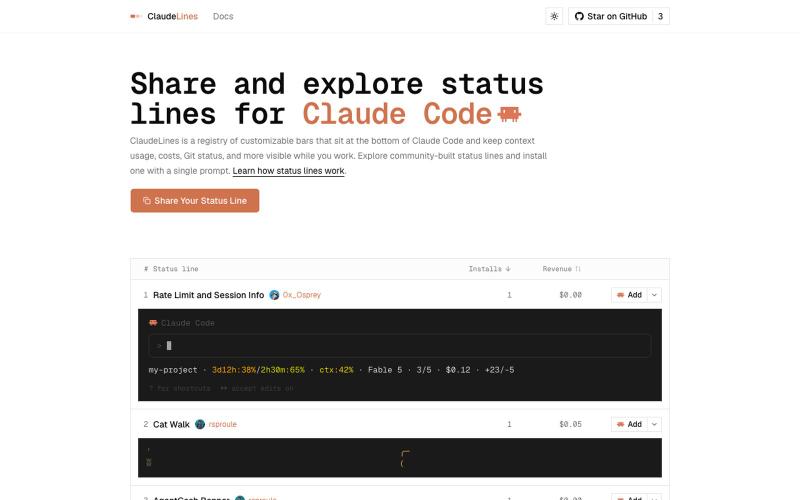
探索并安装 Claude Code 自定义状态行脚本。
rsproule · HN
Share and explore custom Claude Code status lines
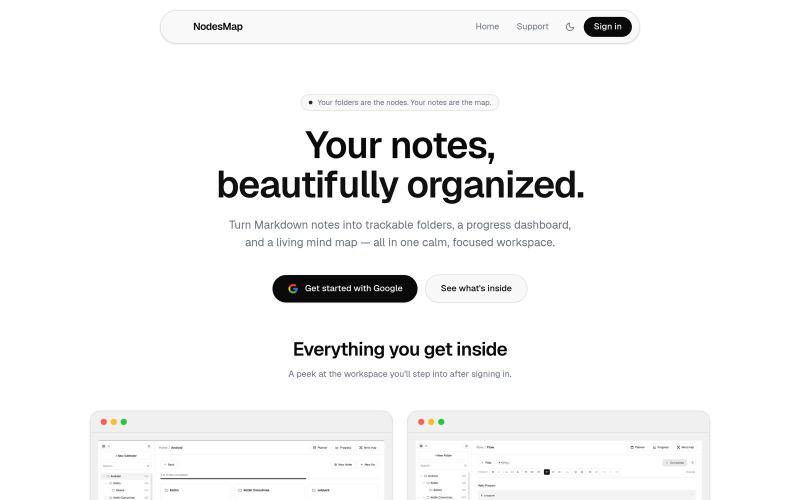
用 markdown 笔记组织想法,支持进度追踪,并将其可视化为交互式思维导图

@vasanthadabala · X
Not really a startup. It's just something I built for myself a simple note taking app with a planner, progress tracker, and mind map I'm going to share it publicly @NodesMap check it
