

开发者工具2 months ago
Flashtype | The markdown editor for Claude & Codex
用于查看和接受Claude代理代码编辑的Markdown编辑器
Open source
samuelstros
完整作品展
技术栈
60 projects
用于查看和接受Claude代理代码编辑的Markdown编辑器
samuelstros
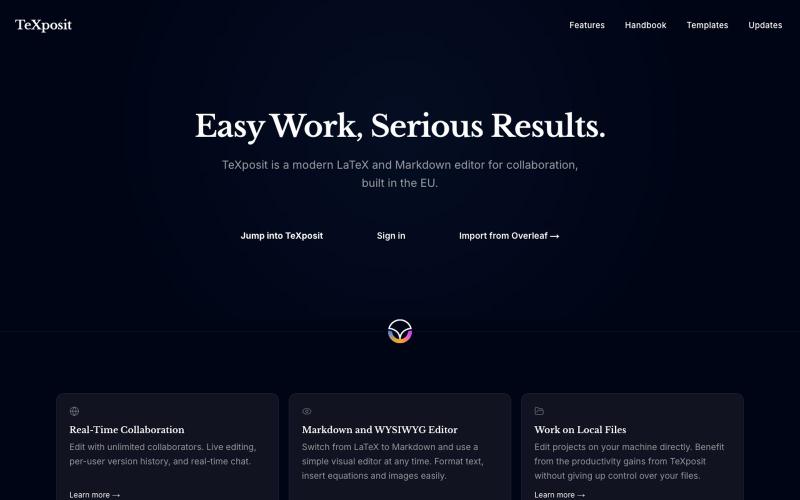
支持Markdown的协作LaTeX编辑器,提供实时编辑和参考文献管理。
danielszabo · HN
Online editor with LaTeX, Markdown, LaTeX+Markdown Hybrid and WYSIWYG (MD only) support, AI assistant with resource lookup and anti-hallucination features, live collaboration and more fun things. Still in quite early beta. First institutional deployment scheduled in the autumn. Feel free to play around.
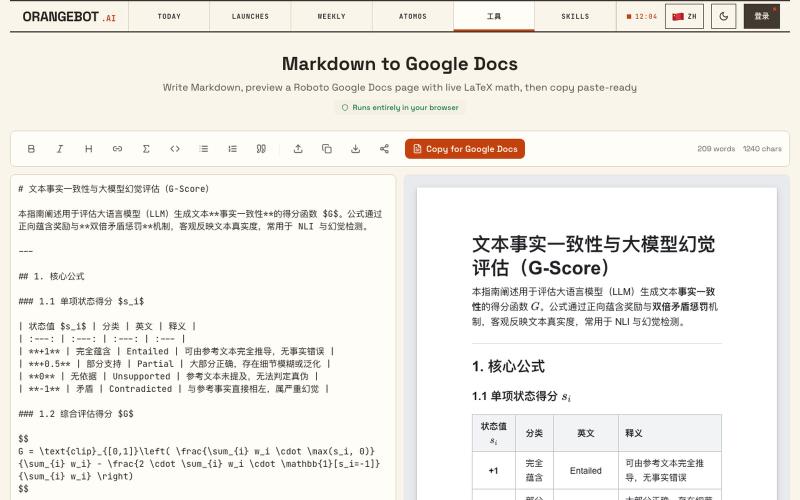
将 Markdown 转换为 Google Docs 文档,支持 LaTeX 数学公式。
shenhuang · Product Hunt
Markdown to Google Docs Paste AI markdown, get a clean Google Doc, math included
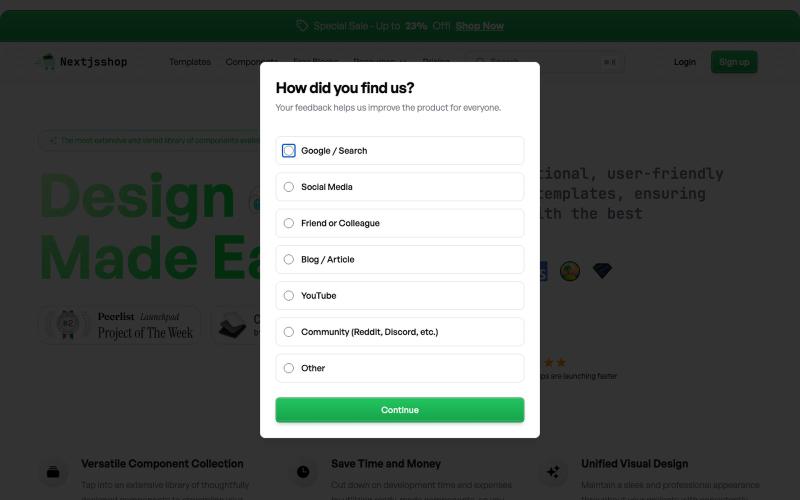
Browse premium multipage templates and components built with Next.js, Tailwind CSS, and modern CMS solutions. Designed for freelancers, developers, and small businesses.

@taher_max_ · X
Building and
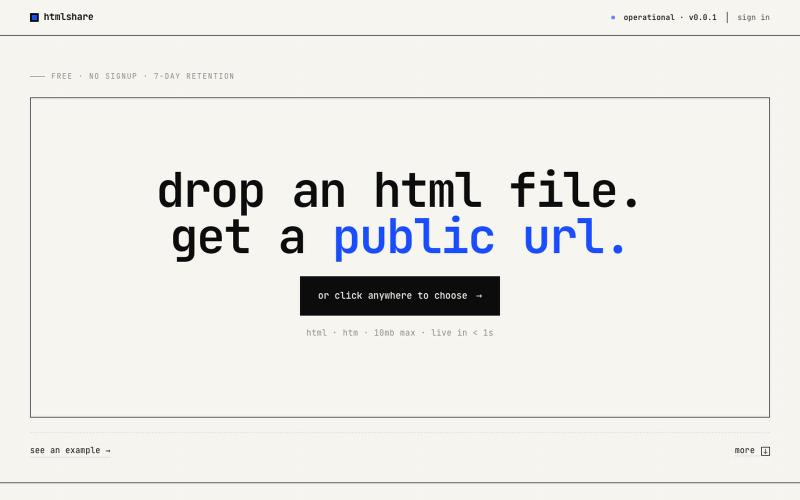
drop an html file. get a public url. free, no signup, links live for 7 days. share single-page html in one click.

@kylebuildsweb · X
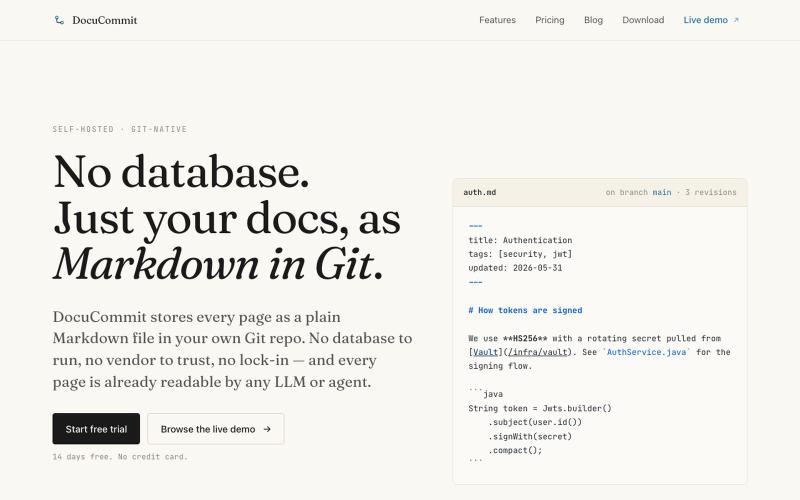
在Git仓库中存储Markdown文档,无数据库依赖,无厂商锁定。

@alizreim · X
Documentation that lives in your own git repository
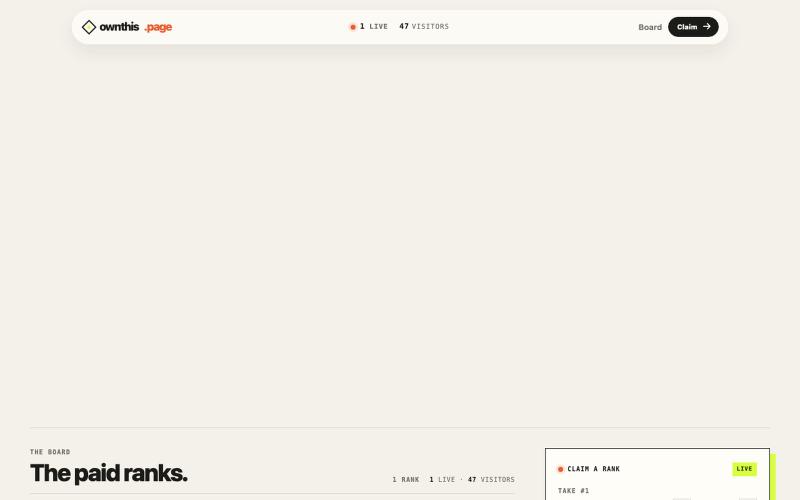
A public page where paid ranks determine the live HTML takeover.

@spidevX · X
we didn't just build another boring bid leaderboard. at the #1 spot lets you fetch and display any custom HTML or your site right on the main screen with zero limits. take the top and own the site:
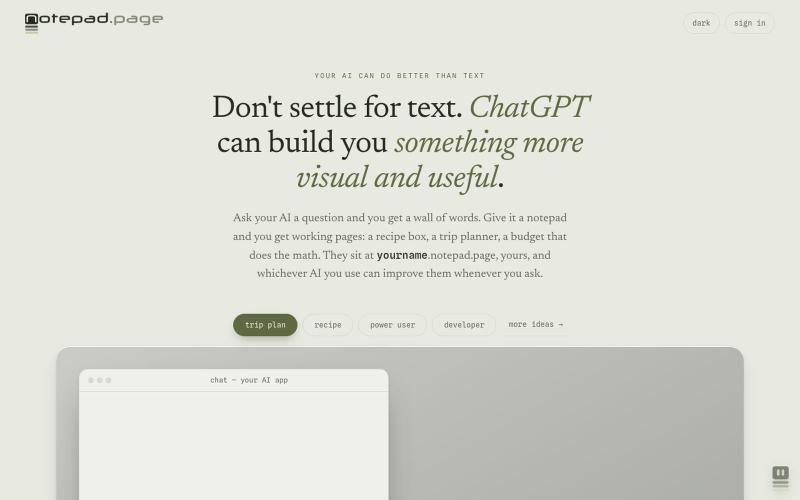
Your AI can build you working pages: a recipe box, a trip planner, a budget that does the math. Yours at yourname.notepad.page, private by default.

@edtadros · X
AI agents are great at writing little single page HTML tools and bad at giving them somewhere to live. <you>. is the address. Your agent publishes it, manages it, updates it, the page stays private until you share it, check a box on your computer it stays checked on your phone. Checkout for examples. Agent-first by design.
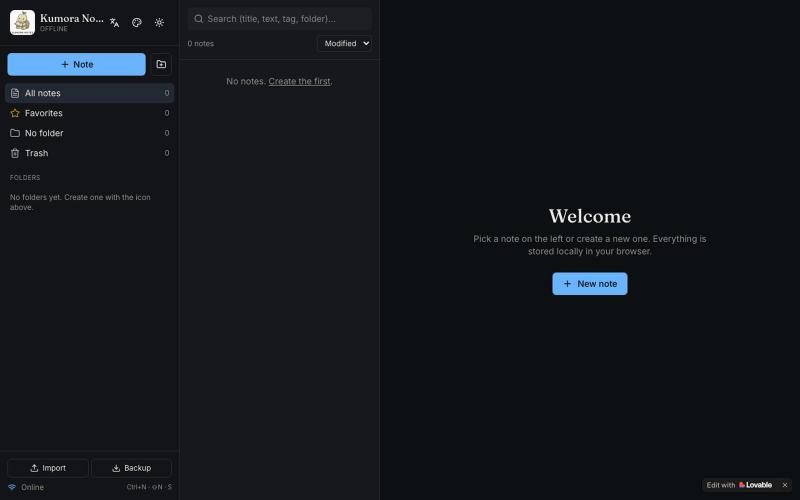
离线笔记本,支持文件夹、标签和 Markdown 格式。

@fuckingologist · X
🚀 Fully offline notes that actually work! 📱 KUMORA NOTES — ideas & tasks, no internet needed. Try now 👉 #OfflineNotes #Productivity #LovableAl #BuiltWithAl #SecondBrain Built with @Lovable @antonosika
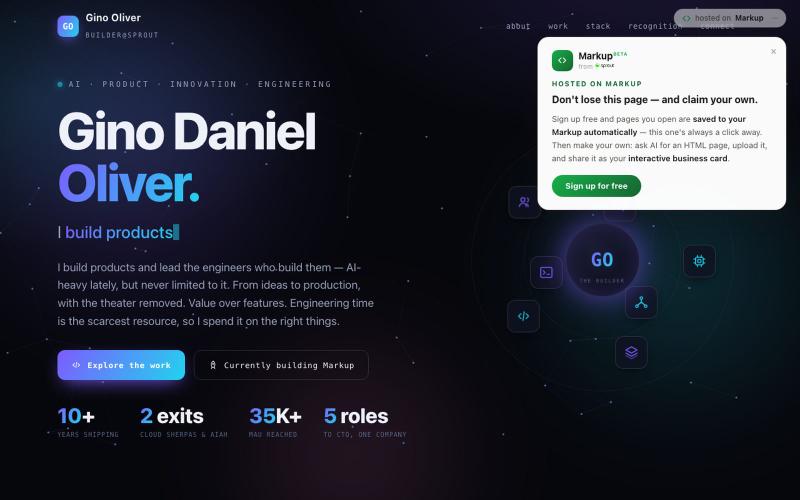
扫描手机由AI生成个人主页,可自定义并获得永久名称。

@ginolvr6 · X
Stopped handing out business cards. Now people just scan my phone into my page. AI (Claude/ChatGPT/Gemini) builds the HTML → claim a permanent name → upload. Free, minutes. Mine: make yours:
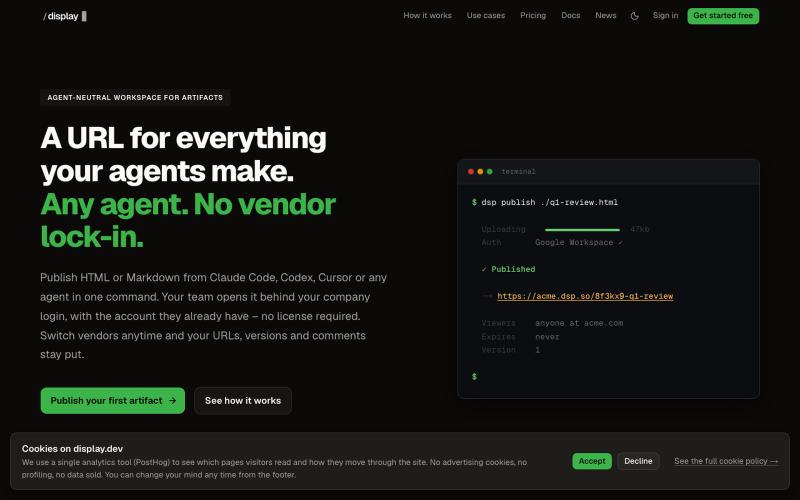
从任何AI代理发布HTML和Markdown工件,具有版本历史和团队访问。

@slashdisplay · X
One feature, two agents, one URL. Carl published v1 from Codex. Claude Code iterated to the version that shipped – every hand-off attributed in the audit log. A 3-minute walkthrough of a real workflow:
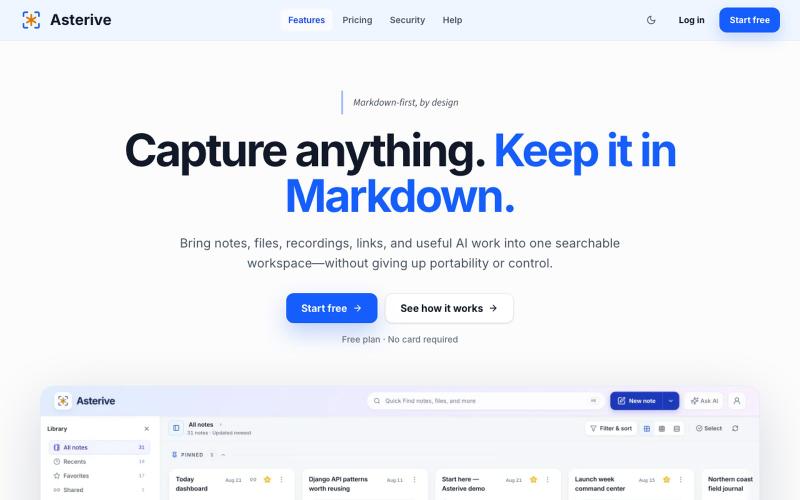
A Markdown-first capture workspace for developers, researchers, and AI-heavy knowledge workers to keep notes, files, recordings, links, and reviewable AI work together.

@mhkarimi12 · X
Something like notion and obsedian but markdown-based and beautiful