
创意工具2 months ago
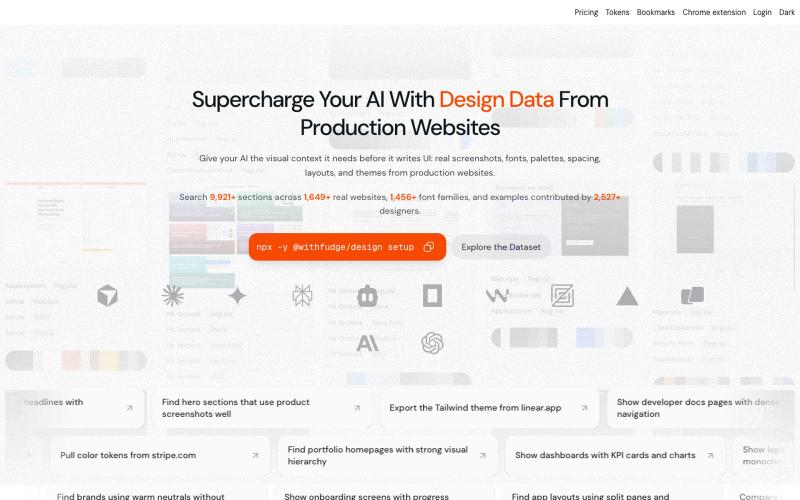
Fudge: AI-Powered Design Inspiration & Font Discovery
Fudge: 浏览来自真实网站的设计灵感、字体和调色板。
sim04ful · HN
Fudge – Web Design References for AI
完整作品展
技术栈
60 projects
Fudge: 浏览来自真实网站的设计灵感、字体和调色板。
sim04ful · HN
Fudge – Web Design References for AI
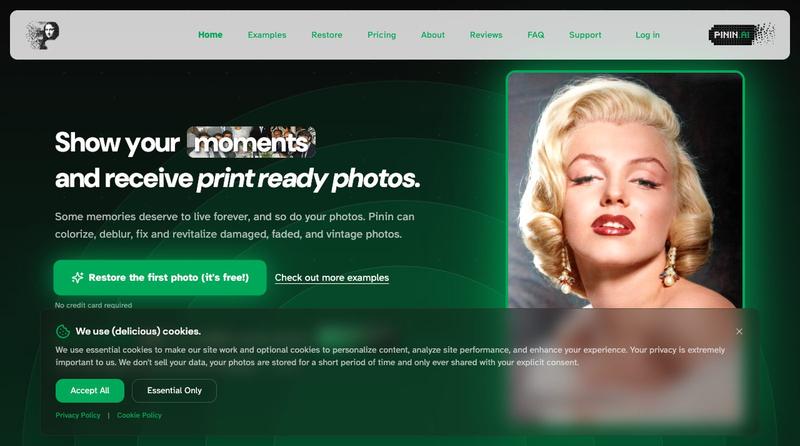
使用AI修复和着色老照片,修复损伤并改善清晰度

@Umitech_AU · X
AI photo restoration without the AI slop.
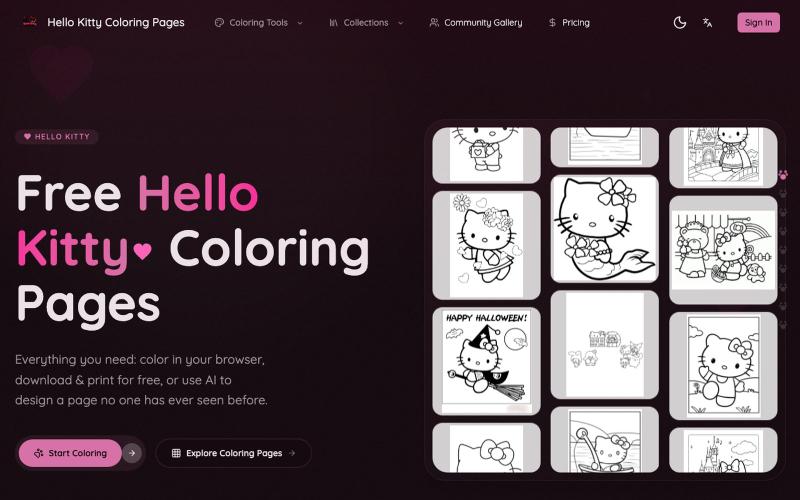
在线为Hello Kitty着色、打印或用AI生成自定义涂色页面。
Hello Kitty Coloring Pages — 支持 Hello Kitty 填色纸下载、打印、在线填色、AI 自动填色、AI 定制填色纸等功能
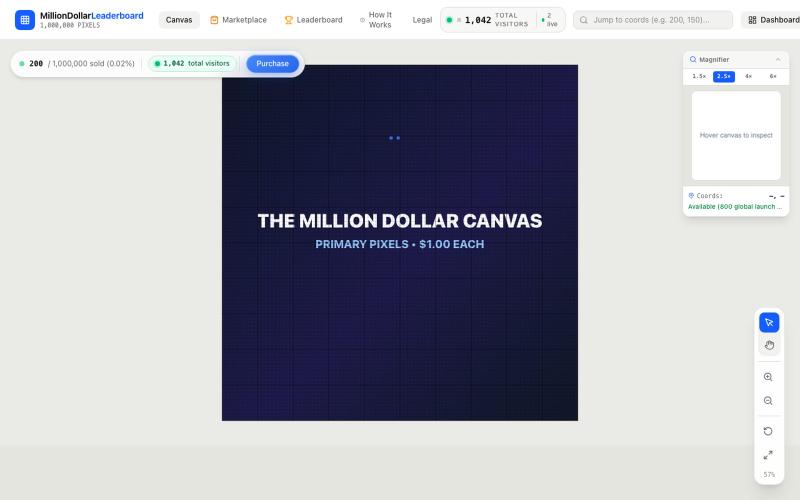
Explore the live 1,000 × 1,000 canvas and inspect available or owned pixel regions.

@aidengrails · X
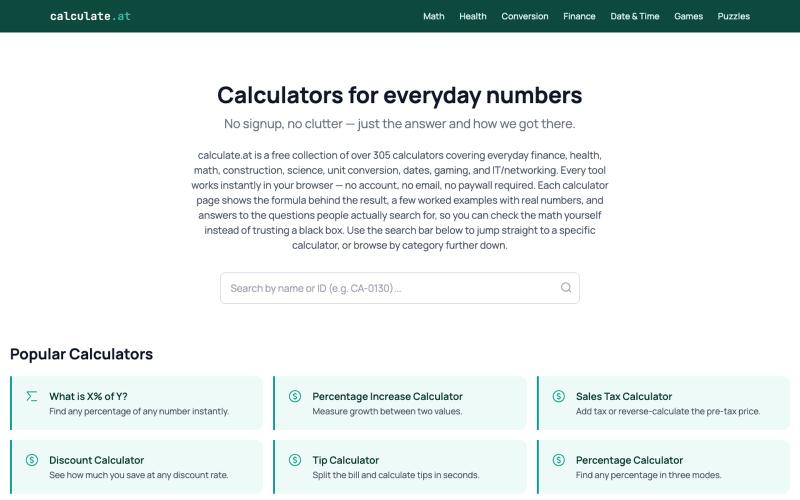
无需注册即可访问305+计算器,涵盖财务、健康、数学和日常转换。

@calculate_at · X
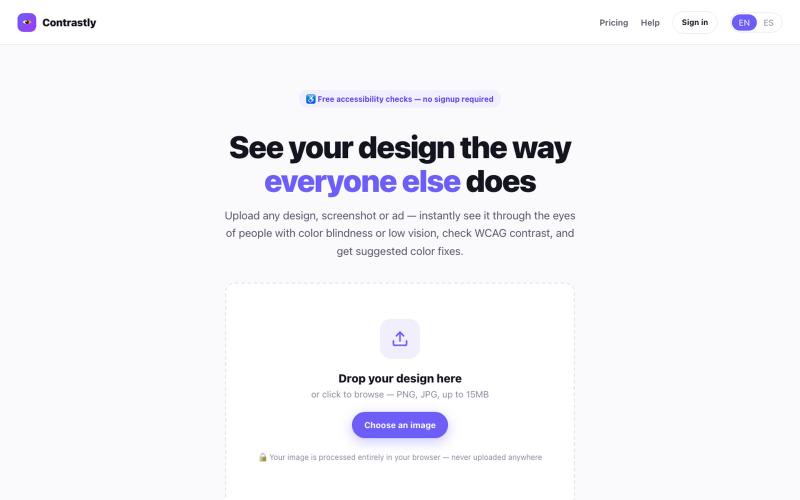
Simulate color blindness and low vision on any design, check WCAG contrast, and get smart palette fixes — instantly, free, no signup.

@contrastlyapp · X
Just launched Contrastly 👁️ See your design through everyone's eyes — instantly simulate color blindness & low vision, check WCAG contrast, get smart palette fixes. Free, no signup needed. 🔗 #accessibility #a11y #buildinpublic #indiehackers

与社区投票改变土耳其城市颜色的地图游戏。

@KeremYedikards · X
yayında! ⚔️ Halkını seç. Her gün ücretsiz oy ver. Klan kur veya bir klana katıl. Şehirler için mücadele et. Sancağını haritaya dik! 🏴 Hemen katıl:
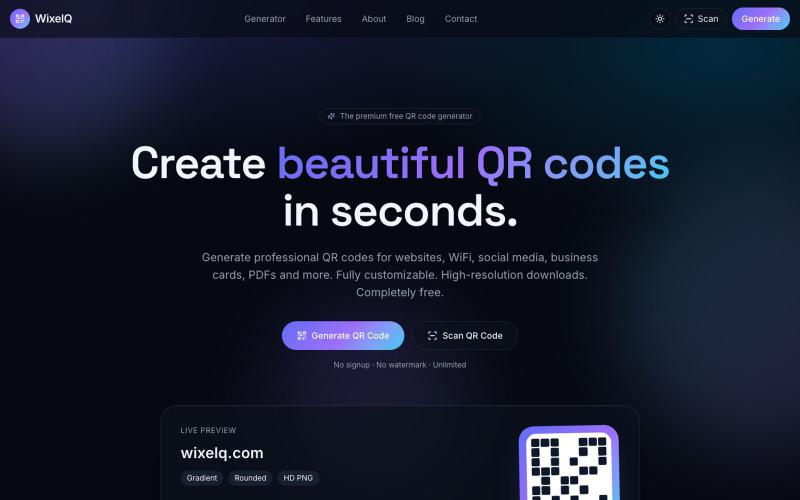
快速生成美观的二维码,支持自定义颜色、渐变和商标。

@TheSarimQureshi · X
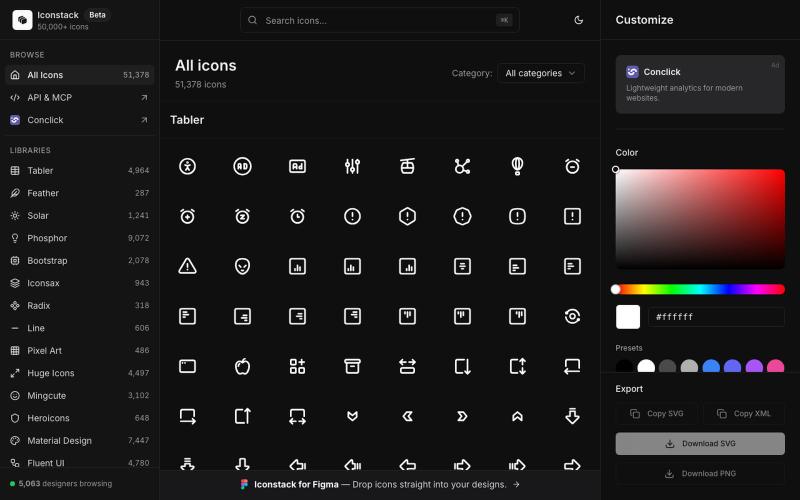
搜索50000+免费SVG图标,自定义颜色和线宽,下载SVG/PNG/XML,无需登录。

@thedeepflux · X
i'm shipping for designers who need a massive library of high-quality icons without the subscription. it solves the 'i need it now' problem. for other builders, how do you handle feature creep vs. sticking to the core problem?
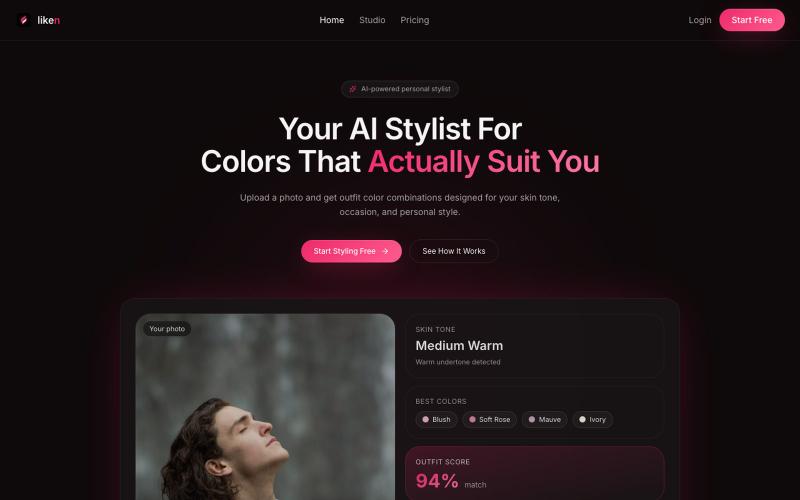
liken AI analyzes your skin tone and suggests outfit color combinations for your occasion and style — with product picks and virtual try-on for Premium.

@rushit9879 · X
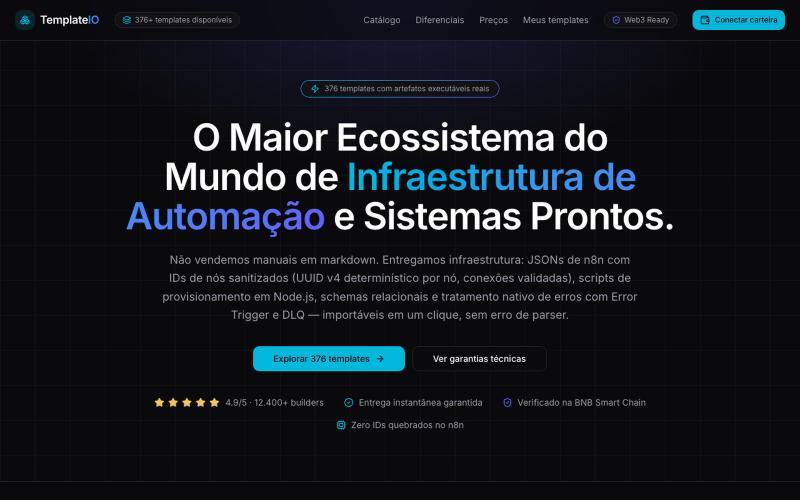
Ecossistema de infraestrutura de automação: 376 templates com JSONs de n8n de IDs sanitizados, scripts de provisionamento e checkout Web3 em BNB Smart Chain.

@fxfire4345 · X

为 Codex Desktop 设计自定义主题,调整背景、颜色、透明度和视觉效果。
plutozc · V2EX
做了个 Codex Desktop 主题预览和切换工具,先调好再安装 最近一直在用 Codex Desktop ,觉得默认界面看久了有点单调,就顺手做了个主题编辑工具,分享一下: [Codex Skin]( https://getcodexskin.com) 可以先在网页里预览主题,调整背景透明度、面板透明度、颜色、模糊和圆角等参数,满意之后再下载并切换到 Codex Desktop 。 目前支持: - 自定义 JPG 、PNG 、WebP 背景 - 在线实时预览主题效果 - 调整透明度、颜色、模糊、圆角 - 预览满意后生成安装命令 - 不喜欢了可以恢复默认外观 目前主要面向 macOS 上的 Codex Desktop ,还是个人项目,功能和兼容性都在继续打磨。 欢迎试试,也想听听大家对主题参数、预览效果和安装流程的反馈。 直接网址: https://getcodexskin.com [轻喷 轻喷,可能还有些 bug