

实用工具1 day ago
Free Online Browser Tools - No Login | Free AI Tools
免费在线工具,可用于调整图像、格式化JSON、处理PDF、分析文本和创建设计资产,无需登录。
musekit · Product Hunt
Free AI Tools Free browser tools for everyday tasks, no login
完整作品展
技术栈
60 projects
免费在线工具,可用于调整图像、格式化JSON、处理PDF、分析文本和创建设计资产,无需登录。
musekit · Product Hunt
Free AI Tools Free browser tools for everyday tasks, no login
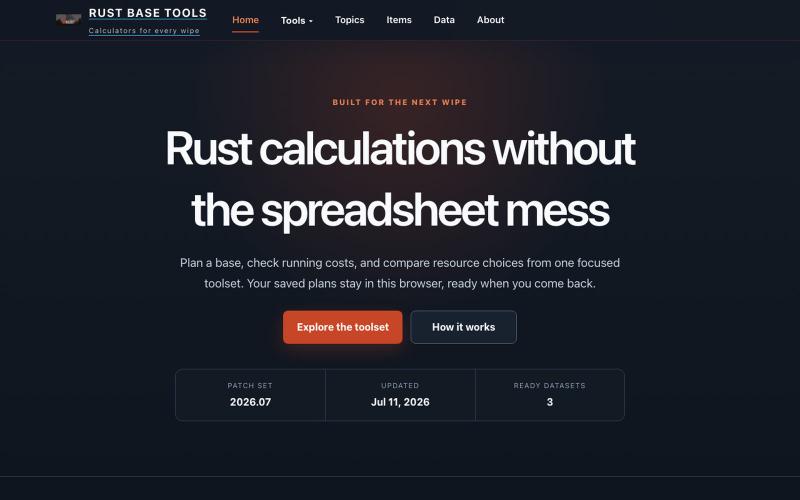
Rust游戏玩家用的计算器和规划工具,适合游戏进程中快速查阅。
Rust Calculator — Stream 游戏 Rust 工具网站
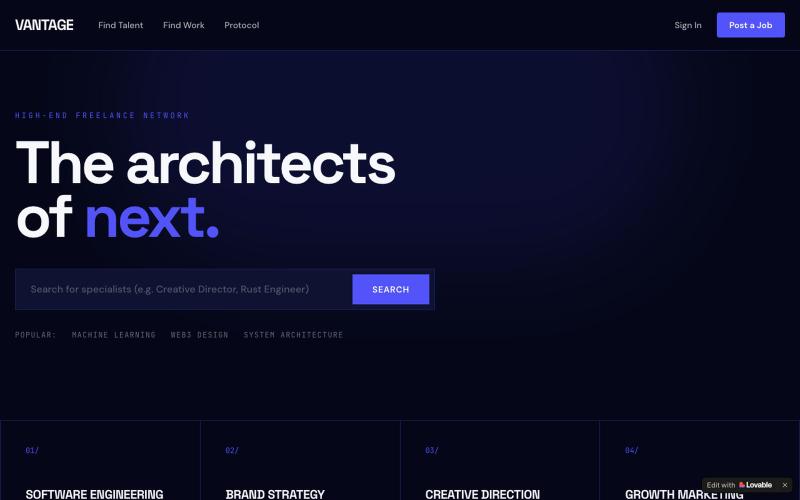
发现并雇用精英设计师、工程师、作家、会计和策略师。

@onlywillparfit · X
Check out what I just built with Lovable!
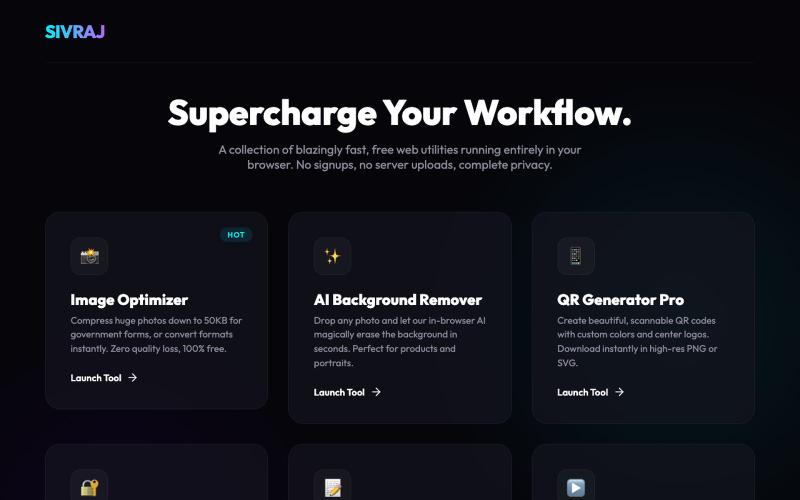
免费在线工具合集,用于图像压缩、PDF合并和文件处理,无需创建账户。
u/Numerous_Western_146 · Reddit
Literally guyss u need to check this 🤯 Hey guys, I was getting really annoyed with all those "free" online tools that compress images or merge PDFs but then force you to create an account or pay a premium fee to download your file. Also, uploading sensitive documents to random servers always felt sketchy to me. So, I built a collection of 9 web tools that process everything 100% locally in your browser. No data is ever uploaded to a server, there are no signups, and it's completely free.
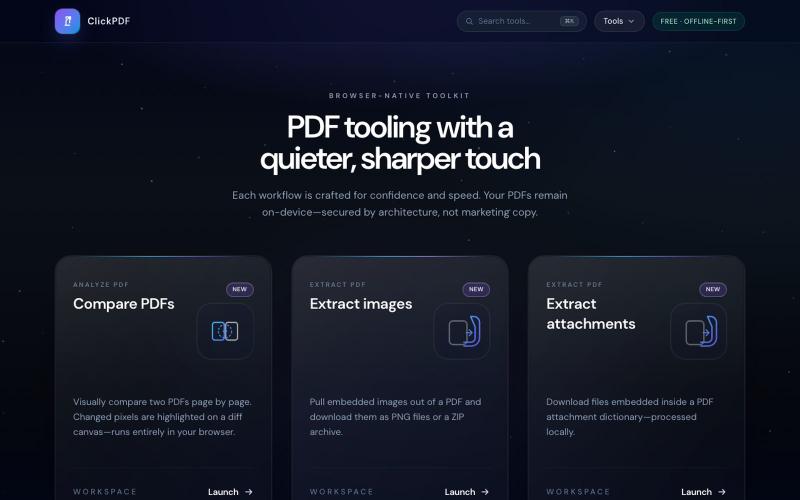
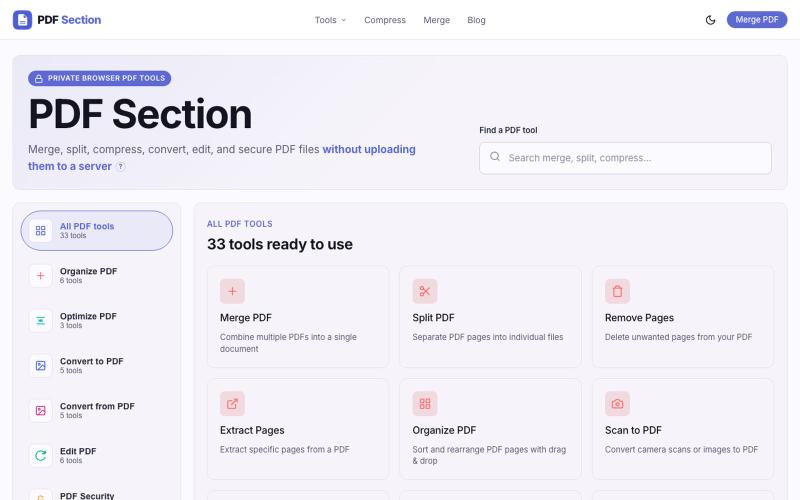
浏览器中的免费 PDF 工具:合并、拆分、压缩、转换、签署和保护。

@buildappfactory · X
Our three products

图片转 ASCII 字符画、复制符号、查看码表、进制转换——全在浏览器。
HeStudy · V2EX
做了个纯前端的 ASCII 工具站:图片转字符画、banner 生成、符号一键复制 平时偶尔需要查 ASCII 码表、复制一些特殊符号(箭头、制表符这类),每次都是搜一个满屏广告的老站凑合用,索性自己做了一个: https://getascii.com 目前有这些工具: 图片转 ASCII 字符画(拖一张图进去就行,支持调宽度/字符集/反色) 文字转 ASCII banner 大字 常用符号一键复制(箭头、制表符、数学符号、颜文字) 完整 ASCII 码表 + 一个交互式键盘映射图(点键盘上的键显示对应的 dec/hex 码) 进制转换器( hex/dec/bin ↔ ASCII ) 几个实现上的点: Astro 构建的纯静态站,所有工具都是纯客户端计算,图片不会上传到任何服务器 没有账号系统,没有付费墙,打开就用 整站是绿色荧光终端风( CRT 扫描线 + JetBrains Mono ),算是给终端审美交个作业 顺手给它做了个 25 秒的宣传片: https://www.youtube.com/watch?v=AjzU5mw1PrI
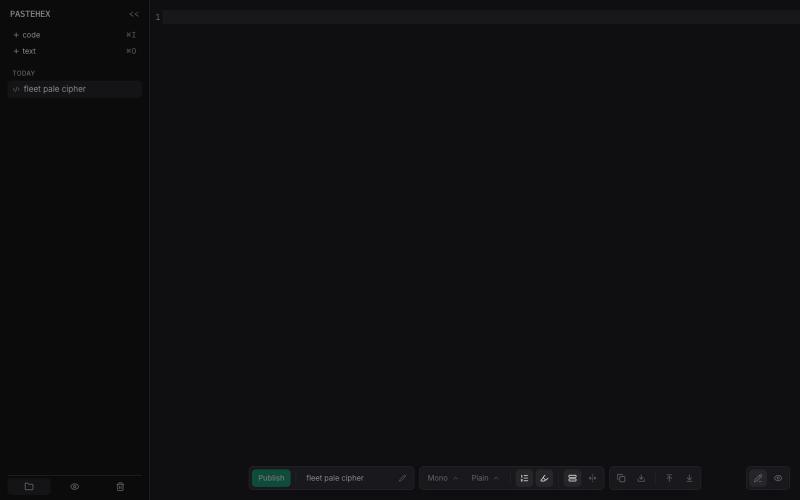
为 HTML 和 Markdown 页面添加加密的绘图和注释。
pandrre · HN
I've built tldraw for HTML and Markdown pages (with encryption)
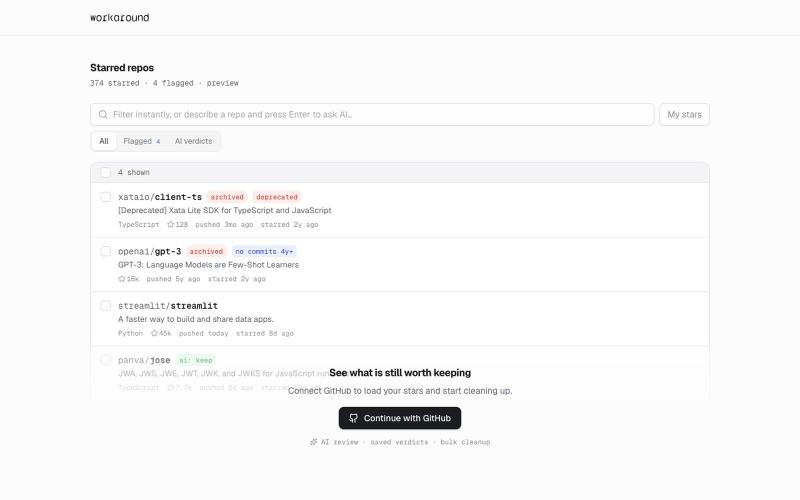
提供日常软件实用修复的浏览器工具,首先支持GitHub。
yusveng · HN
Workaround – Unstar GitHub Repos in Bulk
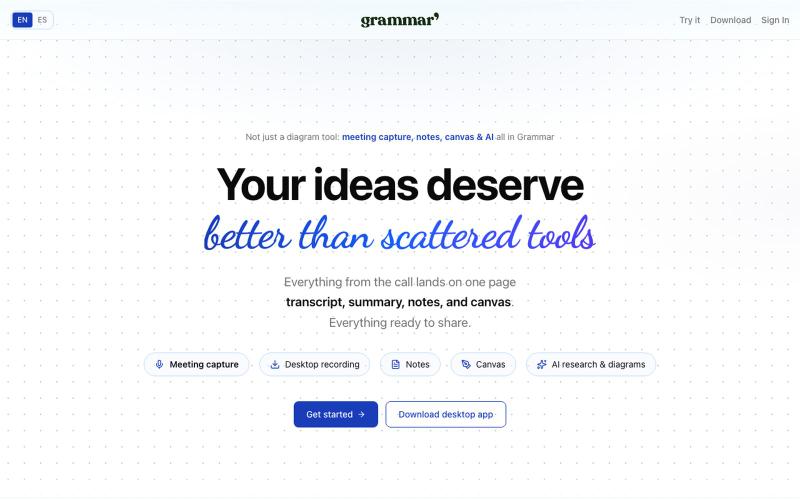
在一个地方捕捉会议、用AI写笔记、在共享画布上创建图表。

@rubs_murga · X
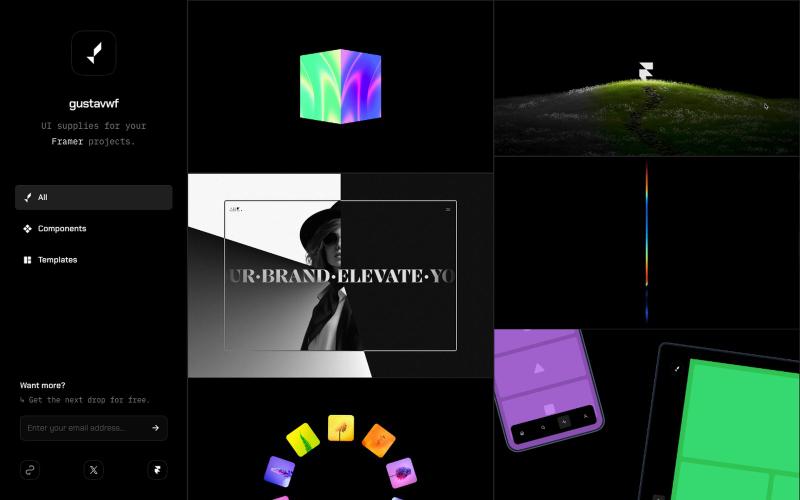
为 Framer 项目提供的可复用 UI 组件和设计资源库。

@gustavwf · X
Working on a new @framer creation for
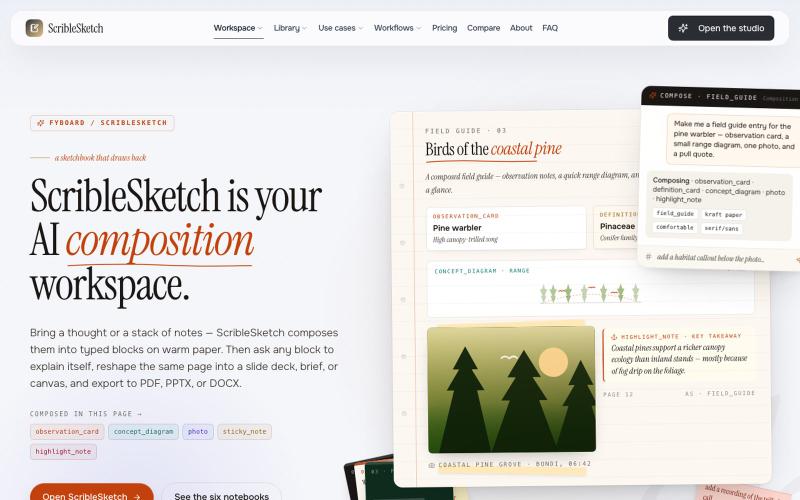
一次编写,多格式导出为笔记、幻灯片、PDF、PPTX、DOCX 或画布。

@mr_wickedhacks · X
Write the doc once → get a notebook, slide deck, canvas, or resume from the same source. No rewriting for every format.
