
实用工具2 days ago
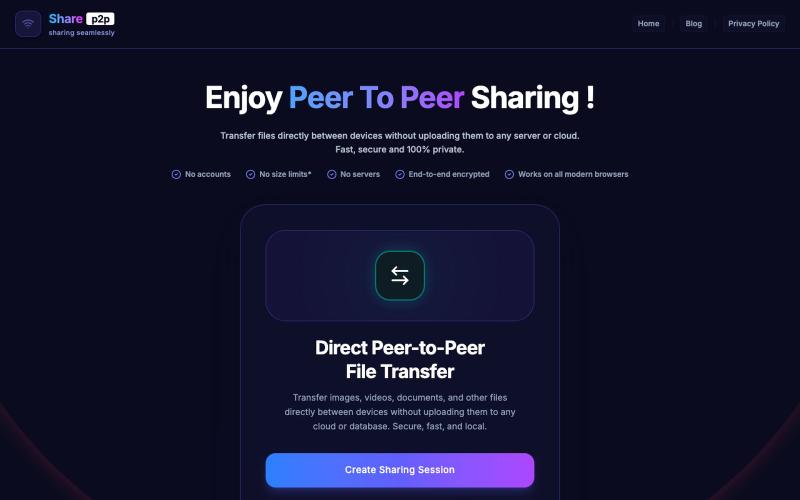
ShareP2P - Secure, Fast, End-to-End P2P File Sharing
使用端对端加密安全地进行点对点文件共享。

@GanvirSaga97246 · X
Pls check here:
完整作品展
技术栈
60 projects
使用端对端加密安全地进行点对点文件共享。
@GanvirSaga97246 · X
Pls check here:
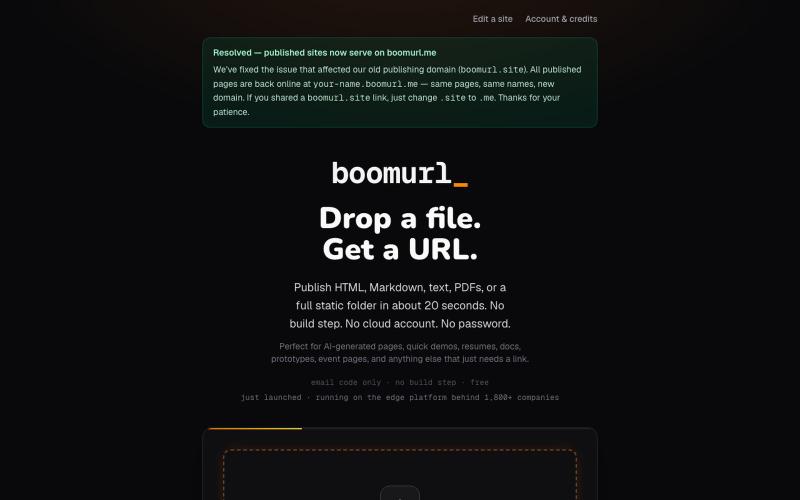
拖拽 HTML 文件或项目即可快速发布到自定义域名。

@dorongrinstein · X
drag and drop any .html and go live with a custom domain in 20 seconds
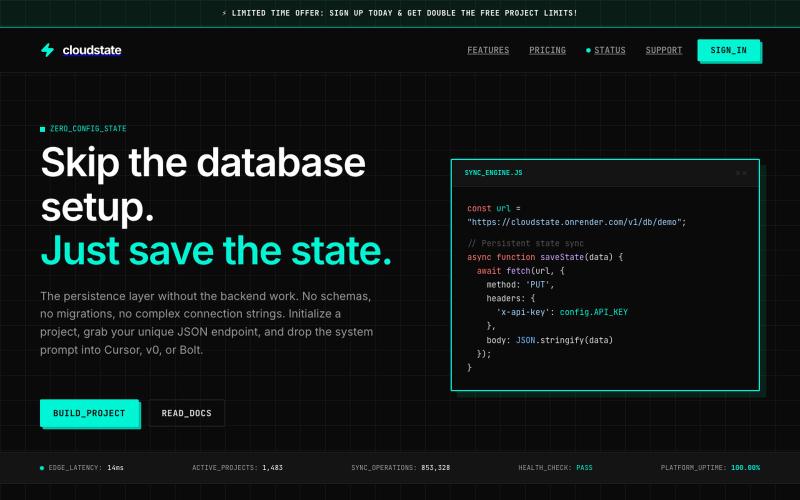
Zero-setup JSON database for AI-generated app frontends with encrypted persistence.

@dhairyadarji786 · X
Tired of database setup for simple AI/Cursor prototypes?I built CloudState: a zero-config cloud database for vibe-coding. ⚡Get a secure JSON endpoint in 10s 🤖 Custom prompts for Cursor/Bolt/v0 to sync state via fetch Check it out:

在浏览器中免费转换、压缩和编辑文件,文件不上传服务器。

@faisalhaleem · X
Just launched — free browser-based file tools runs entirely in your browser. Video to GIF (with trim slider) Merge / Split / Shrink PDF Your files NEVER leave your device. No sign-up needed. Free forever. #buildinpublic #webdev #indiedev #tools #privacy
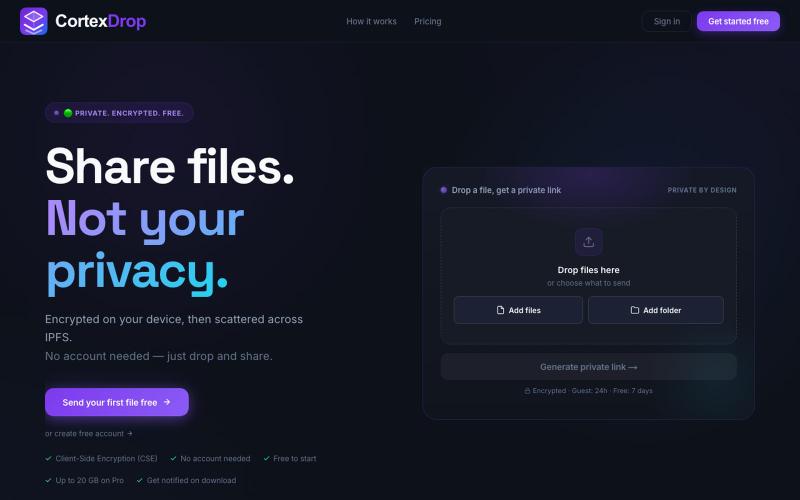
分享加密文件,带自销毁链接,无需注册。

@cortexdrop · X
CortexDrop- first consumer file sharing built on IPFS. Drop a file, get a private link.
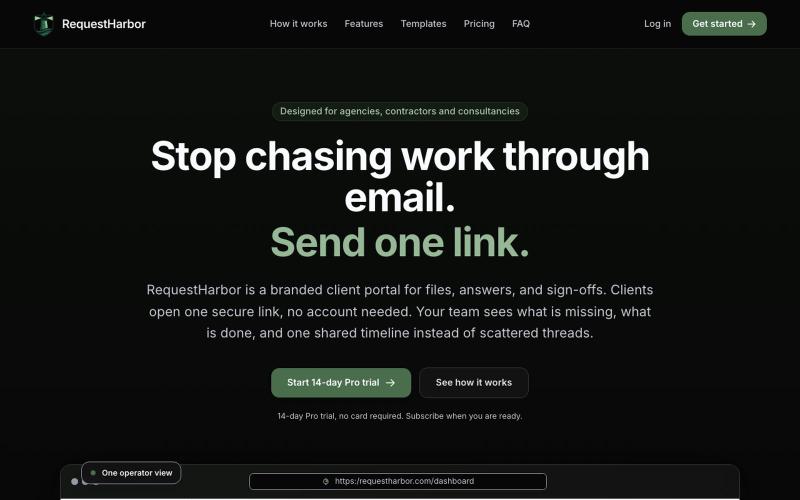
RequestHarbor 安全客户门户,用于共享文件、答案和批准,实时可见状态。

@danielkleach · X
is a branded client portal for files, answers, sign-offs, and signatures. No more scattered email threads, docs in Google Drive, or confusion about who is waiting for whom. Business and client both see what is done and what is in progress on both sides, in
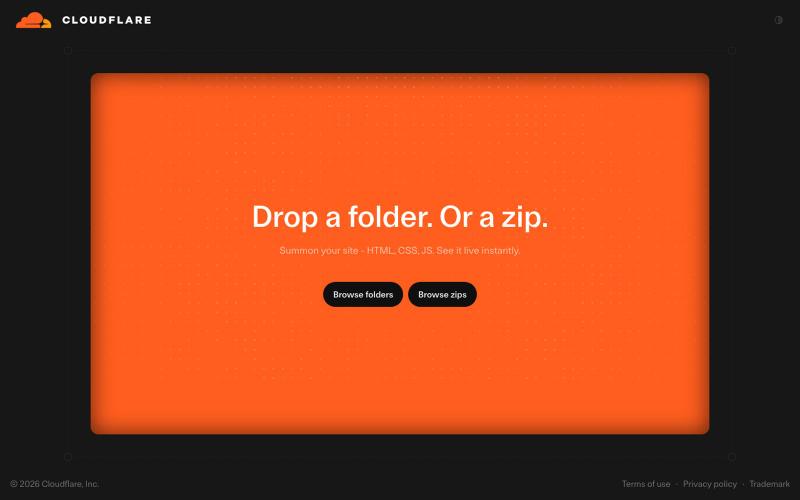
上传文件夹或 ZIP 到 Cloudflare Drop,即时发布网站。

@vikingmute · X
Cloudflare 也推出了 drop 服务, 上传一个文件夹或者 zip,网站直接上线,不需要登陆。我记得前几天 vercel 刚上线了同样的功能,Vercel Drop 这两老哥天天打嘴炮,功能也都前后脚。 这服务其实要手动操作,没有 CLI 好用,不过不需要登陆是一大优势,而且drop 无脑操作,更适合小白要上线网站。
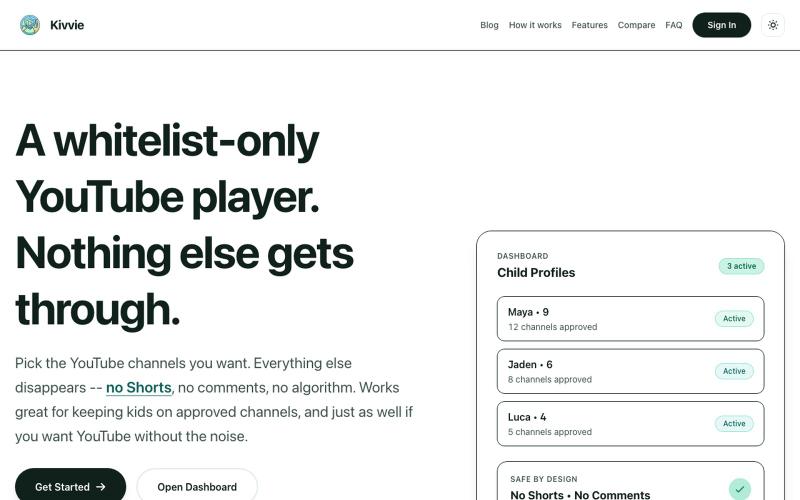
具有家长控制功能的YouTube播放器,支持安全频道白名单,移除Shorts和推荐视频。

@AmblingLife · X

在浏览器中编辑、压缩、转换和合并视频及音频文件。
zhw2590582 · V2EX
最近对网站进行了重构,做成了免费的视频工具站:[ArtPlayer Tools]( https://artplayer.org/tools/) 主要是围绕着 ffmpeg.wasm 和 mediabunny 实现的一些可以直接在浏览器里用的视频/音频工具,常用的有: - 视频压缩:[Compress Video]( https://artplayer.org/compress-video/) - 视频裁剪:[Crop Video]( https://artplayer.org/crop-video/) - 视频合并:[Merge Video]( https://artplayer.org/merge-video/) - 视频尺寸调整:[Resize Video]( https://artplayer.org/resize-video/) - 视频旋转:[Rotate Video]( https://artplayer.org/rotate-video/) - 视频调速:[Change Video Speed]( https://artplayer.org/change-video-speed/) - 添加文字到视频:[Add Text to Video]( https://artplayer.org/add-text-to-video/) - 添加水印:[Watermark Video]( https://artplayer.org/watermark-video/) - 提取字幕:[Subtitle Editor]( https://artplayer.org/subtitle-editor/) - HLS 转 MP4:[HLS to MP4]( https://artplayer.org/hls-to-mp4/) - 音频可视化:[Audio Visualizer]( https://artplayer.org/audio-visualizer/) 大部分工具都是本地处理,文件不会上传到服务器。最开始是因为自己偶尔要处理一些视频,开剪辑软件又有点重,在线工具又担心隐私,所以就慢慢做成了一个站。 目前还在持续完善,体验肯定还有不少粗糙的地方,比如不同浏览器的兼容、移动端操作、长视频性能之类的。 网站: [ArtPlayer Tools]( https:
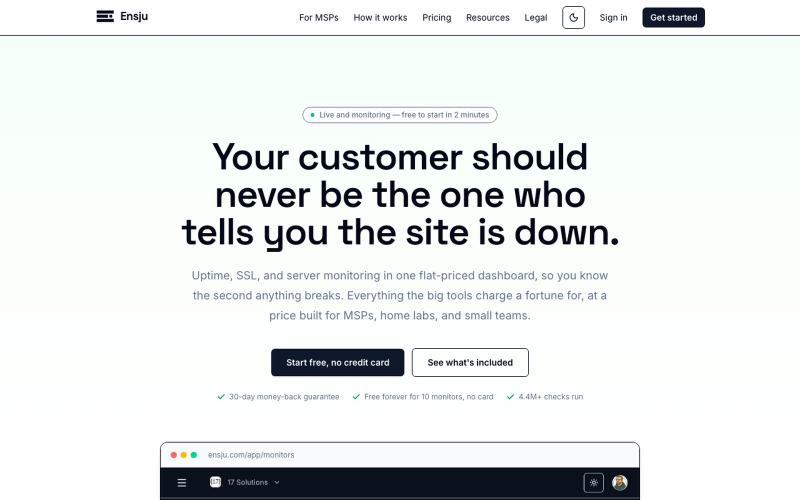
实时监控服务器运行时间、SSL证书和服务可用性。

@Robby_Seventeen · X
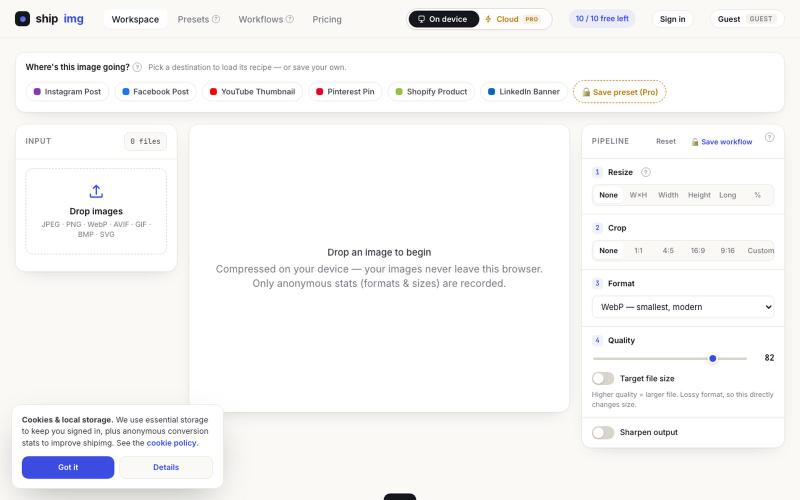
在浏览器中直接转换和压缩图像为多种格式,无需上传。

@SamoreVaibhav · X
The online image converter experience: → upload → wait → download → "free limit reached, upgrade now" → open competitor site → upload the same files AGAIN → next week: which site was it? what size did I use?? I got tired of this loop. So I built Runs 100% in your browser — files never upload, so there's no limit to hit. Save your presets once, they're there forever. My first SaaS. Launching in public 😁
