
生产力1 month ago · 1 次试用
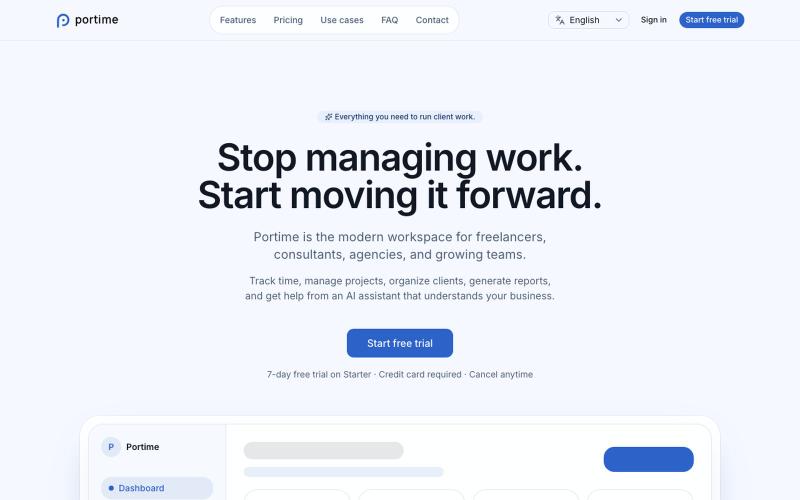
Portime
用于跟踪时间、管理项目和组织客户的AI驱动工作区。

@baptistedulac · X
time tracking for freelancers and agencies
完整作品展
技术栈
60 projects
用于跟踪时间、管理项目和组织客户的AI驱动工作区。
@baptistedulac · X
time tracking for freelancers and agencies
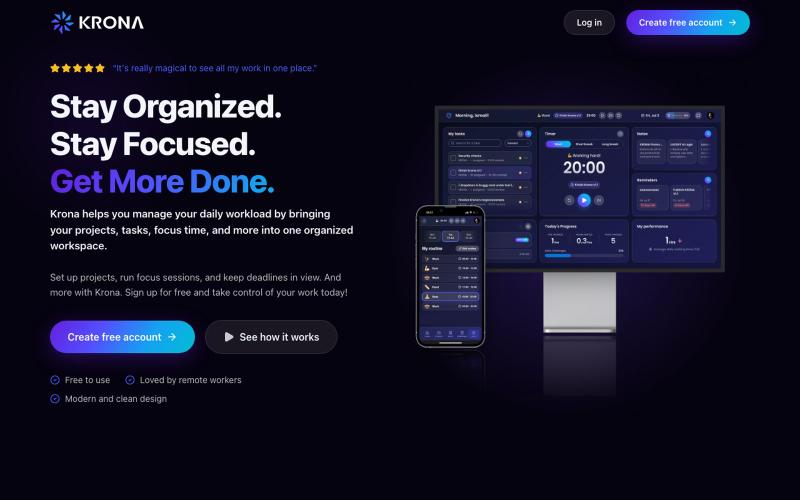
Krona 是集焦点计时器、任务、项目、笔记和日程于一体的自由职业者工作空间。

@mesbahlab · X
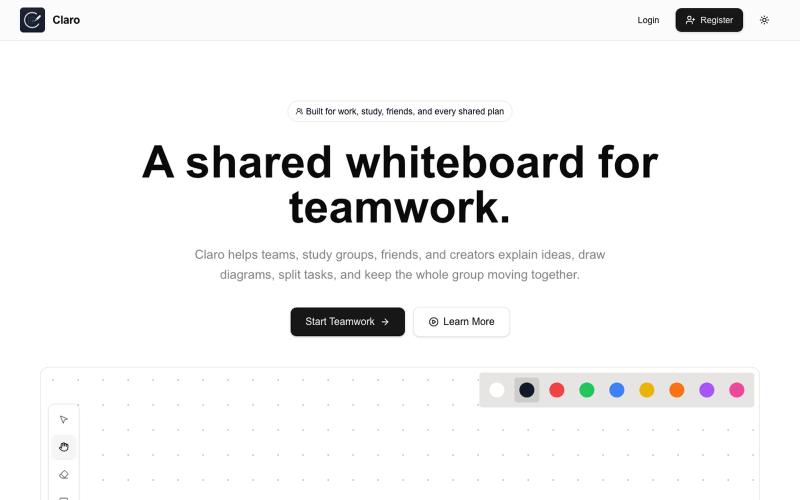
创建共享白板,进行素描、头脑风暴、分配任务和协作。

@claroboard · X
I built a whiteboard. The hardest part wasn't the coding. The hardest part was getting the first users. Want to give it a try?
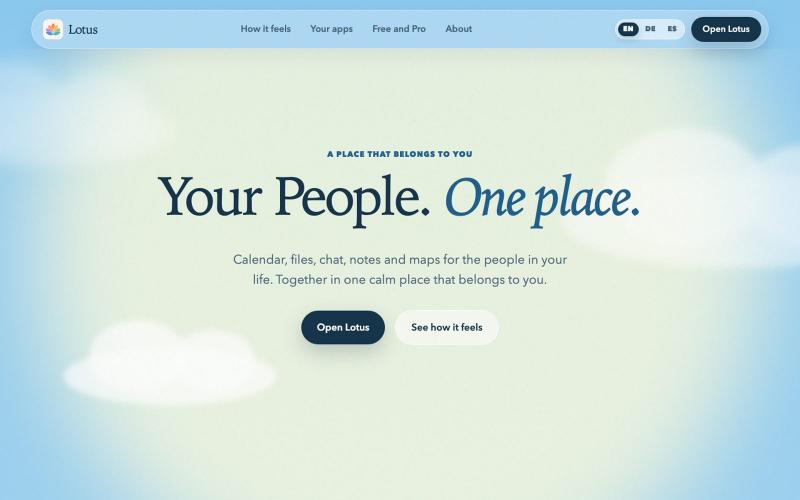
One peaceful place for your day, your people and your ideas. The workspace that belongs to you.

@DrShift3 · X

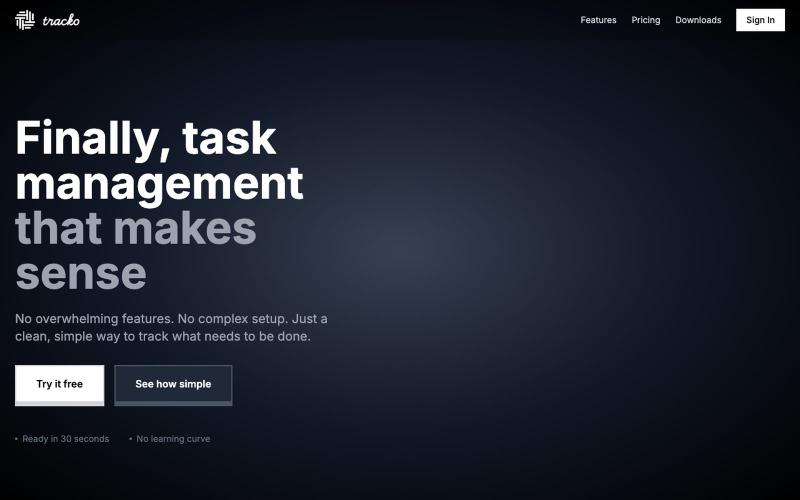
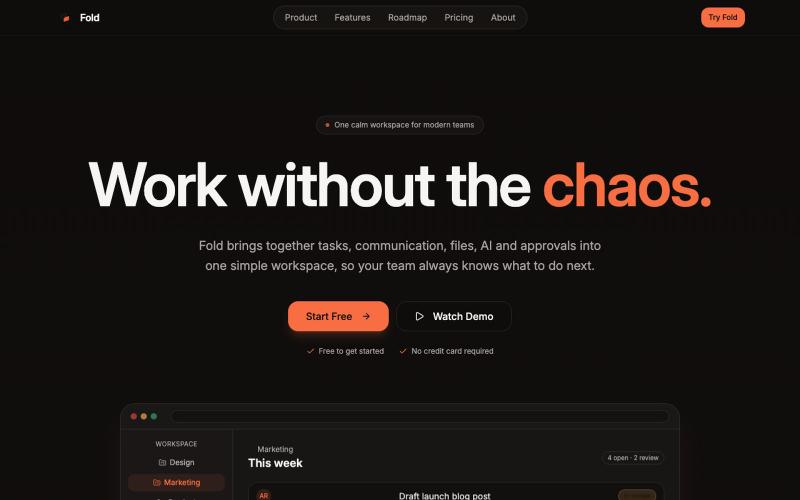
Fold 在一个工作空间中管理团队的任务、文件和聊天。

@foldtaskapp · X
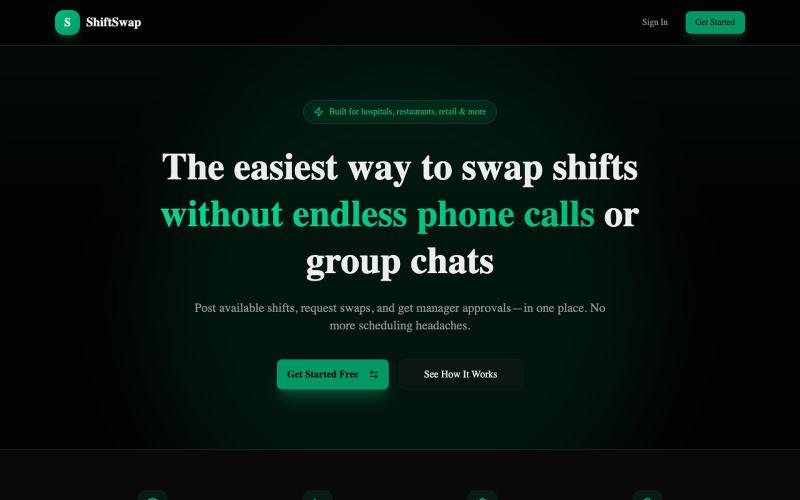
ShiftSwap:与同事在线交换班次,免除群聊。

@akuruloagoziem · X
Just launched ShiftSwap 🚀 Swap shifts easily — no more group chat chaos. Free demo (no signup): Would love your feedback 🙏 #ShiftSwap #ProductHunt #BuildInPublic
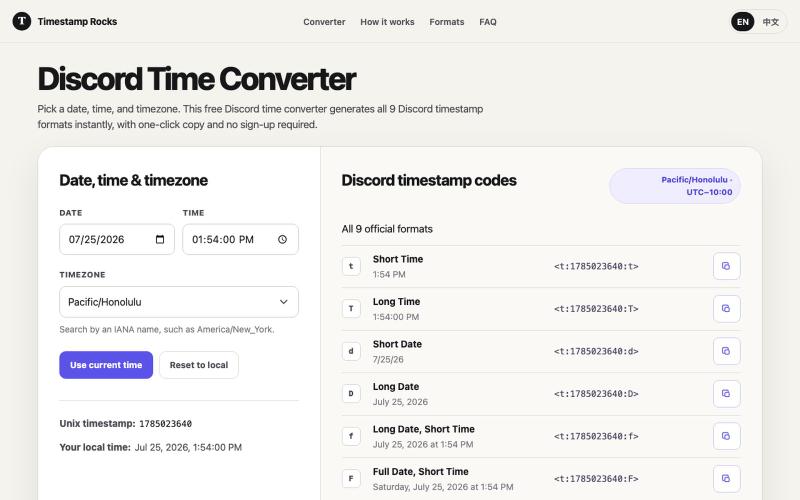
将日期转换为 Discord 时间戳格式,支持 9 种格式,一键复制。
zhengguge06 · V2EX
做了一个 Discord 时间戳转换器,再也不用算 Unix 了 # 经常在 Discord 里组织活动的人都知道,定好活动时间还不算完 怎么让不同时区的人都能看懂才是问题。直接写“晚上 8 点”,总有人按自己的时区理解;让大家手动换算时区又很麻烦。 我试用了不少市面上的同类工具后,根据自己的实际需求做了一个小工具:[Timestamp Rocks]( https://timestamp.rocks/) 选择日期、时间和 IANA 时区,工具就会自动生成 Discord 支持的 9 种时间戳格式。你只需一键复制并粘贴到频道里,Discord 就会按照每个人的本地时区和语言显示同一个时间。 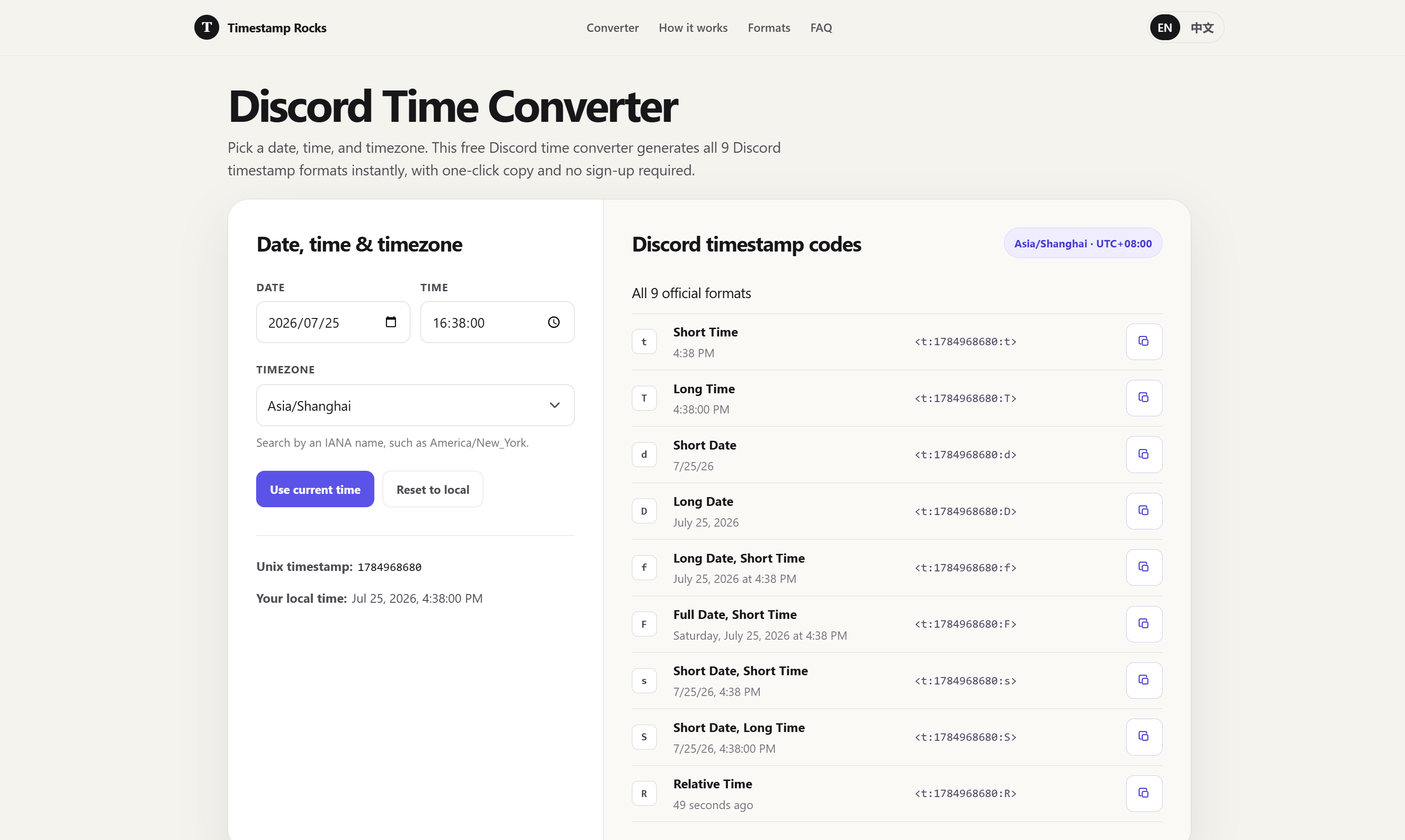 ## 为什么还要造这个轮子? 我试过的同类工具里,主要遇到了两个问题: 1. 有些工具只展示几种常用格式。我经常使用“相对时间”格式,例如显示“3 小时后”,但并不是每个工具都能方便地生成。 2. 夏令时处理几乎都翻车。大部分工具拿"今天的 UTC 偏移"去算未来的日期——3
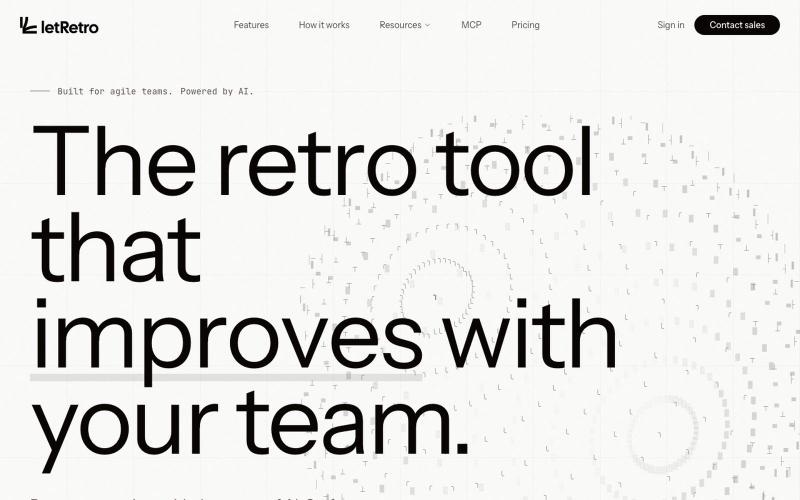
AI驱动的IT团队回顾工具,连接各类工具并识别改进模式。

@akadhanu · X
an ai sprint retrospectives for it teams (
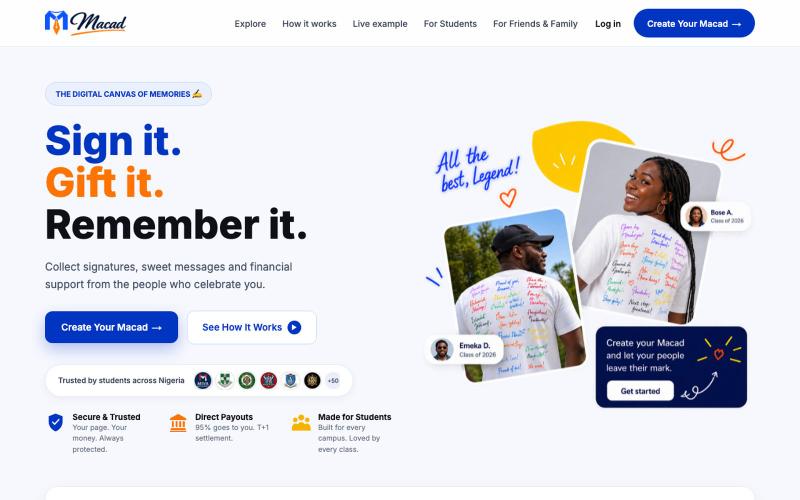
Collect signatures, sweet messages, and financial support from the people who celebrate you.

@emmanuelonyo · X
Not everyone you love will make it to your sign-out day. So I built Macad, a way for your friends to still leave their mark, even from miles away.
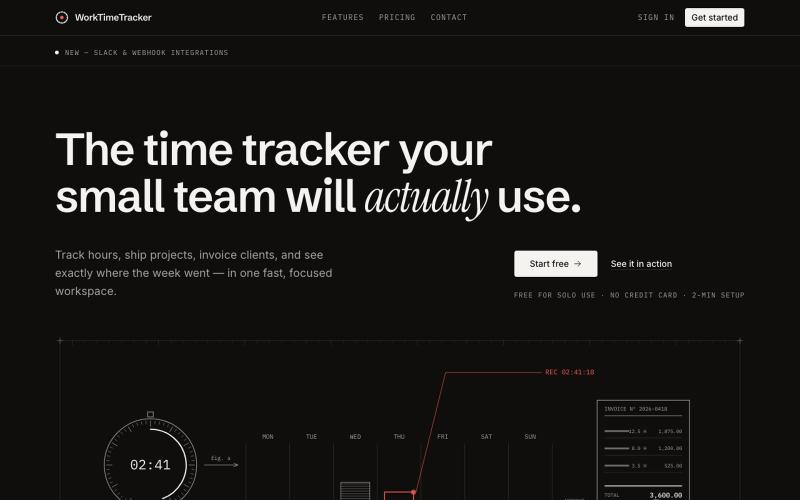
为小团队追踪工时、管理工作和创建发票。

@sakibhasandev · X
Here's mine :)

