
生产力2 weeks ago
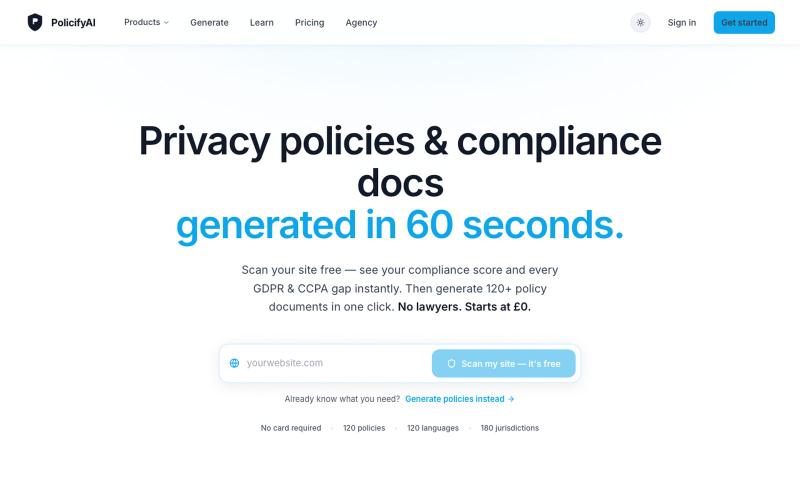
Free Privacy Policy Generator — GDPR, CCPA & 120 More
无需注册,快速生成隐私政策和合规文件。

@Policifyai · X
🚀 Get FREE AI compliance policies tailored to your business in under 60 seconds → No card needed.
完整作品展
技术栈
28 projects
无需注册,快速生成隐私政策和合规文件。
@Policifyai · X
🚀 Get FREE AI compliance policies tailored to your business in under 60 seconds → No card needed.
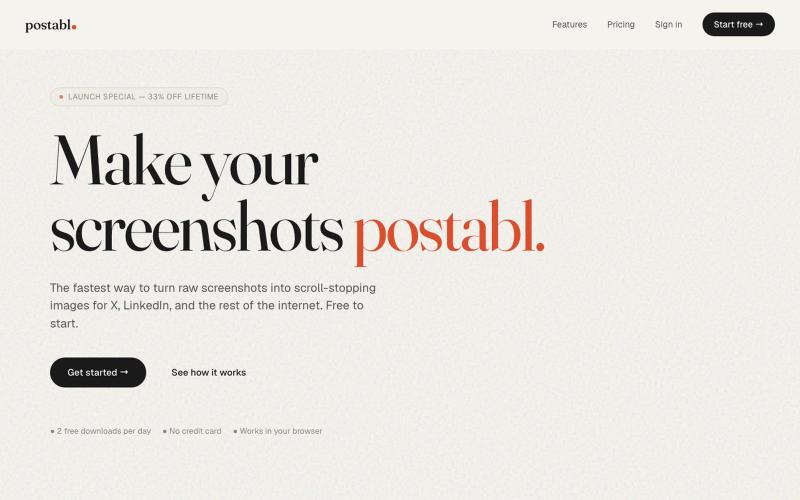
The fastest way to turn raw screenshots into scroll-stopping images for X, LinkedIn, and the rest of the internet.

@soham_nayak04 · X

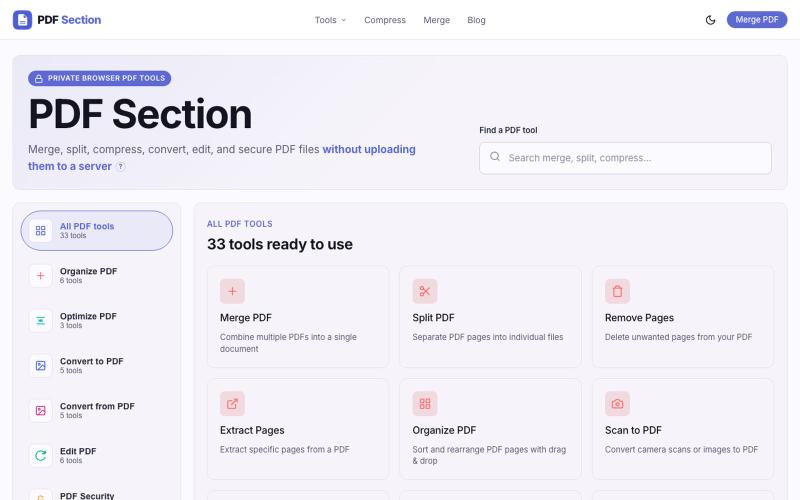
免费在线PDF工具,支持合并、拆分、转换和编辑,文件不离开您的设备。
u/Key_Caramel_5578 · Reddit
Built a free PDF toolkit solo (with AI help) — need feedback on the in-browser text editor before I keep pushing on it Been heads-down on this for a while: thepdftool.in Standard PDF stuff : merge, split, compress, convert, OCR — but most of the conversion tools run entirely client-side (WASM), so files never leave your browser for those. Built solo, leaned on AI tools for a good chunk of the code and debugging. The feature I care most about right now is an inline text editor :— click i
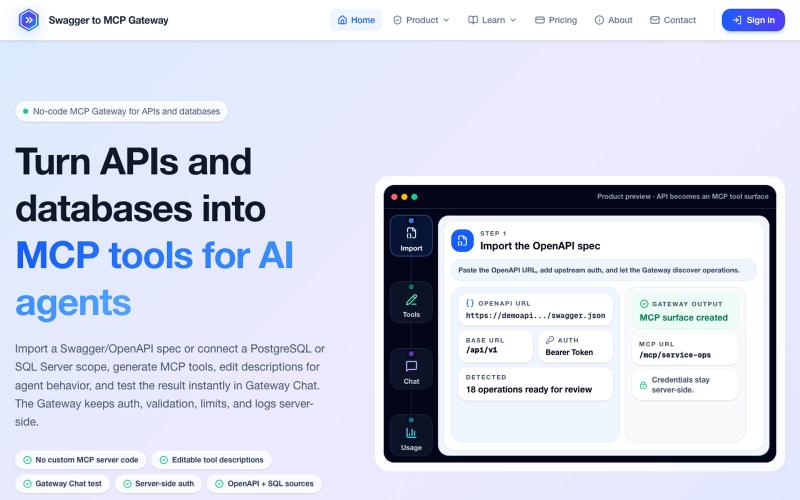
将 OpenAPI 规范和数据库转换为 MCP 工具,无需编码。
mhmt_dmr · HN
MCP Gateway – Turn existing APIs and databases into MCP servers
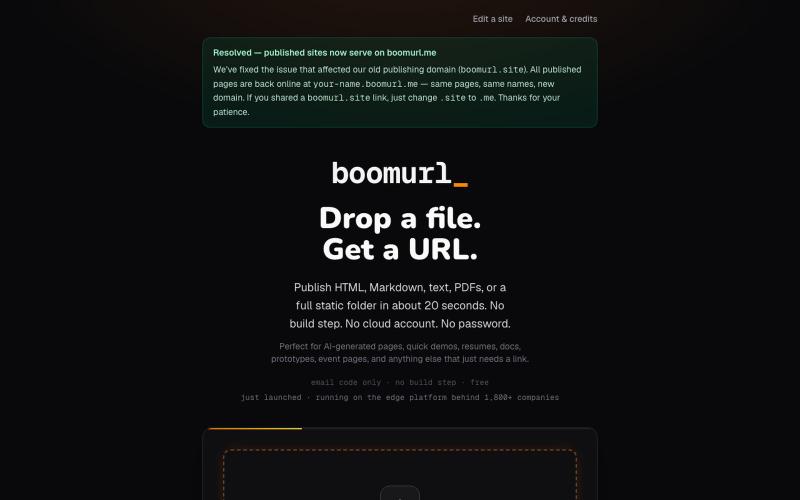
拖拽 HTML 文件或项目即可快速发布到自定义域名。

@dorongrinstein · X
drag and drop any .html and go live with a custom domain in 20 seconds

浏览器中免费合并PDF、压缩图片、去除背景和其他实用工具。

@damiadeh · X
Your files utility tools stacks in your browser. No uploads, files stays on your pc.
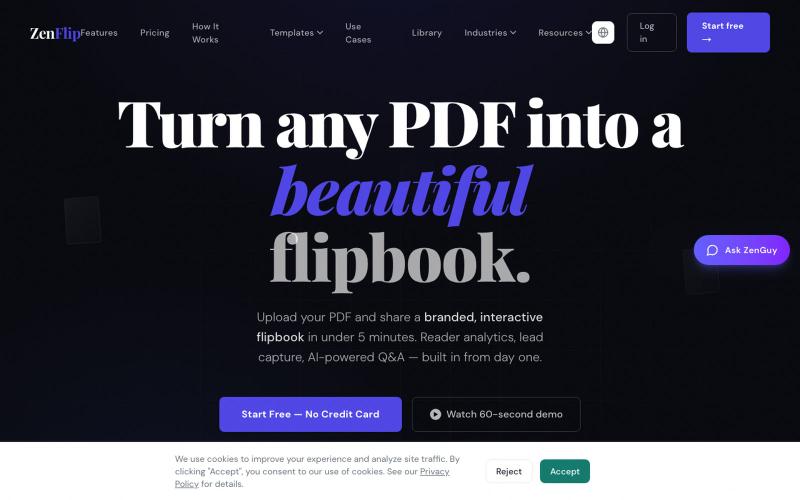
在数秒内将PDF转为交互式翻页书,无水印,可嵌入网站或分享。

@ZenFlipbook · X
Hey! Really excited to share ZenFlip - it turns any PDF, Word, or PowerPoint file into an interactive flipbook you can embed on any website or share via link. Feature-packed and free to get started. Would love to hear your feedback
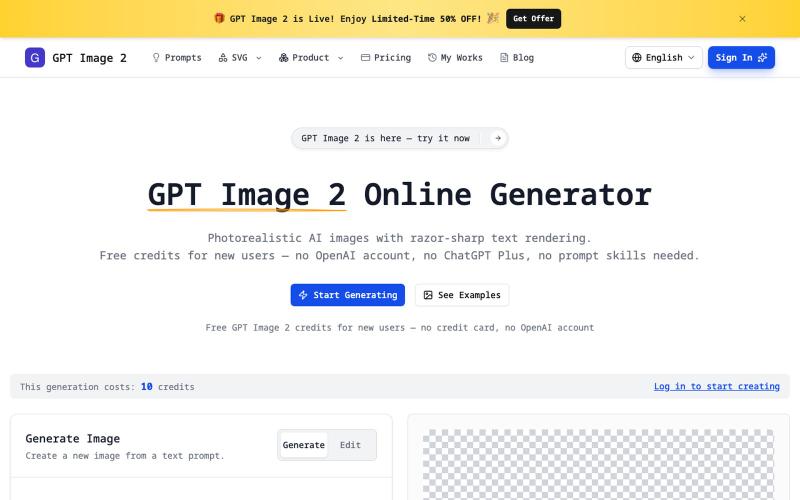
无需注册即可生成清晰文字的真实感AI图像,支持透明PNG和SVG导出。
imagesv2.ai — AI 视觉工具箱,提供透明 PNG 生成、SVG 图标制作、海报转 PSD、文章配图、微信聊天截图、推文截图、抖音/TikTok 直播间模拟、LinkedIn 商务头像、个人风格卡、360° 全景图等任务型工具。
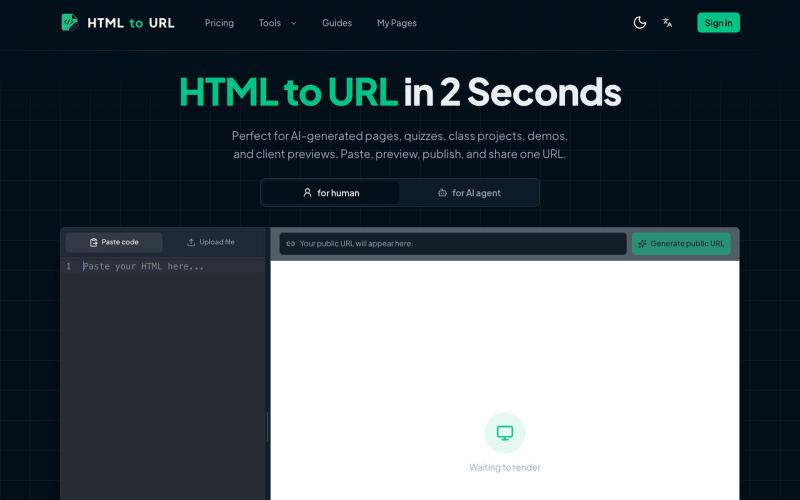
粘贴 HTML 代码一键生成可分享的在线链接。
htmltourl — 专为 AI 编程设计的快速上线工具,粘贴 HTML 代码即可一键生成在线访问链接
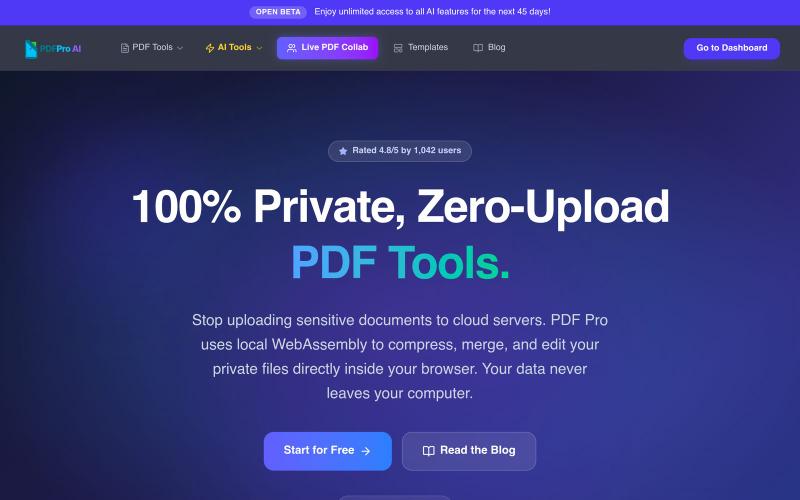
免费浏览器PDF工具:压缩、合并、编辑、AI分析,无云上传。

@pdfproindia · X
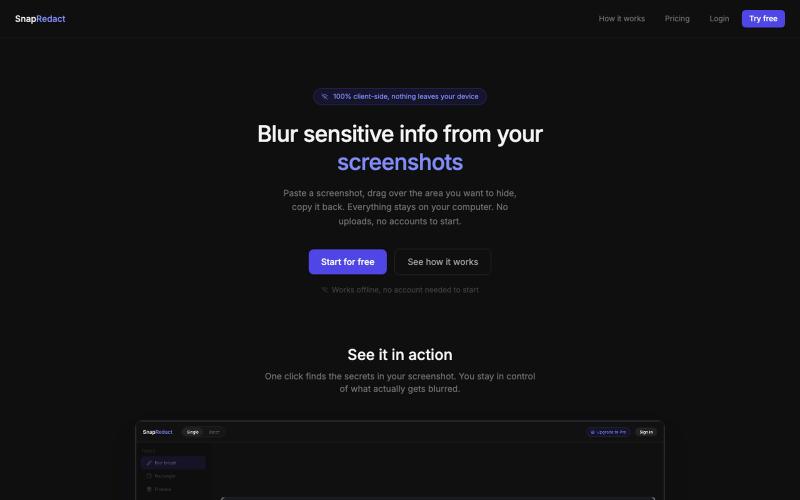
粘贴截图来模糊敏感信息,所有处理均在浏览器本地完成。

@fmonteirox · X
Simple client-side tool that lets you paste a screenshot, blur or redact the sensitive parts (manually or via built-in AI/OCR detection), all without anything ever leaving your browser. (
