
创意工具1 month ago
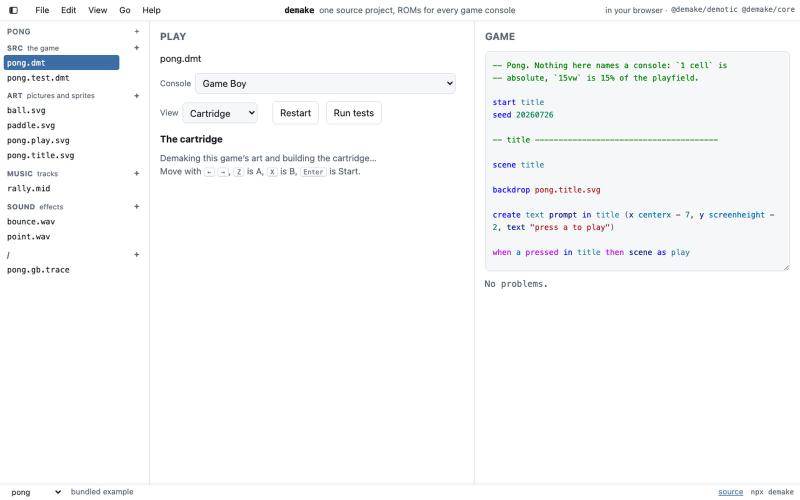
demake — retro console art from any image
在浏览器中把图像转换成复古游戏机艺术和代码。
gste · HN
demake – one source project compiles to any retro game console ROM
完整作品展
技术栈
60 projects
在浏览器中把图像转换成复古游戏机艺术和代码。
gste · HN
demake – one source project compiles to any retro game console ROM
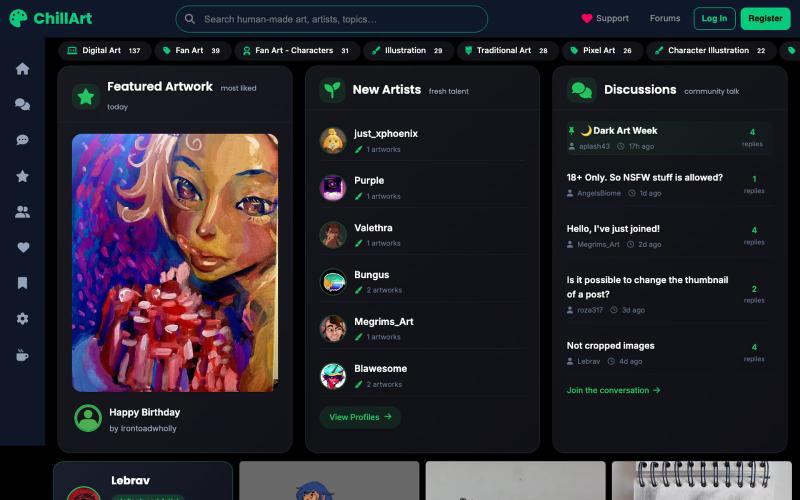
手工艺术品和摄影分享发现社区
u/Stock_Giraffe_748 · Reddit
I built ChillArt, a community focused on human-made art, looking for feedback I've been working on a side project called ChillArt: a community for artists to share human-made artwork, discover other creators, participate in discussions, and build personal galleries.I started it because I wanted a place that focused on artwork created by people rather than AI-generated content. The platform is still small, but artists have already started sharing their work and connecting with each other. So
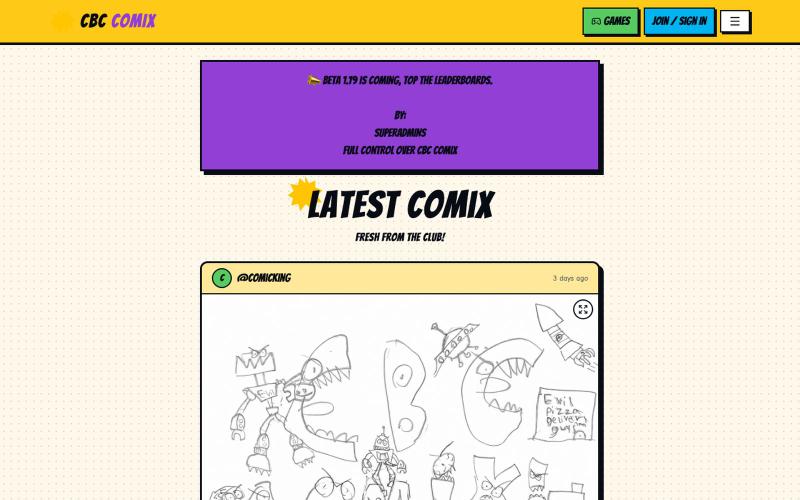
CBC COMIX 是儿童漫画俱乐部,分享艺术、视频和玩游戏。

@larrykim · X
My 8 year old vibe coded the 2026 version of an ultimate treehouse/clubhouse for his grade 2 buddies. - none of his buddies do vibe coding
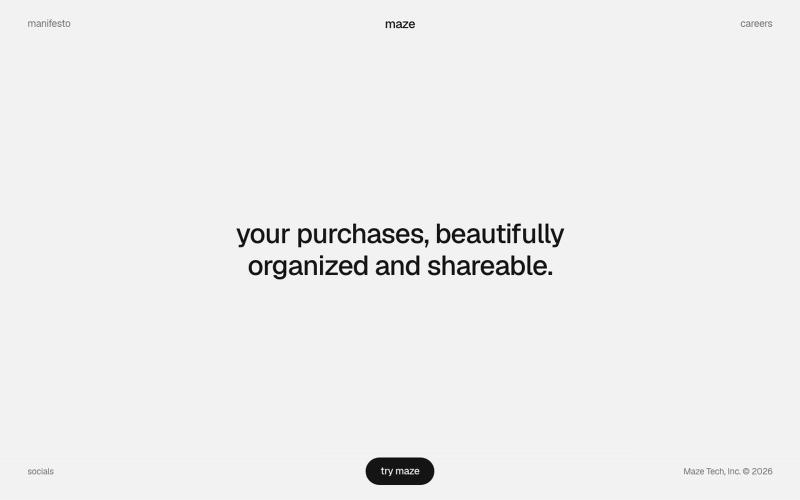
用 Maze 整理和分享你的购物物品,打造视觉化精选集合。

@michaelaplesner · X
hey :) building @trymaze_app <3 it's like Pinterest for the things you actually bought.
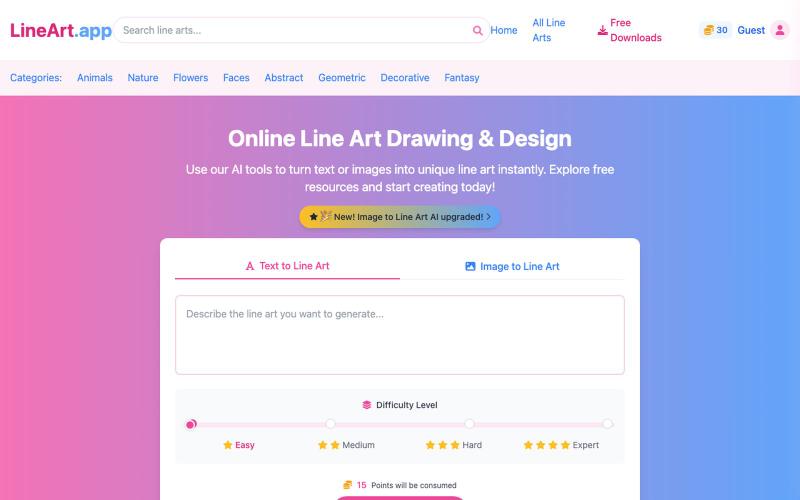
用 AI 在线生成线稿绘画和设计。
AI Line Art Generator — 功能强大的 AI 线稿生成平台,为用户提供多样化的线稿创作与获取服务 - [更多介绍](https://lineart.app/about)
用复古Windows图标绘画,应用故障、反演、隧道、镜像和像素化等视觉效果。

@yarikholk · X
Check out what I just built with Lovable!

上传照片转换为水彩、波普艺术或油画风格,与朋友竞争投票。

@teigan14art · X
Check out what I just built with Lovable!
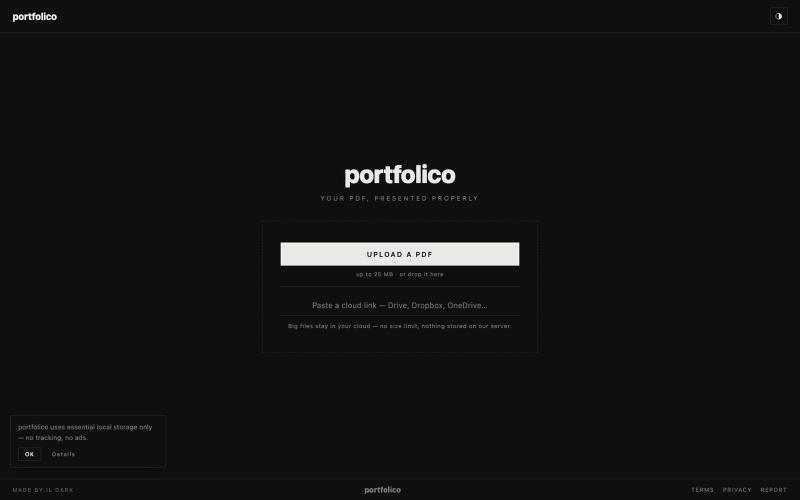
将PDF作品集转为portfolico交互式在线展示,多种浏览模式可选。

@il_deil · X
I’m building an interactive, ultra-minimalist portfolio platform strictly for architects & designers, because I tired of ads and clutter ruining portfolio on Issuu and same services. I made zero visual noise. Multiple viewing modes. Just your portfolio
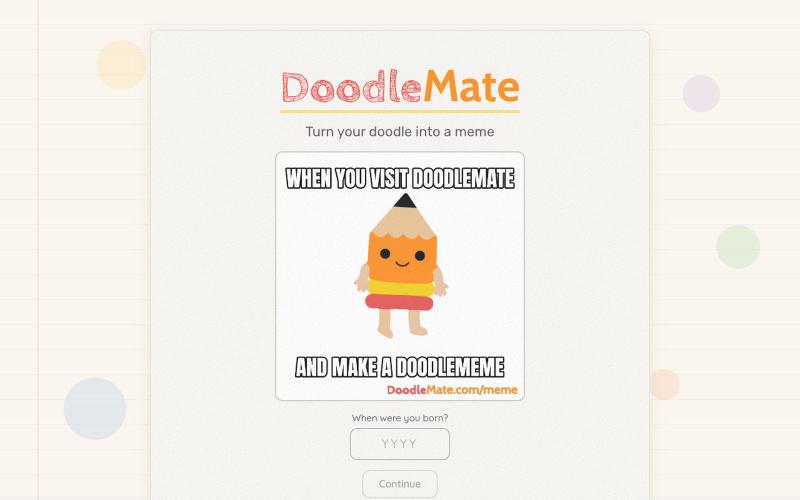
把手绘涂鸦变成动画表情包
hjessmith · HN
I like doodling, and I like character animation. I made a little tool that can animate your hand drawn characters and put them into an animated meme. It's free, there's no login needed, and it uses an animation pipeline (not generative AI) to create the outputs. Works on desktop and mobile. If you give it a try, I'd love to hear your feedback. Thanks!
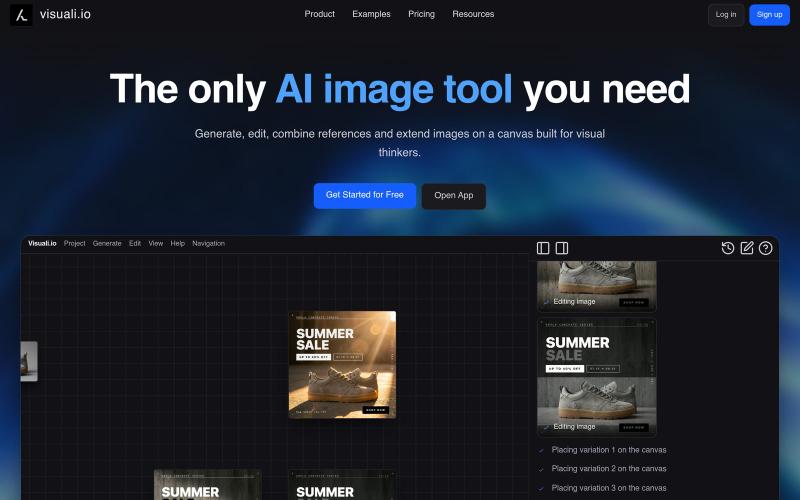
AI 图像编辑与生成工具,在浏览器和移动设备上编辑和扩展图像。
visuali · HN
Like Claude Code for Images

在浏览器中将照片和视频转换为ASCII艺术、像素艺术和马赛克。

@kail_designs · X
Jokes aside but honestly (Landing page) was built with Claude (Opus 4.7) in 1 day. But no, it was not just four prompts or some random skills. Here's how I built the entire AsciiMagic landing page with Claude in one day👇 Started with a rough sketched wireframe. Then designed it in @paper Then I used the Paper MCP with Claude to recreate that design in code and get a solid first version running. From there, the real work began. I kept iterating with specialised Claude skills: • impeccable • frontend-design • emil-design-eng • review-animations • responsive-design • seo-audit Each one improved a different part of the experience. By the end, the page had: • Mobile-first responsiveness • Better SEO optimised copy • Smooth micro-interactions • Cleaner frontend architecture Then came the part people don't see. For the next 5–6 hours, I wasn't asking Claude to "make it prettier." I was: • Fine-tuning layouts • Uploading and compressing assets • Moving files across diff
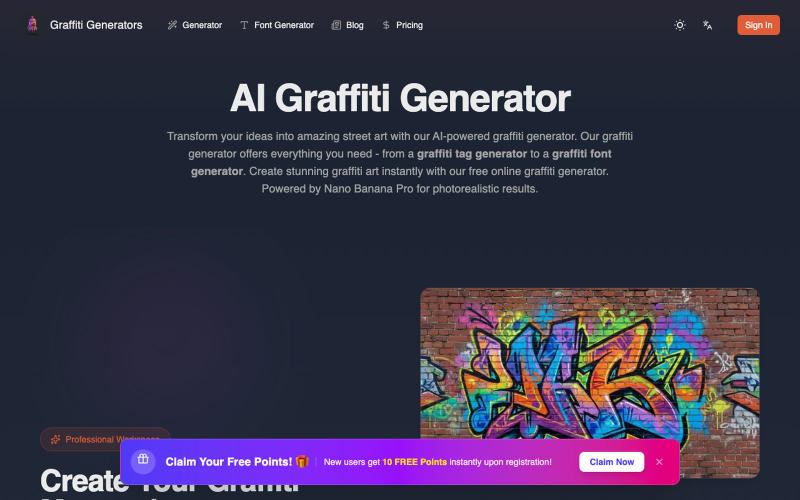
描述创意生成逼真的AI涂鸦街道艺术。
Graffiti generator — AI 街头涂鸦艺术生成器(基于 Nano Banana Pro)