

创意工具1 month ago
Kling Motion Control - AI Motion Transfer with Kling 3.0
使用参考视频的动作将静态图像转换为动画。
Kling Motion Control — AI Motion Transfer with Kling 3.0
完整作品展
技术栈
20 projects
使用参考视频的动作将静态图像转换为动画。
Kling Motion Control — AI Motion Transfer with Kling 3.0

用AI模型将照片转化为电影级视频,支持Sora、Kling等。
novavideo.ai — 使用领先的图片转视频 AI 模型和热门视频特效模板,将照片转化为视频
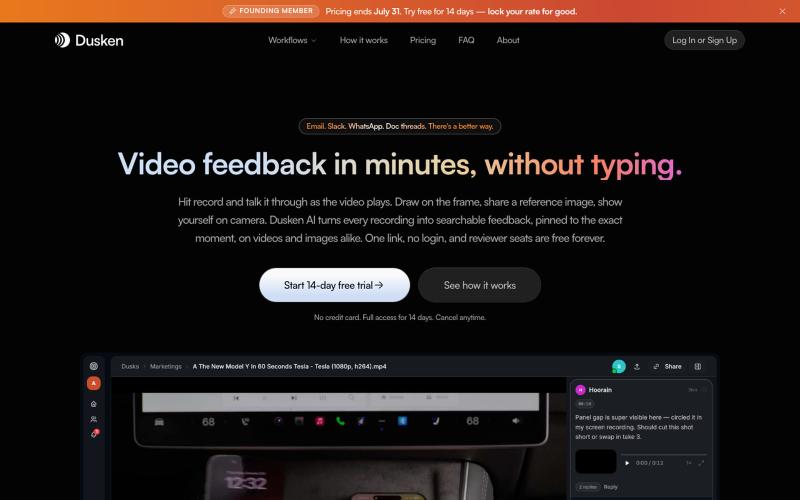
为创意团队打造的AI视频和图像审阅工具,支持自动转录和像素级评论。

@codesharpdev · X

LSBattle实时展示BTC/ETH/SOL期货市场多空战场可视化。
flreey · V2EX
模拟 btc/eth/sol 多空军沙盘效果 https://w3arb.xyz/ 其他地方看到的创意,我觉得很有意思,模拟币圈多军/空军对战场景 底部还可以发弹幕,聊天

Banana AI 图片生成器 - 生成、编辑图片和视频,支持风格转换。
Nano Banana Pro — AI 图像与视频生成平台,支持精准区域编辑、照片修复、风格转换、多图融合、角色一致性保持及视频生成
创建流程图、程序图、组织架构和UML图的免费在线工具。

@N0V4Dev · X
I found a tool called Next AI that links AI capabilities directly with diagrams. It lets you build and edit diagrams using natural language prompts instead of clicking around the canvas manually. It's a handy way to sketch out architecture when you don't want to drag every box yourself. The project is built on TypeScript with React 19 and Next.js. It supports multiple AI providers and even includes an MCP Server. This means you can use it with the Claude Code CLI to generate diagrams from your terminal. Deployment options are flexible too. You can run the tool locally with Docker or push it to Vercel and Cloudflare Workers. It supports multi provider setups so you can pick the backend that fits your workflow. #Nextjs #AI #Diagrams #TypeScript
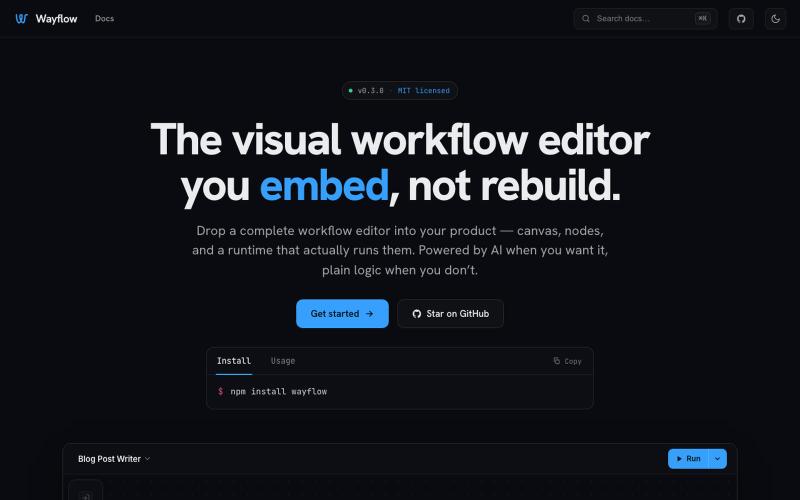
可嵌入的可视化工作流编辑器,支持AI驱动或纯逻辑设计。
tahazsh · HN
Hi! I’m Taha. In many agentic products that support workflows (including one I worked on), I noticed they either don’t support node-based editors, or use React Flow and go through the difficult work of integrating it into their product to run it and work with their existing logic. So I thought about creating a tool that could help with this by closing the gap between the editor and the runtime. That’s why I created Wayflow. The basic architecture is simple: you just need to create a graph (which is a JSON object) that the runtime knows how to run. The runtime doesn’t care where that graph is coming from, it just needs the right schema. And with the help of the editor, you can create the graph, and then export it or directly save it on your backend in your database. And then when you want to execute it, you just hand it to the runtime. The runtime can either stream the execution (which is useful for the editor), or give you the final result. How you execute the graph is up to you: t
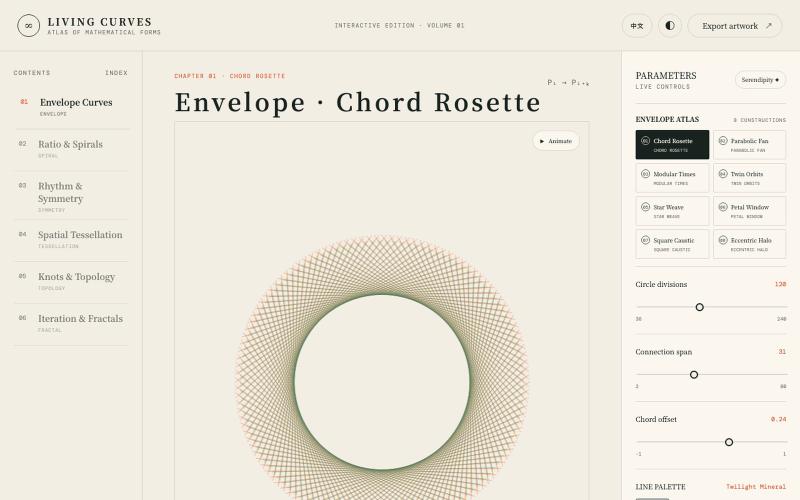
探索数学曲线、分形、对称和拓扑的交互式可视化。

@vkuoo · X
Added more demos showcasing graph-math relationships, built with Codex.