ScribleSketch - AI workspace for notebooks, slides & canvas
一次编写,多格式导出为笔记、幻灯片、PDF、PPTX、DOCX 或画布。
@mr_wickedhacks · X
Write the doc once → get a notebook, slide deck, canvas, or resume from the same source. No rewriting for every format.
完整作品展
技术栈
28 projects

一次编写,多格式导出为笔记、幻灯片、PDF、PPTX、DOCX 或画布。
@mr_wickedhacks · X
Write the doc once → get a notebook, slide deck, canvas, or resume from the same source. No rewriting for every format.

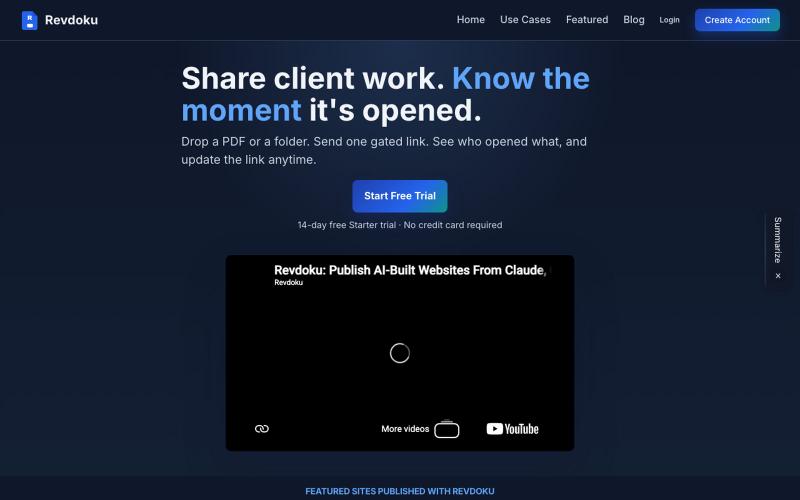
上传PDF或文件夹创建分享链接,支持密码邮箱门控和访客分析。
@emironic · X
- free plugin for Claude and Codex to put your work as public website with single line `publish to Revdoku` prompt.

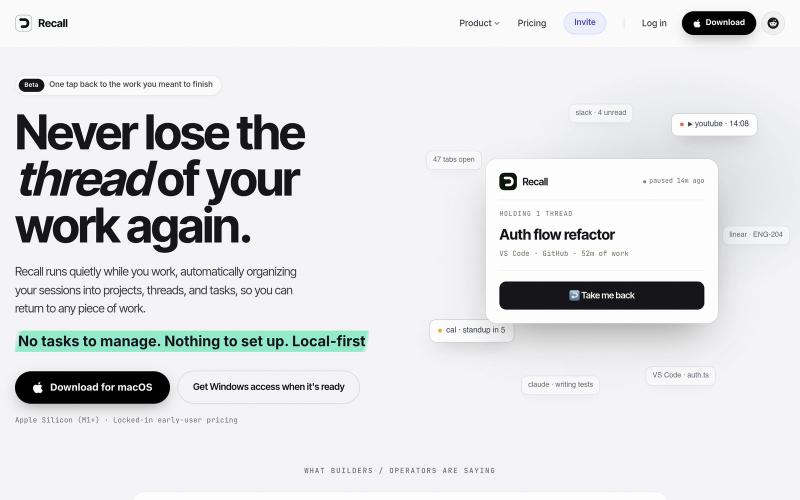
Recall 是用于工作会话的 AI 记忆。它在您工作时静静地运行,将您的日程整理成项目、线程和任务,这样您可以一键返回任何工作片段
@vitverb · X
hi :) One tap back to the work you meant to finish. No tasks to manage. Nothing to set up. Local-first

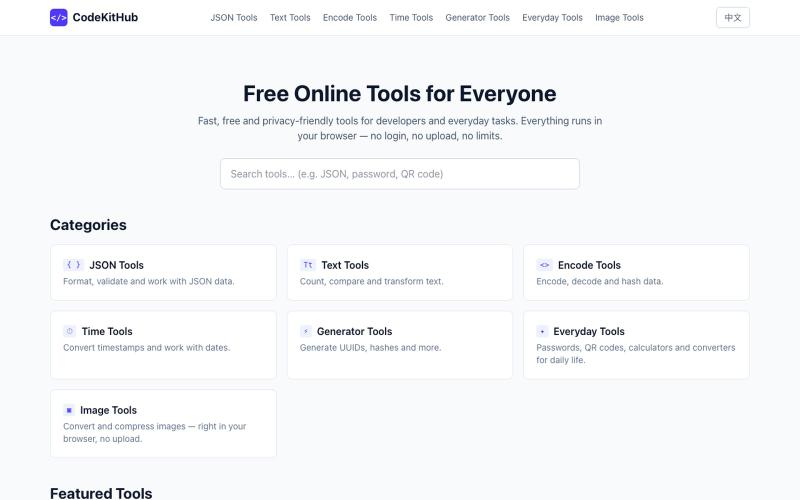
在线格式化和验证 JSON,无需上传数据
@VeganVegan75738 · X
做了一个免费的 JSON 格式化工具。 支持: ✅ JSON 格式化 ✅ JSON 校验 ✅ 在线使用 ✅ 无需安装,数据不上传 开发者日常调试 JSON 可以直接用: #开发者 #前端开发 #工具

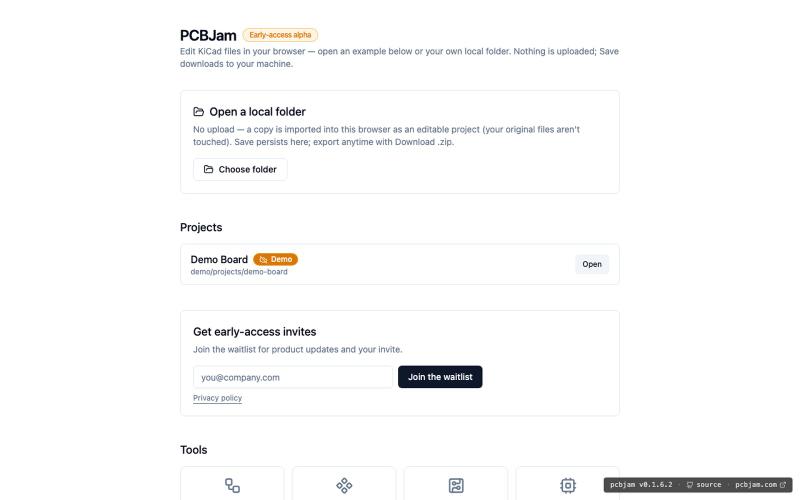
在浏览器中使用 KiCad 设计电子电路和 PCB,无需安装。
ViktorEE · HN
KiCad, a PCB EDA suite is now working in a browser, you can try it at the link, there's a demo project or you can bring your own. Firefox is best, Chrome is good, Safari is "working". We’re Emergence Engineering, a dev shop from Hungary, mostly working with rich text editors, CRDTs. PCBJam started as my (Viktor, CTO, ex-electrical engineer) hobby project but as time went on I put more and more energy into it, and a product started shaping up in my head, in the last few months we’ve started to focus on this project a bit more, and this is the first MVP~ish result. This project is a ton of fun, ton of learning, ton of improvements over improvements: - I thought there must be ways to emulate the PCB canvas OpenGL code on the web. And yes, there are a lot of ways, all of them very buggy. Turns out it’s faster to just write WebGL code that works with KiCad’s Graphics Abstraction Layer if you add the right intermediate debugging steps. I (with Claude) implemented the features and compared

向 AI 团队主管描述任务,自动调度专家并在聊天中返回完成的工作。
@StevenCen75554 · X
我们最新推出的 Product Hunt 上线了! 专为电商团队而生,让你只需一句话,就能拥有一整支 AI 团队——写SEO Blog、做用户调研、优化Listing、生成AI短视频,全都不在话下。不用招人,不用在一堆工具间来回切换,只需要说出你想要什么。 专为想要「一个人打出一支团队的仗」的电商运营团队打造。 如果这个理念打动了你,今天的一个 upvote 对我们来说意义重大 🙏 #ProductHunt #BuildInPublic #AIAgents #IndieHackers

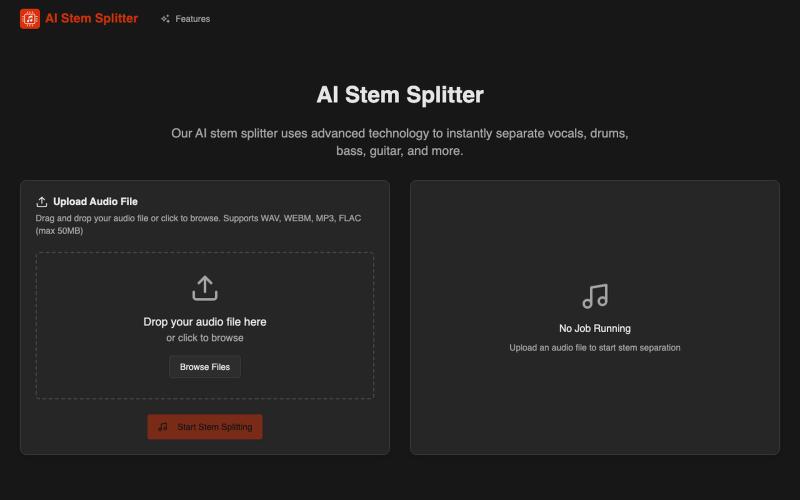
AI Stem Splitter 可将歌曲分离成人声、鼓、贝司和吉他轨道。
AI Stem Splitter — AI 音轨分离器

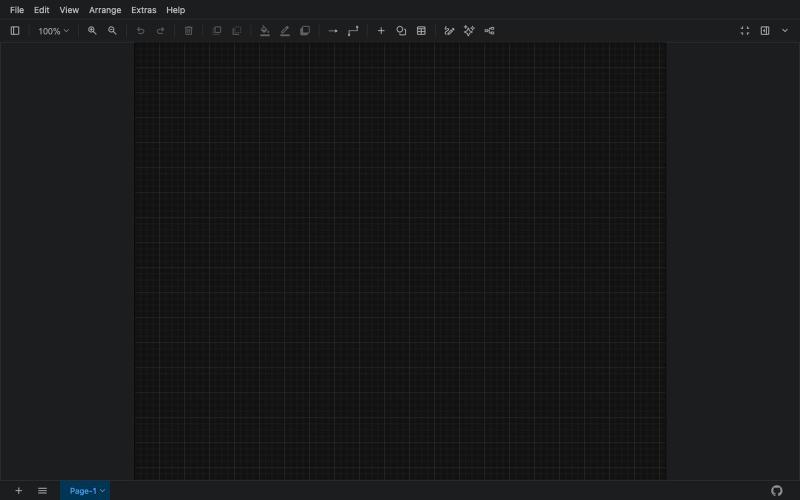
创建流程图、程序图、组织架构和UML图的免费在线工具。
@N0V4Dev · X
I found a tool called Next AI that links AI capabilities directly with diagrams. It lets you build and edit diagrams using natural language prompts instead of clicking around the canvas manually. It's a handy way to sketch out architecture when you don't want to drag every box yourself. The project is built on TypeScript with React 19 and Next.js. It supports multiple AI providers and even includes an MCP Server. This means you can use it with the Claude Code CLI to generate diagrams from your terminal. Deployment options are flexible too. You can run the tool locally with Docker or push it to Vercel and Cloudflare Workers. It supports multi provider setups so you can pick the backend that fits your workflow. #Nextjs #AI #Diagrams #TypeScript

AI Image Editor:12个免费工具支持图片增强、去水印、风格转换、背景编辑。
AI Image Editor — AI 图片处理工具,支持图片增强、去水印、抠图、风格转换、线稿提取等十余种功能。无需下载软件,无需注册,上传图片即可一键生成专业效果。适用于电商设计、社交内容创作、摄影后期、教育教学等多种场景,让图片编辑变得更智能、更高效、更简单!

部署400+开源工具到9个云提供商中任意一个。
@Dil_Lynn · X

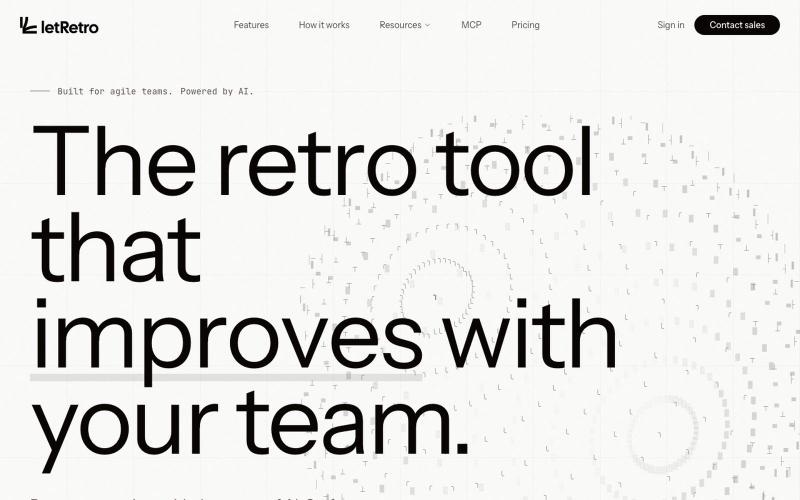
连接工作工具,用 AI 分析团队冲刺回顾,发现改进机会。
@akadhanu · X
an ai sprint retrospectives for it teams (

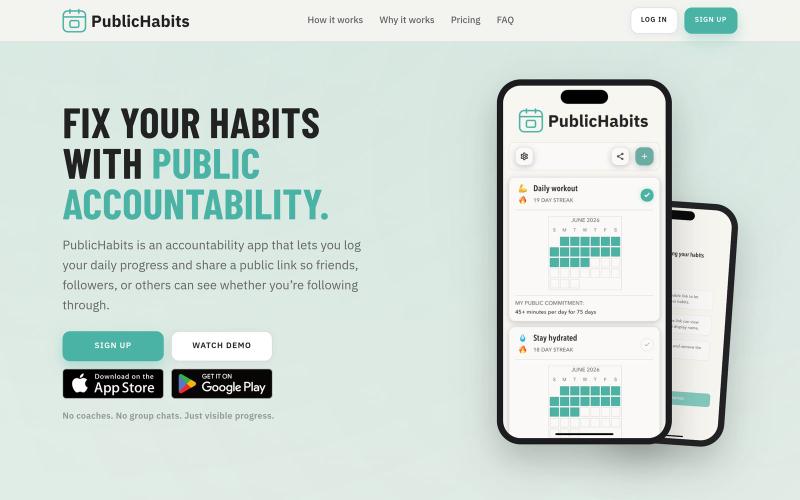
记录你的习惯并分享公开链接,获得他人的监督与鼓励
@ericbuildsio · X
Fix your habits with public accountability @publichabits