
完整作品展
30 projects
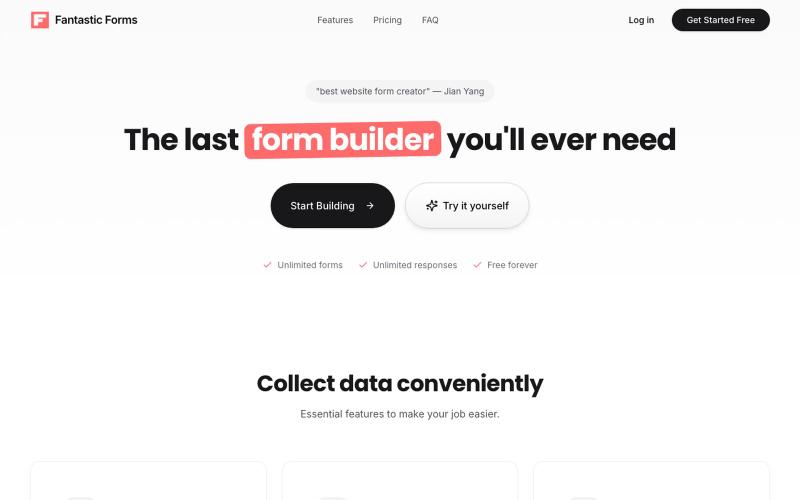
在线构建表单,支持拖放字段、收集响应和跟踪分析。

@SebastianHox · X

自动整理和重命名 Google Drive 中的文档

@filently · X
Get rid of the CHAOS in document filing
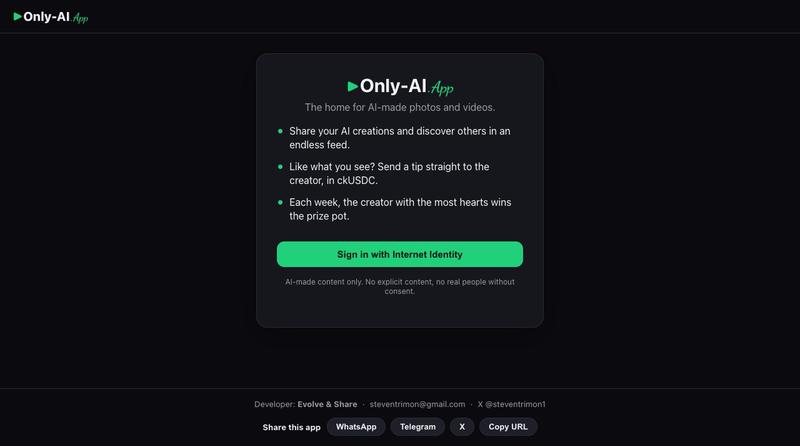
AI照片和视频的图库与生成工具

@steventrimon1 · X
I built this with Claude Code and Caffeine! Check out Only AI — the home for AI-made photos and videos
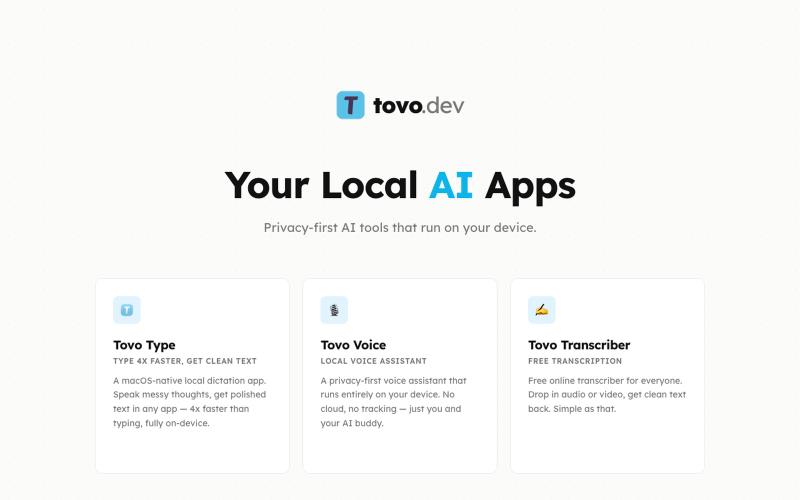
Tovo - 本地AI应用,提供转录和会议协助,完全在设备上运行。
Tovo - AI 会议/面试助手 — 在会议中,Tovo 是一款注重隐私的 AI 助手,完全在您的设备上运行,为会议和对话提供实时转录和智能协助,无需向外部服务器发送任何数据。
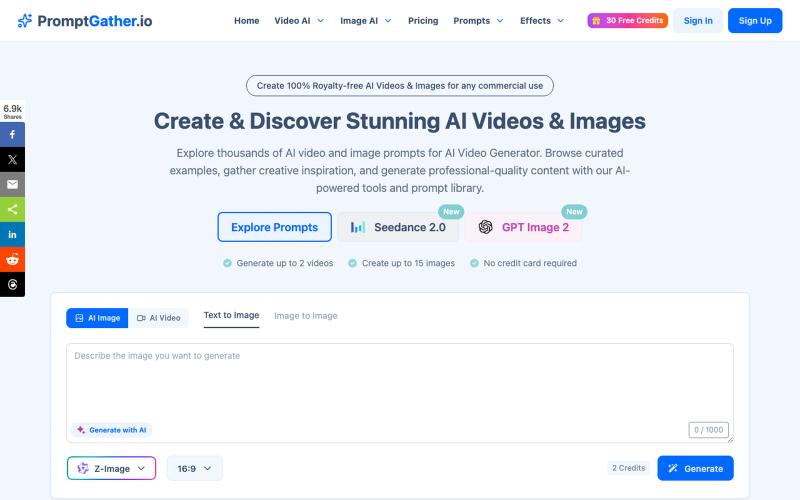
浏览精选提示词库,使用AI生成视频和图像。
PromptGather — 手工挑选的上千条视频、图片提示词,全部免费查看。可以直接复制使用,也可以用 AI 微调,生成图片、视频。
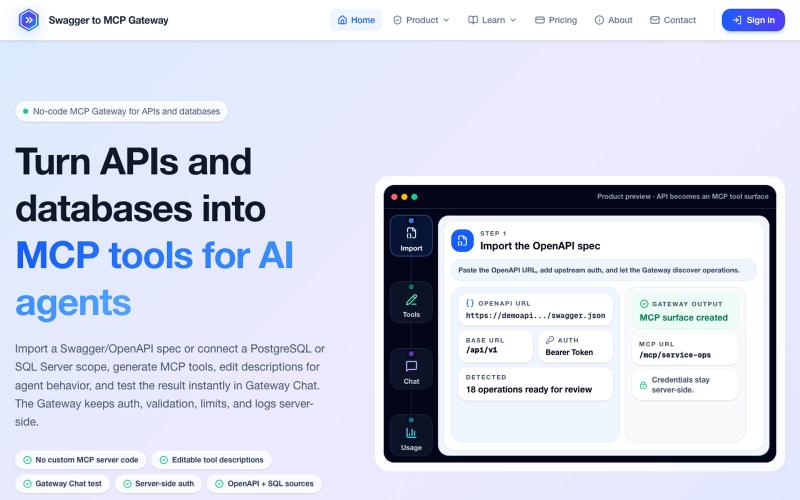
将 OpenAPI 规范和数据库转换为 MCP 工具,无需编码。
mhmt_dmr · HN
MCP Gateway – Turn existing APIs and databases into MCP servers
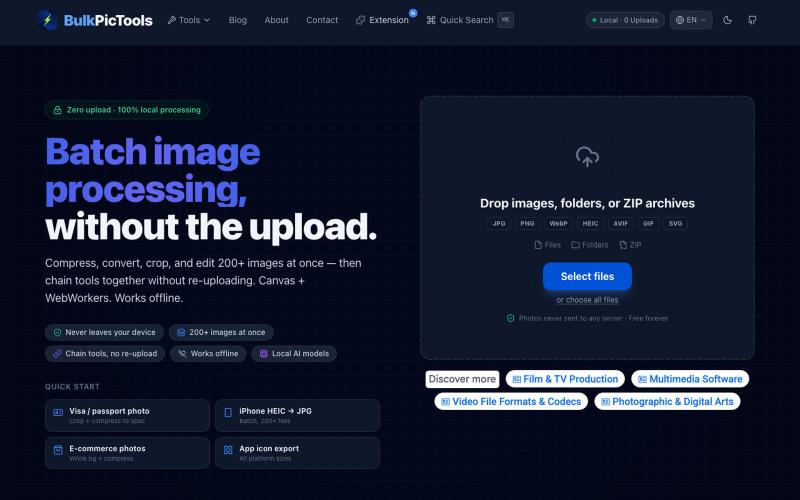
在浏览器中批量处理图片,支持工具链、本地AI和格式转换。
BulkPicTools — 免费浏览器端图片批量处理工具,支持**工具链串联**(压缩→转格式→裁剪一次完成,无需重复上传),本地 AI 去背景/人脸模糊(WebGPU,无需 API Key),支持 200+ 张图片批量处理,文件不上传服务器。
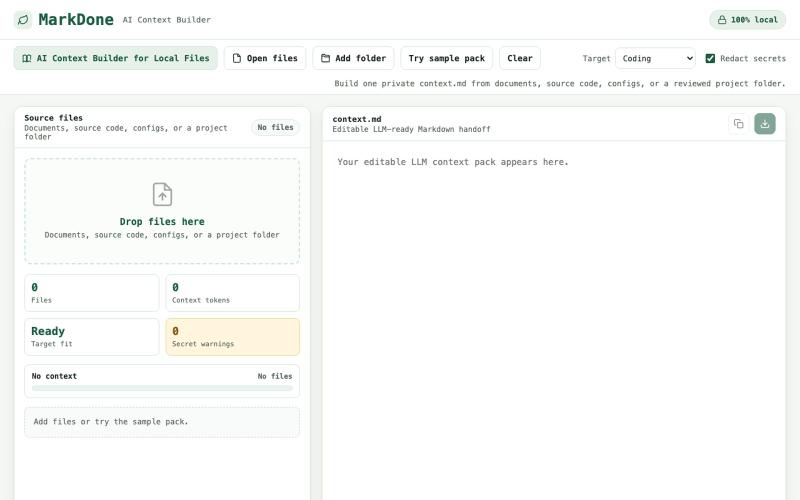
上传项目文件生成优化的 context.md 文件,用于 Claude 和其他 AI 工具。
u/Jealous_Buy_8829 · Reddit
Just updated my context builder https://reddit.com/link/1utq6y0/video/jy8bpbotxmch1/player You can now upload your whole project folder and get one clean, optimized markdown file that you can paste straight into Claude or Codex. All file uploads are 100% client-side. Let me know if you find this useful or not, would love some feedback! https://markdone.dev/ai-context-builder/ submitted by /u/Jealous_Buy_8829 to r/SideProject [link] [comments]
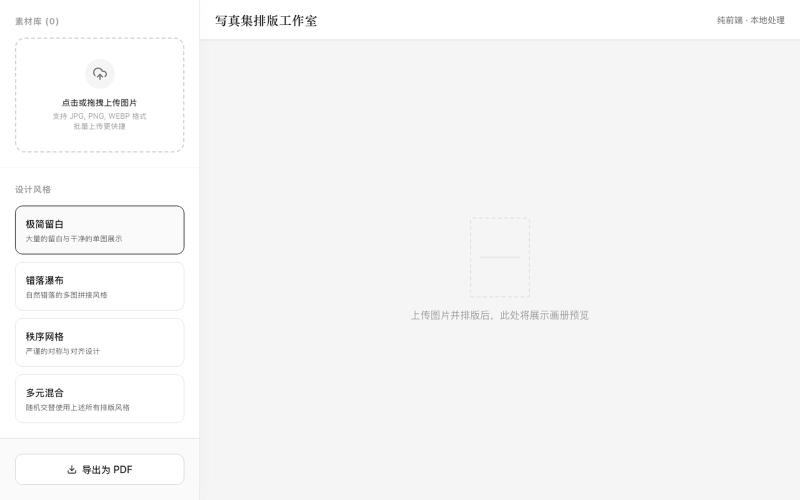
上传照片选择风格一键生成可打印PDF相册布局
mqx · V2EX
根据上传图片生成写真集网站 简介:纯前端,图片不经过服务器放心食用,上传图片后选择设计风格,一键自动排版,最后导出 pdf 打印 网站地址: https://8ceb3650.pinme.dev/
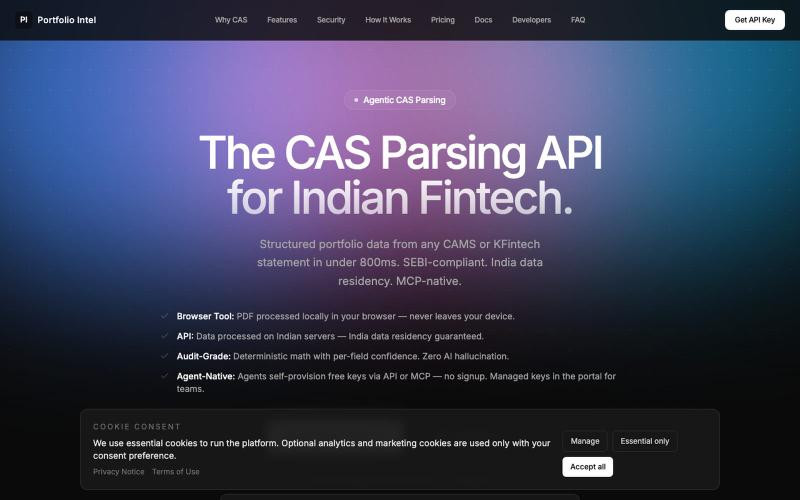
上传 CAS PDF 获取 AI 驱动的基金组合分析和配置洞见。

@iASHeeesh · X
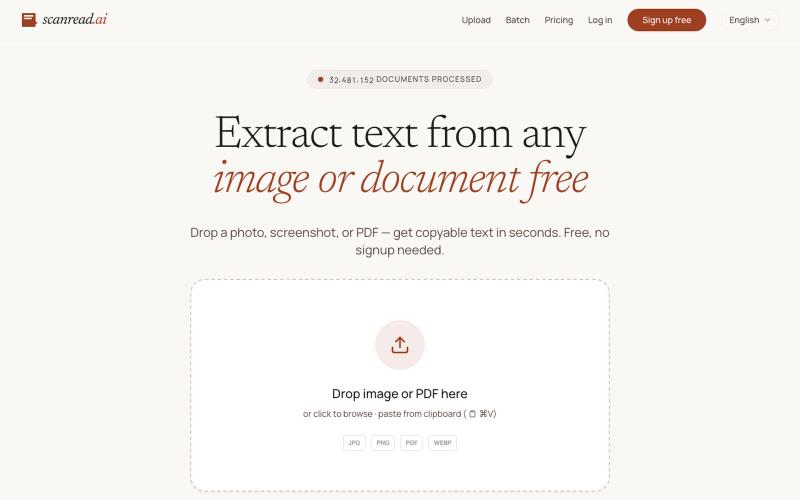
从图片、PDF和截图中提取文本,支持100多种语言,免费无需注册。
ScanRead.ai — OCR 文字提取工具,支持 100+ 语言,可从图片、PDF、截图和手写文档中提取文字
