
开发者工具6 days ago
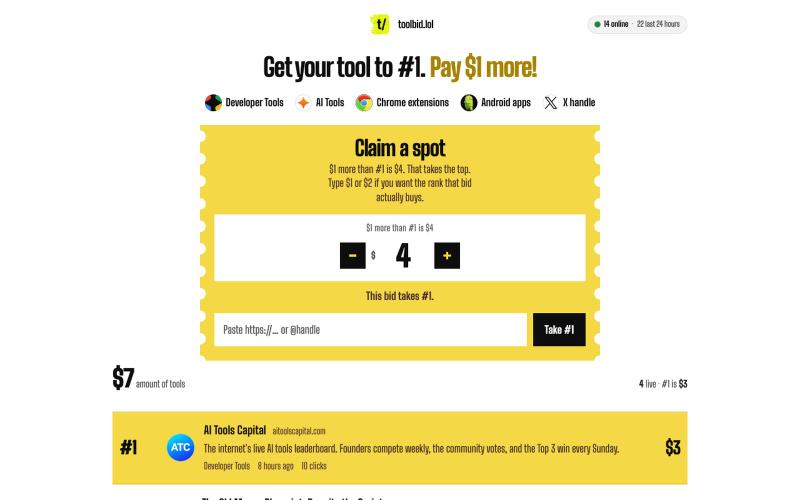
toolbid — get your tool to #1
Pay $1 more than #1. List a developer tool, AI tool, Chrome extension, Android app, or X handle, so people can see your work.

@tudorxjh · X
完整作品展
技术栈
60 projects
Pay $1 more than #1. List a developer tool, AI tool, Chrome extension, Android app, or X handle, so people can see your work.
@tudorxjh · X
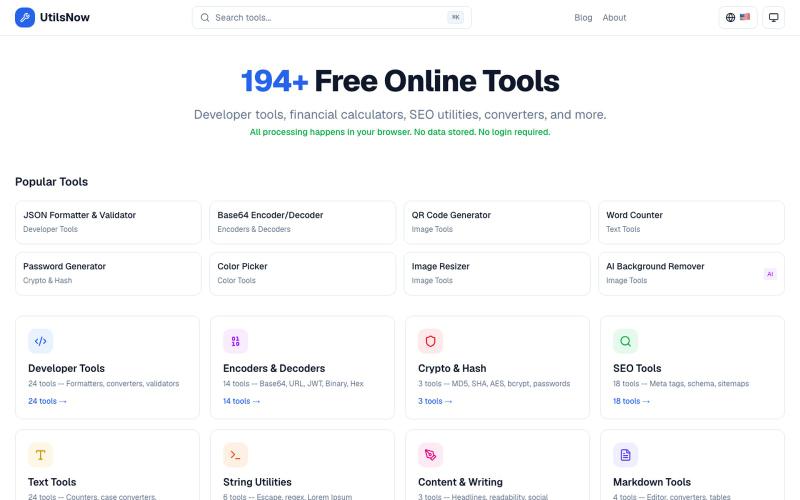
194+个免费浏览器工具集合,涵盖开发、财务、SEO、转换等,无需注册。
bharath_s16 · Product Hunt
UtilsNow 194 free browser tools + AI. No signup required.

部署400+开源工具到9个云提供商中任意一个。

@Dil_Lynn · X
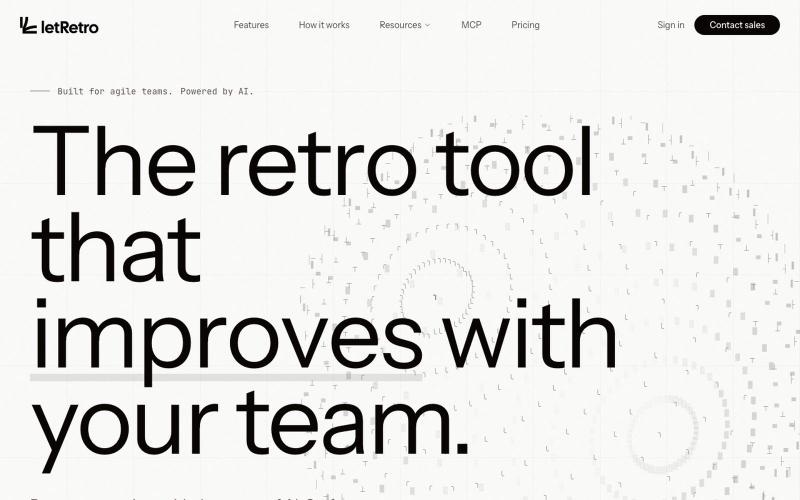
AI驱动的IT团队回顾工具,连接各类工具并识别改进模式。

@akadhanu · X
an ai sprint retrospectives for it teams (
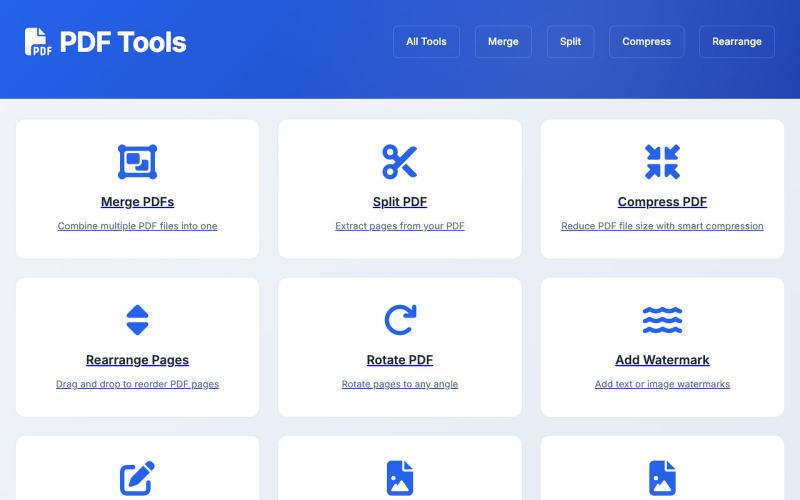
基于浏览器的PDF工具,支持编辑、转换和文档管理。

@influnexe · X
thanks James. you can use all my tools for free here😄 :
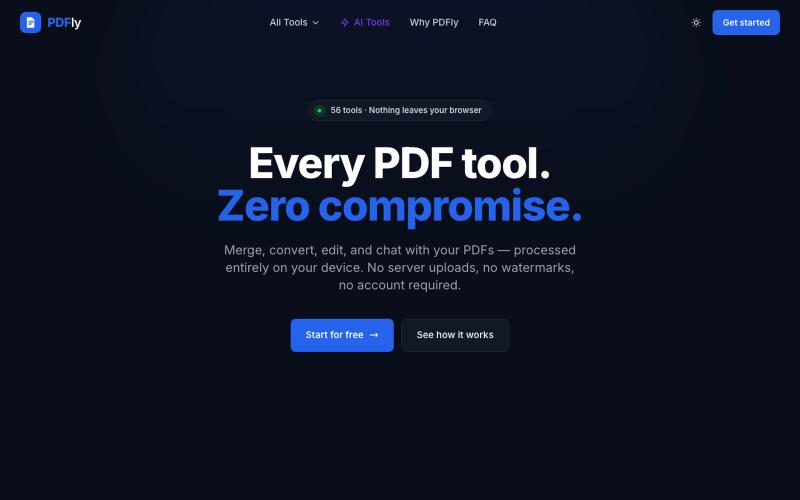
PDFly:拥有56种工具的免费在线PDF编辑器,支持合并、拆分、压缩、转换和签名。
pagalannu01 · HN
PDFly – 56 free PDF tools that run in the browser
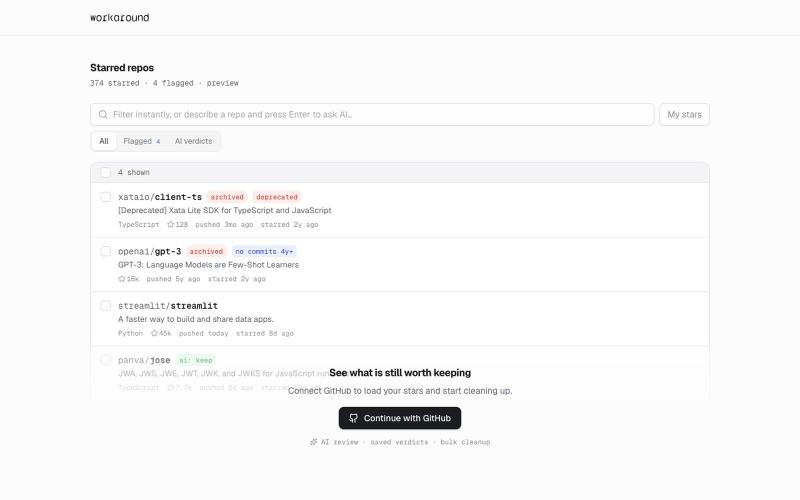
提供日常软件实用修复的浏览器工具,首先支持GitHub。
yusveng · HN
Workaround – Unstar GitHub Repos in Bulk
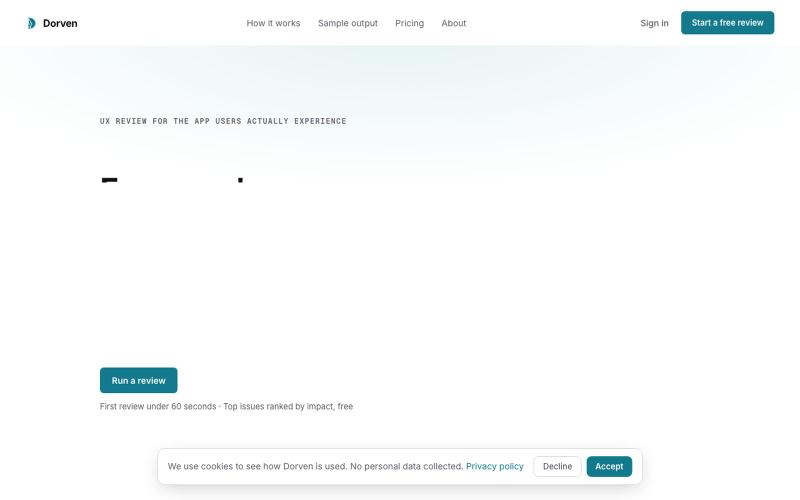
对任何网页运行UX审计,按影响力排序问题并获得修复代码。
u/WishboneHumble5889 · Reddit
I built a UX review tool because I kept seeing the same problem in AI-built apps I’m a product designer. For years my job’s been catching the moments where people quietly struggle inside a product, the stuff that never makes it into a bug report. AI coding tools made building fast, but I kept seeing the same thing: the app worked, and the experience didn’t hold up. A form that clears on error with no message. A delete with no undo. Built Dorven to catch that gap. You give it a
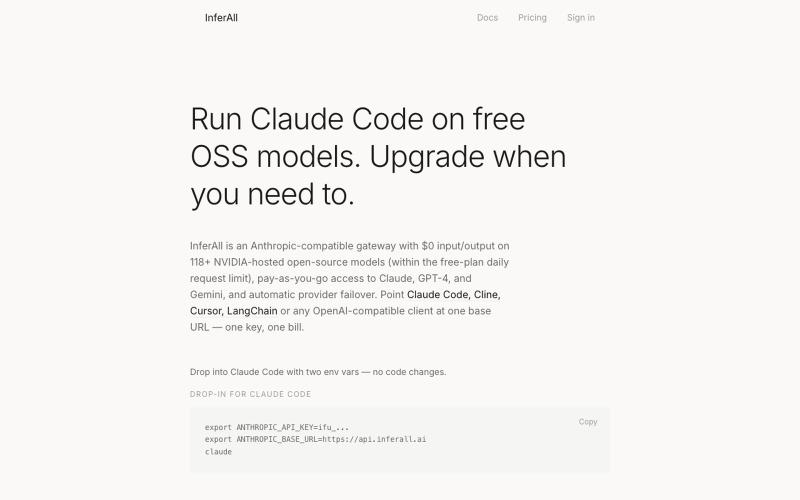
通过InferAll统一API访问207+个AI模型
TaylorM492 · HN
InferAll – One API for OpenAI, Anthropic, Google, Nvidia Nim

连接 GitHub,自动将提交和部署转化为可分享的内容。

@plaqueboywest · X
I’m building Super Dent X. Connect GitHub once, and it remembers your build journey for you. Curious what you think: Would love your feedback !
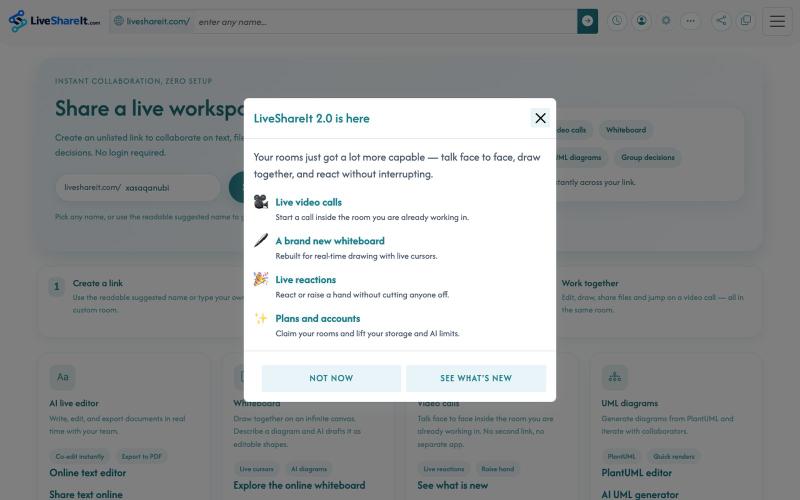
AI实时协作编辑器,支持文件共享、UML图表和群决策。
u/Hopeful-Can-1540 · Reddit
Trying to figure out distribution for a real-time collaboration tool LiveShareIt has been around for a bit, and the product has changed quite a lot recently. The basic idea is pretty simple: open a room, share the link, and start working together. No signup needed. People can share code/text, send files, use a collaborative whiteboard, and jump on a video call in the same room. One feature I’ve been playing with lately is the AI whiteboard. Instead of starting from a blank canvas, you
