
创意工具1 month ago
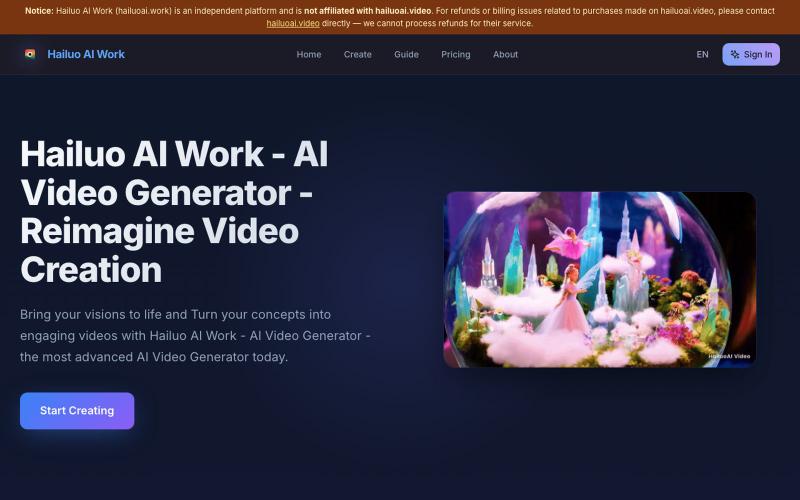
Hailuo AI Work - AI Video Generator - Reimagine Video Creation
用AI将创意快速转化为动画视频,无需编辑软件。
Hailuo AI — AI 内容生成工具,无需剪辑软件,将创意快速转化为动画视频,简化视频制作流程
完整作品展
技术栈
28 projects
用AI将创意快速转化为动画视频,无需编辑软件。
Hailuo AI — AI 内容生成工具,无需剪辑软件,将创意快速转化为动画视频,简化视频制作流程
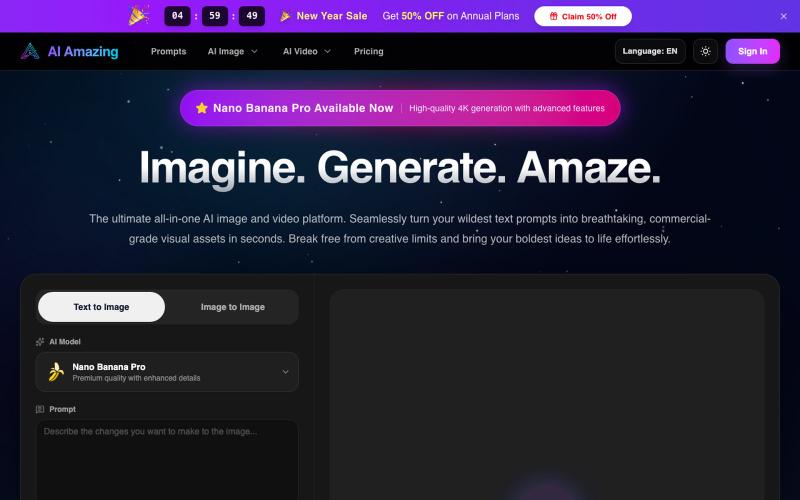
AI Amazing - 从文字提示生成商业级图像和视频。
AI Amazing — AI 图像/视频生产平台,面向创作者与团队
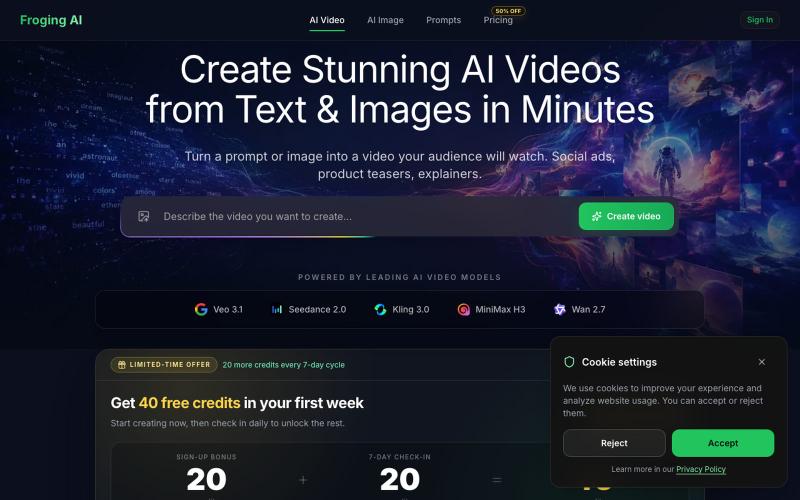
从文字和图像生成高清 AI 视频,支持 Kling、Veo 等多个模型。
hashkitly · HN
Froging AI – image and video models in one workflow
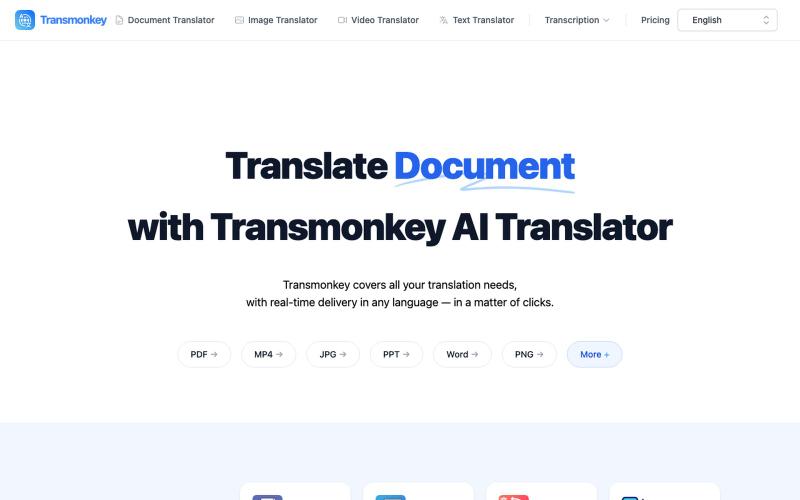
用 AI 即时翻译文档、图像、视频和音频文件。
Transmonkey — 所有您所需的翻译工具,一应俱全 - [更多介绍](https://www.transmonkey.ai/faq)
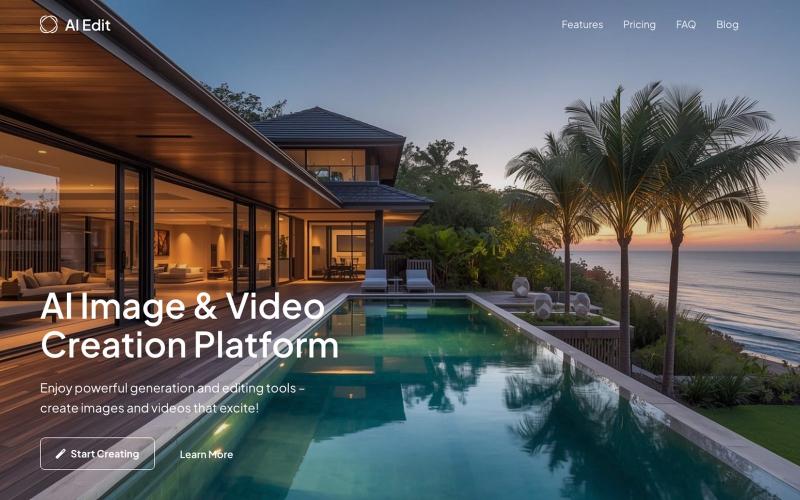
15+ AI tools for video & image creation. Text-to-video, text-to-image, photo restoration, background removal, virtual try-on, inpainting, upscaling. Multiple AI models.

@a_shimanski · X
AI Edit - generate and edit images and video in one place.

用 AI 从文本故事创建网络漫画和漫画,支持多种艺术风格和 4K 导出。
StarVeil AI - 星河入梦 — 使用AI生成连续漫画的网站
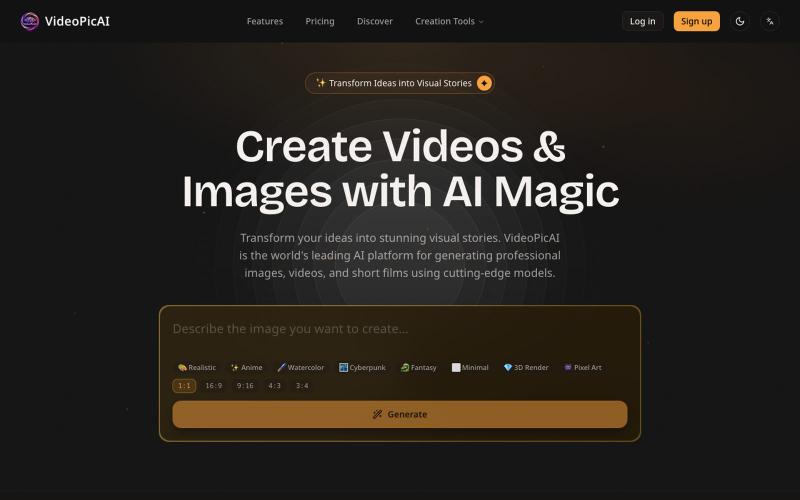
使用 VideoPicAI 通过文本描述生成 AI 图像和视频。
struy · HN
Transform your ideas into stunning visual stories. VideoPicAI is the world's leading AI platform for generating professional images, videos, and short films using cutting-edge models.
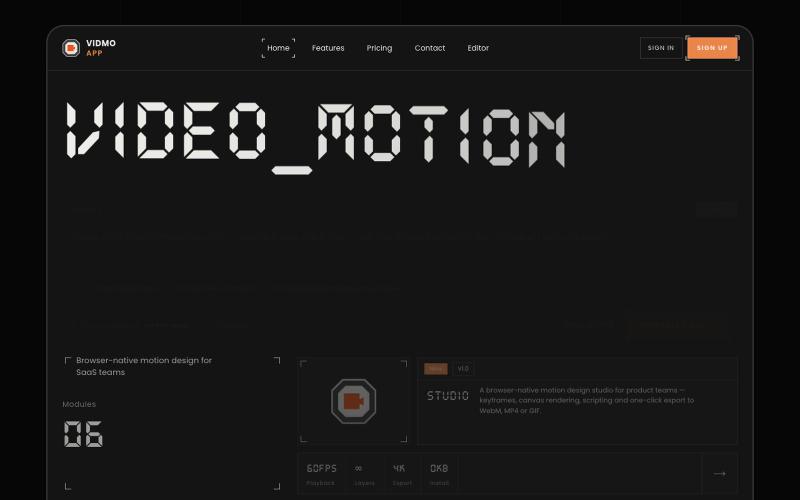
Vidmo 是浏览器 AI 视频编辑器,从提示词创建动画视频,支持关键帧、效果和配音编辑。
u/Savings_Wolverine408 · Reddit
turns out you can make launch videos in the browser now! turns out you can make launch videos in the browser now, and Claude Opus is doing the heavy part we have been working on vidmo.app , a free browser based motion design editor for making product videos, launch clips, social ads, and simple motion graphics without opening After Effects. the idea is not to make another AI video toy where you type one prompt and get stuck with whatever comes out. the editor works more lik
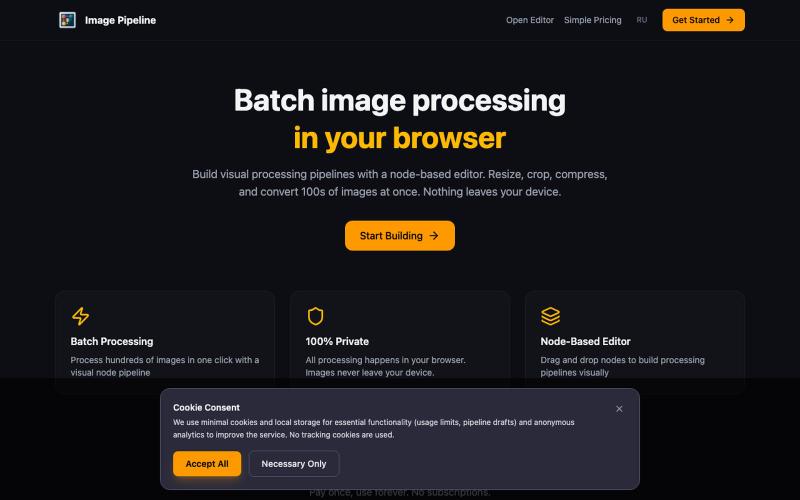
在浏览器中本地批量调整、裁剪、压缩和转换图像。

@MaximMitenkov · X
🔒 Just launched Image Pipeline — batch image processing in your browser. 100% private. No signup. Pay once, use forever. #buildinpublic #webdev #privacy
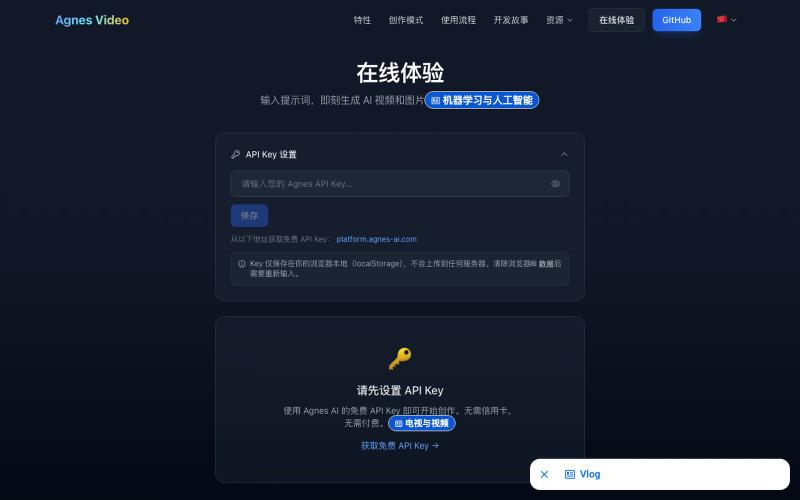
从文本提示生成AI视频和图像
Agnes 视频生成器 — 基于 agnes 免费视频模型的完全免费 AI 视频生成工作流,无需本地 GPU,可网页体验或下载一键启动 GUI 完整版 - [更多介绍](https://lichuanyang.top/posts/22470/)
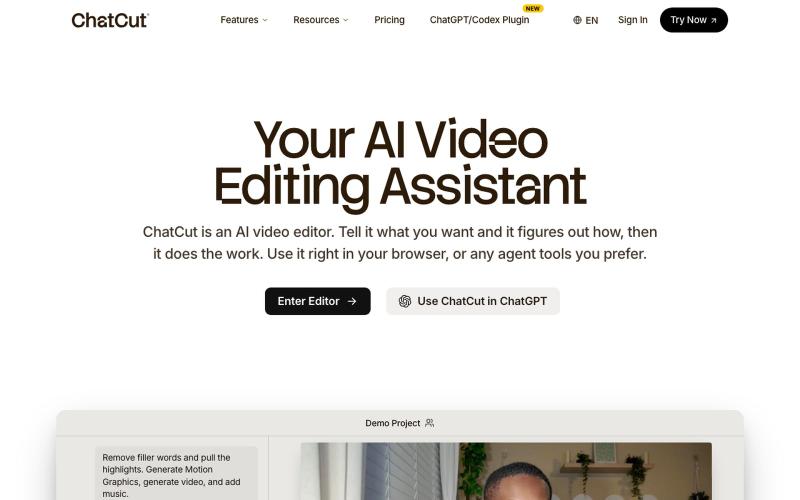
使用文字提示编辑视频,支持ChatGPT、网页和桌面版。
zaczuo · Product Hunt
ChatCut Your AI video editor in ChatGPT, desktop, and web

在浏览器中编辑、压缩、转换和合并视频和音频文件。
zhw2590582 · V2EX
最近对网站进行了重构,做成了免费的视频工具站:[ArtPlayer Tools]( https://artplayer.org/tools/) 主要是围绕着 ffmpeg.wasm 和 mediabunny 实现的一些可以直接在浏览器里用的视频/音频工具,常用的有: - 视频压缩:[Compress Video]( https://artplayer.org/compress-video/) - 视频裁剪:[Crop Video]( https://artplayer.org/crop-video/) - 视频合并:[Merge Video]( https://artplayer.org/merge-video/) - 视频尺寸调整:[Resize Video]( https://artplayer.org/resize-video/) - 视频旋转:[Rotate Video]( https://artplayer.org/rotate-video/) - 视频调速:[Change Video Speed]( https://artplayer.org/change-video-speed/) - 添加文字到视频:[Add Text to Video]( https://artplayer.org/add-text-to-video/) - 添加水印:[Watermark Video]( https://artplayer.org/watermark-video/) - 提取字幕:[Subtitle Editor]( https://artplayer.org/subtitle-editor/) - HLS 转 MP4:[HLS to MP4]( https://artplayer.org/hls-to-mp4/) - 音频可视化:[Audio Visualizer]( https://artplayer.org/audio-visualizer/) 大部分工具都是本地处理,文件不会上传到服务器。最开始是因为自己偶尔要处理一些视频,开剪辑软件又有点重,在线工具又担心隐私,所以就慢慢做成了一个站。 目前还在持续完善,体验肯定还有不少粗糙的地方,比如不同浏览器的兼容、移动端操作、长视频性能之类的。 网站: [ArtPlayer Tools]( https: