letRetro - AI-Powered Retrospectives for IT Teams
连接工作工具,用 AI 分析团队冲刺回顾,发现改进机会。
@akadhanu · X
an ai sprint retrospectives for it teams (
完整作品展
技术栈
29 projects

连接工作工具,用 AI 分析团队冲刺回顾,发现改进机会。
@akadhanu · X
an ai sprint retrospectives for it teams (

上传文件夹或 ZIP 到 Cloudflare Drop,即时发布网站。
@vikingmute · X
Cloudflare 也推出了 drop 服务, 上传一个文件夹或者 zip,网站直接上线,不需要登陆。我记得前几天 vercel 刚上线了同样的功能,Vercel Drop 这两老哥天天打嘴炮,功能也都前后脚。 这服务其实要手动操作,没有 CLI 好用,不过不需要登陆是一大优势,而且drop 无脑操作,更适合小白要上线网站。

一次编写,多格式导出为笔记、幻灯片、PDF、PPTX、DOCX 或画布。
@mr_wickedhacks · X
Write the doc once → get a notebook, slide deck, canvas, or resume from the same source. No rewriting for every format.

设定收入目标以获得匹配的远程工作和个性化行动计划
@abrahamelo_ · X

查找、复制和分享AI工作流 — 可复用的自动化系统,包含工具、提示和步骤。
@softlaunched_io · X
Hey Jack! We've just recently launched, we're a marketplace for sharing AI workflows. We're also big fans of quick-to-launch vibe coding, our entire build process workflow is public and free to check out and copy!

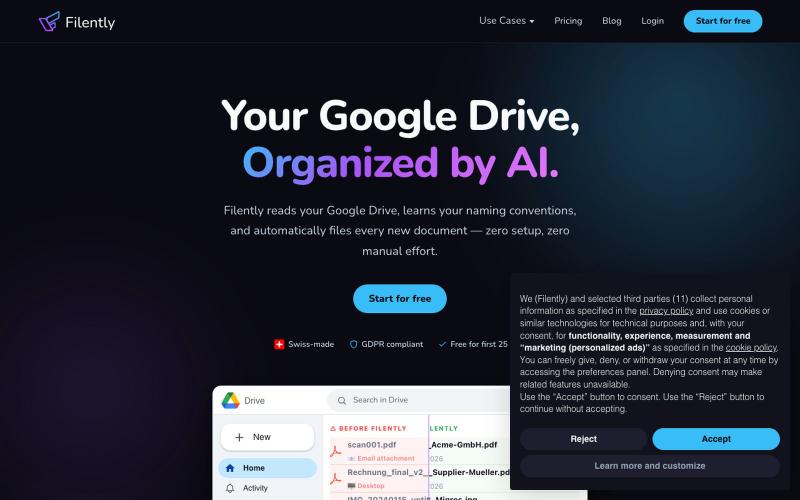
SaveAnywhere是Chrome扩展,直接将文件、图片、链接保存到Google Drive、Dropbox和OneDrive,本地处理。
@SaveAnywhere · X
Free chrome extension :

分享无法下载、截屏或转发的受保护视频。
@bunkercastDRM · X


从 Google Drive 编辑和发布 HTML 文件。
debamitro · HN
I found that AI tools are generating excellent HTML documents nowadays, yet there's no easy way to show them to others. Yes, there's GitHub pages - but I don't know if it is user-friendly for non-technical people. This app allows you to keep your HTML file in your Google Drive and serve it from there. Feedback is most welcome.

RequestHarbor 安全客户门户,用于共享文件、答案和批准,实时可见状态。
@danielkleach · X
is a branded client portal for files, answers, sign-offs, and signatures. No more scattered email threads, docs in Google Drive, or confusion about who is waiting for whom. Business and client both see what is done and what is in progress on both sides, in

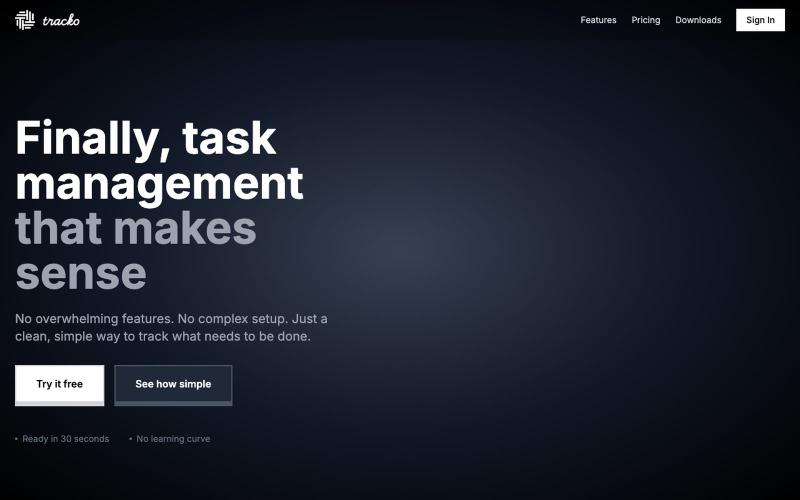
自由职业者的时间追踪和项目管理工作空间,配有AI助手。
@baptistedulac · X
time tracking for freelancers and agencies

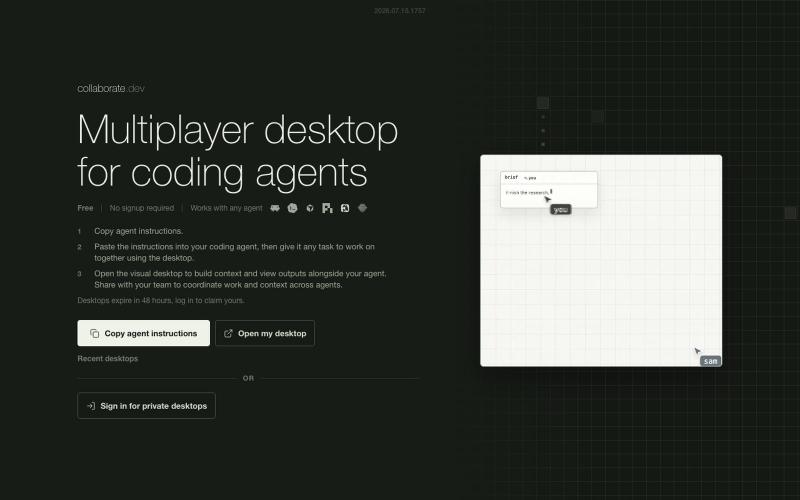
用于在 git worktrees 中并行运行多个 AI coding agents 的桌面应用
vuphanse