
创意工具1 month ago
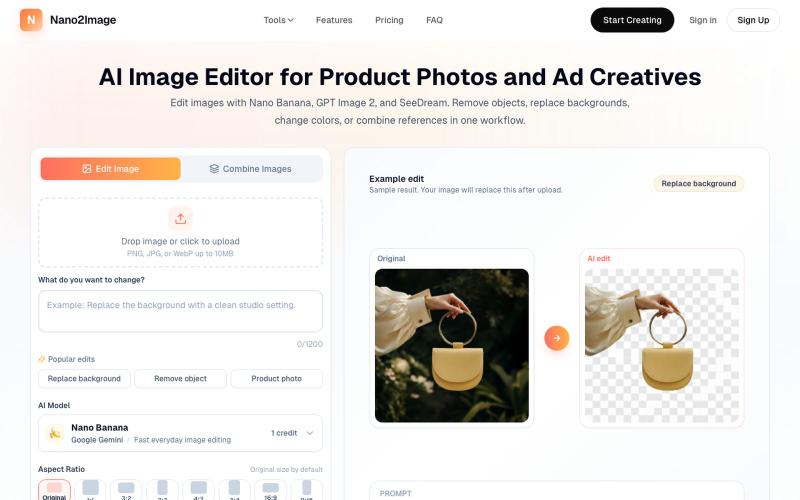
AI Image Editor Online: Edit Photos with AI | Nano2Image
Nano2Image 上传照片并描述编辑移除对象、更换背景或调整颜色。
Nano Banana AI — AI 图像生成和编辑工具(免费在线),2-5 秒生成高质量图像,支持文生图和图像编辑
完整作品展
技术栈
36 projects
Nano2Image 上传照片并描述编辑移除对象、更换背景或调整颜色。
Nano Banana AI — AI 图像生成和编辑工具(免费在线),2-5 秒生成高质量图像,支持文生图和图像编辑
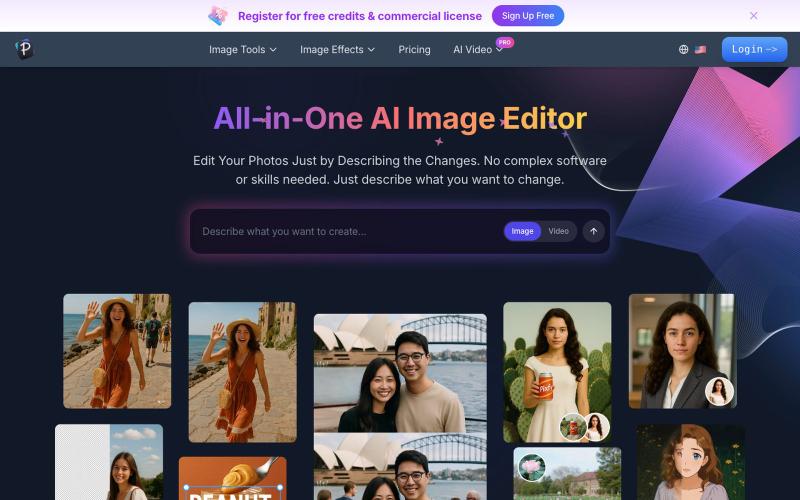
用文字描述来编辑照片:增强、去除背景、擦除物体、交换人脸。
AI 图像编辑器 — 图像编辑工具套件,集多种功能于一体。从照片质量、放大低分辨率图像、进行创意设计等等
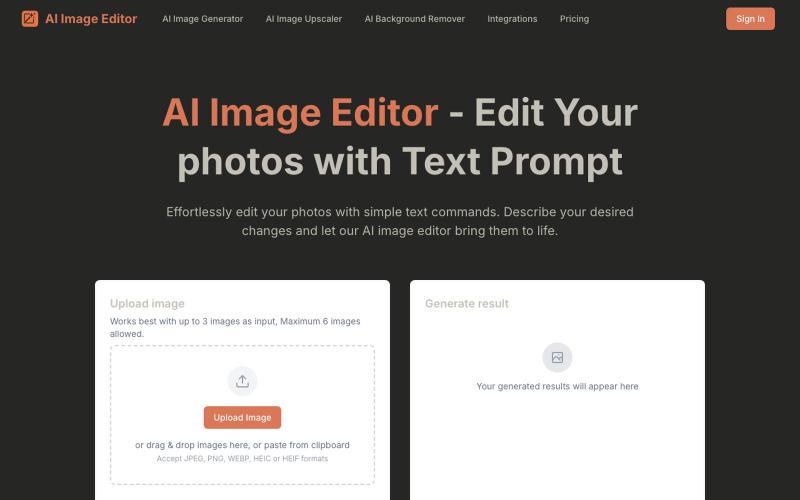
通过文字指令编辑照片的 AI 工具,无需复杂操作。
AI Image Editor — 通过文字指令编辑你的照片,AI 图像编辑器是一款由提示词驱动的智能新一代工具,它能让您使用自然语言编辑照片——无需像传统照片编辑器那样进行复杂的手动操作
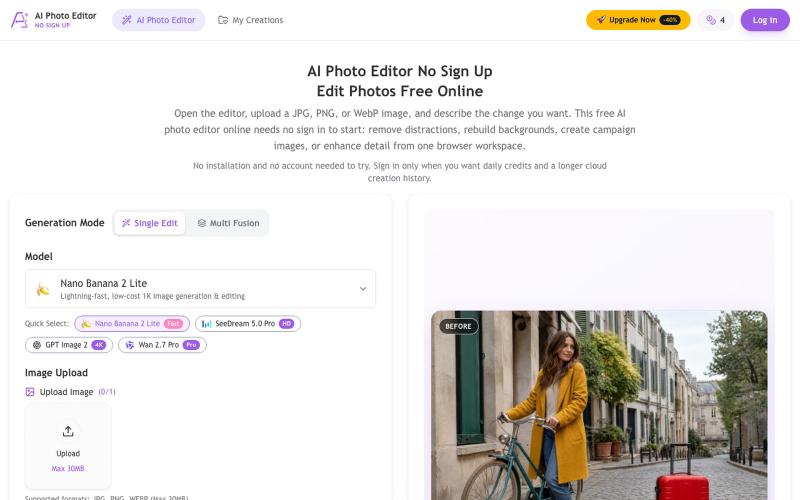
用 AI 去除物体、替换背景、增强照片,无需注册即可下载。
chenliang001 · HN
AI Photo Editor No Sign Up – Edit Photos with Prompts
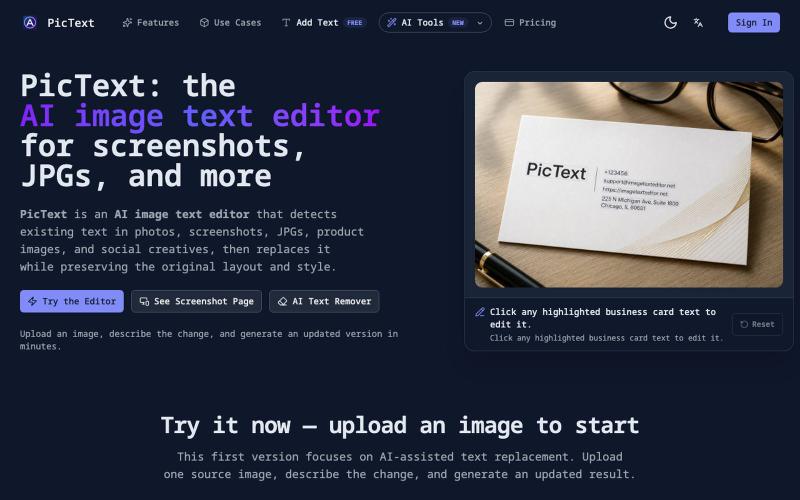
检测并替换图像中的文本,同时保留布局和样式。
PicText - 图片文字编辑器 — AI 驱动的图片文本编辑器,检测并替换照片、截图和产品图中的文本,同时保留原始布局和字体
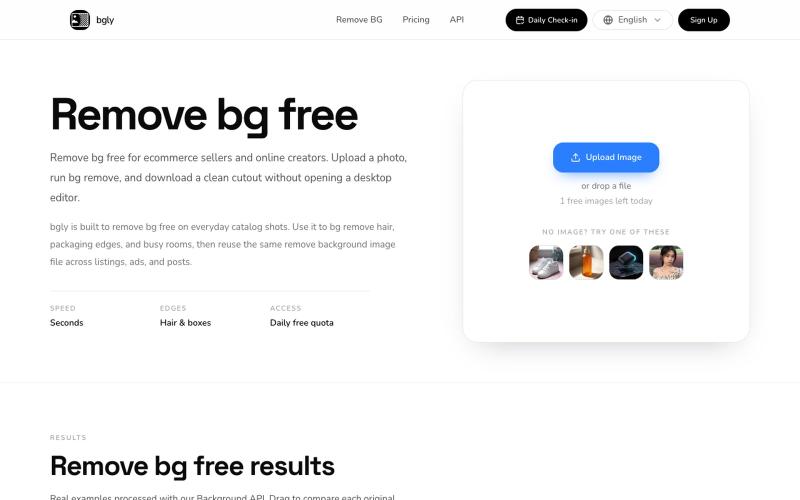
快速移除图片背景,适合产品图、设计和内容创作。
paparaji · V2EX
产品图抠背景太慢?我做了个工具 周末折腾了一个小工具: https://bgly.net/ # **bgly 是什么** ---------- 主要是抠图用的,譬如说你上传一张产品图,可以给你扣得出透明背景色图,比较适合做 logo 设计、电商抠图用。 目前支持的功能: - 一键抠图 - 免登录使用 - API (需付费) 暂时只做了这么个 MVP ,其实还想加 **批量** 操作来着,但是周末时间有限就没做,想看看市场反馈。 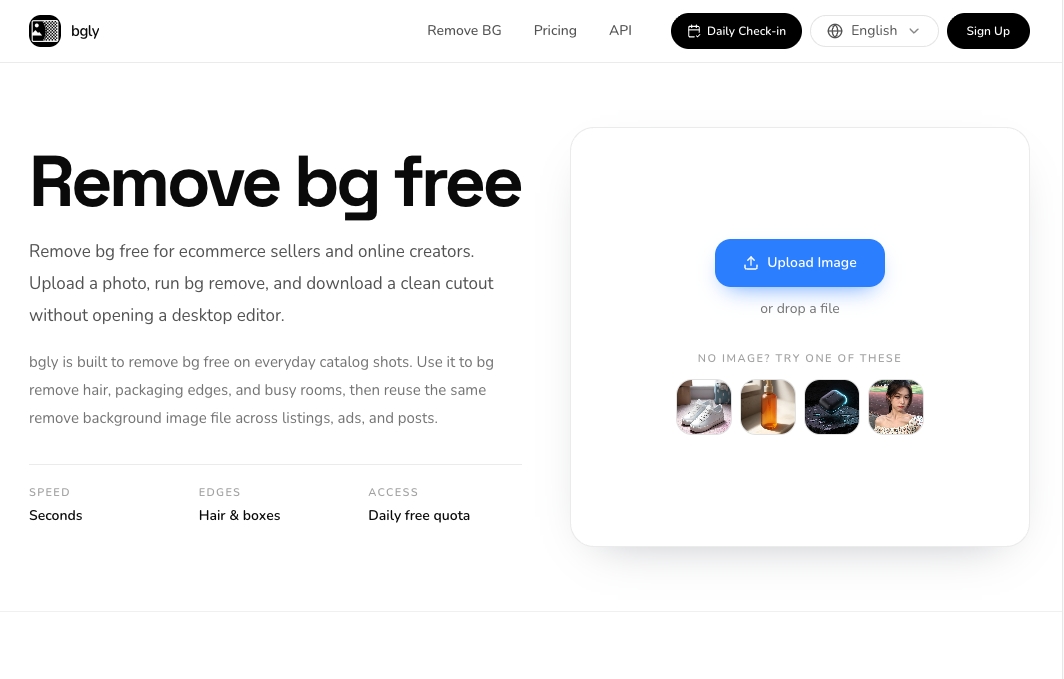 # **效果展示** **使用前**: 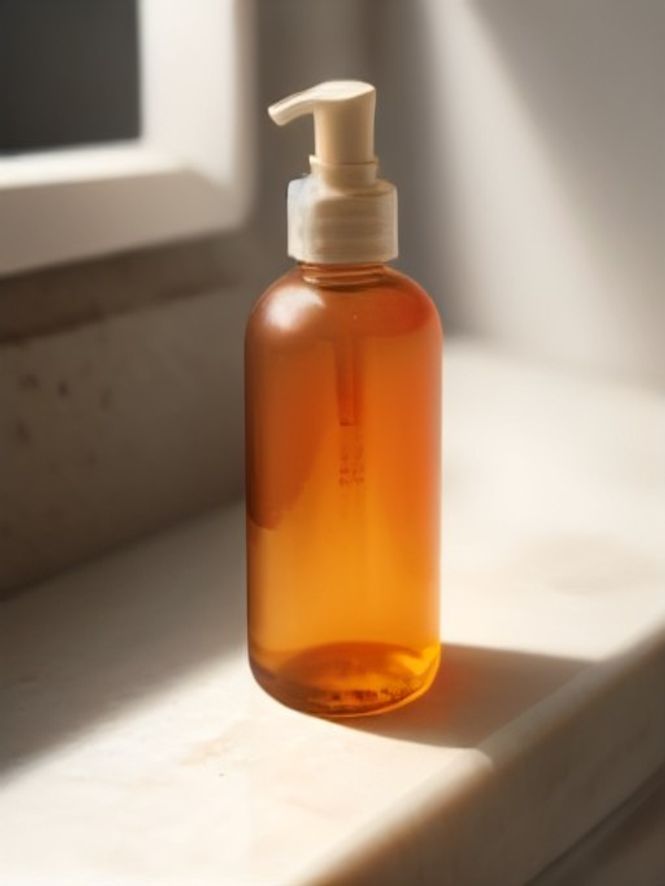 **使用后**: 
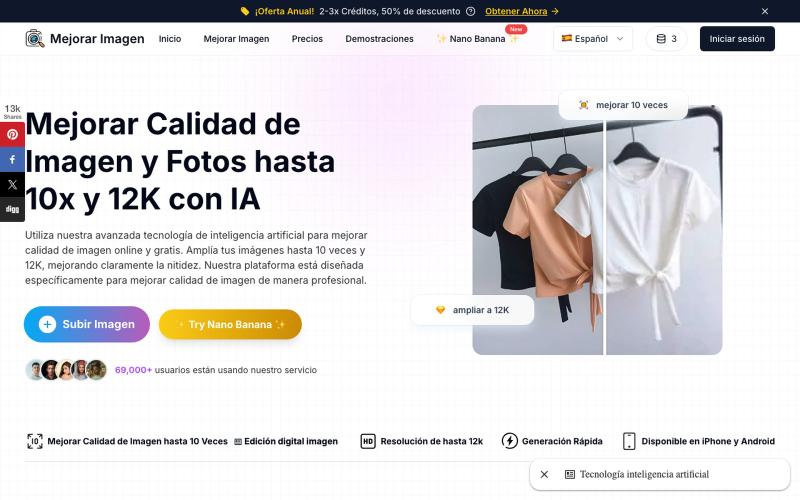
用 AI 放大和增强照片,支持最高 10 倍分辨率。
Mejorar Imagen — AI 图像增强器:用 AI 将图片放大 10 倍,最高提升到 12K 分辨率
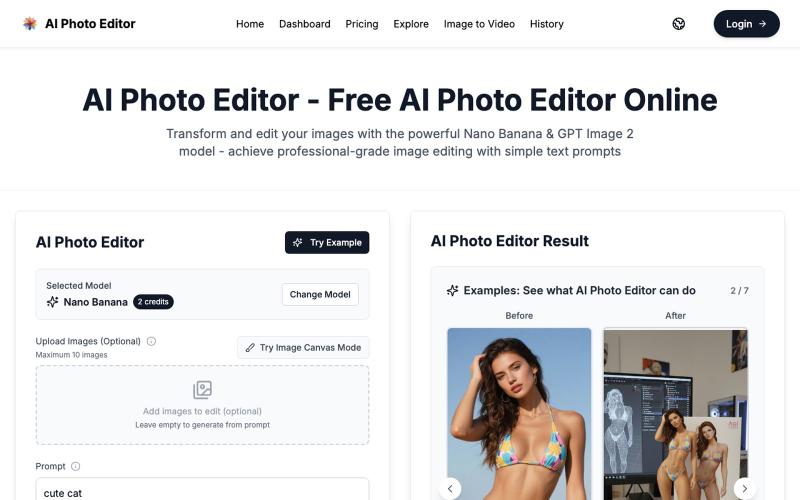
用 AI Photo Editor 在浏览器一键编辑照片,无需注册。
vtoolpro · HN
AI Photo Editor – Professional-Grade Image Editing with Text Prompts
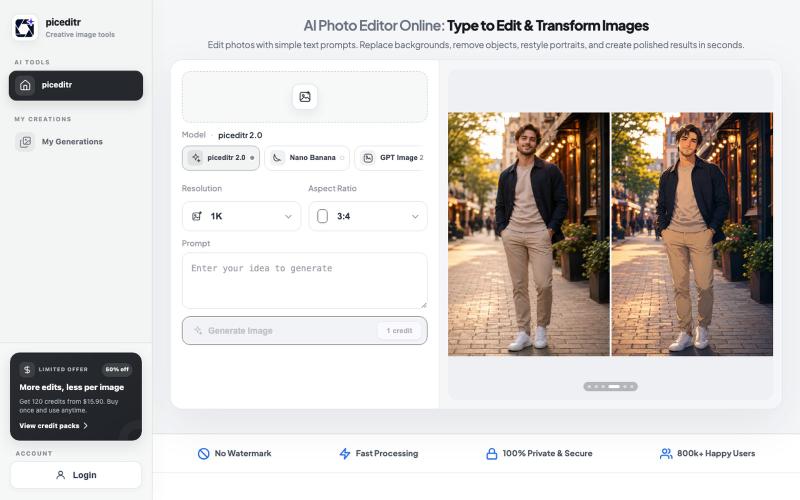
用文本指令编辑照片,支持背景替换、风格转换和细节改变。
new_user___35220255499a20a23f47674 · Product Hunt
piceditr Free AI Photo Editor Online - Type to Edit & Transform Image
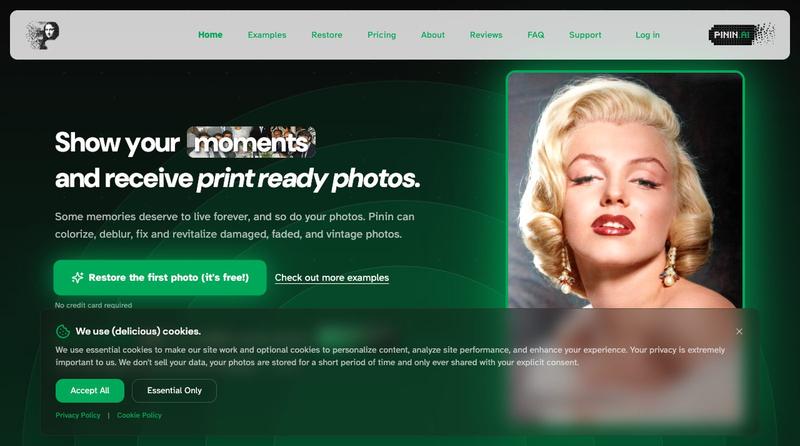
使用AI修复和着色老照片,修复损伤并改善清晰度

@Umitech_AU · X
AI photo restoration without the AI slop.
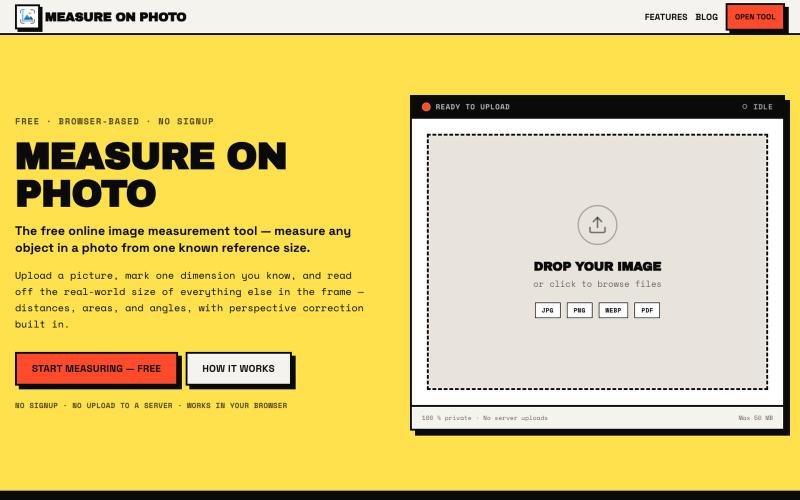
通过设置一个已知参考尺寸来测量照片中的物体。

@Laxman101058405 · X
A few days ago I needed to measure something from a photo. Instead of searching for the perfect tool, I thought: "Why not build it?" So over the next 2 days, I built a Photo Measurement Tool using Cursor. If you try it, I'd love to know what you think.
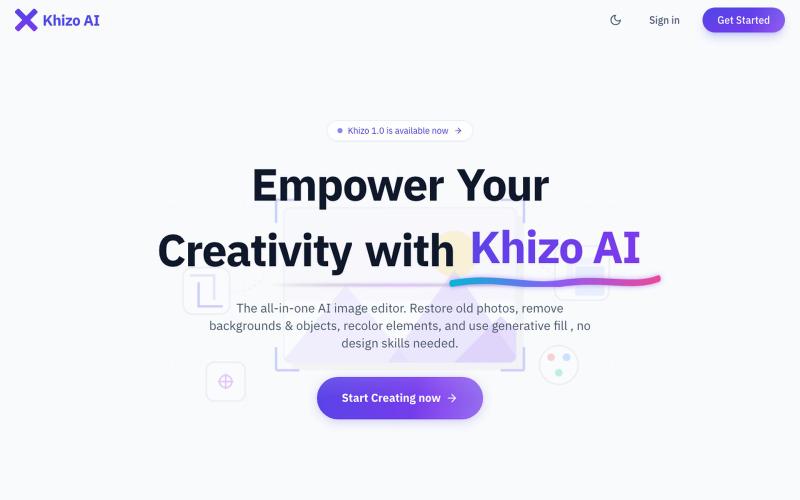
AI驱动的在线图像编辑器,支持照片修复、背景移除和生成填充。
u/Ok-Explanation8527 · Reddit
I created a simple workspace that brings AI image tools together in one place after encountering this problem at work. Hi everyone, While I was working on designing some interfaces and digital projects a while ago, I found myself drowning in many open tabs on my browser. I would use a site to generate an initial image, then move to another platform to remove its background, and turn to a third tool to erase small details or enhance the quality. This back-and-forth between dif