
创意工具3 days ago
Object Remover: AI Video Object Remover Online
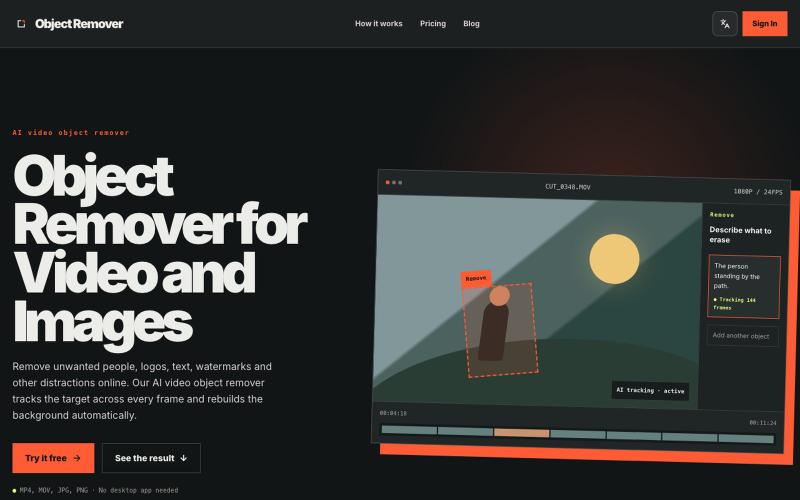
Object Remover - 用AI从视频和图片中删除不需要的对象、人物、标志和文字。
niliu123 · HN
Object Remover – AI Video Object Remover Online
完整作品展
技术栈
28 projects
Object Remover - 用AI从视频和图片中删除不需要的对象、人物、标志和文字。
niliu123 · HN
Object Remover – AI Video Object Remover Online
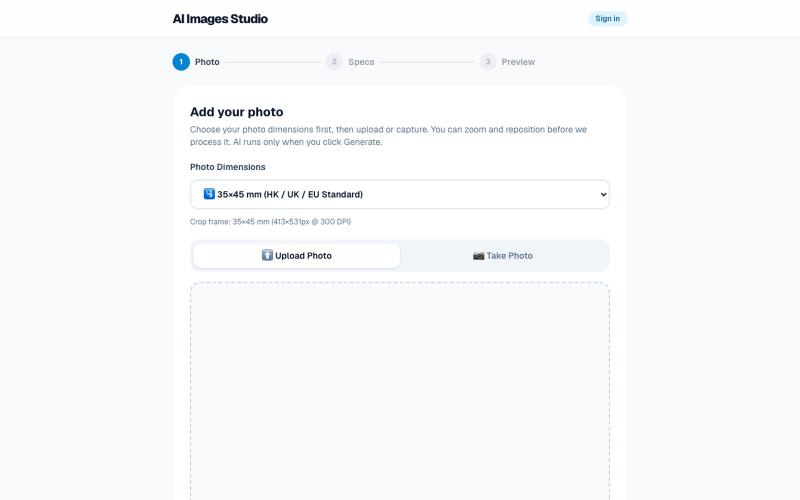
从自拍照生成专业护照和签证照片,自动去背景并符合官方规范。

@SingYuen127400 · X
🚀 Just launched: AI Images Studio! 📸 Turn any selfie into an official, 300 DPI passport/visa photo print sheet in 3 secs. ✅ Standard 4R Layout ✅ Instant Download No more waiting at photo kiosks! Try it & share feedback 👇 🌐 #buildinpublic #AI #SaaS
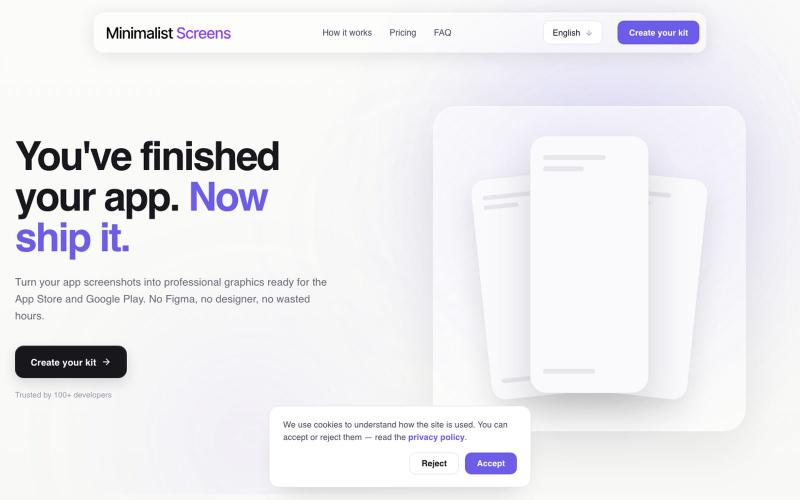
Turn your app screenshots into polished App Store and Play Store graphics in minutes.

@tyd3n_ · X
I'm building Minimalist Screens ( a tool that helps solo founders turn app screenshots into store-ready visuals in minutes.
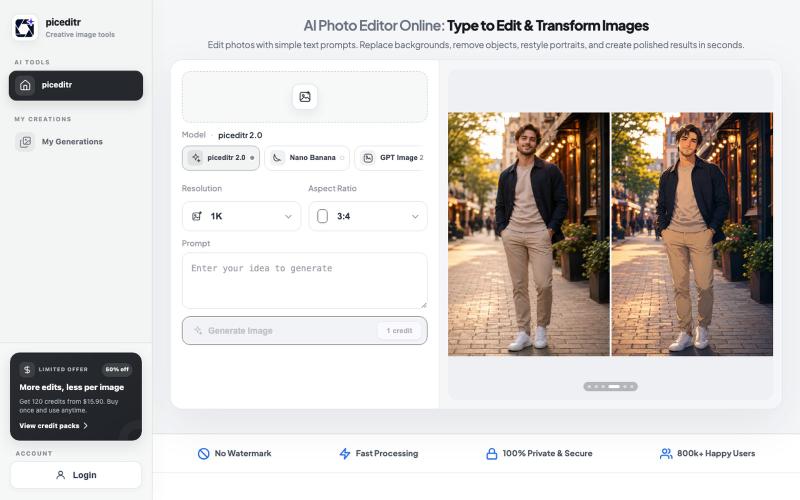
用文本指令编辑照片,支持背景替换、风格转换和细节改变。
new_user___35220255499a20a23f47674 · Product Hunt
piceditr Free AI Photo Editor Online - Type to Edit & Transform Image
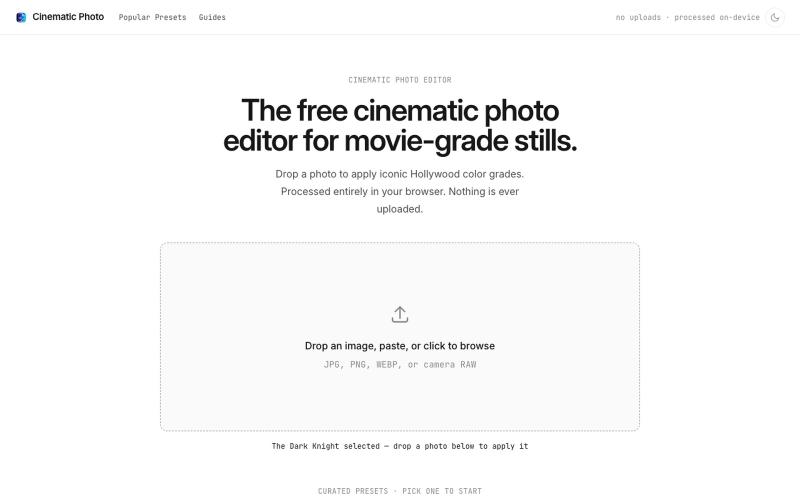
Cinematic Photo Editor 可在浏览器中对照片一键应用电影风格调色
u/huuughmangasorr · Reddit
I built a tool that gives your photos a movie color grade (no AI generation) I kept seeing photo tools that "cinematic-ify" images by running them through AI and spitting out something that's basically a different picture. I wanted the opposite: keep my actual photo, just make it feel like a frame from a film. So I built CinematicPhoto — a browser tool where you upload a photo, pick a movie look, and get a graded version back. Your original stays intact; it's color grading and effects d
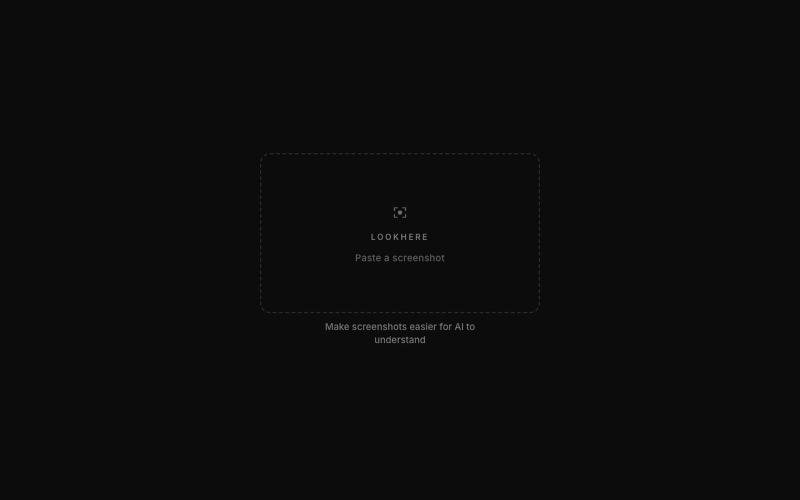
标记和提取截图部分分享给 ChatGPT 或 Claude。
akshitdandyan · Product Hunt
Label.Photos Make screenshots easier for AI to understand
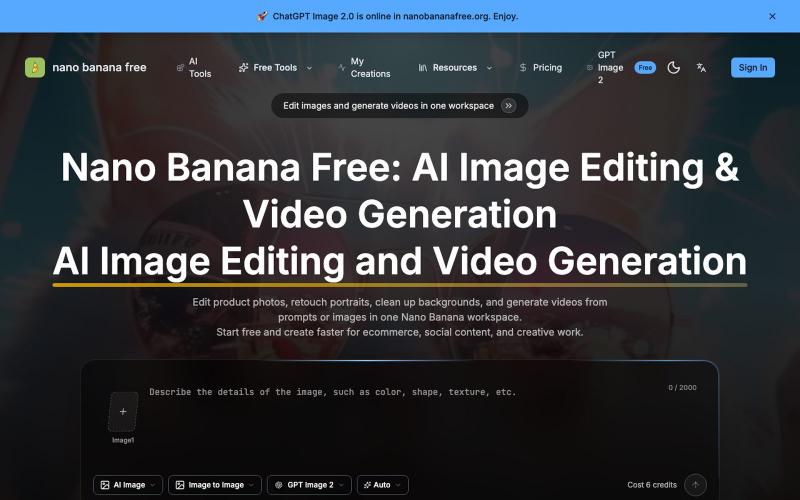
使用AI编辑照片、生成视频、去除水印的在线工具。
Nano Banana Free — 图像编辑与视频生成工作台,支持产品图精修、人像润色、背景替换和视频生成,并在一个工作流里整合多个 AI 工具。
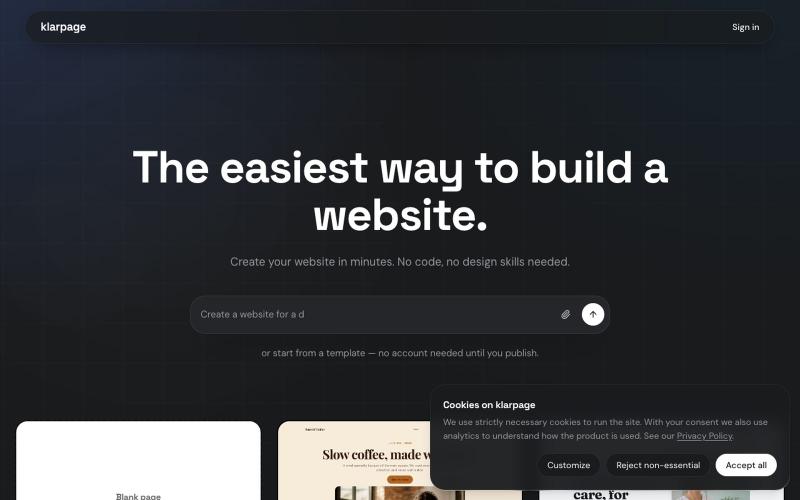
用AI或模板在几分钟内创建和发布专业网站,支持在线编辑。

@KhaledMMatar · X
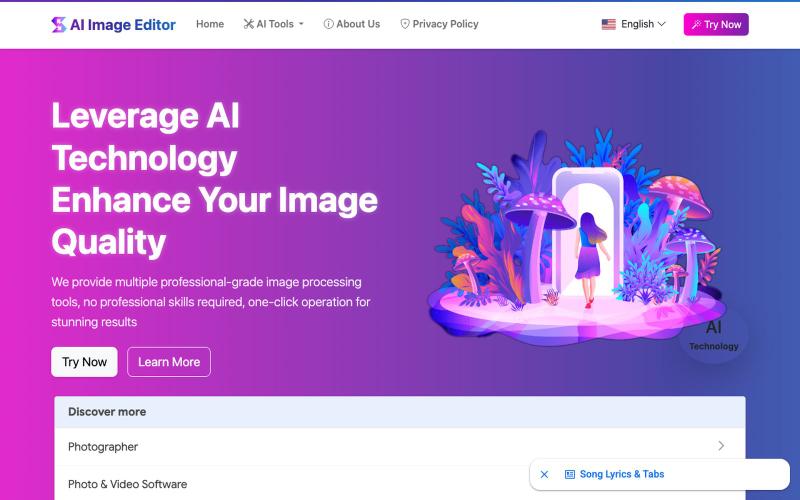
AI Image Editor:12个免费工具支持图片增强、去水印、风格转换、背景编辑。
AI Image Editor — AI 图片处理工具,支持图片增强、去水印、抠图、风格转换、线稿提取等十余种功能。无需下载软件,无需注册,上传图片即可一键生成专业效果。适用于电商设计、社交内容创作、摄影后期、教育教学等多种场景,让图片编辑变得更智能、更高效、更简单!
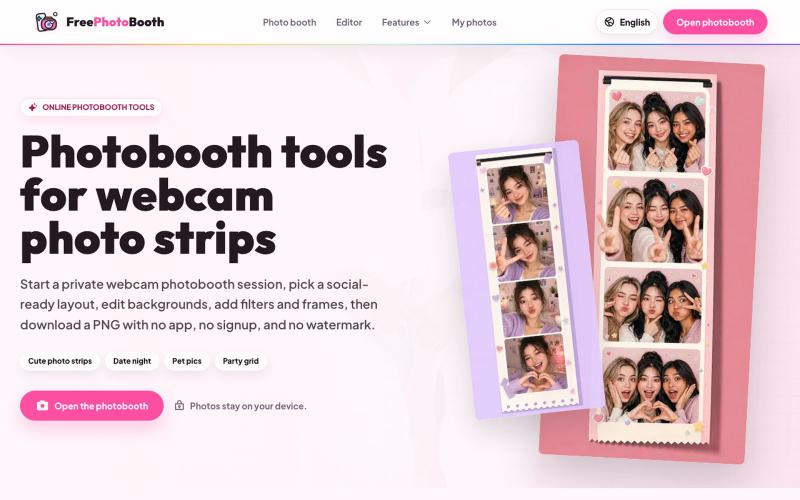
用摄像头拍摄照片纸条,支持滤镜、相框和背景编辑。
cmlanche · V2EX
做的在线照相亭本来还有点流量,结果我 301 瞎整一通,彻底废了,重新上了一个站 地址:[freephotobooth.online]( https://freephotobooth.online/) 上面是老地址,本来流量还可以,上站第二天就有 300 个新点击,但我嫌弃域名后期没有品牌优势,所以 301 到了另外一个域名,但上了之后看到流量没有了,又很焦虑,然后又把新站 301 到老站,现在彻底 game over 不得已重新写了一个站,再上,有兴趣可以围观一下,看看哪个更好,有啥问题我可以改改,主打听劝 新站地址:[https://photobooth100.com/]( https://photobooth100.com/)

按15分钟块记录你的工作时间,无需注册。

@mattzur · X

为 Codex Desktop 设计自定义主题,调整背景、颜色、透明度和视觉效果。
plutozc · V2EX
做了个 Codex Desktop 主题预览和切换工具,先调好再安装 最近一直在用 Codex Desktop ,觉得默认界面看久了有点单调,就顺手做了个主题编辑工具,分享一下: [Codex Skin]( https://getcodexskin.com) 可以先在网页里预览主题,调整背景透明度、面板透明度、颜色、模糊和圆角等参数,满意之后再下载并切换到 Codex Desktop 。 目前支持: - 自定义 JPG 、PNG 、WebP 背景 - 在线实时预览主题效果 - 调整透明度、颜色、模糊、圆角 - 预览满意后生成安装命令 - 不喜欢了可以恢复默认外观 目前主要面向 macOS 上的 Codex Desktop ,还是个人项目,功能和兼容性都在继续打磨。 欢迎试试,也想听听大家对主题参数、预览效果和安装流程的反馈。 直接网址: https://getcodexskin.com [轻喷 轻喷,可能还有些 bug