
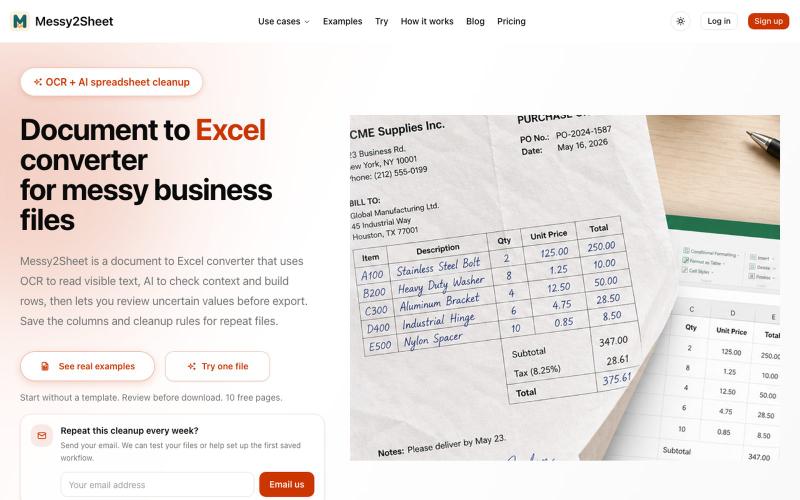
生产力1 week ago
Document to Excel converter for messy business files | Messy2Sheet
用AI和OCR将PDF、截图和邮件转换为整理好的Excel表格。
Messy2Sheet — AI 文档转表格工具,把截图、邮件订单和 PDF 价格表按自定义字段整理成 Excel/CSV,支持保存可复用 Recipe
完整作品展
技术栈
37 projects
用AI和OCR将PDF、截图和邮件转换为整理好的Excel表格。
Messy2Sheet — AI 文档转表格工具,把截图、邮件订单和 PDF 价格表按自定义字段整理成 Excel/CSV,支持保存可复用 Recipe

在浏览器中编辑、压缩、转换和合并视频及音频文件。
zhw2590582 · V2EX
最近对网站进行了重构,做成了免费的视频工具站:[ArtPlayer Tools]( https://artplayer.org/tools/) 主要是围绕着 ffmpeg.wasm 和 mediabunny 实现的一些可以直接在浏览器里用的视频/音频工具,常用的有: - 视频压缩:[Compress Video]( https://artplayer.org/compress-video/) - 视频裁剪:[Crop Video]( https://artplayer.org/crop-video/) - 视频合并:[Merge Video]( https://artplayer.org/merge-video/) - 视频尺寸调整:[Resize Video]( https://artplayer.org/resize-video/) - 视频旋转:[Rotate Video]( https://artplayer.org/rotate-video/) - 视频调速:[Change Video Speed]( https://artplayer.org/change-video-speed/) - 添加文字到视频:[Add Text to Video]( https://artplayer.org/add-text-to-video/) - 添加水印:[Watermark Video]( https://artplayer.org/watermark-video/) - 提取字幕:[Subtitle Editor]( https://artplayer.org/subtitle-editor/) - HLS 转 MP4:[HLS to MP4]( https://artplayer.org/hls-to-mp4/) - 音频可视化:[Audio Visualizer]( https://artplayer.org/audio-visualizer/) 大部分工具都是本地处理,文件不会上传到服务器。最开始是因为自己偶尔要处理一些视频,开剪辑软件又有点重,在线工具又担心隐私,所以就慢慢做成了一个站。 目前还在持续完善,体验肯定还有不少粗糙的地方,比如不同浏览器的兼容、移动端操作、长视频性能之类的。 网站: [ArtPlayer Tools]( https:

开文伊美姬是 GPT-Image-2 的提示词灵感库,包含创作场景、模板和 API 调用示例。

@GreatbinVip · X
我做了一个更完整的免费网站,不用去部署,打开网页就能用。
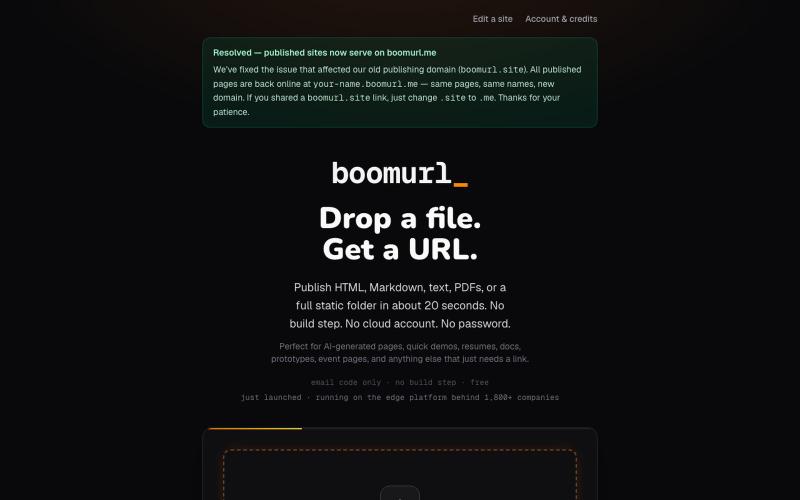
拖拽 HTML 文件或项目即可快速发布到自定义域名。

@dorongrinstein · X
drag and drop any .html and go live with a custom domain in 20 seconds
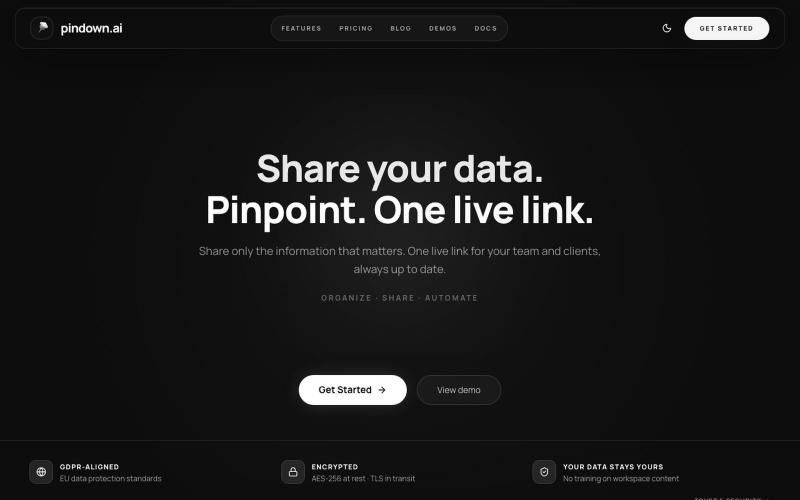
创建实时链接与团队和客户分享并同步更新数据。
u/Melodic-Living4805 · Reddit
Roast my Agentic Platform Been building this platform on the side for about a year would love to hear if the messaging is clear and what your first impressions are. Are you curious ? confused . impressed etc ? https://pindown.ai/ submitted by /u/Melodic-Living4805 to r/microsaas [link] [comments]
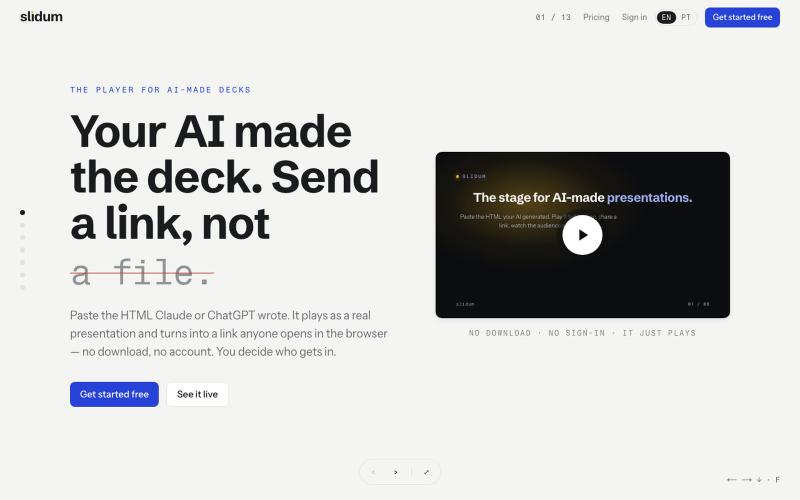
粘贴 HTML 创建即时演示文稿,一个链接分享,无需下载或注册。
oandre · HN
Slidum – A player for the HTML presentations AI writes
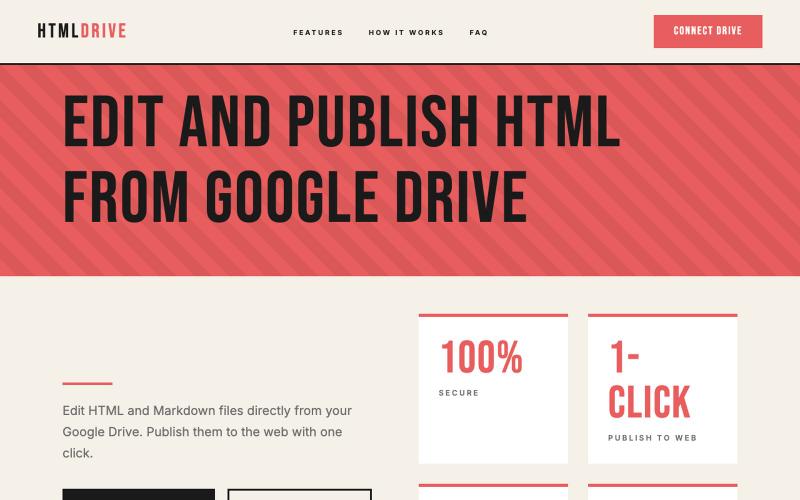
从 Google Drive 编辑和发布 HTML 文件。
debamitro · HN
I found that AI tools are generating excellent HTML documents nowadays, yet there's no easy way to show them to others. Yes, there's GitHub pages - but I don't know if it is user-friendly for non-technical people. This app allows you to keep your HTML file in your Google Drive and serve it from there. Feedback is most welcome.
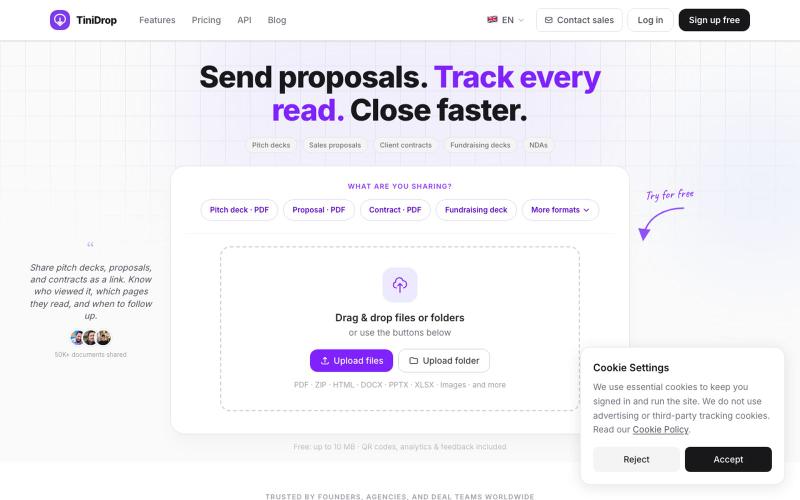
以安全链接分享文档,追踪每页的查看者。

@adhikari_premi · X
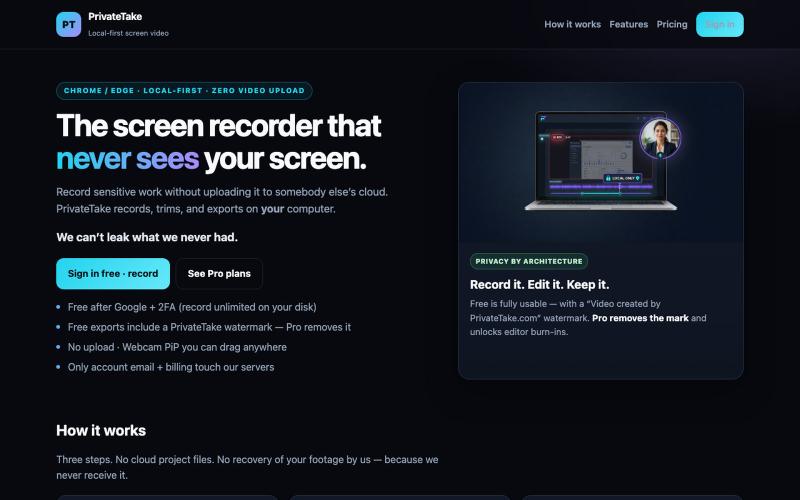
在本地录制和编辑屏幕视频,无云存储和上传。

@MarkZofMarkZ · X
Screen Recorder that doesn't share your recordings to the cloud:

一个共享记忆层,在不同的 AI 工具和设备间保留你的决定、偏好和项目。
upload — 跨 AI 的长期记忆层,让 ChatGPT、Claude、Codex、Hermes、OpenClaw、WorkBuddy 等共用同一份记忆,换工具换设备都接着上次继续,注册即用免装插件
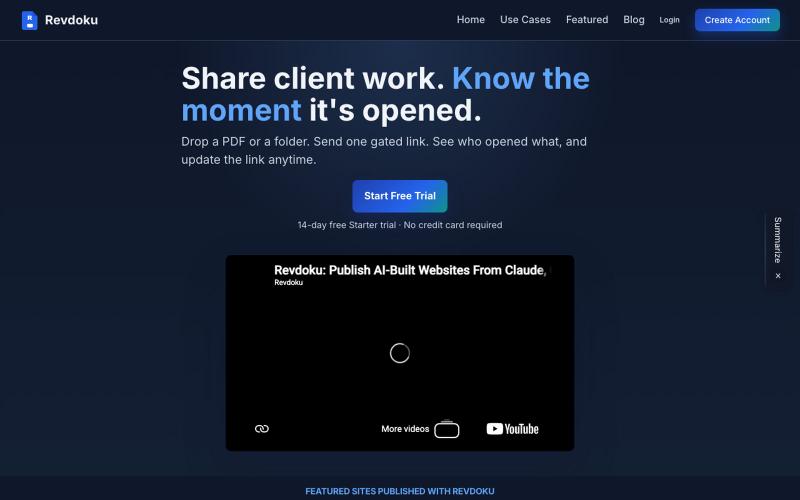
Revdoku 让您通过密码保护和访客分析功能共享 PDF 和文件夹。

@emironic · X
- free plugin for Claude and Codex to put your work as public website with single line `publish to Revdoku` prompt.
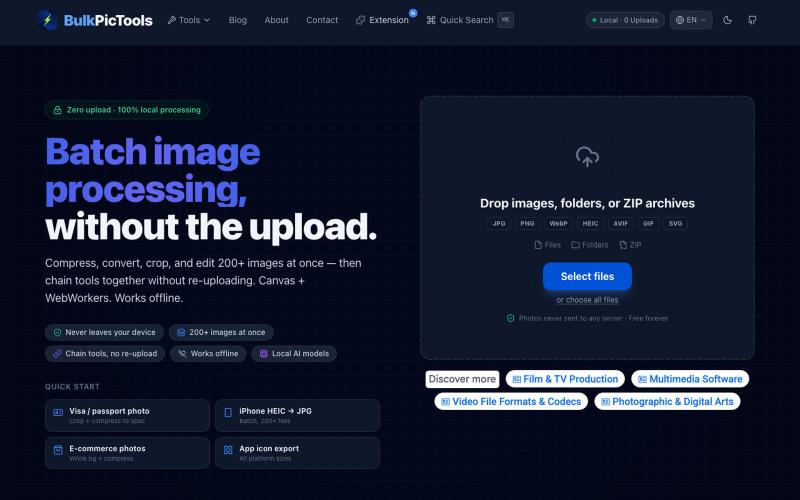
在浏览器中批量处理图片,支持工具链、本地AI和格式转换。
BulkPicTools — 免费浏览器端图片批量处理工具,支持**工具链串联**(压缩→转格式→裁剪一次完成,无需重复上传),本地 AI 去背景/人脸模糊(WebGPU,无需 API Key),支持 200+ 张图片批量处理,文件不上传服务器。