

生产力1 month ago
Slidum — send the link, not the file
粘贴 HTML 创建即时演示文稿,一个链接分享,无需下载或注册。
oandre · HN
Slidum – A player for the HTML presentations AI writes
完整作品展
技术栈
34 projects
粘贴 HTML 创建即时演示文稿,一个链接分享,无需下载或注册。
oandre · HN
Slidum – A player for the HTML presentations AI writes
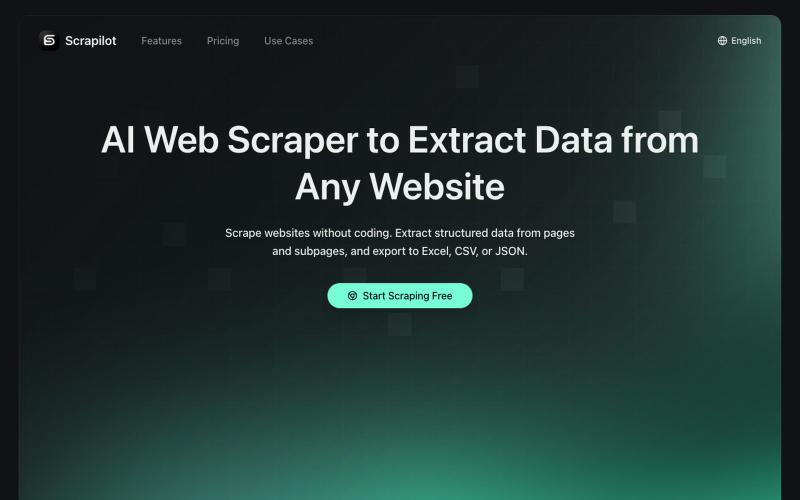
自动从网页提取表格和数据,一键导出为Excel或JSON文件。
Scrapilot — AI 爬虫插件,零代码采集任意网页数据,运行在真实浏览器中,天然抗反爬,支持定时自动化工作流
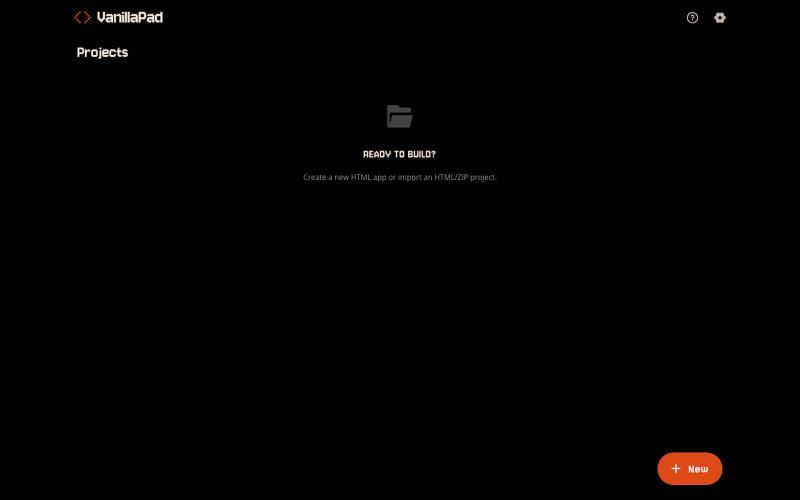
VanillaPad - 编辑和预览HTML应用的移动工作区,支持ChatGPT、Claude和Gemini。
u/heisenberg2995 · Reddit
I built a mobile workspace to edit and preview the HTML apps ChatGPT/Claude write for you. Hey everyone! I built VanillaPad , a mobile workspace for building simple HTML/CSS/JS projects. 👉 https://vanillapad.dev The idea came from something I kept running into. Sometimes I'd need a simple utility app or a quick landing page or to test a little game idea. Getting the initial code written was easy since I could just ask ChatGPT or Claude on my phone. The hard part came af
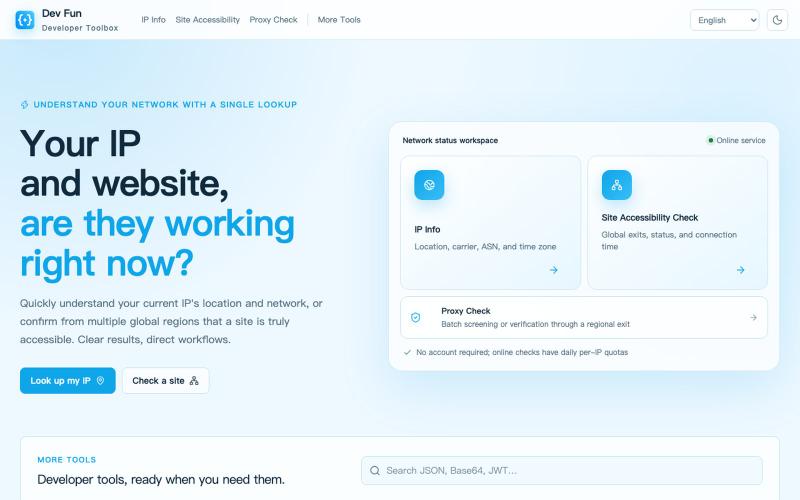
用于格式化、编码和数据转换的浏览器工具。
4seasons · V2EX
devfun.org - 开发者(网络)工具集合 ## 访问地址 https://devfun.org ## 主要功能 - 本机 IPv4/IPv6 网络检查及 IP 信息查询 - 站点可访问性检查(支持全球区域) - 代理检查及代理全球出口检查 - 各类编解码、格式测试、文本格式化、校验密钥生成、文本处理、转换工具 欢迎大家使用,提供建设性的建议和意见!
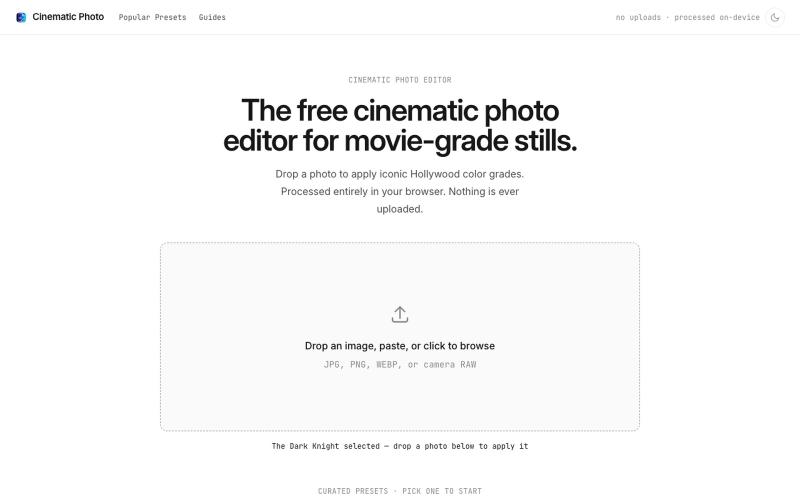
Cinematic Photo Editor 可在浏览器中对照片一键应用电影风格调色
u/huuughmangasorr · Reddit
I built a tool that gives your photos a movie color grade (no AI generation) I kept seeing photo tools that "cinematic-ify" images by running them through AI and spitting out something that's basically a different picture. I wanted the opposite: keep my actual photo, just make it feel like a frame from a film. So I built CinematicPhoto — a browser tool where you upload a photo, pick a movie look, and get a graded version back. Your original stays intact; it's color grading and effects d

在浏览器中免费转换、压缩和编辑文件,文件不上传服务器。

@faisalhaleem · X
Just launched — free browser-based file tools runs entirely in your browser. Video to GIF (with trim slider) Merge / Split / Shrink PDF Your files NEVER leave your device. No sign-up needed. Free forever. #buildinpublic #webdev #indiedev #tools #privacy
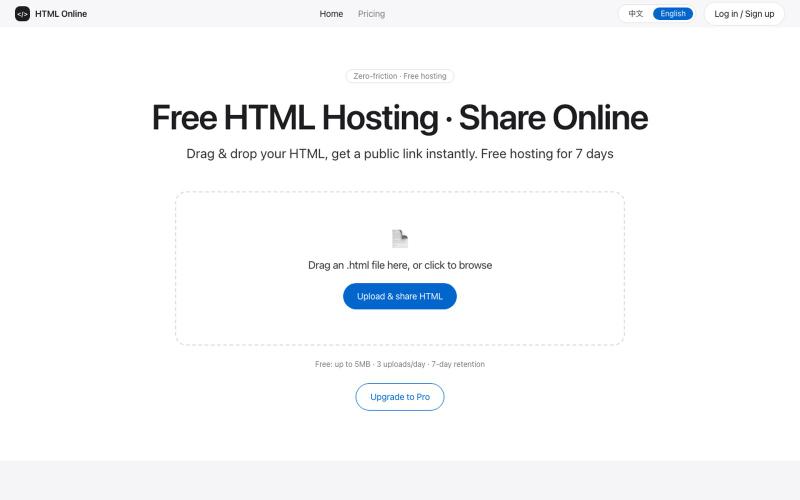
轻松上传HTML,30秒生成可公开访问的分享链接。
foryou2023 · V2EX
重复造轮子,简单部署 html 经常刷小红书和 b 站,看到一些人问怎么部署 html ,所以造了这个轮子。 简单的调研了一下,发现市场需求也不是很大,不过正好 dsv4 flash 发布了,同时看到一个新的出海支付渠道, 所以还是简单的当做练手造了这个轮子,顺便看看 dsv4 flash 的实战能力怎么样。 目前来看,完全满足自己的需求,就是前端搞的麻烦一点,不能直接截图给 ai 查看。 https://sharinghtml.com
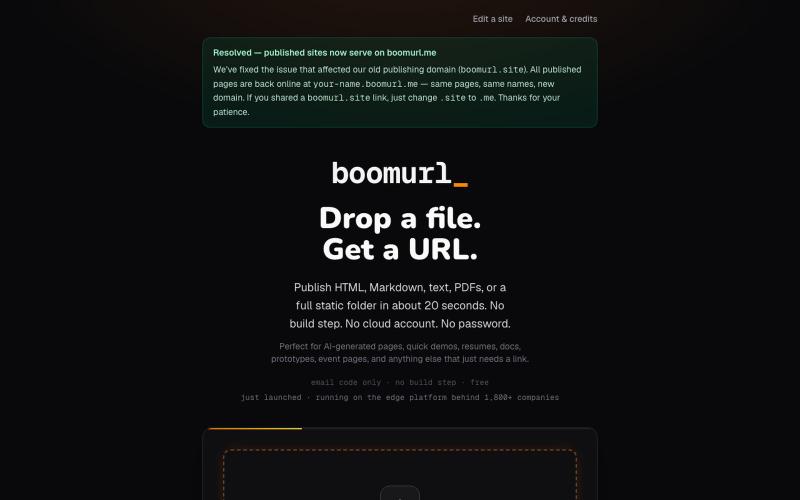
拖拽 HTML 文件或项目即可快速发布到自定义域名。

@dorongrinstein · X
drag and drop any .html and go live with a custom domain in 20 seconds
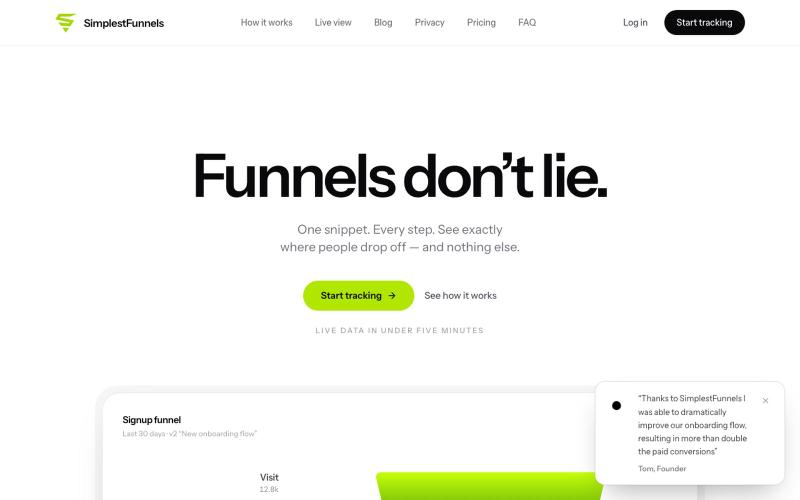
@zdogmode https://t.co/Cdk9FF9iPM - This is a tool I built and was really useful for my own projects, so I made it available.

@tpacker · X
- This is a tool I built and was really useful for my own projects, so I made it available.
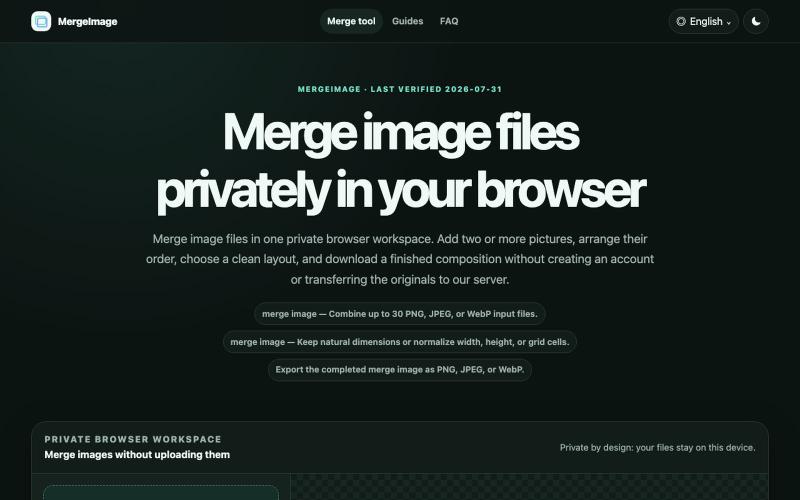
Merge image files horizontally, vertically, in a grid, or with smart screenshot stitching. Reorder, resize, preview, and download locally. No signup, watermark
lby910722 · V2EX
做了一个完全在浏览器本地处理的图片拼接工具: MergeImage 最近做了一个免费图片拼接工具 **MergeImage**: https://mergeimage.app/ 起因很简单:临时把截图、商品图或前后对比图合成一张时,很多在线工具需要先把原图上传到服务器,或者在导出时加水印。我想做一个打开就能用、处理边界也更清楚的小工具。 目前支持: - 最多添加 30 张 PNG 、JPEG 或 WebP - 横向、纵向、网格,以及连续截图的智能重叠拼接 - 拖拽排序、旋转、翻转、间距、背景和尺寸对齐 - 预览后导出 PNG 、JPEG 或 WebP - 图片解码、排版和编码都在当前浏览器本地完成,不需要注册,也不会添加水印 智能拼接会保守判断重复区域;如果置信度不够,会保留完整图片并退回普通纵向拼接,避免误删内容。 现在还是 MVP ,桌面端和移动端都可以直接用,也做了中文界面。欢迎试用,尤其想听听大家对长截图、网格排版和大图性能的反馈。
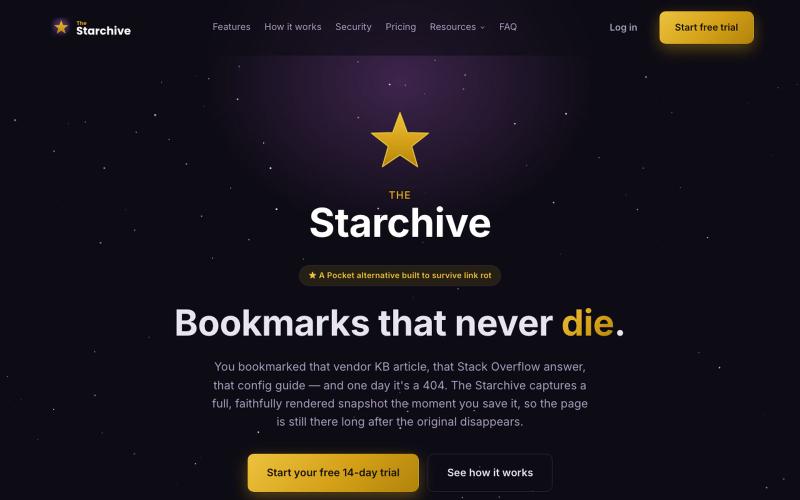
Archive a web page in one click with the Chrome or Firefox extension — a full, rendered snapshot, not just a link, still there after the original 404s.

@TheStarchiveX · X
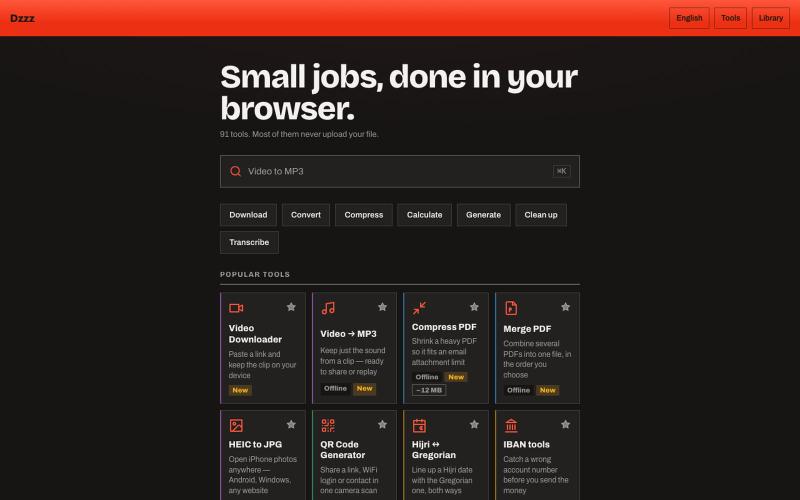
90个免费浏览器工具,无需上传,可转换、压缩和计算文件。
u/Current-Parking-1296 · Reddit
dzzz.ai over 90 tools in one website privacy focus Hey r/SideProject , I kept uploading private invoices and contracts to random "free PDF tool" sites just to compress a file. Eventually it occurred to me that the browser can do this locally — so I built dzzz.ai : over 90 tools that run entirely on your device. PDF compress/merge, video trim and conversion, background removal, HEIC→JPG, document scanning with your camera, audio transcription, CSV cleanup. All WebAssembly — ffmpeg, Ghost