

实用工具1 month ago
Flashpaper — Zero-Knowledge Self-Destructing Notes & Encrypted File Sharing
用零知识加密发送自毁笔记和文件,支持截图保护。
Open source
minpym · HN
Flashpaper – Self-destructing secret sharing with no database
完整作品展
技术栈
60 projects
用零知识加密发送自毁笔记和文件,支持截图保护。
minpym · HN
Flashpaper – Self-destructing secret sharing with no database
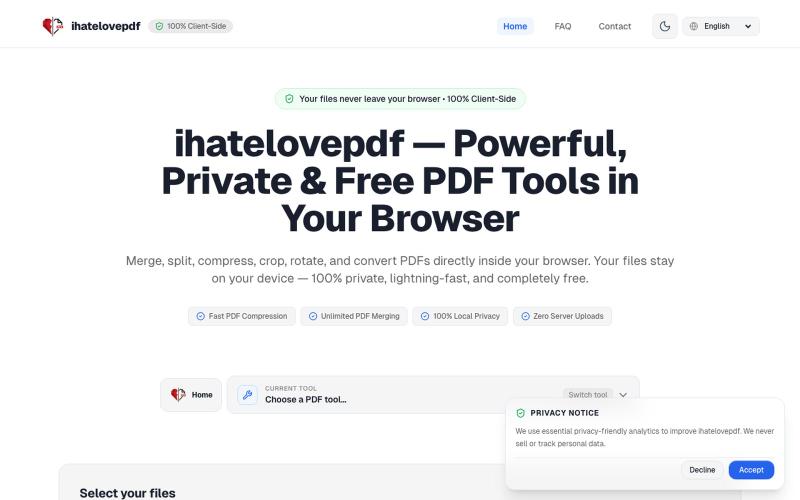
在浏览器中即刻合并、压缩、拆分和转换 PDF,无需上传文件。

@notApplicaky · X
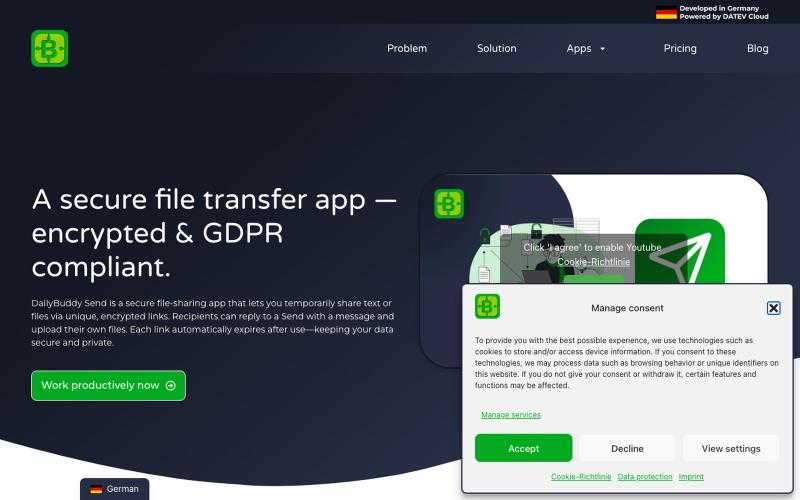
Secure file transfer app with encryption, expiration dates & password protection. Share files GDPR-compliant with DailyBuddy Send

@beckerilja · X
Just shipped: Send is now two-way. 🎉 You could always share files securely. Now the recipient can upload files & send text back too — no account needed. Secure file requests, basically. → #buildinpublic #saas
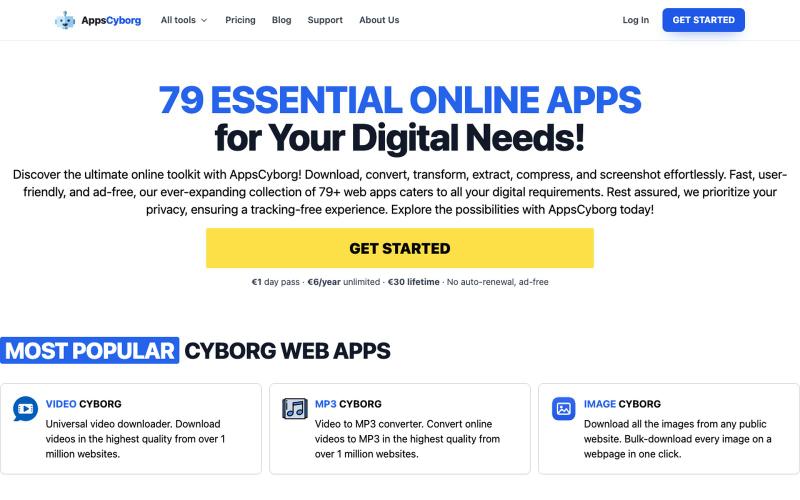
79+ privacy-first online tools to convert, compress, and download files. Ad-free, no tracking. €1 day pass, €6/year, or €30 lifetime — no SaaS lock-in.

@philippenamias · X
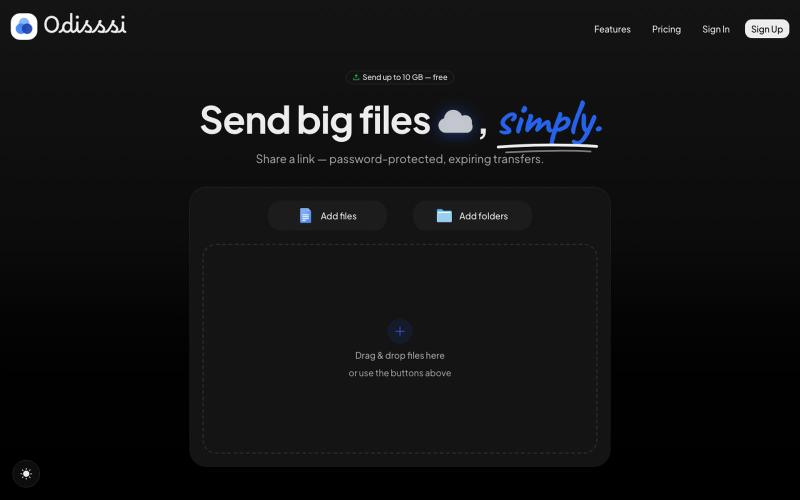
Send large files with a simple link. Password-protected, expiring transfers — no account needed to receive.

@Odisssi · X
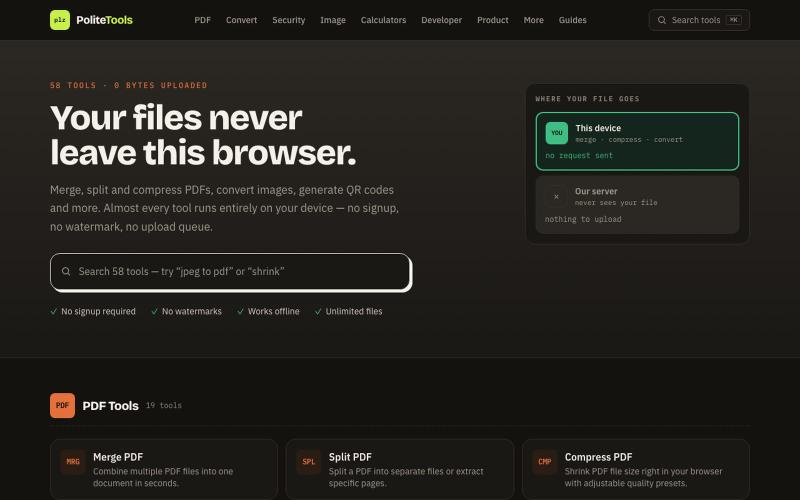
Free online PDF, image, QR and text tools. 100% private — every file is processed in your browser and never uploaded to a server.

@codechandra · X
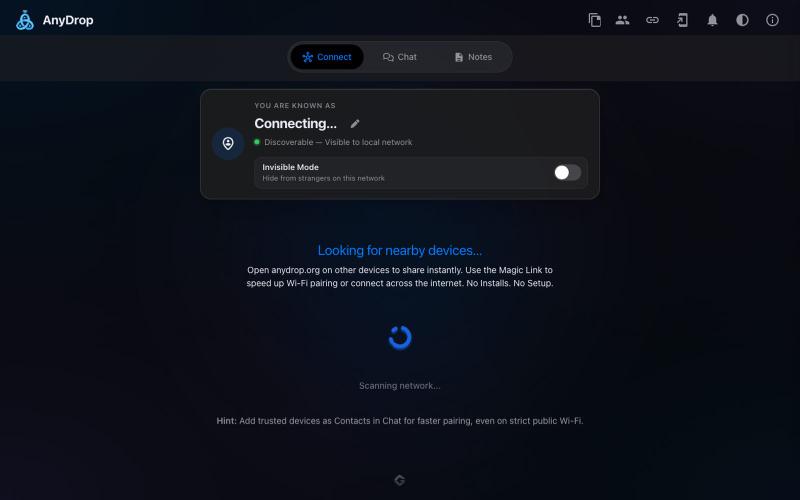
在浏览器中跨设备(Mac、PC、iOS、Android、Smart TV)即时分享文件和文本,无需注册。

@WackyCrocoGator · X
This one doesn’t require any signup or payment. Just load and multiple device by opening the site on them and connect them for an easy way to drop text and file to each other.
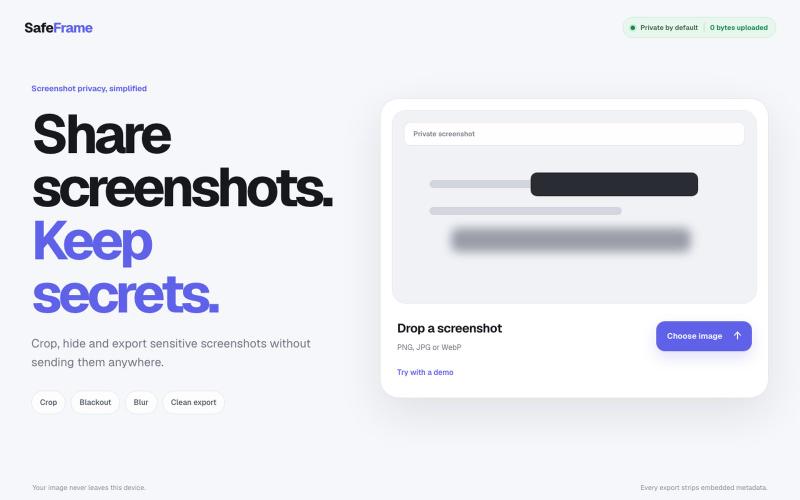
裁剪、编辑、模糊和导出截图,完全私密,无需上传任何数据。
@noshkass · X
Built SAFEFRAME a private, browser-only screenshot sanitizer. Crop, blackout, blur, and export sensitive screenshots without uploading a single byte. Try it: Built with ChatGPT Sites. @chatgptapp #Giveaway
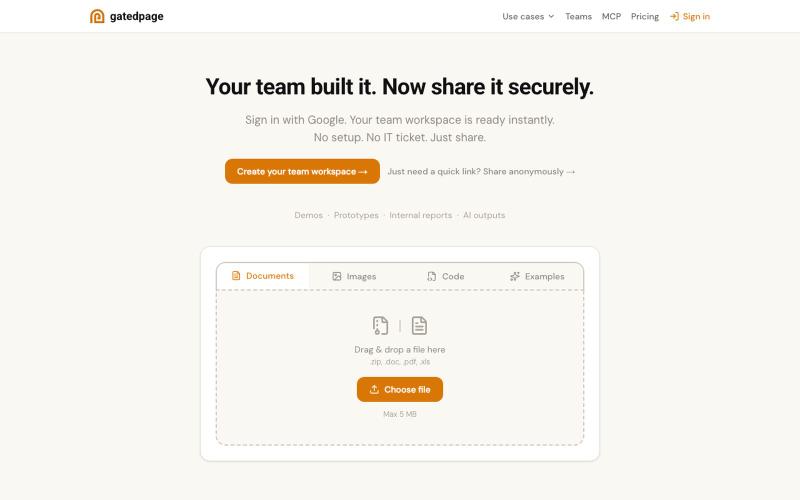
上传文件立即获得可分享链接,无需注册。

@gonelf · X
So many things - dead simple way to share projects within your team - dead simple base - no backend forms - ez directory submissions - a Lego event

用临时链接分享 HTML 文件,无需邮件附件。

@prabalhere · X
I built to share HTML pages (mostly vibe-coded ones) with your team/clients. Drop the file, get a link, gone in 24 hours. Free and anonymous. There are other tools, but they're expensive, and it shouldn't cost that much. Building this into something more!
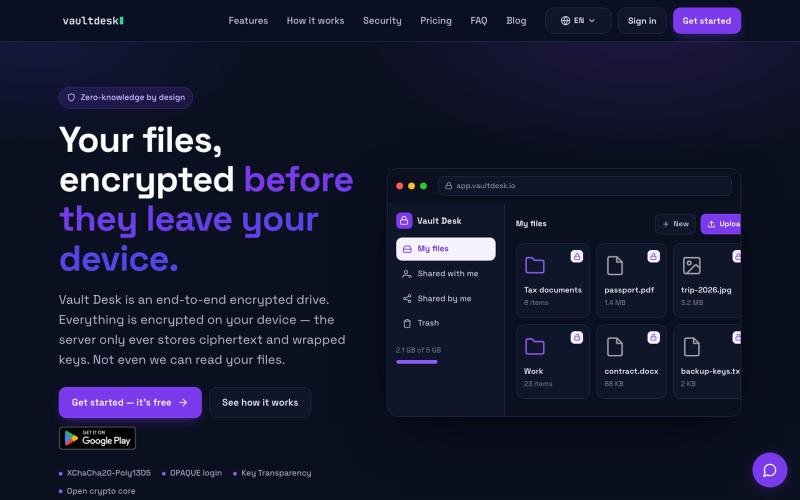
用端到端加密存储和同步文件,对服务器完全隐藏。

@vaultdesk · X
