

完整作品展
技术栈
17 projects
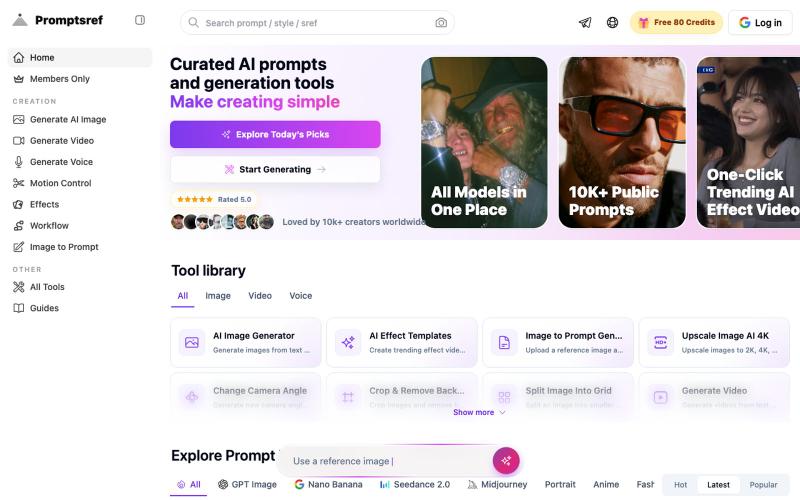
浏览精选的 Midjourney sref 代码库,按风格分类,生成风格一致的 AI 图像。
Midjourney Sref code 精选库 — 在 Midjourney 的 prompt 输入 `--sref xxx` ,可以固定生成某种特定风格的图片。这对很多人来说非常方便,不用写一堆效果词,只要记住几位数字就可以。但 `--sref xxx` 有大概 40 亿个,其中重复或者质量不佳的不在少数。因此做了一个网站把一些个人觉得不错的 sref code 收集起来并进行分类,方便新人或
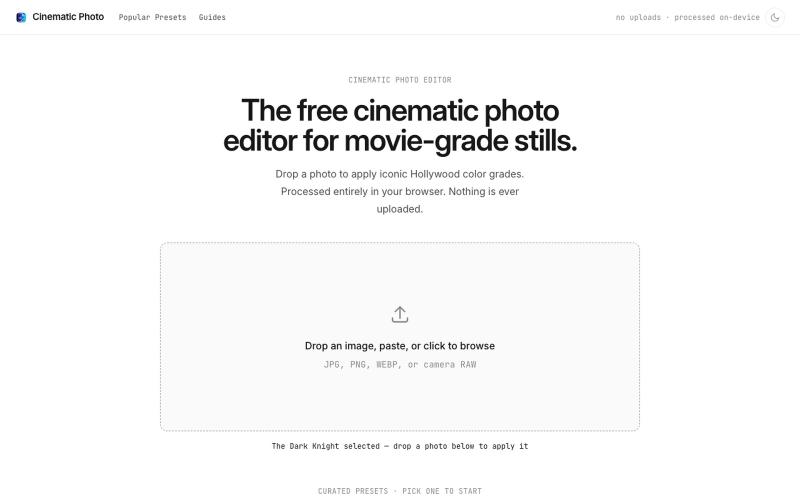
Cinematic Photo Editor 可在浏览器中对照片一键应用电影风格调色
u/huuughmangasorr · Reddit
I built a tool that gives your photos a movie color grade (no AI generation) I kept seeing photo tools that "cinematic-ify" images by running them through AI and spitting out something that's basically a different picture. I wanted the opposite: keep my actual photo, just make it feel like a frame from a film. So I built CinematicPhoto — a browser tool where you upload a photo, pick a movie look, and get a graded version back. Your original stays intact; it's color grading and effects d

为 Codex Desktop 设计自定义主题,调整背景、颜色、透明度和视觉效果。
plutozc · V2EX
做了个 Codex Desktop 主题预览和切换工具,先调好再安装 最近一直在用 Codex Desktop ,觉得默认界面看久了有点单调,就顺手做了个主题编辑工具,分享一下: [Codex Skin]( https://getcodexskin.com) 可以先在网页里预览主题,调整背景透明度、面板透明度、颜色、模糊和圆角等参数,满意之后再下载并切换到 Codex Desktop 。 目前支持: - 自定义 JPG 、PNG 、WebP 背景 - 在线实时预览主题效果 - 调整透明度、颜色、模糊、圆角 - 预览满意后生成安装命令 - 不喜欢了可以恢复默认外观 目前主要面向 macOS 上的 Codex Desktop ,还是个人项目,功能和兼容性都在继续打磨。 欢迎试试,也想听听大家对主题参数、预览效果和安装流程的反馈。 直接网址: https://getcodexskin.com [轻喷 轻喷,可能还有些 bug
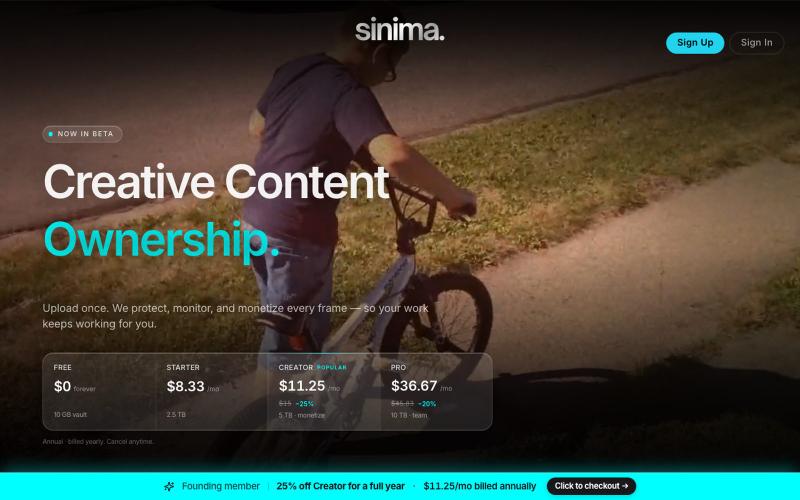
上传屏幕录制以保护和授权给AI平台

@LisaTrublet · X
Vimeo alternative for creators and filmmakers, with IP protections built in. 25% off Creator Core. 🎉
