
完整作品展
技术栈
26 projects
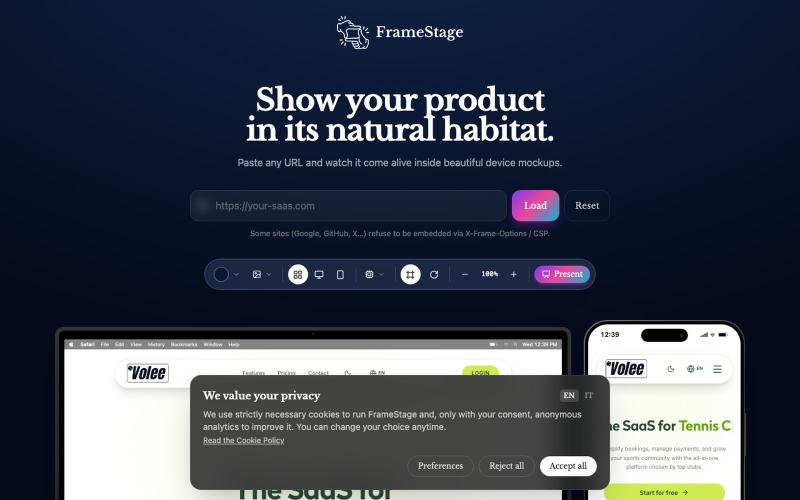
粘贴任何 URL 即可在设备模型(桌面、平板、手机)上预览项目。

@AndreaPericoli · X
I couldn’t find a simple tool that did exactly what I needed, so I built one in @Lovable Frame Stage lets you paste a URL and instantly preview your project on desktop, tablet, or mobile. No mockups. No setup. 🌐 #vibecoding #AI
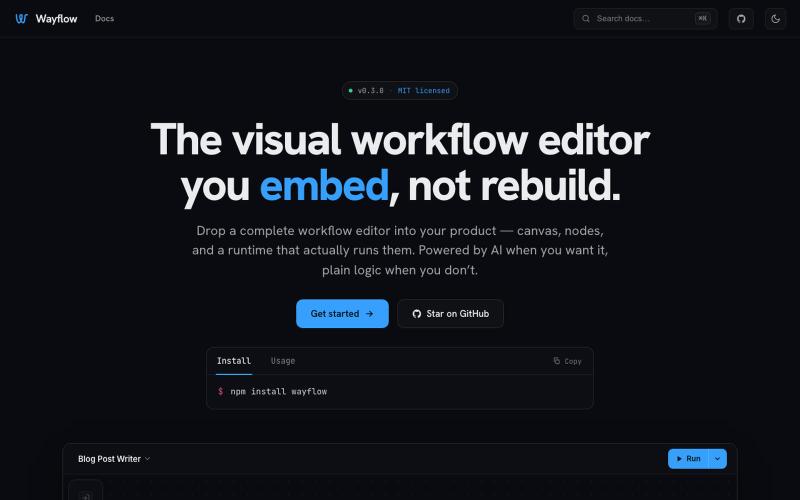
可嵌入的可视化工作流编辑器,支持AI驱动或纯逻辑设计。
tahazsh · HN
Hi! I’m Taha. In many agentic products that support workflows (including one I worked on), I noticed they either don’t support node-based editors, or use React Flow and go through the difficult work of integrating it into their product to run it and work with their existing logic. So I thought about creating a tool that could help with this by closing the gap between the editor and the runtime. That’s why I created Wayflow. The basic architecture is simple: you just need to create a graph (which is a JSON object) that the runtime knows how to run. The runtime doesn’t care where that graph is coming from, it just needs the right schema. And with the help of the editor, you can create the graph, and then export it or directly save it on your backend in your database. And then when you want to execute it, you just hand it to the runtime. The runtime can either stream the execution (which is useful for the editor), or give you the final result. How you execute the graph is up to you: t
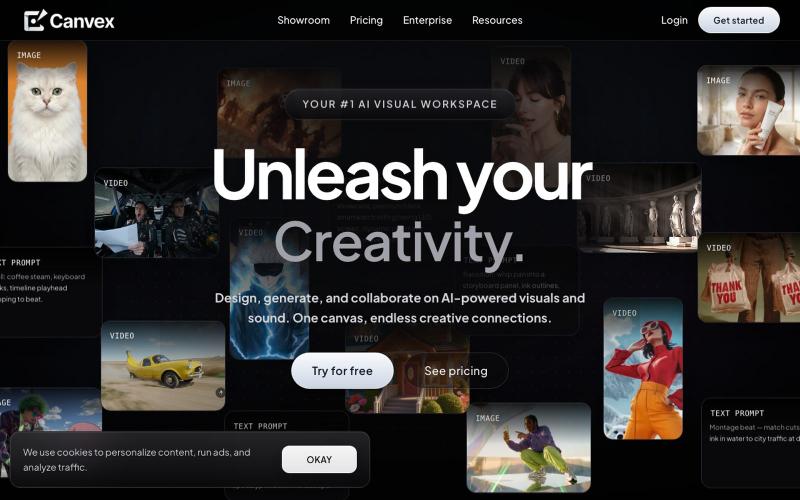
在CanvexAI上设计和生成电影及创意项目的视觉内容。

@Canvexxx · X
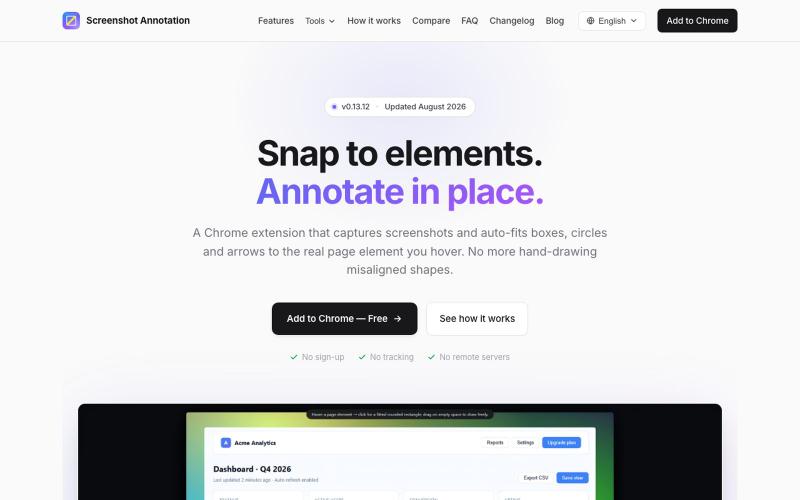
Chrome 扩展程序,自动调整注释框和箭头以标注网页元素。

@virgil_dean94 · X
Just launched my new screenshot plugin! 🎉 ✅ Smart zoom effects on key details ✅ Text extraction ✅ 100% Free Perfect for devs, designers, and anyone who wants to communicate visually with clarity! Try it out! 👇 #BuildInPublic #ProductLaunch

React 和 shadcn/ui components,用于在营销和登陆页面上创建 animated visual elements

@pixelcave_john · X
Hey Germán! I recently launched and a major update to Tailkit!

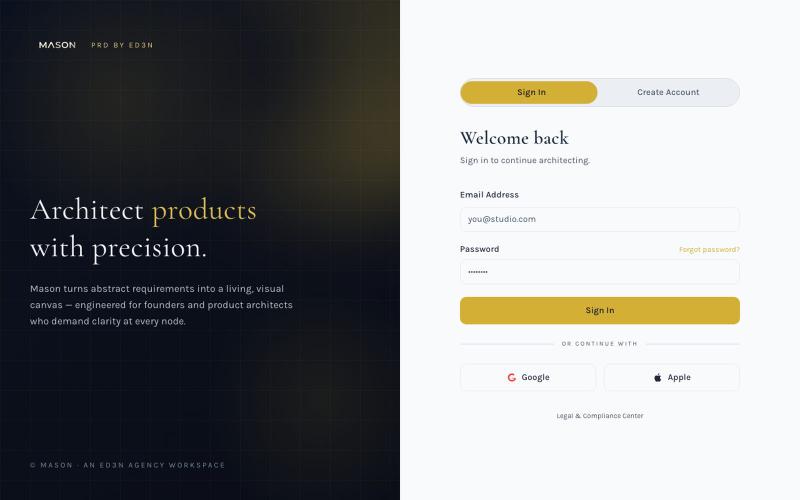
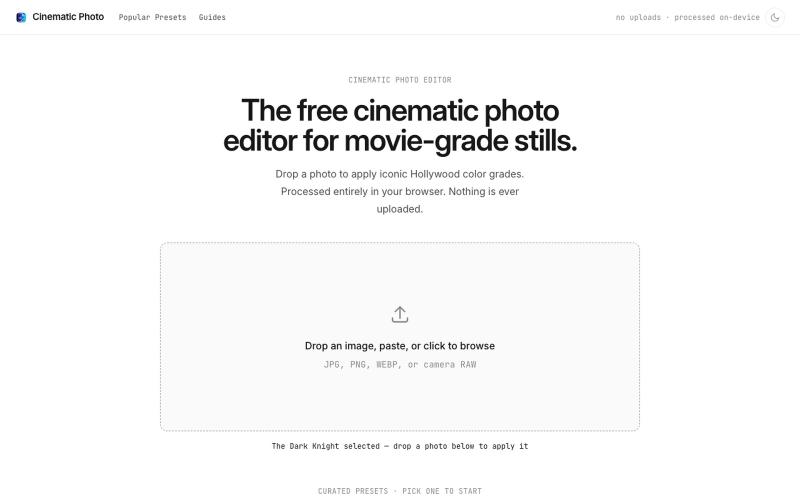
Cinematic Photo Editor 可在浏览器中对照片一键应用电影风格调色
u/huuughmangasorr · Reddit
I built a tool that gives your photos a movie color grade (no AI generation) I kept seeing photo tools that "cinematic-ify" images by running them through AI and spitting out something that's basically a different picture. I wanted the opposite: keep my actual photo, just make it feel like a frame from a film. So I built CinematicPhoto — a browser tool where you upload a photo, pick a movie look, and get a graded version back. Your original stays intact; it's color grading and effects d
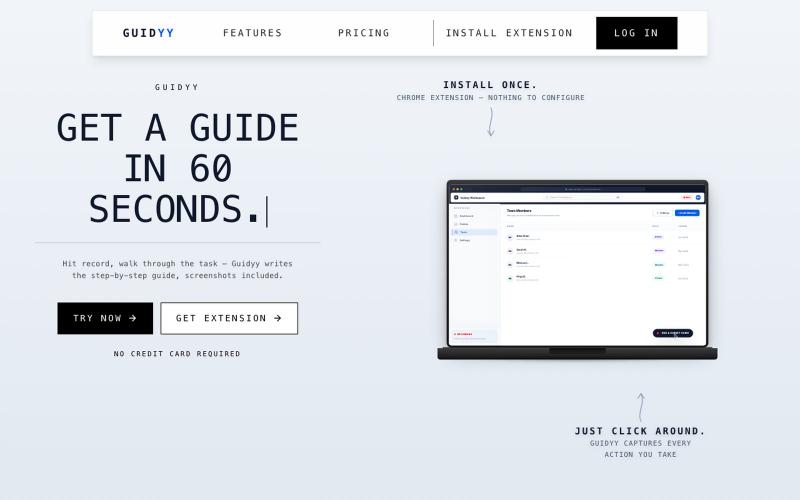
屏幕录制自动生成分步指南和培训文档

@Amit63390 · X
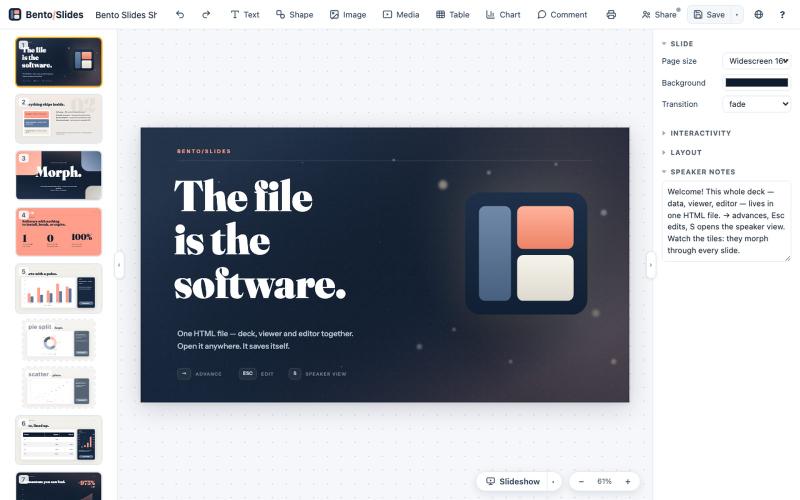
在单个HTML文件中创建和编辑演示文稿,支持实时协作。
starfallg · HN
Bento - An entire PowerPoint in one HTML file (edit+view+data+collab)

为 Codex Desktop 设计自定义主题,调整背景、颜色、透明度和视觉效果。
plutozc · V2EX
做了个 Codex Desktop 主题预览和切换工具,先调好再安装 最近一直在用 Codex Desktop ,觉得默认界面看久了有点单调,就顺手做了个主题编辑工具,分享一下: [Codex Skin]( https://getcodexskin.com) 可以先在网页里预览主题,调整背景透明度、面板透明度、颜色、模糊和圆角等参数,满意之后再下载并切换到 Codex Desktop 。 目前支持: - 自定义 JPG 、PNG 、WebP 背景 - 在线实时预览主题效果 - 调整透明度、颜色、模糊、圆角 - 预览满意后生成安装命令 - 不喜欢了可以恢复默认外观 目前主要面向 macOS 上的 Codex Desktop ,还是个人项目,功能和兼容性都在继续打磨。 欢迎试试,也想听听大家对主题参数、预览效果和安装流程的反馈。 直接网址: https://getcodexskin.com [轻喷 轻喷,可能还有些 bug


