
其他2 weeks ago
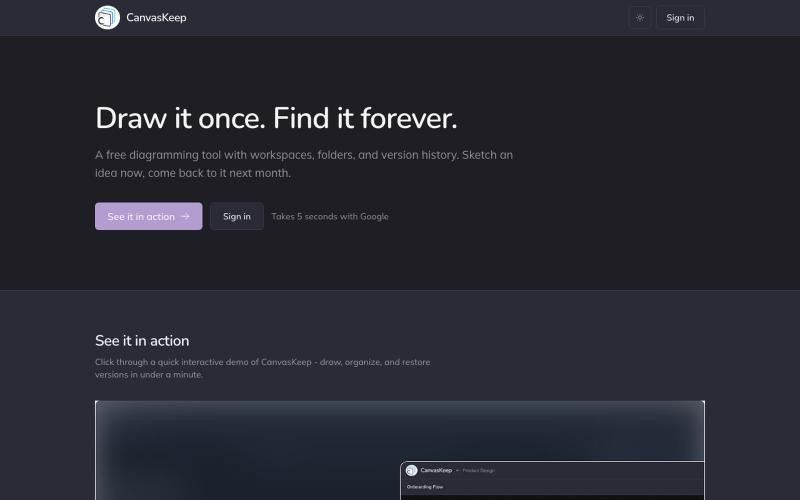
CanvasKeep: Draw it once. Find it forever.
A free diagramming tool with workspaces, folders, and version history. Sketch an idea now, come back to it next month.

@_aniruddha_d · X
完整作品展
技术栈
24 projects
A free diagramming tool with workspaces, folders, and version history. Sketch an idea now, come back to it next month.
@_aniruddha_d · X
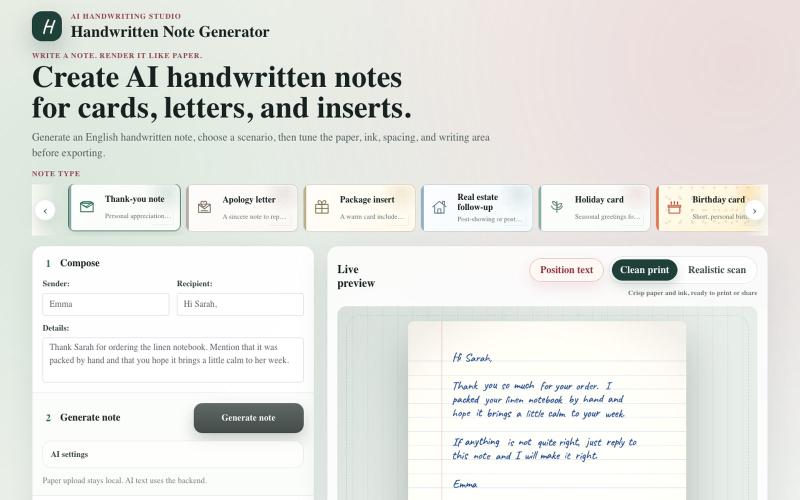
用AI将文本转换为手写笔记和贺卡。
haofan_stone · Product Hunt
Handwritten Note Generator Create AI handwritten notes for cards, letters, and inserts
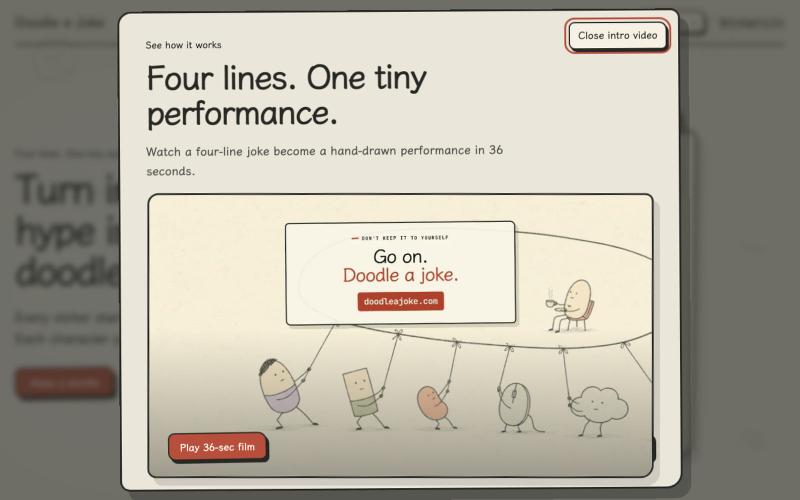
Turn four lines of internet hype into a tiny hand-drawn GIF joke.

@chaogetalks · X
Hyperframe 真的太强了!我给 网站 做了一个 intro demo video, 请欣赏! #Hyperframe #VibeCoding #AI #DoodleAJoke #AiVideo
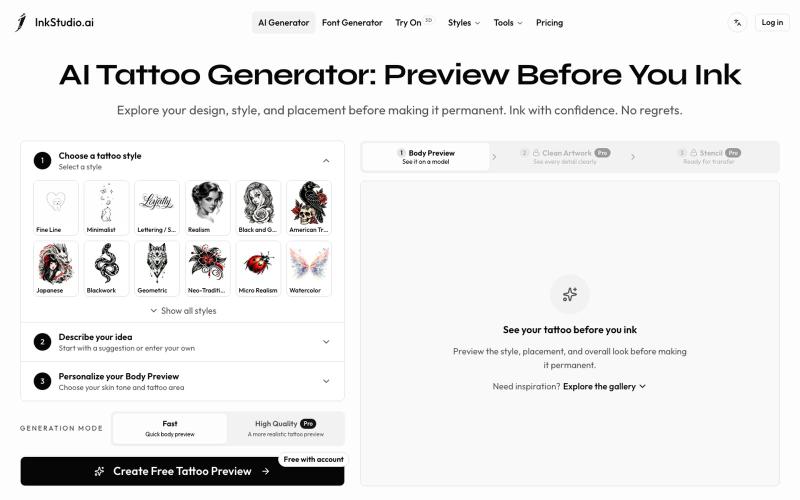
Create and preview your tattoo before you ink. Explore realistic body placement, clean artwork, and stencil linework to review with your tattoo artist.
Irving853 · V2EX
我的产品陷入绝望 先容许我花 2 分钟介绍一下产品背景吧。 今年年初,我在 Toolify 收入榜尾部看到一个 AI 纹身生成产品。看到真的有人付费,当时我觉得这个需求应该是存在的,而且产品门槛看起来也不高,我应该也能做。 于是说做就做,持续做了半年,就有了现在的 [InkStudio.ai]( https://inkstudio.ai)。 我前后看了几十款竞品,发现它们大多都是同一种模式:输入提示词,生成一张纹身图案。 我把主要目标用户定成了第一次纹身的人。 按照正常的纹身流程,用户需要先在线下和纹身师沟通想法,然后由纹身师设计,确认后再真正纹到身上。这个过程一旦开始逐步推进,留给用户后悔的余地就越来越少。 我也去 Reddit 做了一些调研,发现不少人都在吐槽类似的问题: 和纹身师沟通并不顺畅,拿到的设计不满意,不知道还要不要去纹;有的人到了纹身店,发现效果和预期不一样,也不知道该怎么提意见,甚至不敢提。最后纹到了自己身上,又开始后悔。 我的产品一开始也只是根据提示词生成纹身图案。 但随着调研越做越多,我对用户需求的理解也一直在
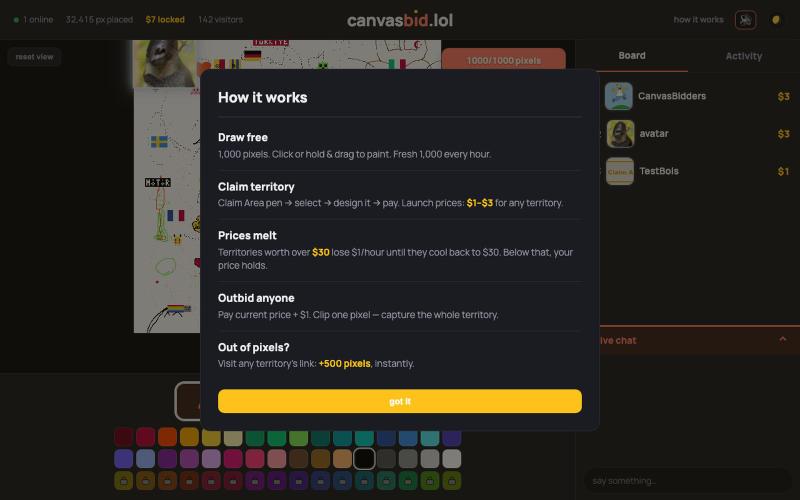
在共享画布上免费绘制1000像素,然后竞价锁定您的设计领地。

@canvasbid · X
checkout our new canvas at
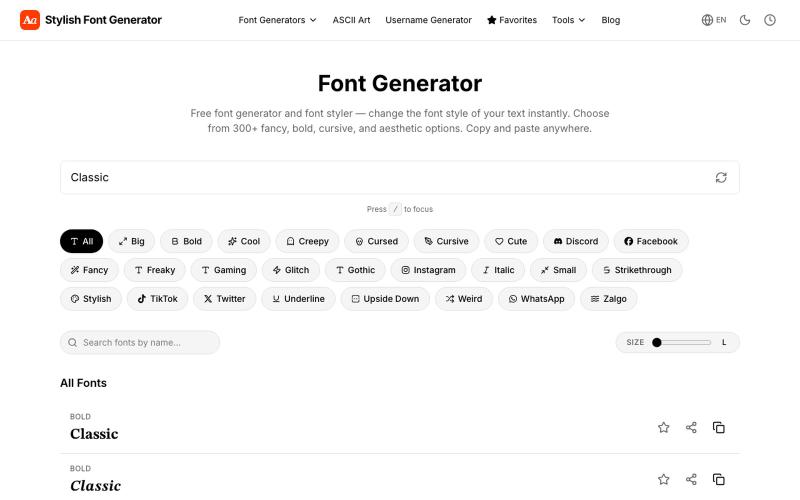
生成花式字体和风格化文本,复制粘贴到社交媒体。
vertex_apps1 · Product Hunt
Stylish Font Generator Turn plain text to fancy fonts, bold, cursive & Zalgo style
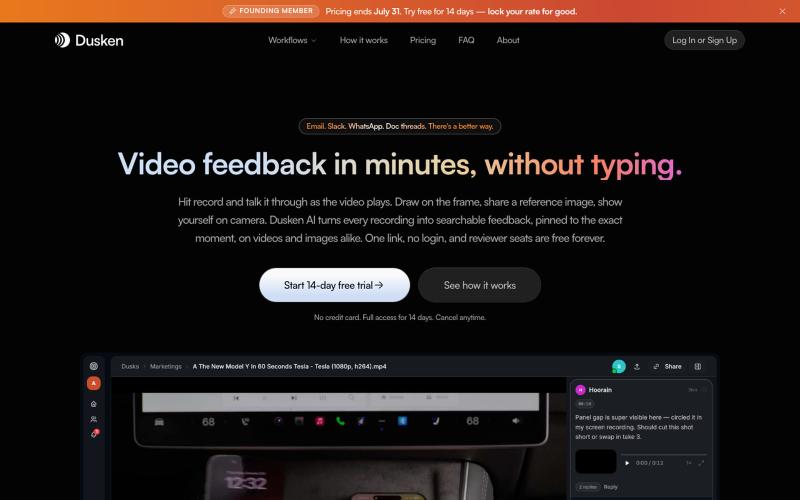
为创意团队打造的AI视频和图像审阅工具,支持自动转录和像素级评论。

@codesharpdev · X
将学术论文和草图转化为发表就绪的研究图表。
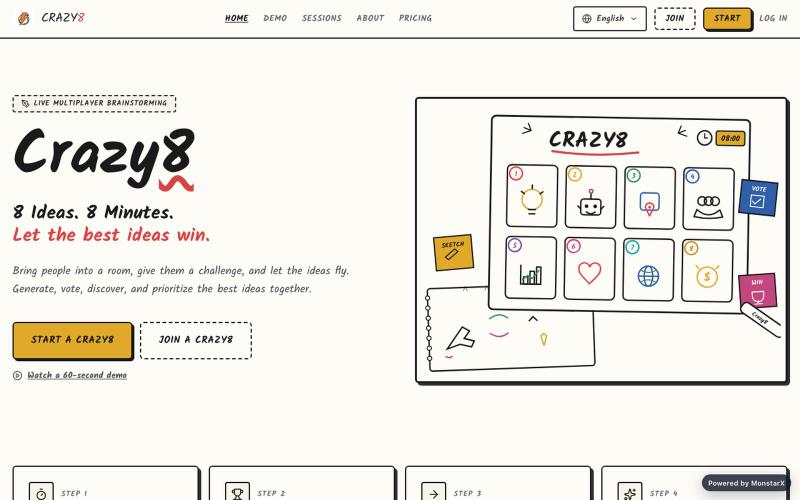
与AI协作在8分钟内通过绘制和投票生成8个创意。

@saadbinamjad · X
I vibe-coded an app using @monstarxco. Humans and AI can co-create ideas in 8 minutes, vote, and share solutions to any given problem. Try it out at
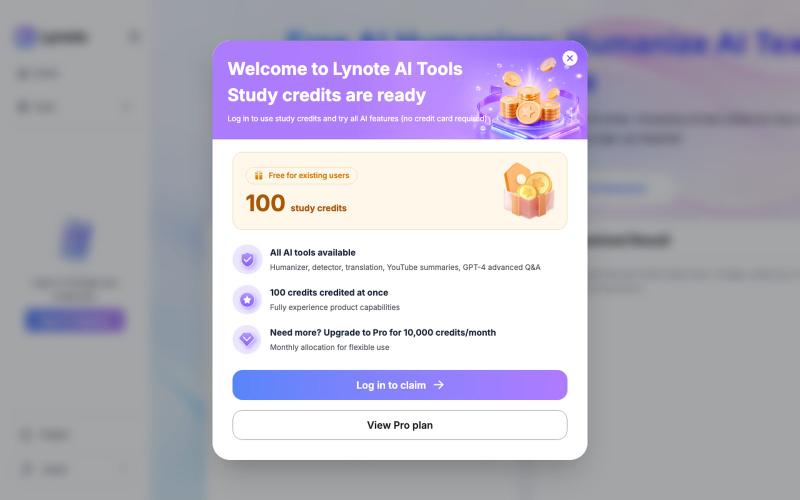
将AI生成的文本即时转换为自然、类似人类的写作,无需注册。
fendouai · GitHub
humanize-text-skill Free AI Humanizer: Humanize AI Text Online
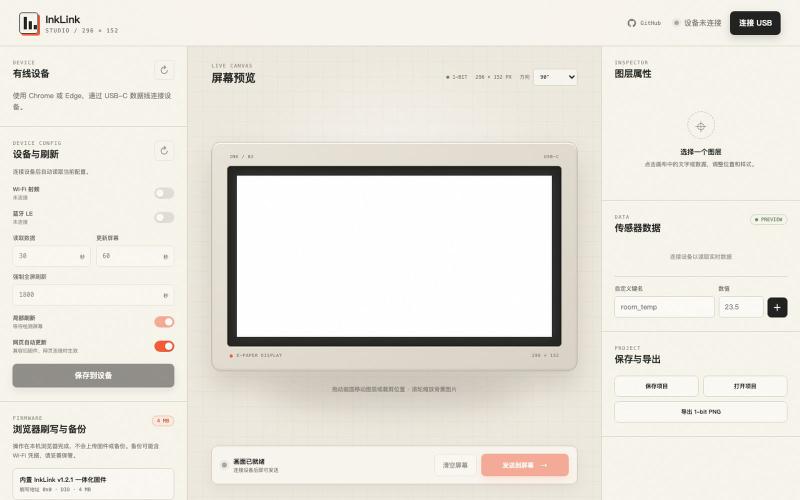
通过 USB 为 ESP32-C3 e-ink 显示屏设计并发送自定义内容。

@SeimoDev · X
在 @adventurex_plan 拿到了一块由 @dot_mindreset 提供的 Quote/0 设备,感觉官方固件和 APP 不是很好用,Vibe Coding 做了一个自定义显示内容的固件和对应工具: Github: 在线使用: 注意事项: 1. 刷写固件前请备份原厂固件 2. 如果没有备份可以在 刷回官方固件 3. 该产品 NFC 采用云端链接动态跳转方案,如需修改目标链接,请使用原厂固件,通过“图片API”配置目标地址后并应用再刷写修改版固件 4. 如有 Bug 请发 Issuses

免费浏览器矢量编辑器,支持低延迟 S-Pen 绘图、智能自动描摹和打印预检。
u/bava32 · Reddit
I spent months building Illusion: a fast, client-side vector studio in the browser (100% free, no sign-up, no monthly subscription) Hey everyone, As a creator with over 20 years in design and digital production, I got increasingly frustrated with modern creative software: forced monthly cloud subscriptions, heavy runtimes, account walls, tools that harvest your private project files, and creative software completely ignoring Linux and Android tablets. So I spent the last several months (m