
教育学习1 month ago
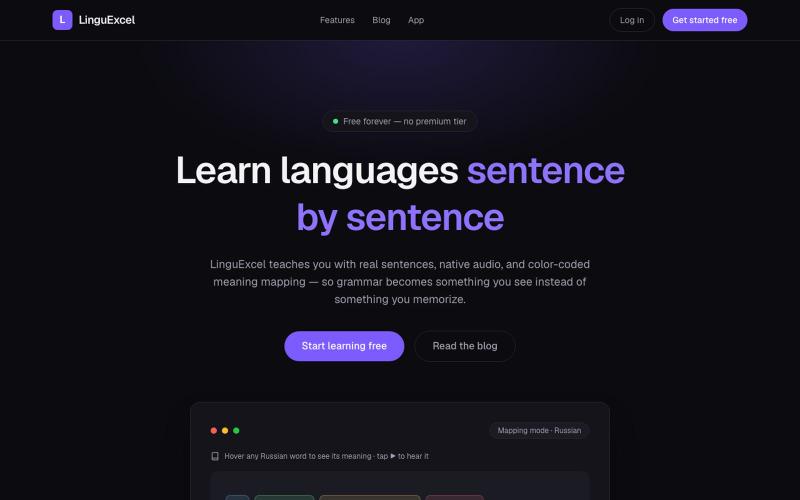
LinguExcel — Learn languages sentence by sentence
用真实句子和间隔重复闪卡学习语言。

@LinguExcel · X
Become fluent in any language faster than ever by reviewing thousands of real life sentences. Treat language learning like a HIIT workout.
完整作品展
技术栈
26 projects
用真实句子和间隔重复闪卡学习语言。
@LinguExcel · X
Become fluent in any language faster than ever by reviewing thousands of real life sentences. Treat language learning like a HIIT workout.
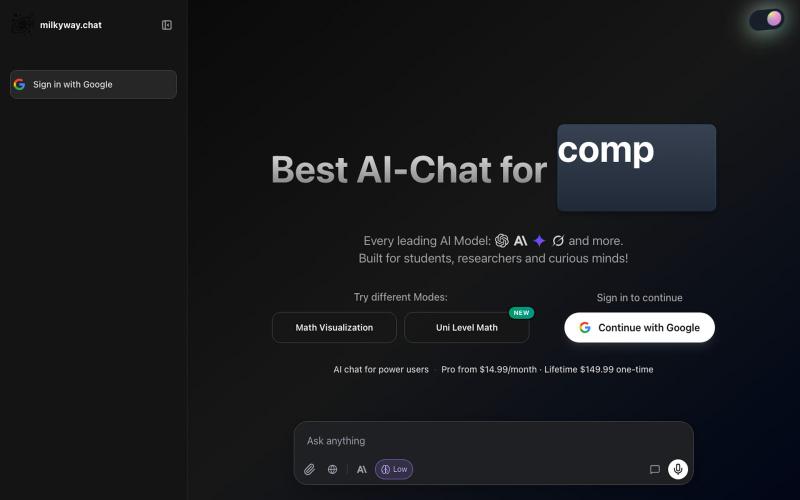
支持GPT、Claude、Gemini和Grok的聊天应用,用于学习和编程。

@DovyRuo · X
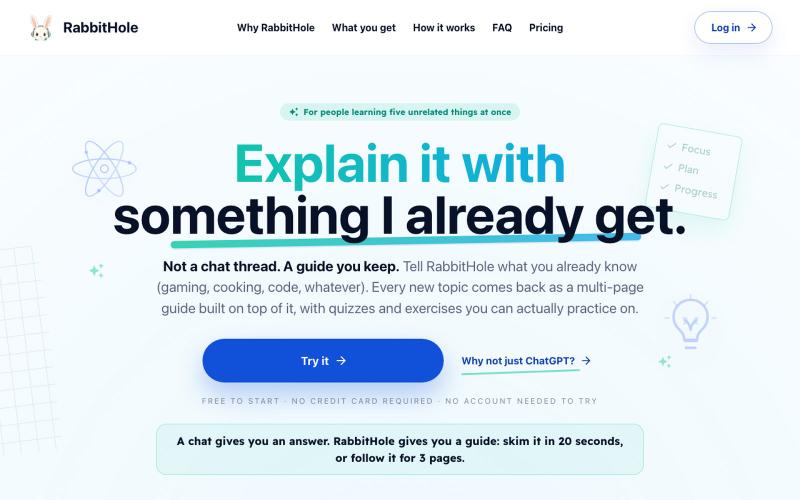
RabbitHole:根据你的知识生成个性化学习指南,含测验、抽认卡和练习。

@CosmeValera · X
I just launched the beta and would love to hear your feedback! You can play around with it and create your own custom guides here: 🔗 Any RTs, replies, or feedback are hugely appreciated! 🤝 #buildinpublic #indiedev #SaaS #AIwrapper
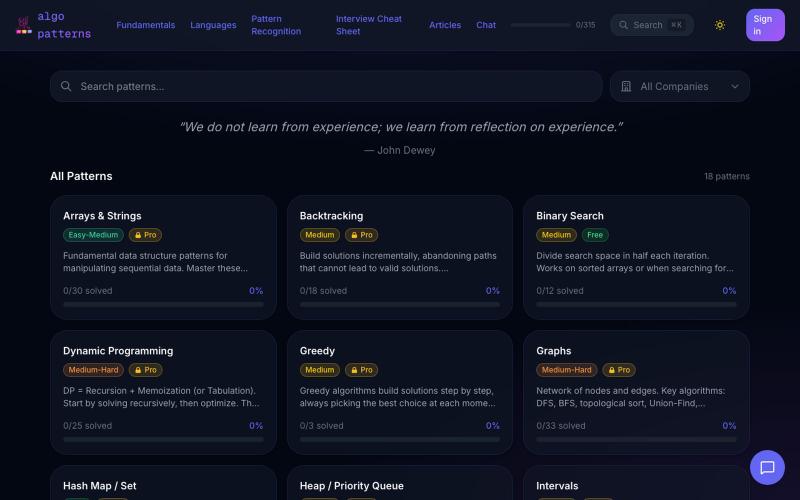
用AlgoPatterns的111个可视化和300+问题学习DSA模式。
u/Comfortable-Break-40 · Reddit
I spent a year building a DSA learning platform with 111 interactive visualizers. Would love feedback. A few years ago, I failed interviews at Google, Amazon, and Microsoft. The reason was simple: I could code, but I never properly understood Data Structures and Algorithms. I spent almost a year learning DSA after that. During that time, I realized I don't learn by memorizing. I learn by building. And I couldn't find a tool that taught DSA the way I wanted to learn it. So I
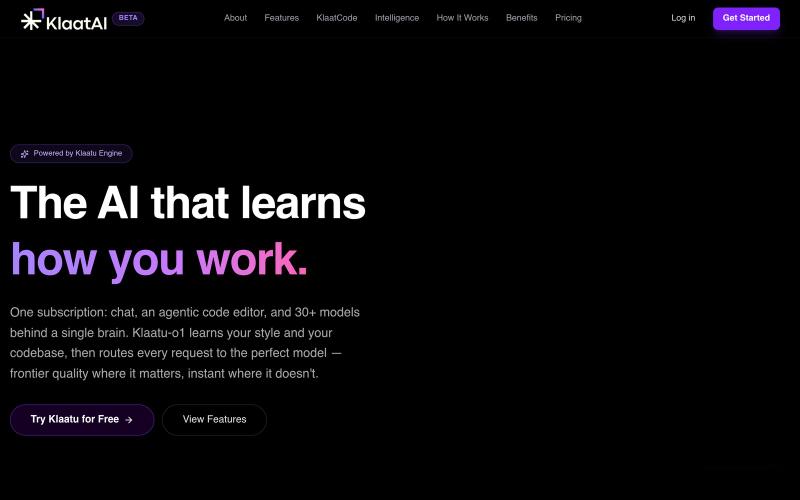
学习工作方式的AI助手,将任务分配给30多个前沿模型。

@otakuaakash · X
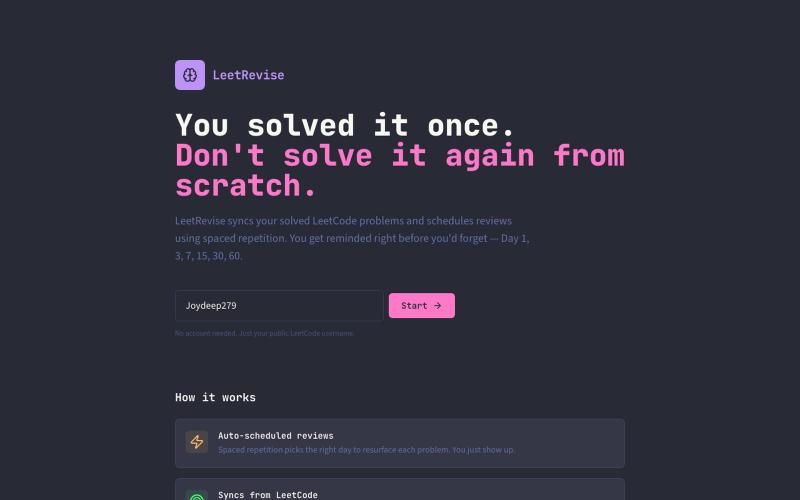
用间隔重复法复习 LeetCode 题目,提升记忆和解题能力。

@JoydeepNath007 · X
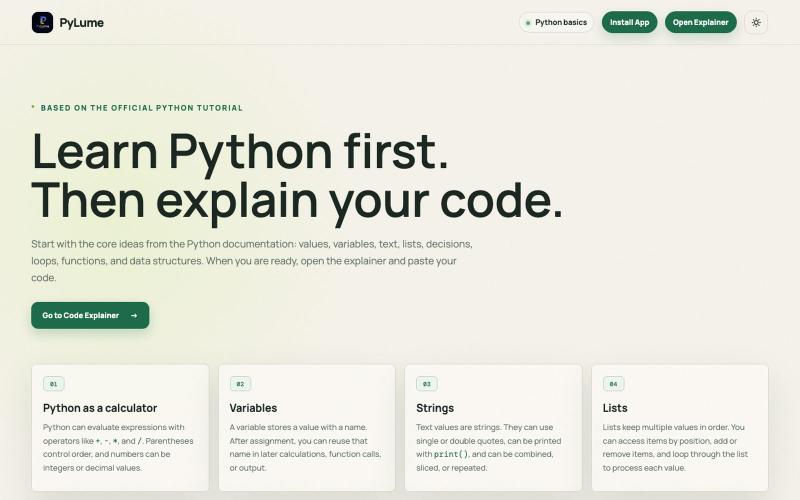
用AI驱动的代码解释交互式学习Python。

@Mukilan_46_08 · X
🚀 Just launched PyLume! Learn Python with AI-powered explanations that are clear, simple, and interactive. 🌐 Feedback is always welcome! 💙 #PyLume #Python #GenAI #BuildInPublic
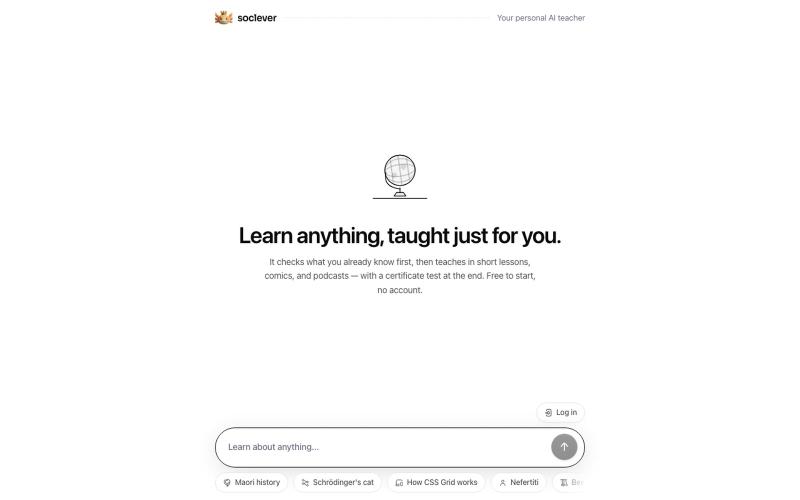
AI家教,为任何话题创建包含课程、测验和证书的结构化课程。

@the_akx · X
Tried this AI course builder and someone already made a public study on "claude code loops"... lol Type literally anything, it builds a structured course with quizzes and a certificate at the end.
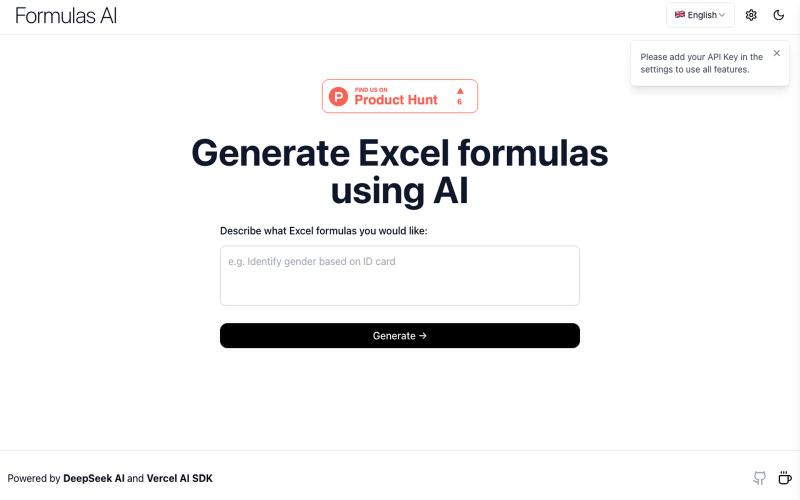
使用AI技术生成复杂的Excel公式。
Formulas AI — 帮助用户生成 Excel 公式,基于 DeepSeek-V3 的 AI 工具产品(需要用户自己填入key)
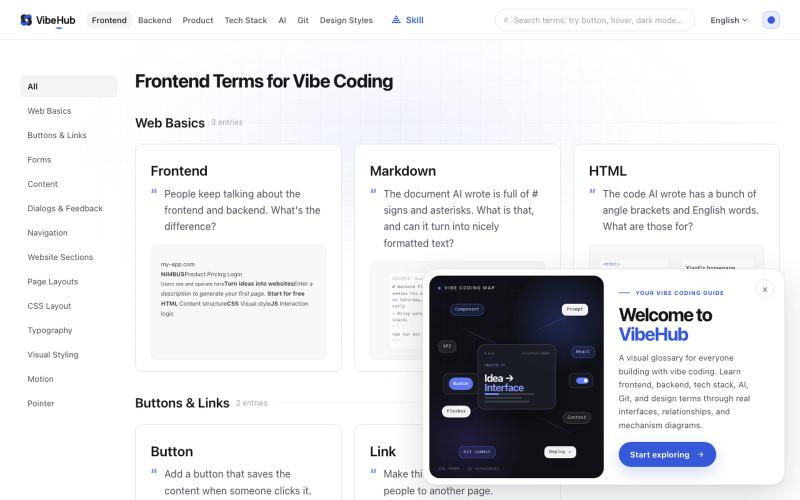
交互式技术术语词汇表,帮助开发者与AI沟通。

@I_am_oil_oil · X
最近 Vibe Coding 术语网站 做了一个小更新,之前有用户反馈卡片信息密度太高,比较难找到自己想要的术语。 于是我做了一些小调整,把卡片里原本的吧别名和小标签都移除了,加大了每一个卡片的标题字号,对应的英文术语调成主题色并且也加大字号。 我觉得一个最棒的调整就是将原本用于解释这个术语的描述,直接改为大家可能会去跟 AI 描述的话,比如鼠标的 hover 效果,它的描述: 修改前: “悬停是鼠标指针停在元素上但尚未点击时出现的交互状态” 修改后:“鼠标放上去的时候按钮变个色,让人知道它能点。” 经过这次修改,我自己能感觉到每一个术语在列表页上看都更加直观了,而且第一次访问可能会更有共鸣。 除此以外产品和后端相关的术语我也补充了更好的交互图解,相比干瘪的文字能够更好的让大家快速理解~ 下一步可能会做很棒的 AI 搜索功能了,目前大家如果要更方便的使用可以先用 vibe-hub 的 skill: 这个 Skill 可以让 Agent 获取网站里的任何信息。
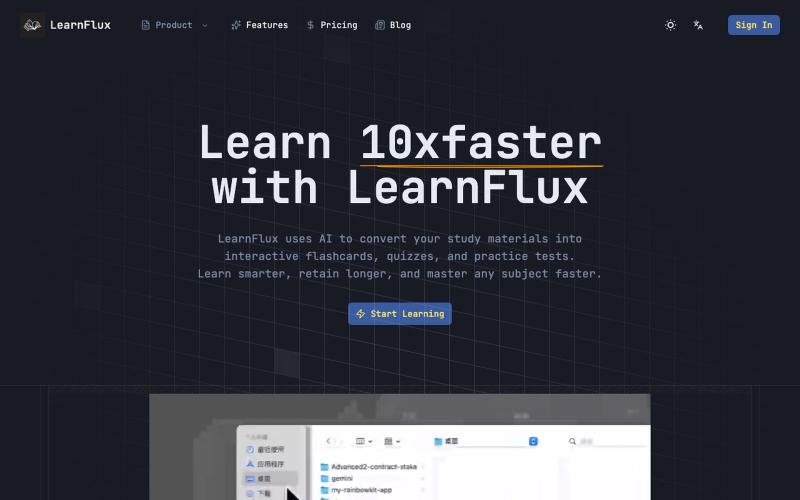
AI驱动的智能学习助手,生成个性化学习材料,让你快速掌握知识。
LearnFlux — AI 驱动的智能学习助手,为你生成个性化学习材料,让你以更少时间掌握更多知识。
