
开发者工具1 month ago
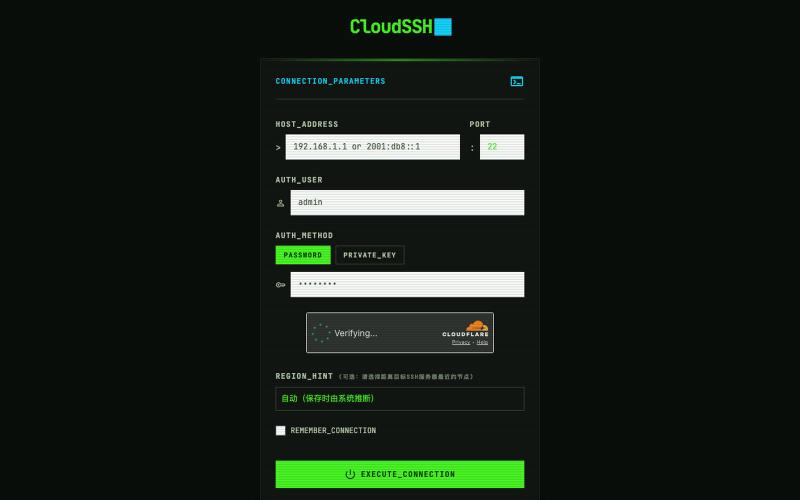
CloudSSH
基于浏览器的SSH客户端,提供服务器管理和SFTP文件访问
Open source
CloudSSH — 打开浏览器即可连接和管理自己的所有服务器,连接信息云端同步,内置 SFTP 文件管理与 AI 运维助手 - [更多介绍](https://github.com/newbietan/CloudSSH)
完整作品展
技术栈
30 projects
基于浏览器的SSH客户端,提供服务器管理和SFTP文件访问
CloudSSH — 打开浏览器即可连接和管理自己的所有服务器,连接信息云端同步,内置 SFTP 文件管理与 AI 运维助手 - [更多介绍](https://github.com/newbietan/CloudSSH)
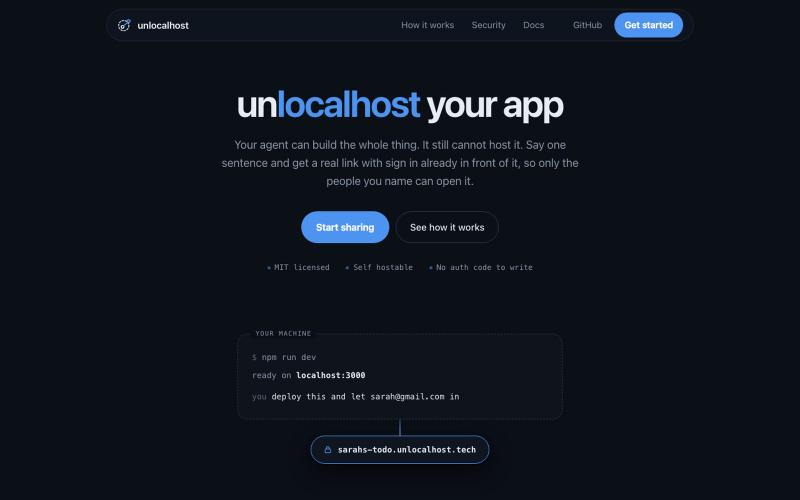
用 unlocalhost 分享本地应用,内置安全登录。

@ArnavGupta47851 · X
Vibe coding is fun. Sharing what you built is not. So I built unlocalhost. Tell your coding agent to deploy, say who is allowed in, and you get a real link with a login wall already in front of it.
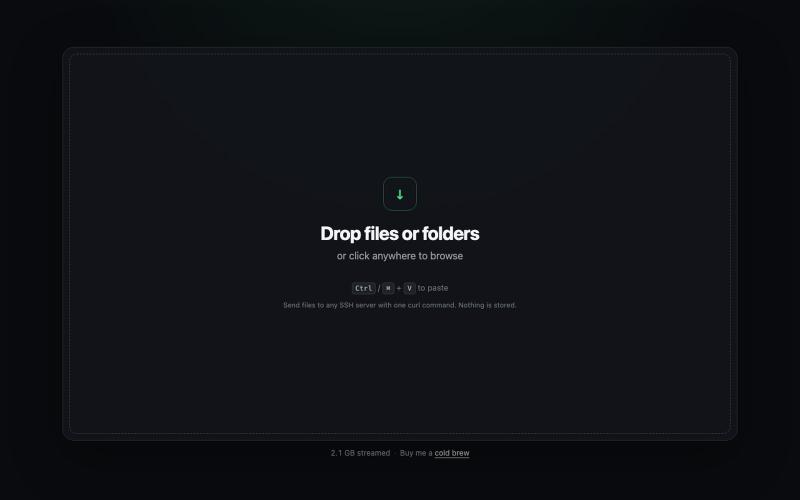
从浏览器直接发送文件到任何SSH服务器,只需一条curl命令。
npartin · HN
TermDrop – Stream a local file to a remote server with one curl command
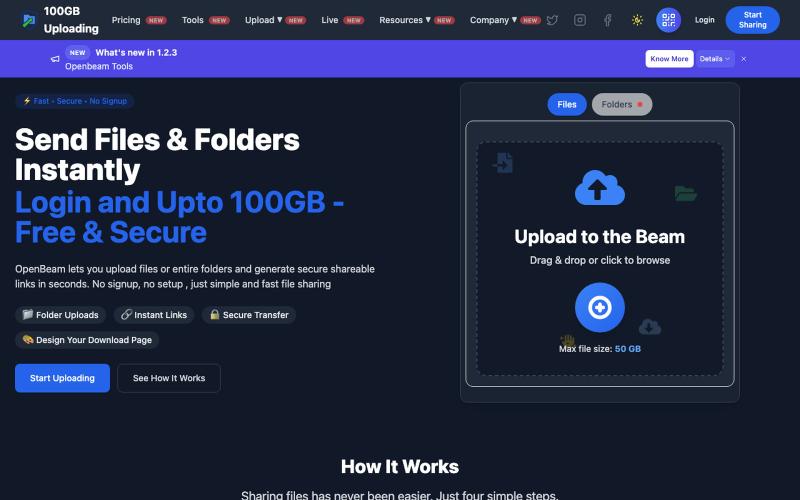
OpenBeam:无需注册,即时分享高达100GB的文件和文件夹。

@Abhishe33854772 · X
Replace Files, Keep the Same Link Upload a file once and share the link Need to update the file later? Simply replace it in and the original link continues to work.
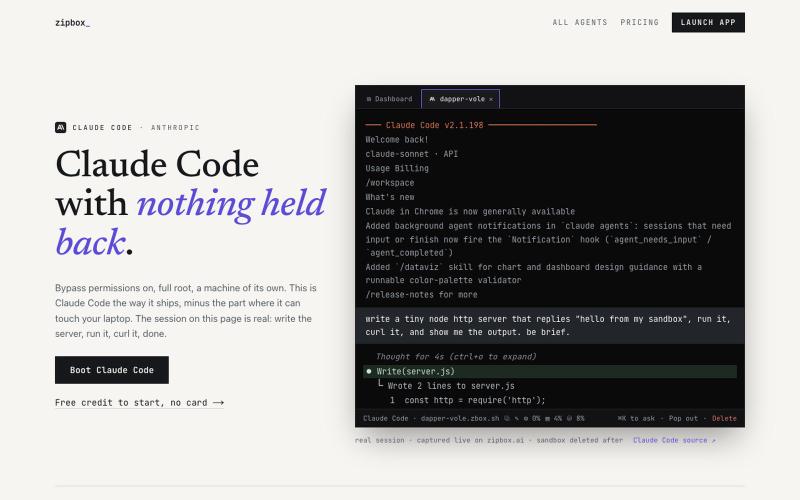
在云沙箱中运行 Claude Code 代理,支持电子邮件、域名和钱包集成。
hishboy · HN
Cloud based firecracker VMs for agents, with email, domains and wallets
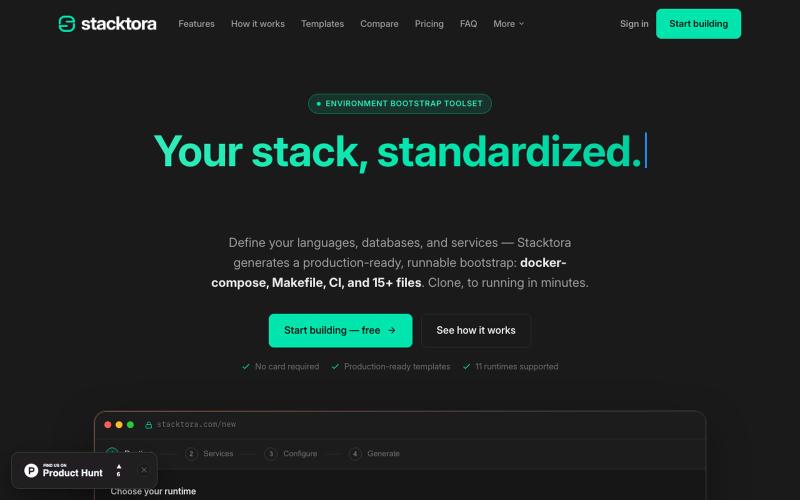
从技术栈生成生产级 Docker、Makefile 和 CI 文件。

@stacktora · X

从 Google Drive 编辑和发布 HTML 文件。
debamitro · HN
I found that AI tools are generating excellent HTML documents nowadays, yet there's no easy way to show them to others. Yes, there's GitHub pages - but I don't know if it is user-friendly for non-technical people. This app allows you to keep your HTML file in your Google Drive and serve it from there. Feedback is most welcome.
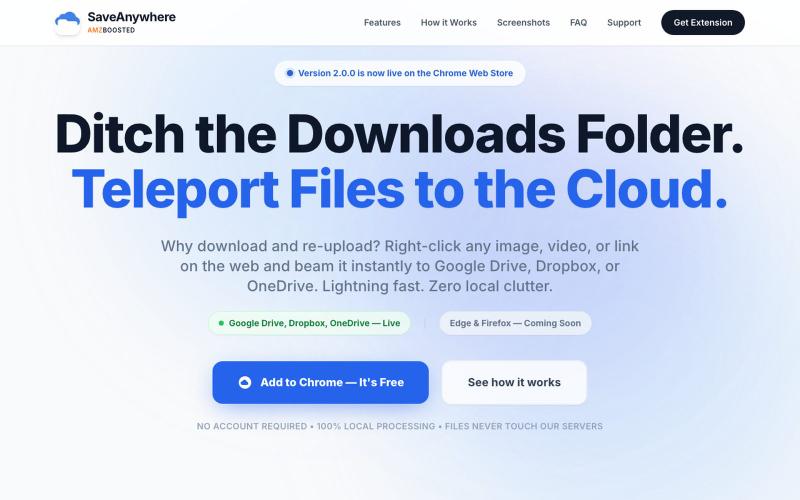
SaveAnywhere是Chrome扩展,直接将文件、图片、链接保存到Google Drive、Dropbox和OneDrive,本地处理。

@SaveAnywhere · X
Free chrome extension :
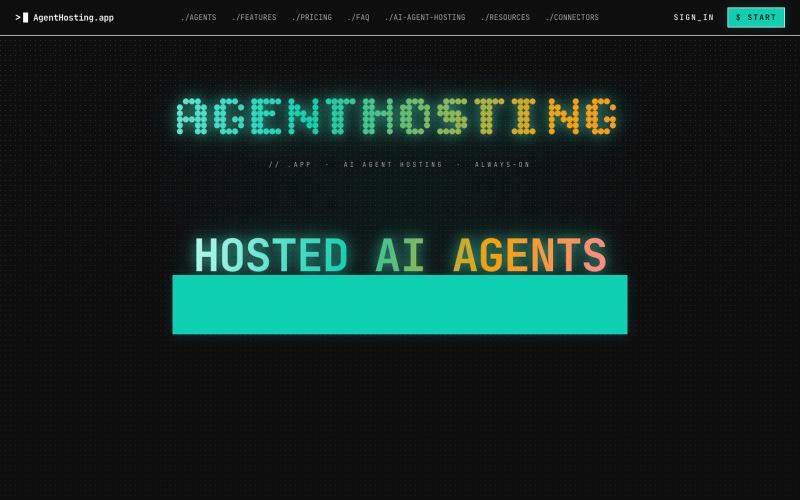
为AI代理提供托管服务,支持持久工作空间、记忆和自动备份。

@hijak01 · X
check out the demo
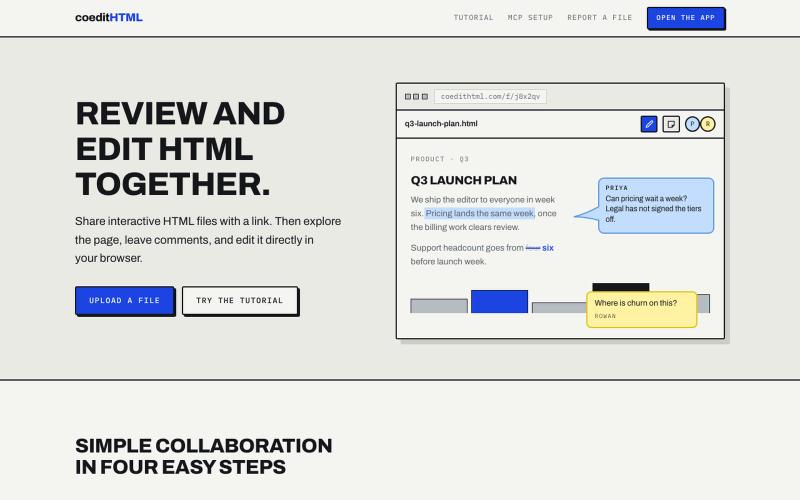
Share and collaborate on standalone HTML files in real time. Leave comments, drop sticky notes, and edit files directly in your browser.
u/Vast-Grapefruits · Reddit
I built a tool to collaborate on HTML artifacts like a PowerPoint As a consultant, I've watched artifacts become more common as a way to communicate ideas and insights, both internally and with clients. The problem is there's no good way to comment on them, collaborate, or make quick edits; so in practice, they're slow to actually use. I built a free tool that lets you leave comments and edit directly, all while sharing with your team. After you make your edits you can export
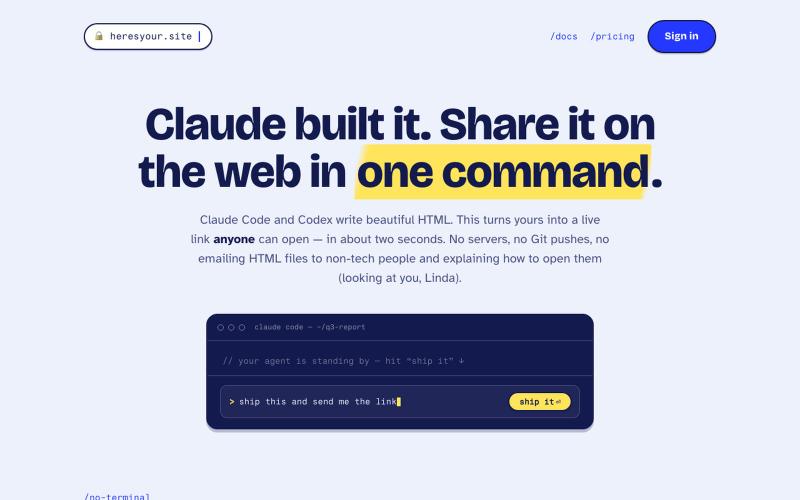
用一条命令即时将 HTML 文件分享为实时链接。
tim33 · HN
Heresyour.site
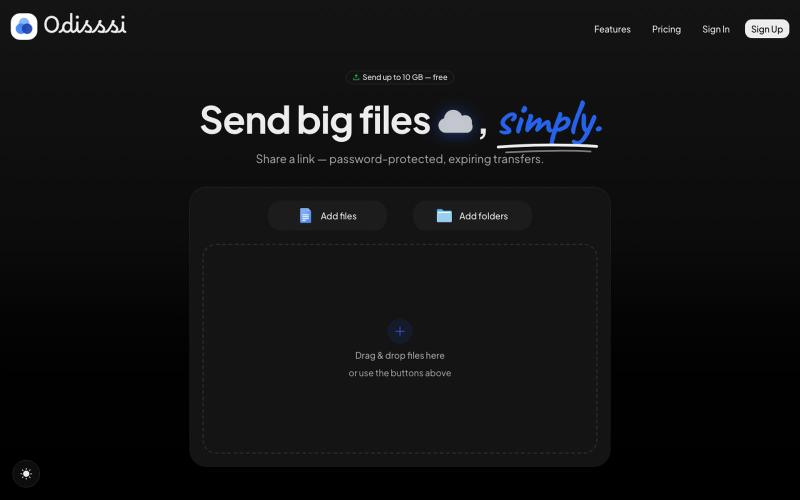
Send large files with a simple link. Password-protected, expiring transfers — no account needed to receive.

@Odisssi · X