
创意工具1 month ago · 1 次试用
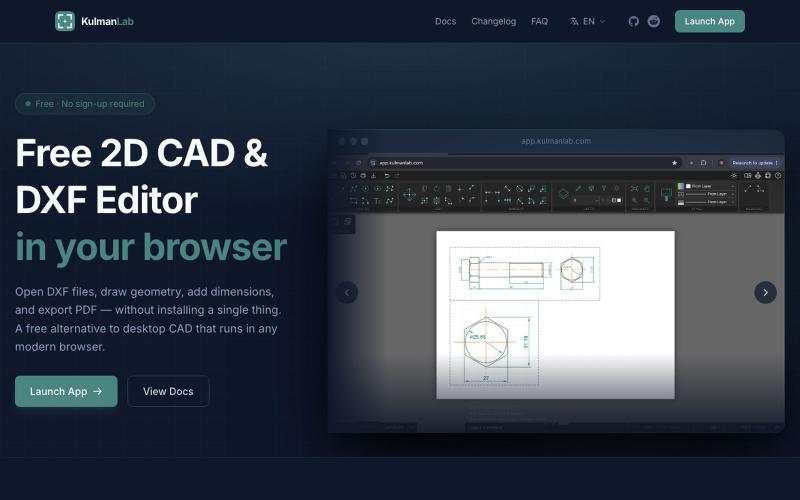
Free Online CAD Editor — Draw, Edit and Export DXF Files in Your Browser
免费浏览器CAD编辑器,绘制和编辑2D设计并导出为DXF或PDF。

@KulmanLab · X
- a free and accountless alternative to Autocad
完整作品展
技术栈
19 projects
免费浏览器CAD编辑器,绘制和编辑2D设计并导出为DXF或PDF。
@KulmanLab · X
- a free and accountless alternative to Autocad
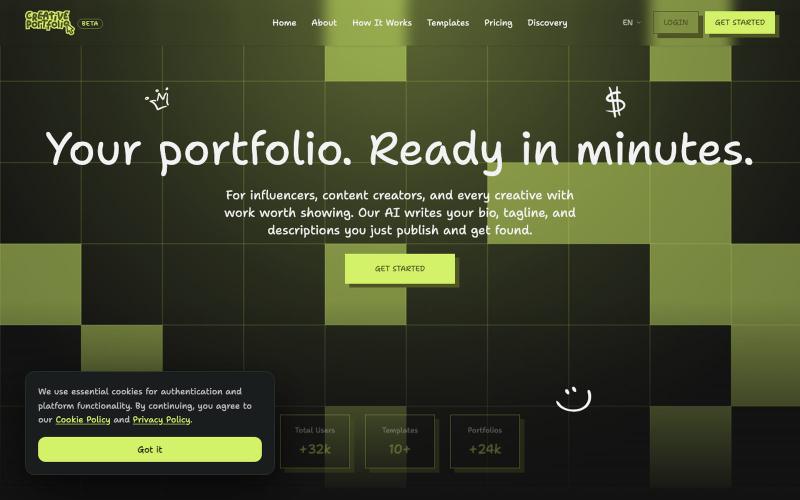
Create a stunning professional portfolio in minutes. Pick a template, add your work, and get discovered. Loved by developers, designers, photographers, and creatives.

@wagnermateus · X
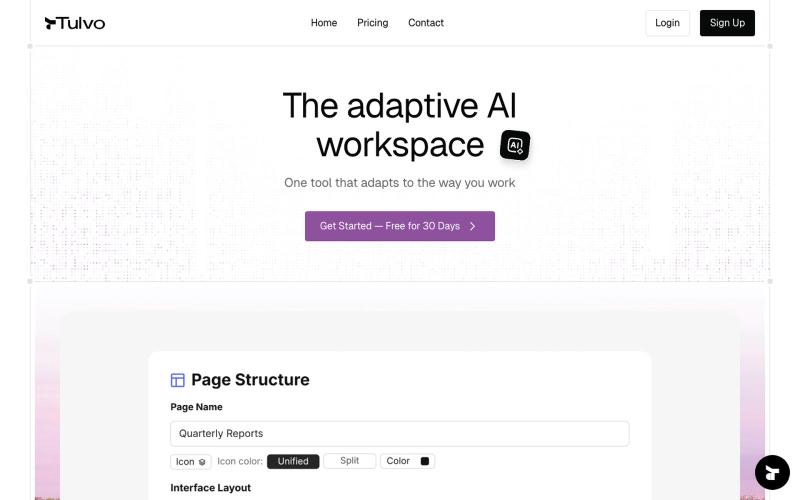
Tulvo brings thinking, planning, execution, and insight into one living system — built around how your company actually works.Tulvo brings thinking, planning, execution, and insigh

@AyaanShakif · X
Hello, this is Ayaan. i have built tulvo....Basically : It's a tool that can adapt to any custom system according to business need.we are giving it for the whole month. you can give a try:
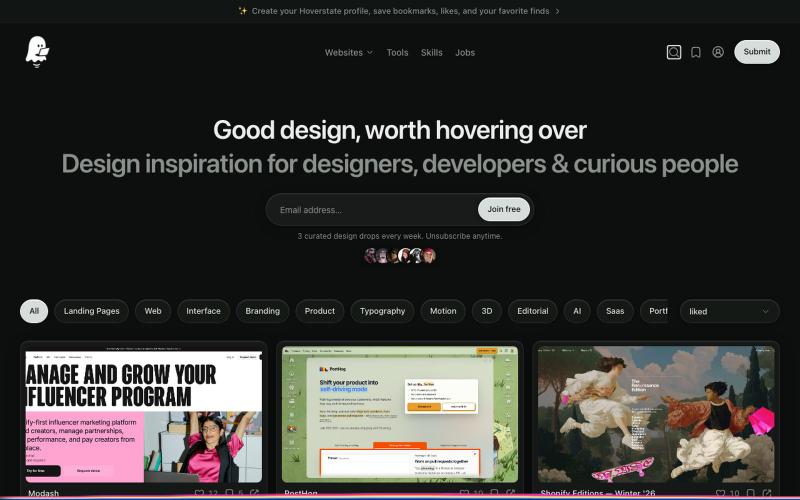
A curated gallery of the best website designs, landing pages and sections for design inspiration. Browse real sites by category, industry, style and technology.

@ishm6m · X
just a week ago project

为 Codex Desktop 设计自定义主题,调整背景、颜色、透明度和视觉效果。
plutozc · V2EX
做了个 Codex Desktop 主题预览和切换工具,先调好再安装 最近一直在用 Codex Desktop ,觉得默认界面看久了有点单调,就顺手做了个主题编辑工具,分享一下: [Codex Skin]( https://getcodexskin.com) 可以先在网页里预览主题,调整背景透明度、面板透明度、颜色、模糊和圆角等参数,满意之后再下载并切换到 Codex Desktop 。 目前支持: - 自定义 JPG 、PNG 、WebP 背景 - 在线实时预览主题效果 - 调整透明度、颜色、模糊、圆角 - 预览满意后生成安装命令 - 不喜欢了可以恢复默认外观 目前主要面向 macOS 上的 Codex Desktop ,还是个人项目,功能和兼容性都在继续打磨。 欢迎试试,也想听听大家对主题参数、预览效果和安装流程的反馈。 直接网址: https://getcodexskin.com [轻喷 轻喷,可能还有些 bug
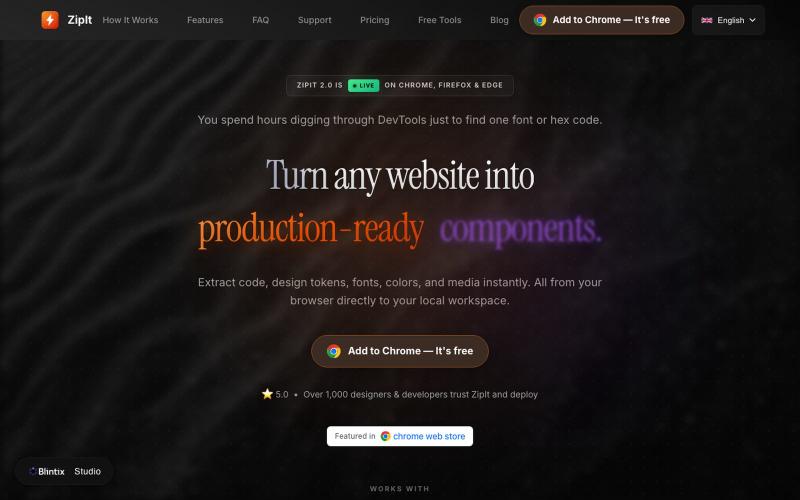
从任何网站提取代码、字体、颜色和设计素材,下载到你的工作区。

@bharatmodi2014 · X
Extract code, design tokens, fonts, colors, and media instantly. All from your browser directly to your local workspace
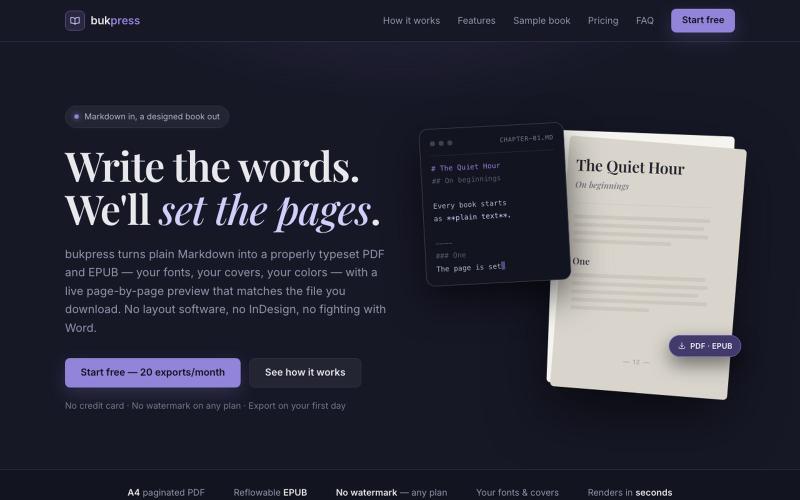
将 Markdown 转换为排版精美的 PDF 和 EPUB,支持自定义字体和颜色。

@hiddenbydigital · X