Image Pipeline — Batch Image Processing
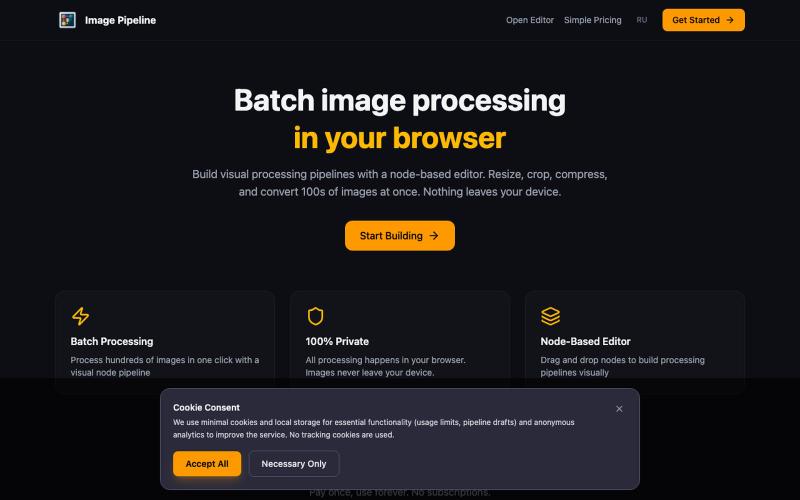
在浏览器中本地批量调整、裁剪、压缩和转换图像。
@MaximMitenkov · X
🔒 Just launched Image Pipeline — batch image processing in your browser. 100% private. No signup. Pay once, use forever. #buildinpublic #webdev #privacy
完整作品展
技术栈
25 projects

在浏览器中本地批量调整、裁剪、压缩和转换图像。
@MaximMitenkov · X
🔒 Just launched Image Pipeline — batch image processing in your browser. 100% private. No signup. Pay once, use forever. #buildinpublic #webdev #privacy

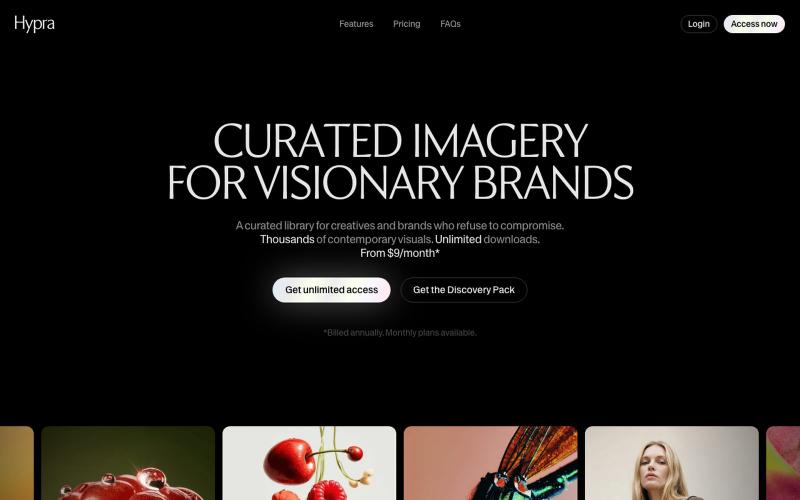
Hypra是一个为品牌打造的精选AI图像库,支持内置重新着色。
@hyprastudio · X

A public SEO leaderboard built from real signals: Authority, referring domains, and mobile performance. Free to enter. Impossible to pay your way up.
@buildwithdylan · X

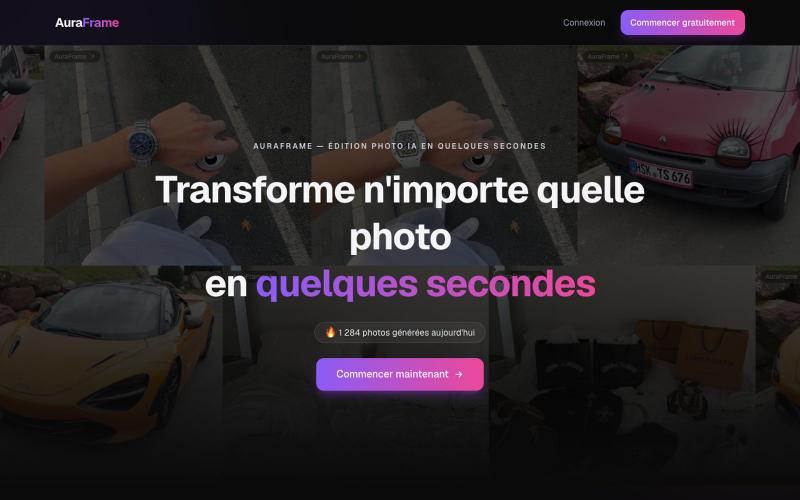
Édition photo par intelligence artificielle : remplace ou ajoute des éléments sur ta photo en quelques secondes, sans compétence en retouche.
@KC_Traqzouu · X

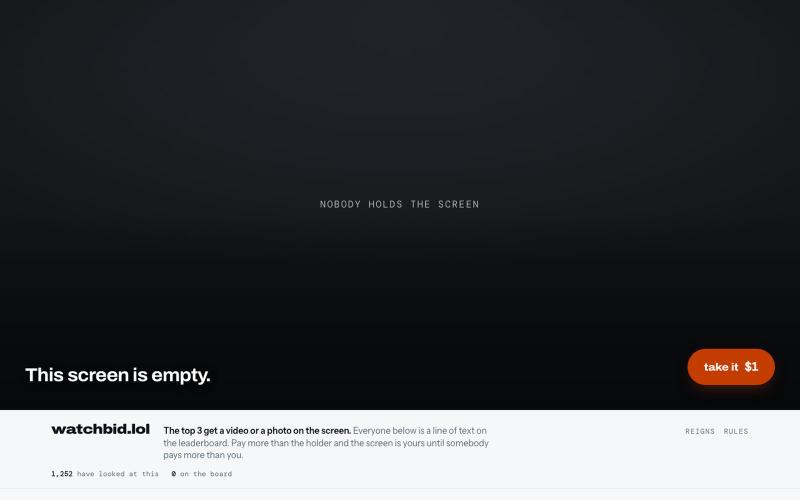
A leaderboard you buy your way up. The top 3 ranks play video. Everyone else is a line of text.
@ksdeoll · X

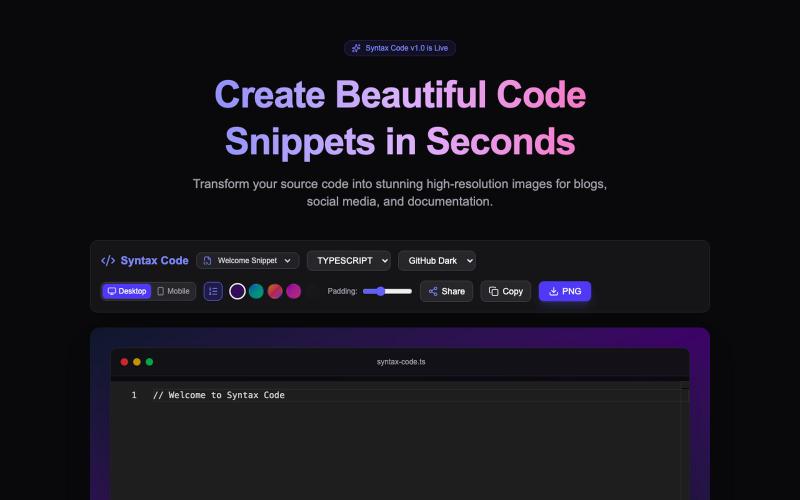
Free tool to transform your source code into stunning, high-resolution HD images. Customize themes, backgrounds, and export perfect code screenshots for Twitter/X, blogs, and docs.
@ricka_dev · X
Building Syntax Code 🚀 A free tool to turn raw source code into high-res, beautiful images for X, blogs, and docs.

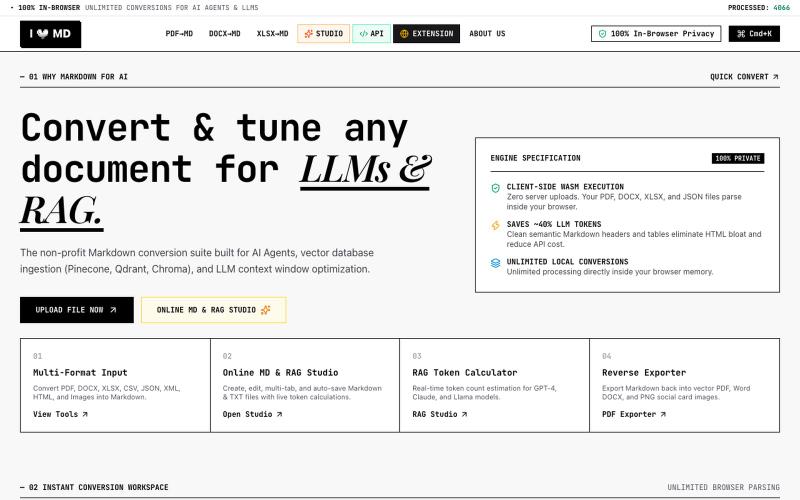
Convert PDF, DOCX, XLSX, CSV, JSON, XML, HTML, Images to clean Markdown optimized for AI Agents, RAG, and Vector DBs. 100% Privacy-First, In-Browser Conversion.
@13SahajChawla · X
For professionals to redact their client's sensitive informations before giving AI to process it & while converting any kind of document to a structured MD file. Better quality outputs, 100% privacy with on-browser local processing, and fully free!


用 Veo 3.1 制作 1080p 视频,原生音频与镜头级控制。
Veo 3.1 AI — 使用 Veo3.1 创作电影级视频,配备 1080p 原生音频、首尾帧控制及免费试用额度

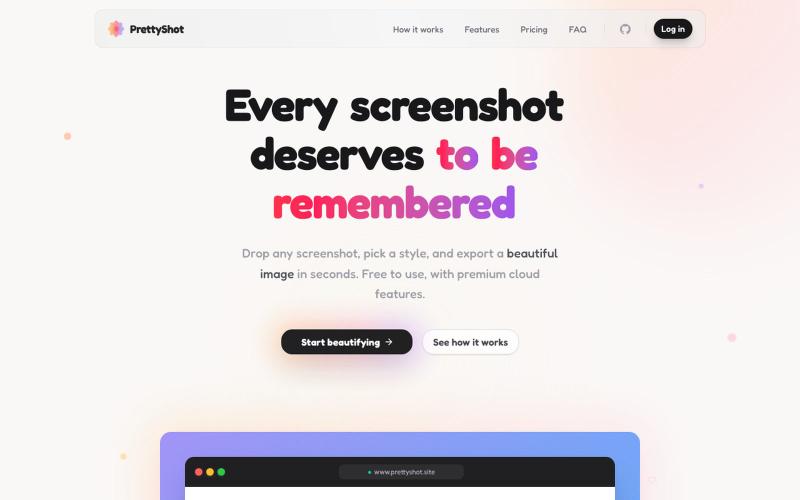
给截图添加样式并即时导出美化图像。
@prassami · X
- instantly turns your boring raw screenshots into beautiful images.

A public leaderboard where position is earned by paying more than whoever currently holds it. Clicks, views, and every dollar raised are shown publicly.
@jonthedevv · X
Just started mine.

用 Chrome 扩展和网页编辑器将屏幕截图转化为精美设计。
@buildwithshyam · X