
生产力2 days ago
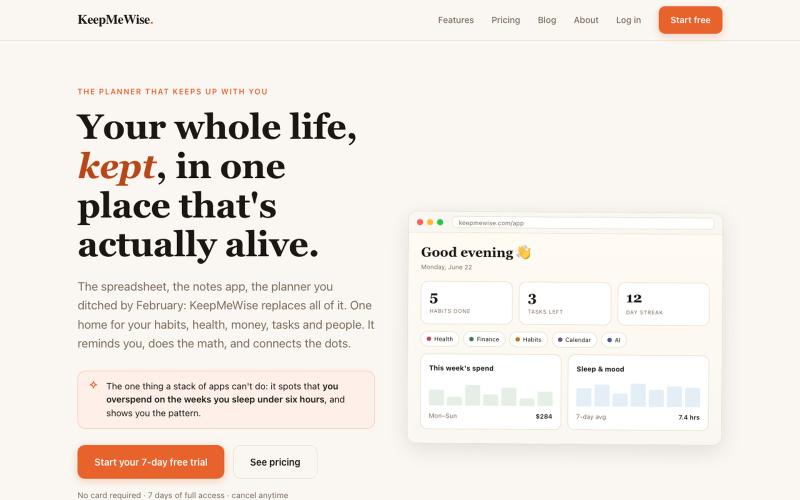
KeepMeWise, Your whole life, kept in one place.
一站式生活管理平台,整合习惯、任务、健康、财务和日历于加密工作区。

@nisthabee · X
完整作品展
技术栈
25 projects
一站式生活管理平台,整合习惯、任务、健康、财务和日历于加密工作区。
@nisthabee · X

在浏览器中免费转换、压缩和编辑文件,文件不上传服务器。

@faisalhaleem · X
Just launched — free browser-based file tools runs entirely in your browser. Video to GIF (with trim slider) Merge / Split / Shrink PDF Your files NEVER leave your device. No sign-up needed. Free forever. #buildinpublic #webdev #indiedev #tools #privacy
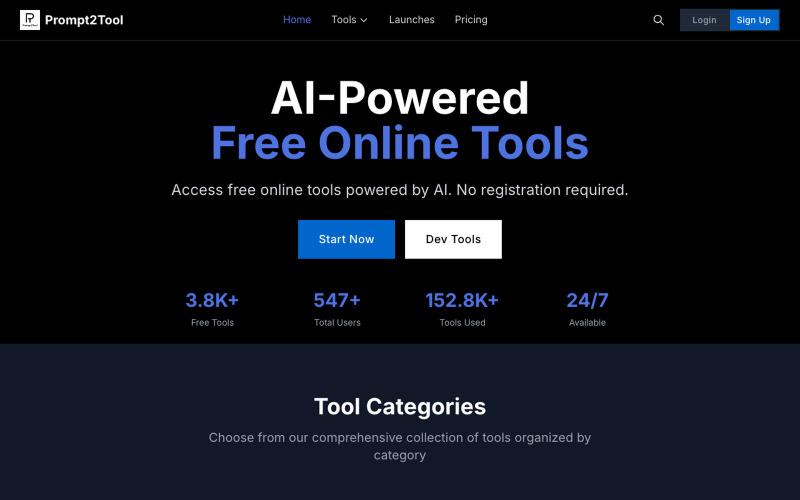
Prompt2Tool 提供 300+ 免费 AI 工具,用于 HTML、CSS、图像、SEO 等,无需注册。
AI 驱动的免费在线工具平台 — 提供 300+ 实用工具,无需注册即可使用

使用450+隐私友好的工具,在浏览器中直接格式化、转换和处理PDF和图像。

@tentaco_cc · X
Hey! I built 🐙 It’s a privacy-first web space packed with over 450+ free micro-tools for tech, design, marketing, and PDFs. The best part? Everything runs 100% locally in your browser. No registration, no ads. Let's connect! 🛠️
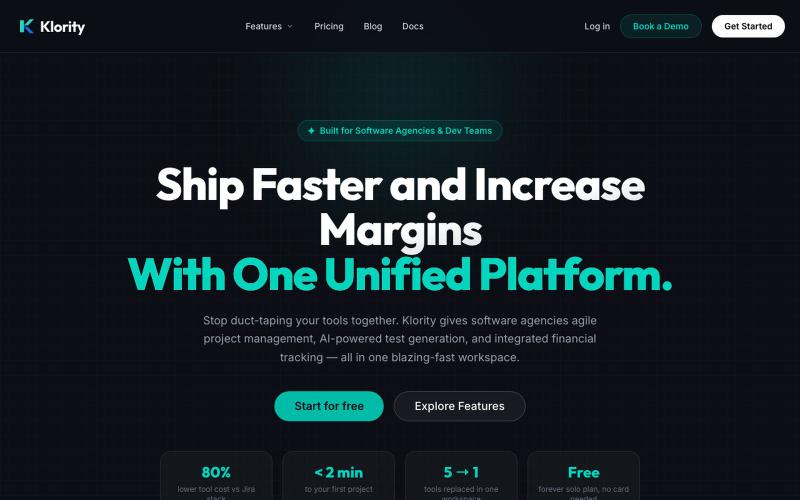
项目管理、文档和测试管理的一体化工作空间。

@klorityx · X
One workspace for project management, documentation, test management & CRM. Enterprise features without enterprise pricing.
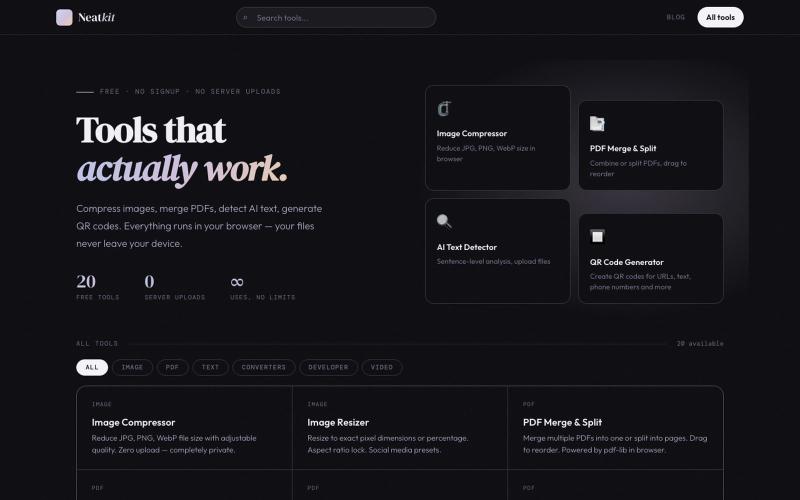
Neatkit——免费图像压缩、PDF合并、二维码生成和AI文本检测工具。

@ChazXtine · X
I have been working on which is basically a site for free tools no pay wall. Currently I'm at 20 tools but I will be slowly expanding it.
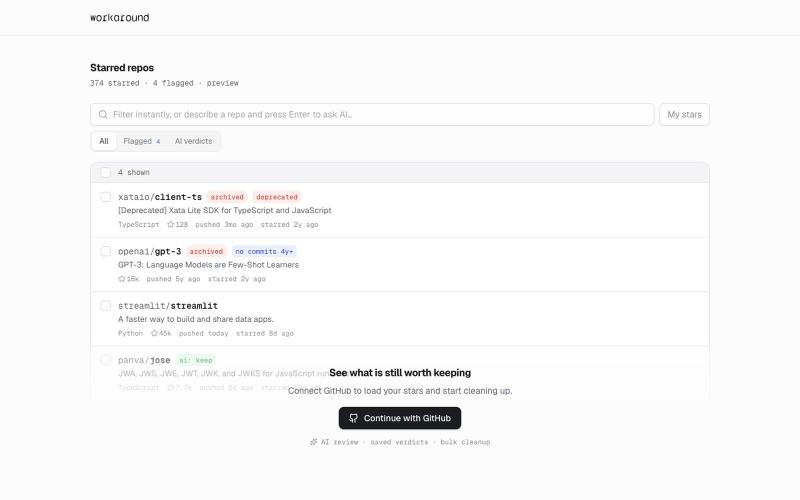
提供日常软件实用修复的浏览器工具,首先支持GitHub。
yusveng · HN
Workaround – Unstar GitHub Repos in Bulk
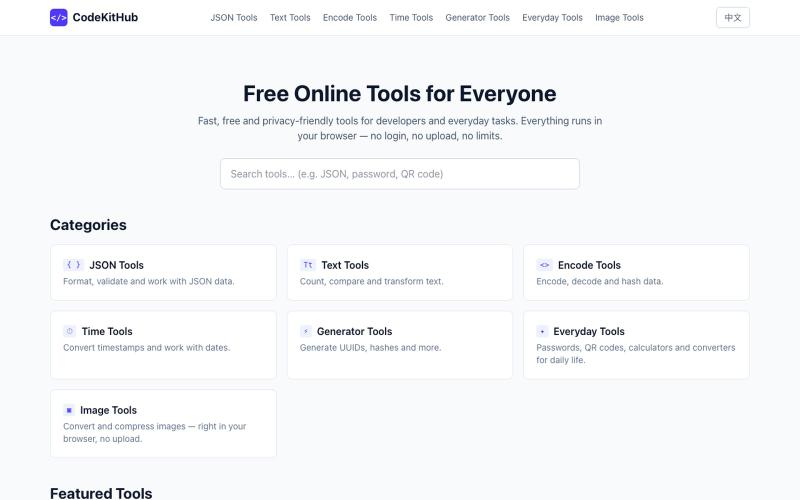
在线格式化和验证 JSON,无需上传数据

@VeganVegan75738 · X
做了一个免费的 JSON 格式化工具。 支持: ✅ JSON 格式化 ✅ JSON 校验 ✅ 在线使用 ✅ 无需安装,数据不上传 开发者日常调试 JSON 可以直接用: #开发者 #前端开发 #工具
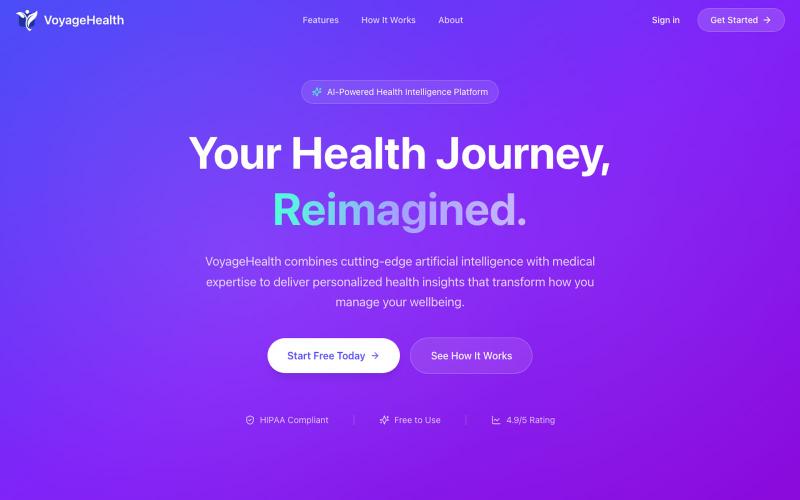
获取个性化AI健康指导,隐私优先设计,符合HIPAA,免费使用。

@VoyageHealthAi · X
Ai health guidance with structured output, longitudinal memory, session analysis, continuity, and built for those with unequal access to healthcare, health anxiety, lack of insurance, etc. free for all!
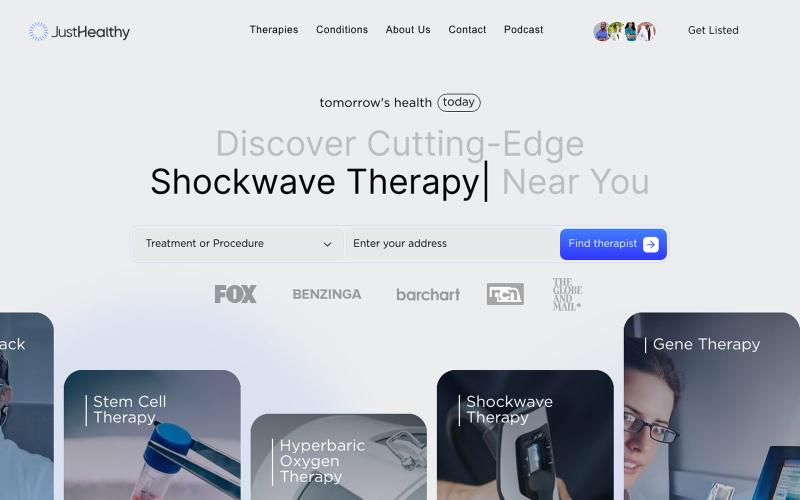
搜索医疗诊所以验证其具体医疗技术、设备和治疗等级,在付款前做出明智决定。

@maximiliananth · X

免费在线PDF工具,支持合并、拆分、转换和编辑,文件不离开您的设备。
u/Key_Caramel_5578 · Reddit
Built a free PDF toolkit solo (with AI help) — need feedback on the in-browser text editor before I keep pushing on it Been heads-down on this for a while: thepdftool.in Standard PDF stuff : merge, split, compress, convert, OCR — but most of the conversion tools run entirely client-side (WASM), so files never leave your browser for those. Built solo, leaned on AI tools for a good chunk of the code and debugging. The feature I care most about right now is an inline text editor :— click i
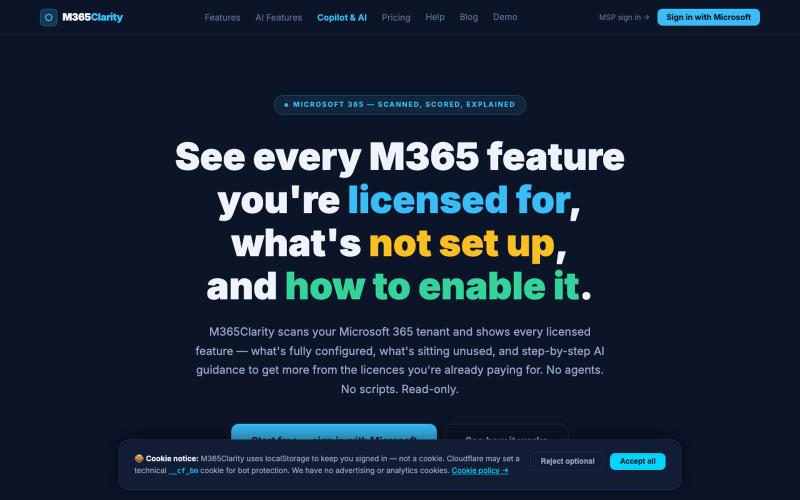
实时查看 Microsoft 365 的采用指标和功能可见性。

@M365Clarity · X