创意工具1 day ago
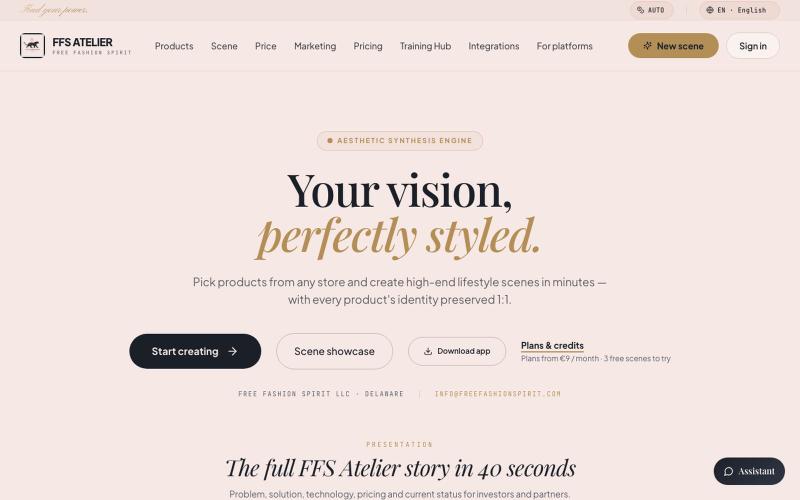
FFS Atelier — AI lifestyle scény pro fashion a POD produkty
从产品模型和电商链接生成时装POD产品的高端生活方式摄影。

@janamasarov · X
Check out what I just built with Lovable!
完整作品展
技术栈
26 projects
从产品模型和电商链接生成时装POD产品的高端生活方式摄影。
@janamasarov · X
Check out what I just built with Lovable!

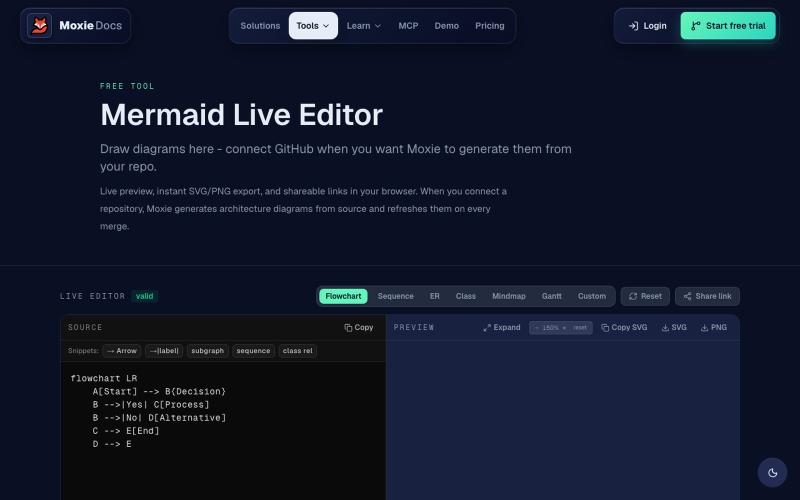
创建和导出 Mermaid 图表,包括流程图、ERD 和序列图
ghosts_ · HN
I've been slowly adding some new free tools to Moxie Docs (partly for SEO, partly to illustrate some of our feature sets before any commitment) for some reason this mermaid editor one blew up on Google rankings so I figured I'd share in case people find it useful! We also have ADR, AGENTS.md, LLMs, and a few other free tools.
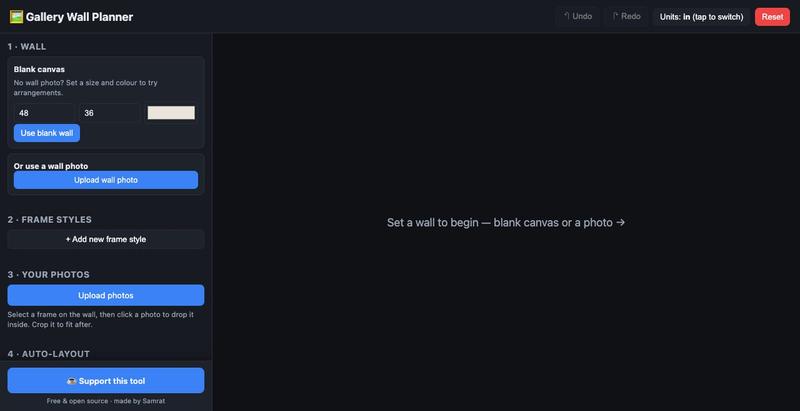
用真实尺寸模拟画廊墙布局,预览实际效果后再挂框。
u/Individual_Plane5170 · Reddit
I built a free, open-source gallery wall planner because the good ones are paywalled My wife and I were decorating a big wall and couldn't agree on a layout. I wanted to place real frame sizes with our own photos and see it to scale before drilling. Tools exist (GalleryPlanner, Suprtiles…), but the good ones paywall the useful bits or felt heavier than I needed. So I vibe-coded a stripped-down one over a evening. Stack: React + Vite, react-konva for the canvas, no backend - state live
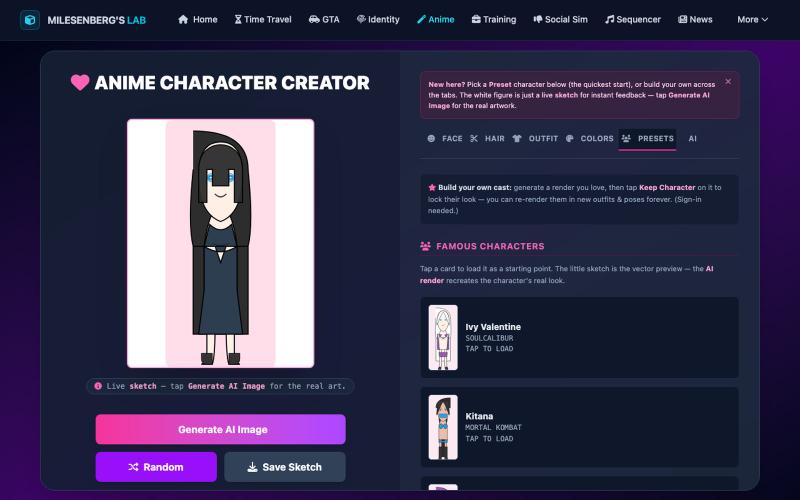
用AI设计动漫角色,系统记住你的创作。
u/Desperate_Cherry2299 · Reddit
I built an anime character creator where the AI remembers your character — free beta, honest feedback wanted Solo project I've been shipping in small pieces: a browser anime character creator at https://milesenberg.com/animecreator/ The loop: design a character with instant vector-sketch feedback → generate the real AI artwork (Animagine XL via Replicate) → optionally give her a voice line. Free, works logged-out; an account just persists your gallery. The technically interesting part w
使用 DREAMDWELL AI 从文本生成专业的产品、时尚和房地产视觉。

@sichy · X
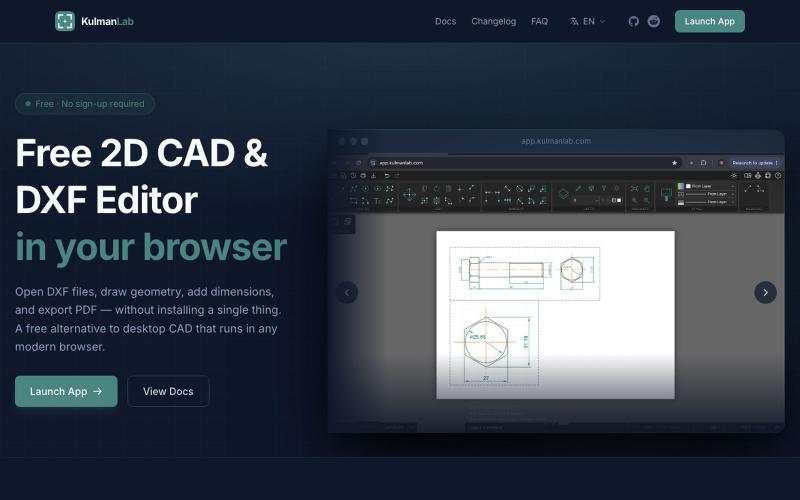
免费浏览器CAD编辑器,绘制和编辑2D设计并导出为DXF或PDF。

@KulmanLab · X
- a free and accountless alternative to Autocad
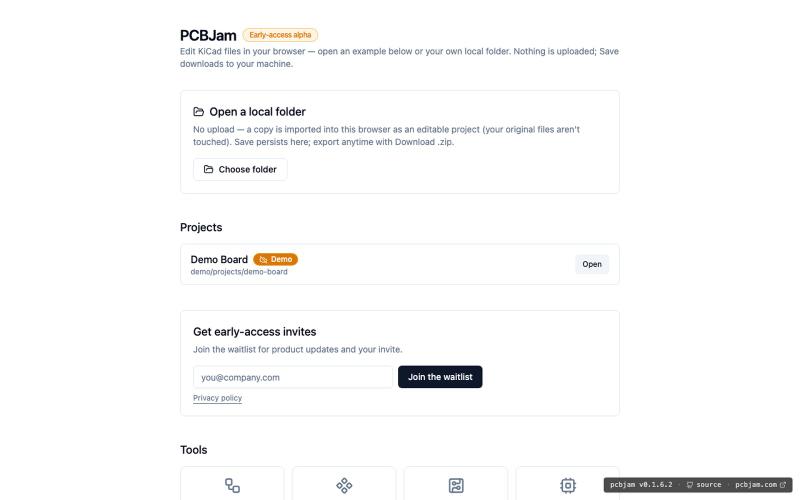
在浏览器中使用 KiCad 设计电子电路和 PCB,无需安装。
ViktorEE · HN
KiCad, a PCB EDA suite is now working in a browser, you can try it at the link, there's a demo project or you can bring your own. Firefox is best, Chrome is good, Safari is "working". We’re Emergence Engineering, a dev shop from Hungary, mostly working with rich text editors, CRDTs. PCBJam started as my (Viktor, CTO, ex-electrical engineer) hobby project but as time went on I put more and more energy into it, and a product started shaping up in my head, in the last few months we’ve started to focus on this project a bit more, and this is the first MVP~ish result. This project is a ton of fun, ton of learning, ton of improvements over improvements: - I thought there must be ways to emulate the PCB canvas OpenGL code on the web. And yes, there are a lot of ways, all of them very buggy. Turns out it’s faster to just write WebGL code that works with KiCad’s Graphics Abstraction Layer if you add the right intermediate debugging steps. I (with Claude) implemented the features and compared
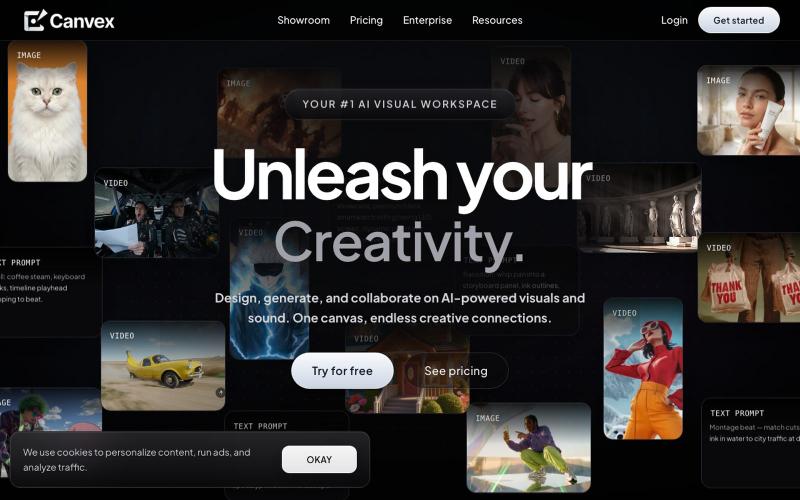
在CanvexAI上设计和生成电影及创意项目的视觉内容。

@Canvexxx · X

为 Codex Desktop 设计自定义主题,调整背景、颜色、透明度和视觉效果。
plutozc · V2EX
做了个 Codex Desktop 主题预览和切换工具,先调好再安装 最近一直在用 Codex Desktop ,觉得默认界面看久了有点单调,就顺手做了个主题编辑工具,分享一下: [Codex Skin]( https://getcodexskin.com) 可以先在网页里预览主题,调整背景透明度、面板透明度、颜色、模糊和圆角等参数,满意之后再下载并切换到 Codex Desktop 。 目前支持: - 自定义 JPG 、PNG 、WebP 背景 - 在线实时预览主题效果 - 调整透明度、颜色、模糊、圆角 - 预览满意后生成安装命令 - 不喜欢了可以恢复默认外观 目前主要面向 macOS 上的 Codex Desktop ,还是个人项目,功能和兼容性都在继续打磨。 欢迎试试,也想听听大家对主题参数、预览效果和安装流程的反馈。 直接网址: https://getcodexskin.com [轻喷 轻喷,可能还有些 bug