
创意工具1 week ago
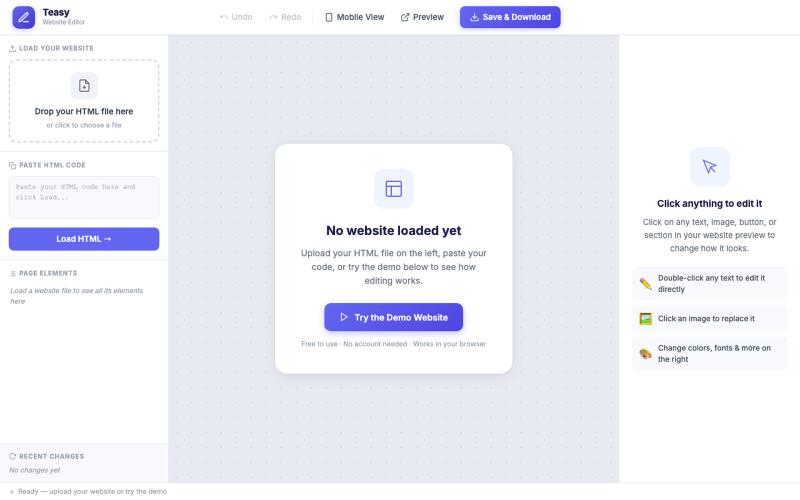
Free Online HTML Editor — Edit Any Website Visually, No Code | Teasy
无需编码和注册,在浏览器中直观编辑HTML网站。

@TakeBaseInfo · X
完整作品展
技术栈
29 projects
无需编码和注册,在浏览器中直观编辑HTML网站。
@TakeBaseInfo · X
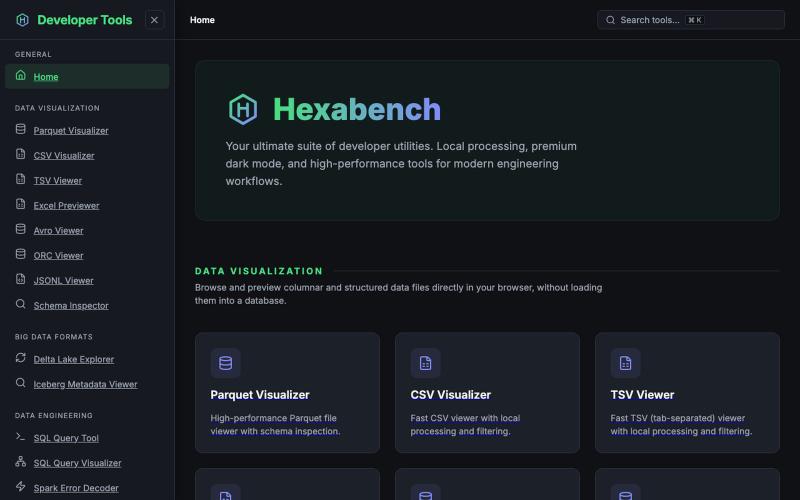
Hexabench 本地开发者工具套件,支持 CSV、Parquet、JSON 格式处理,无需上传。
u/sheshu29 · Reddit
My side project Hey everyone i have just created this website for developer who does not want to rely on ai agents so please visit and give me some feedback if you want any specific tools 🫠 submitted by /u/sheshu29 to r/SideProject [link] [comments]
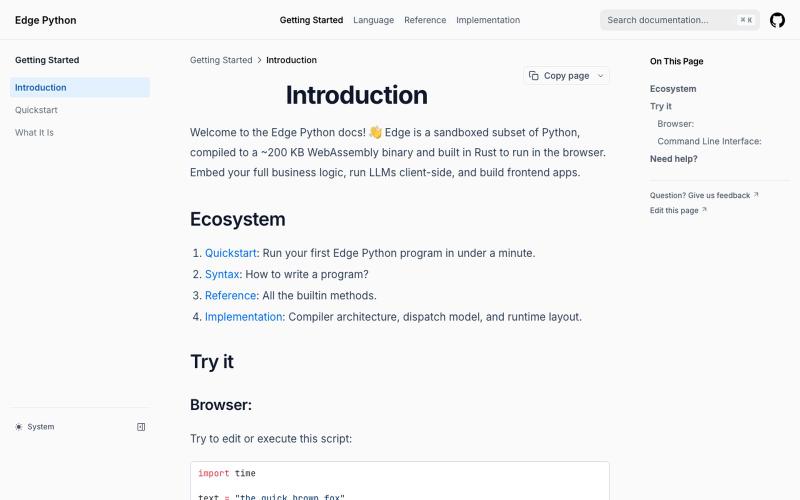
Edge Python 是一个在浏览器中运行的轻量级 Python 解释器。
dylansuttonc · HN
When I started programming Edge Python more than six months ago, I was looking for a version of Python that weighed less than 200 kb so it could reach any device, sandboxed by design, built with browsers in mind, decoupled from the operating system and very fast. Today the closest competitor would be MicroPython. However, it did not solve my real problems or the problems of the people who use the project. * Managing async and blocking code on the event loop. MicroPython inherits CPython's blocki
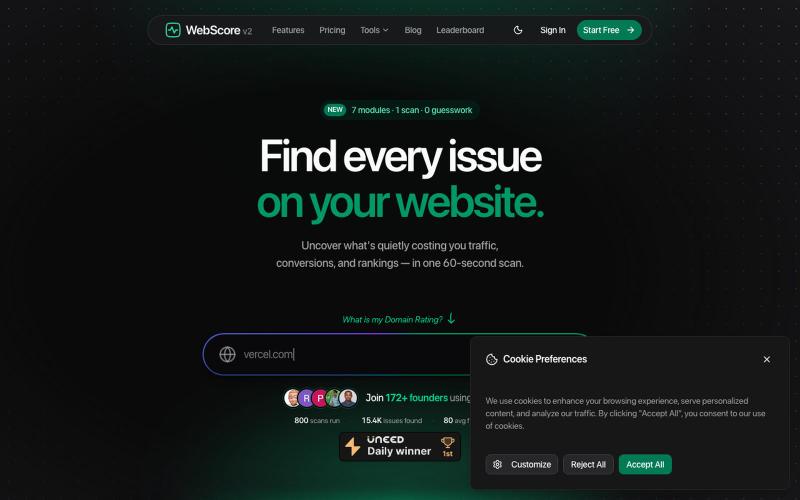
免费网站分析器和SEO审计工具——在60秒内扫描任何网站的性能、SEO、安全、无障碍和UI/UX问题。修复影响您排名的问题。

@WebScore_now · X
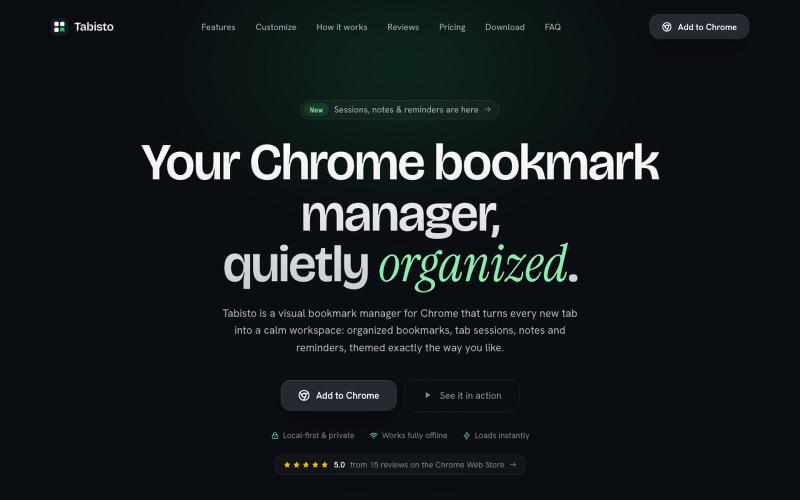
Chrome extension,在新标签页上可视化地组织书签,支持 workspaces 和 notes

@IamYashKapoor · X
Built Tabisto (bookmark manager), a free Chrome extension and launched it in 5 days using Claude Code. Must try, you will really love it.
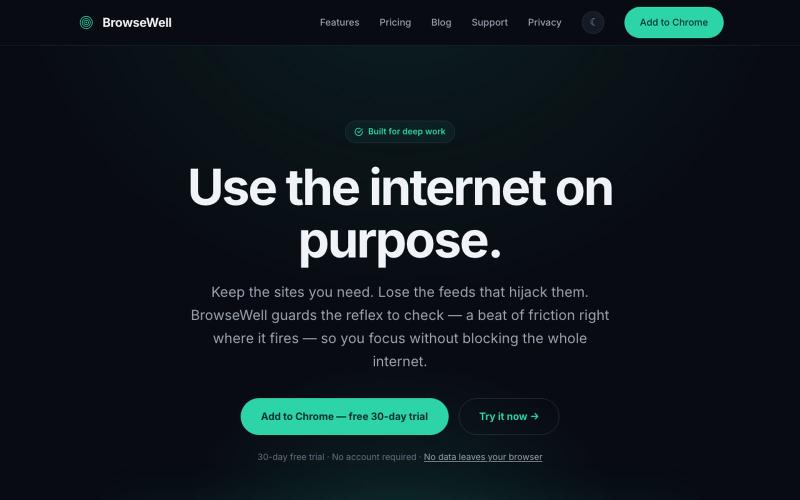
BrowseWell 是一款 Chrome 扩展程序,在保持所需网站访问的同时屏蔽干扰。

@mashrurio · X
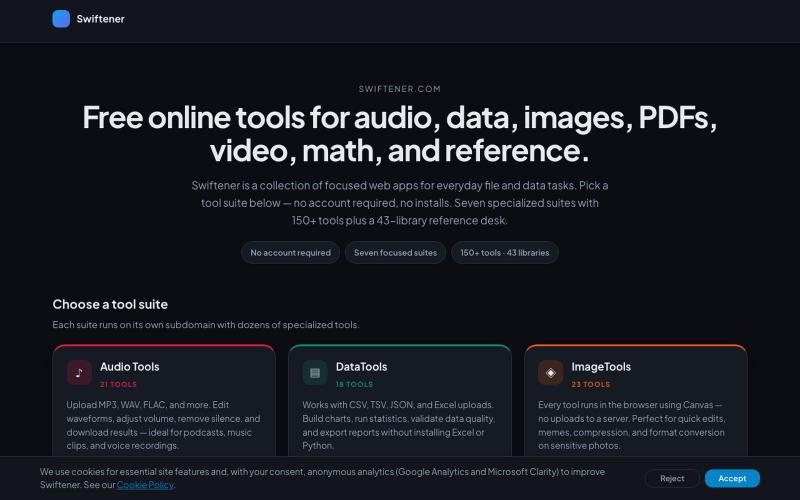
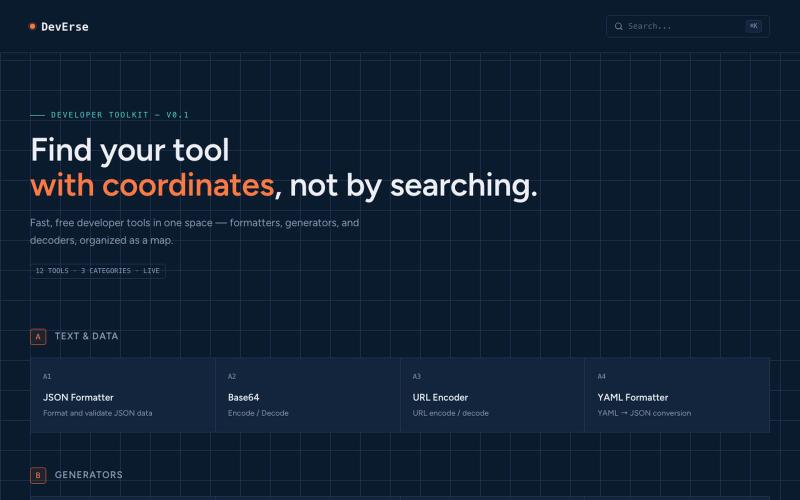
免费开发者工具集合,以地图形式组织,包括格式化、生成和解码工具。

@AntiaIuri · X
Just shipped DevErse 🚀 A curated directory for dev tools & AI utilities built to speed up your workflow. It's super early stage — check it out and let me know your thoughts! 👇 🔗 #buildinpublic #indiehackers #laravel #reactjs
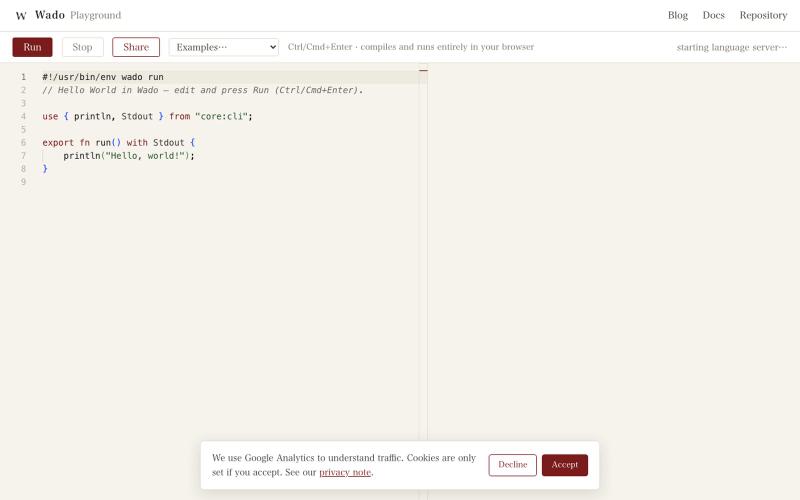
直接在浏览器中编写和运行 Wado 编程语言代码。
gfx · HN
Building a Rust-ish programming language with 100% coding agents: Wado
RightPDFKit是免费PDF编辑器,有51个工具,无需账户,支持离线。

@zubidavies · X
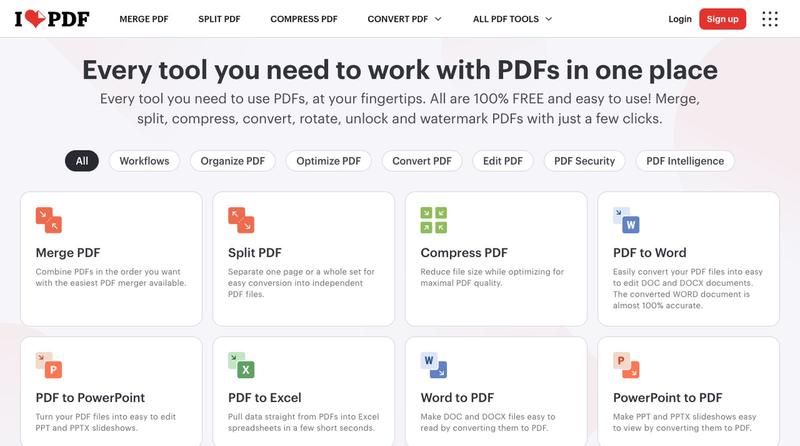
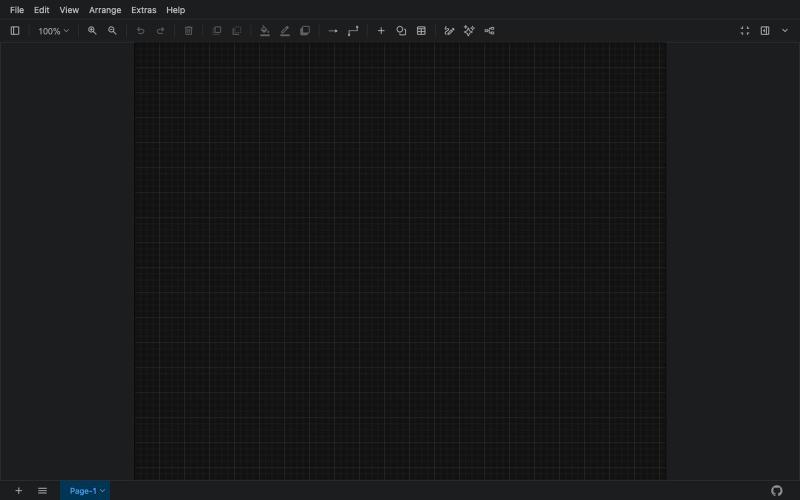
创建流程图、程序图、组织架构和UML图的免费在线工具。

@N0V4Dev · X
I found a tool called Next AI that links AI capabilities directly with diagrams. It lets you build and edit diagrams using natural language prompts instead of clicking around the canvas manually. It's a handy way to sketch out architecture when you don't want to drag every box yourself. The project is built on TypeScript with React 19 and Next.js. It supports multiple AI providers and even includes an MCP Server. This means you can use it with the Claude Code CLI to generate diagrams from your terminal. Deployment options are flexible too. You can run the tool locally with Docker or push it to Vercel and Cloudflare Workers. It supports multi provider setups so you can pick the backend that fits your workflow. #Nextjs #AI #Diagrams #TypeScript
