
生产力1 month ago
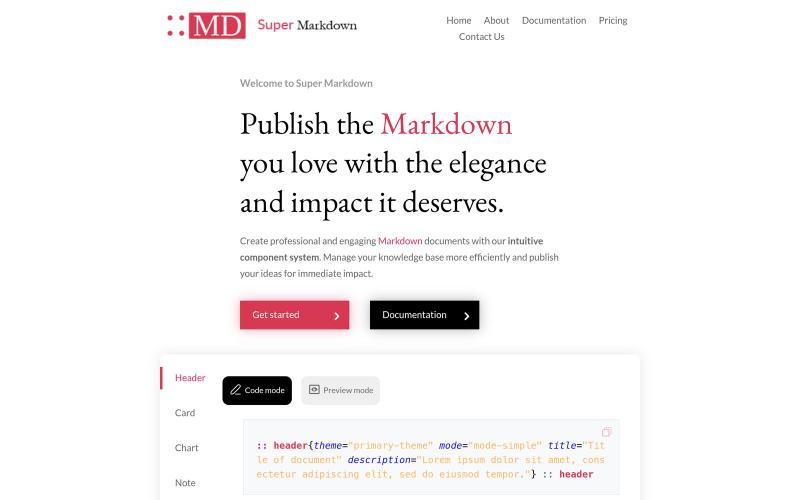
Markdown with style | Super Markdown
使用组件创建和设计 Markdown 文档,以组织和发布你的知识库。

@sidbyok · X
Write your documents in Markdown with a professional visual rendering without HTML/CSS, just native Markdown.
完整作品展
技术栈
25 projects
使用组件创建和设计 Markdown 文档,以组织和发布你的知识库。
@sidbyok · X
Write your documents in Markdown with a professional visual rendering without HTML/CSS, just native Markdown.
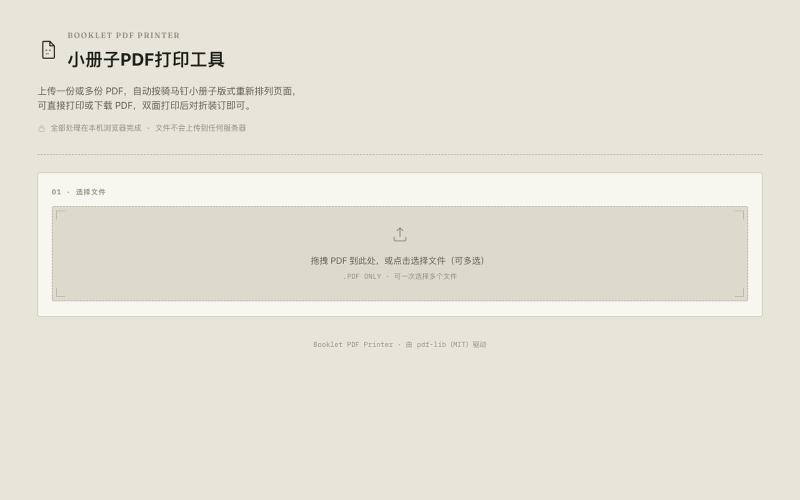
将A4 PDF转换为双面A5小册子,节省纸张。

@33357xyz · X
最近买保险发现文件太多了不好打印。就做了一个小册子打印网站,可以吧A4的pdf双面打印成A5的小册子,节省一半的纸张。网站可以预览小册子的效果,支持手动双面打印和自动双面打印,感兴趣的可以来玩玩。
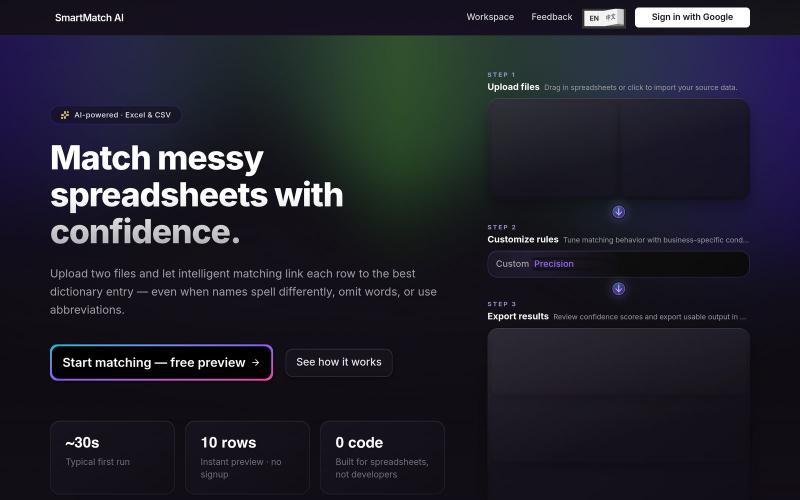
SmartMatch AI - 用自定义条件和精度匹配电子表格列
Smart Match AI — 自定义条件和精度来匹配两列不同的数据,更加自由的 Excel lookup/vlookup
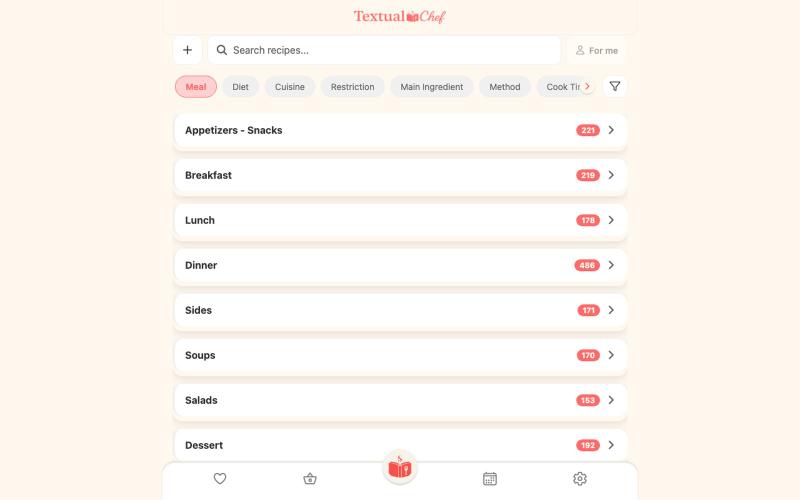
Textual Chef - 搜索菜肴获得简洁纯文字食谱,无广告干扰

@BrianShepBuilds · X
dibs on the trophy
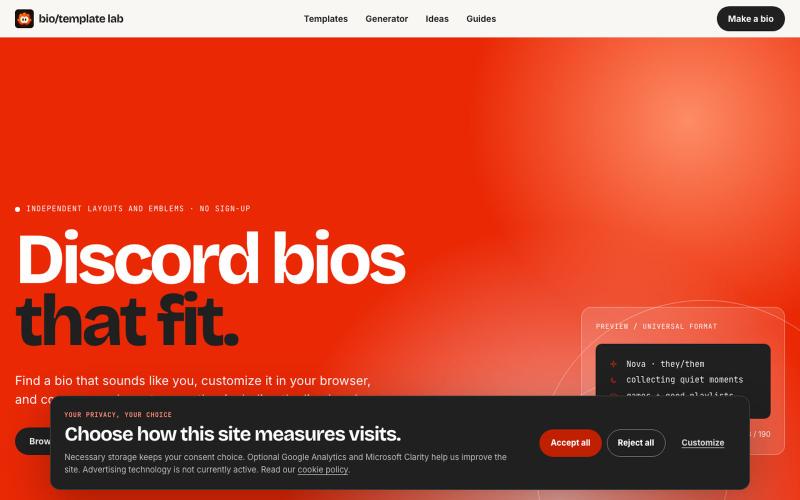
Explore independently curated Discord bio templates and decorative emblems. Search, customize, check the 190-character limit, and copy every line exactly.

@prayagmishra838 · X
Not a saas product but a free bio template library for discord and others social media platforms
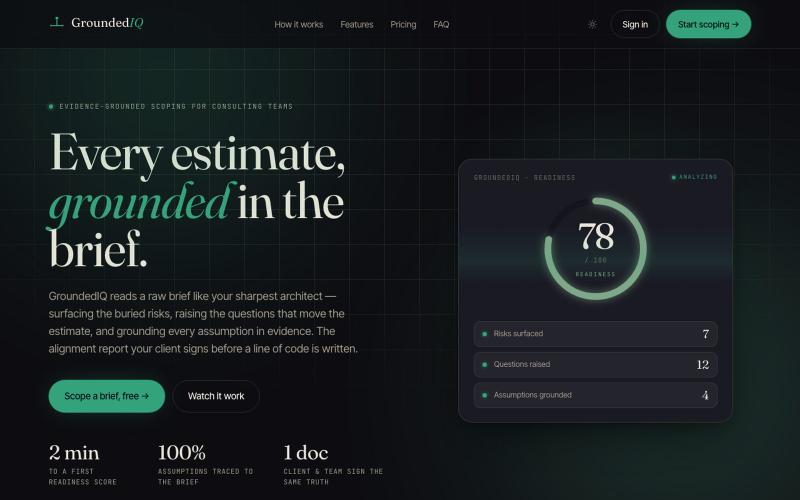
输入项目简报生成风险、问题、架构和时程的对齐报告。

@GroundedIQ · X
GroundedIQ exists to close the gap between what a client asks for and what actually gets built. That gap is where projects bleed — in change orders, blown timelines, and the slow erosion of trust between a consulting team and the people who hired them.
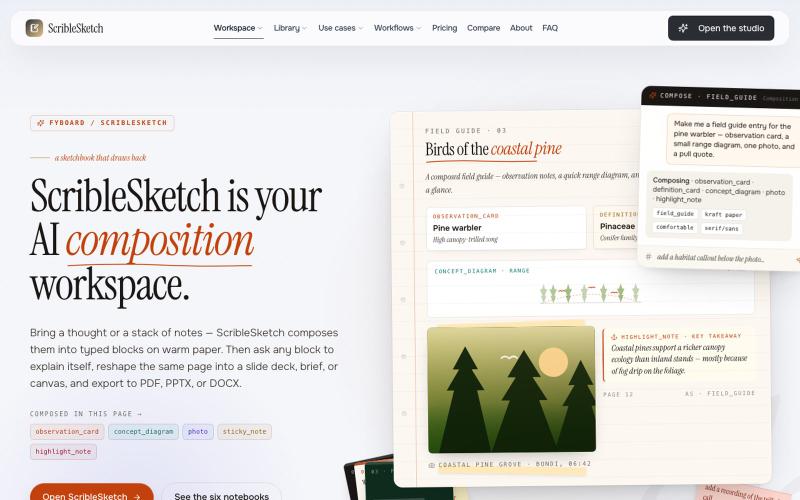
一次编写,多格式导出为笔记、幻灯片、PDF、PPTX、DOCX 或画布。

@mr_wickedhacks · X
Write the doc once → get a notebook, slide deck, canvas, or resume from the same source. No rewriting for every format.
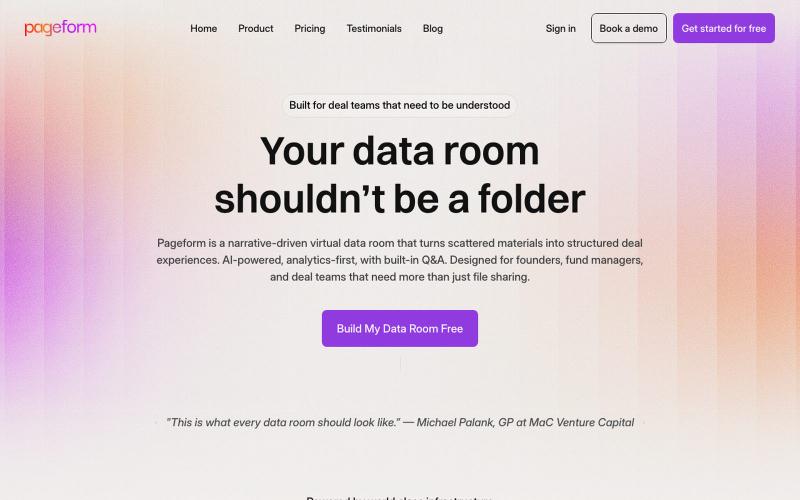
AI驱动虚拟数据室,帮助交易团队将散乱文档转化为引导性体验。

@Puneeeeeeet · X
We help brands go viral on X with organic video campaigns that people actually want to watch. wanna try for
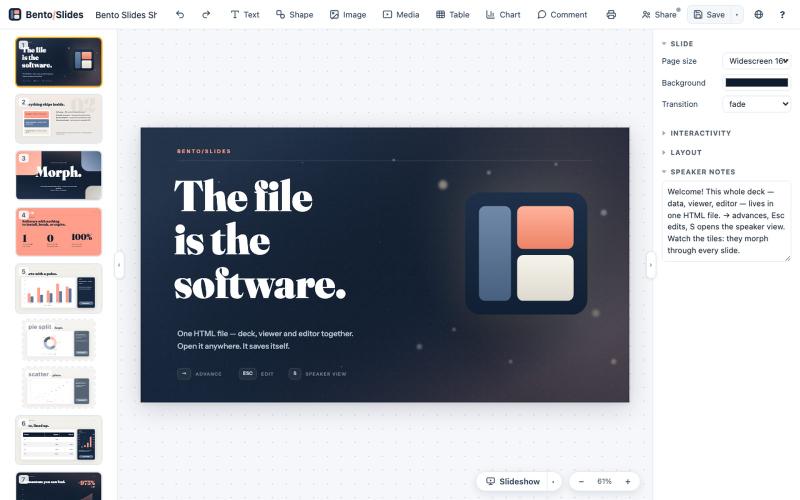
在单个HTML文件中创建和编辑演示文稿,支持实时协作。
starfallg · HN
Bento - An entire PowerPoint in one HTML file (edit+view+data+collab)
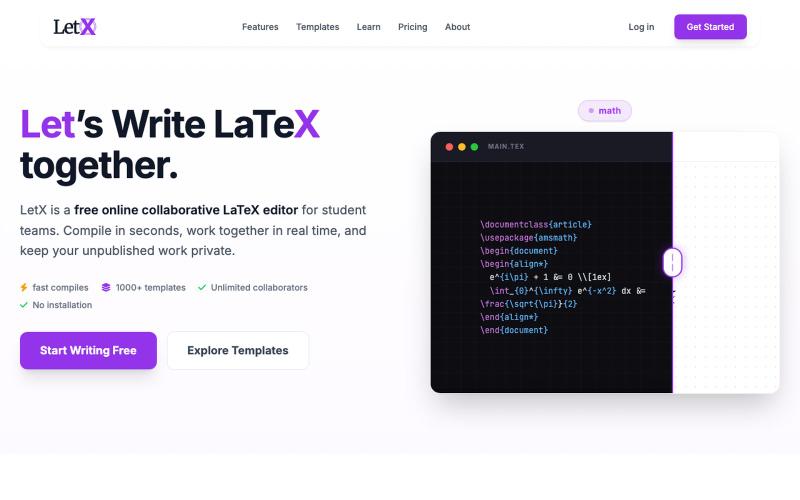
The best free Overleaf alternative. Write, edit, and compile LaTeX in the browser with unlimited collaborators. No installation required.

@letxapp · X
collaborative Latex. link:
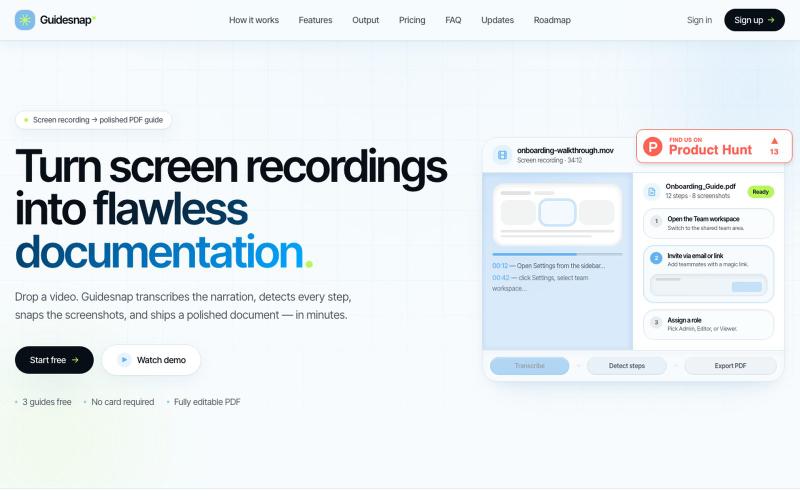
将屏幕录制转换为精美的PDF指南。

@vanmurten_eth · X
Guidesnap: turn any screen recording into a polished PDF guide.

为 Codex Desktop 设计自定义主题,调整背景、颜色、透明度和视觉效果。
plutozc · V2EX
做了个 Codex Desktop 主题预览和切换工具,先调好再安装 最近一直在用 Codex Desktop ,觉得默认界面看久了有点单调,就顺手做了个主题编辑工具,分享一下: [Codex Skin]( https://getcodexskin.com) 可以先在网页里预览主题,调整背景透明度、面板透明度、颜色、模糊和圆角等参数,满意之后再下载并切换到 Codex Desktop 。 目前支持: - 自定义 JPG 、PNG 、WebP 背景 - 在线实时预览主题效果 - 调整透明度、颜色、模糊、圆角 - 预览满意后生成安装命令 - 不喜欢了可以恢复默认外观 目前主要面向 macOS 上的 Codex Desktop ,还是个人项目,功能和兼容性都在继续打磨。 欢迎试试,也想听听大家对主题参数、预览效果和安装流程的反馈。 直接网址: https://getcodexskin.com [轻喷 轻喷,可能还有些 bug