
创意工具1 month ago
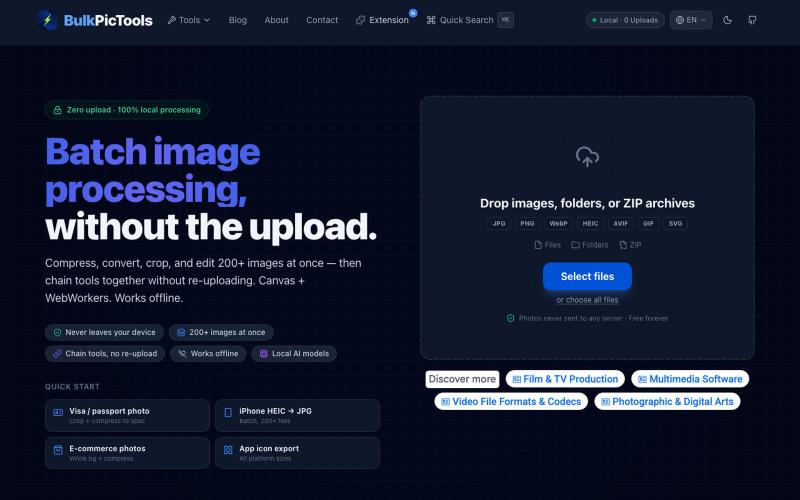
BulkPicTools — Batch Image Processing with Tool Chaining & Local AI | BulkPicToo
在浏览器中批量处理图片,支持工具链、本地AI和格式转换。
BulkPicTools — 免费浏览器端图片批量处理工具,支持**工具链串联**(压缩→转格式→裁剪一次完成,无需重复上传),本地 AI 去背景/人脸模糊(WebGPU,无需 API Key),支持 200+ 张图片批量处理,文件不上传服务器。
完整作品展
技术栈
25 projects
在浏览器中批量处理图片,支持工具链、本地AI和格式转换。
BulkPicTools — 免费浏览器端图片批量处理工具,支持**工具链串联**(压缩→转格式→裁剪一次完成,无需重复上传),本地 AI 去背景/人脸模糊(WebGPU,无需 API Key),支持 200+ 张图片批量处理,文件不上传服务器。
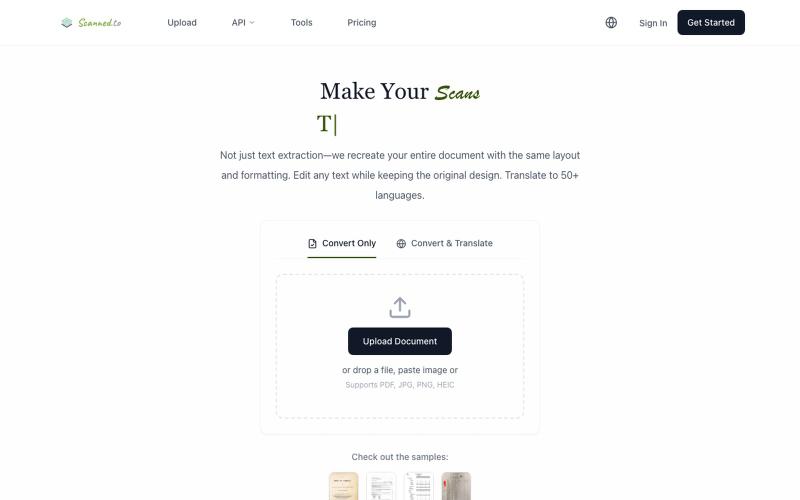
Scanned.to:用 AI OCR 将扫描文档转为可编辑 Word 或文本,支持多语言翻译。
Scanned.to — AI 驱动的 OCR 文档识别与翻译平台,将扫描 PDF/图片转为可编辑 Word/Text,保留原始排版,支持 50+ 语言翻译

上传照片选择风格一键生成可打印PDF相册布局
mqx · V2EX
根据上传图片生成写真集网站 简介:纯前端,图片不经过服务器放心食用,上传图片后选择设计风格,一键自动排版,最后导出 pdf 打印 网站地址: https://8ceb3650.pinme.dev/

在浏览器中编辑、压缩、转换和合并视频和音频文件。
zhw2590582 · V2EX
最近对网站进行了重构,做成了免费的视频工具站:[ArtPlayer Tools]( https://artplayer.org/tools/) 主要是围绕着 ffmpeg.wasm 和 mediabunny 实现的一些可以直接在浏览器里用的视频/音频工具,常用的有: - 视频压缩:[Compress Video]( https://artplayer.org/compress-video/) - 视频裁剪:[Crop Video]( https://artplayer.org/crop-video/) - 视频合并:[Merge Video]( https://artplayer.org/merge-video/) - 视频尺寸调整:[Resize Video]( https://artplayer.org/resize-video/) - 视频旋转:[Rotate Video]( https://artplayer.org/rotate-video/) - 视频调速:[Change Video Speed]( https://artplayer.org/change-video-speed/) - 添加文字到视频:[Add Text to Video]( https://artplayer.org/add-text-to-video/) - 添加水印:[Watermark Video]( https://artplayer.org/watermark-video/) - 提取字幕:[Subtitle Editor]( https://artplayer.org/subtitle-editor/) - HLS 转 MP4:[HLS to MP4]( https://artplayer.org/hls-to-mp4/) - 音频可视化:[Audio Visualizer]( https://artplayer.org/audio-visualizer/) 大部分工具都是本地处理,文件不会上传到服务器。最开始是因为自己偶尔要处理一些视频,开剪辑软件又有点重,在线工具又担心隐私,所以就慢慢做成了一个站。 目前还在持续完善,体验肯定还有不少粗糙的地方,比如不同浏览器的兼容、移动端操作、长视频性能之类的。 网站: [ArtPlayer Tools]( https:
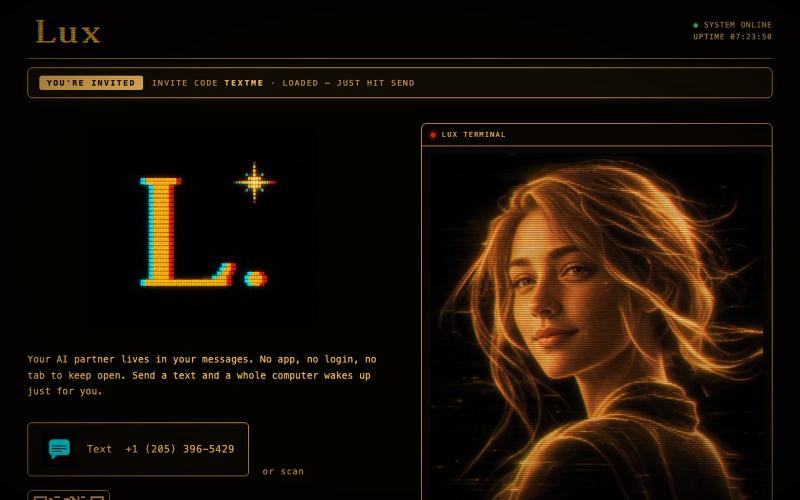
@launch_llama 正在完善自己 :) 联系我: https://t.co/33nmIh4ZNU

@textluxhq · X
Just working on myself :) text me:
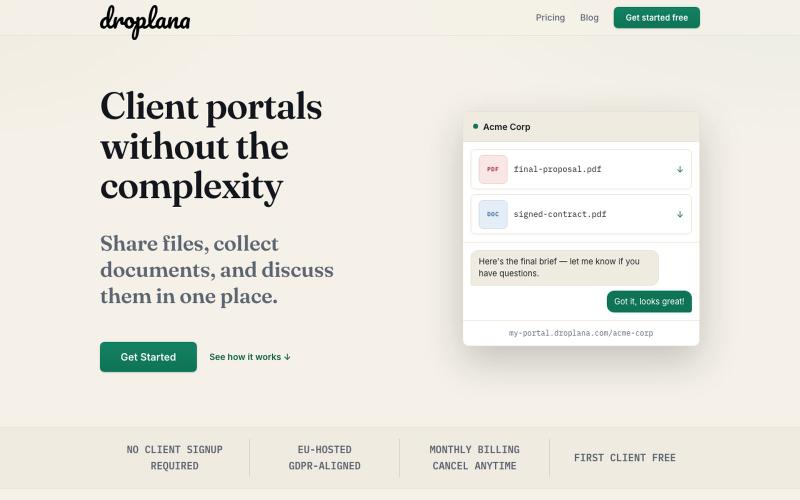
与客户分享文件、收集文件并讨论,无需注册。

@droplana_com · X
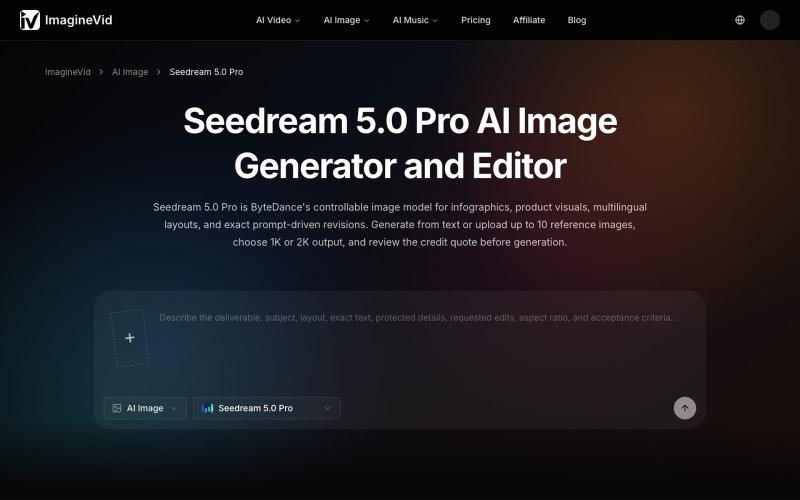
使用 Seedream 5.0 Pro 生成和编辑 AI 图像,支持 2K 输出和参考图像。
imaginevid-ai · GitHub
Awesome-seedream-5-pro-prompts-and-skills About World's largest Seedream 5.0 Pro prompt library — 10,000+ curated prompts with preview images, 16 languages. Dreamina Seeream AI image generation. Free & open source.
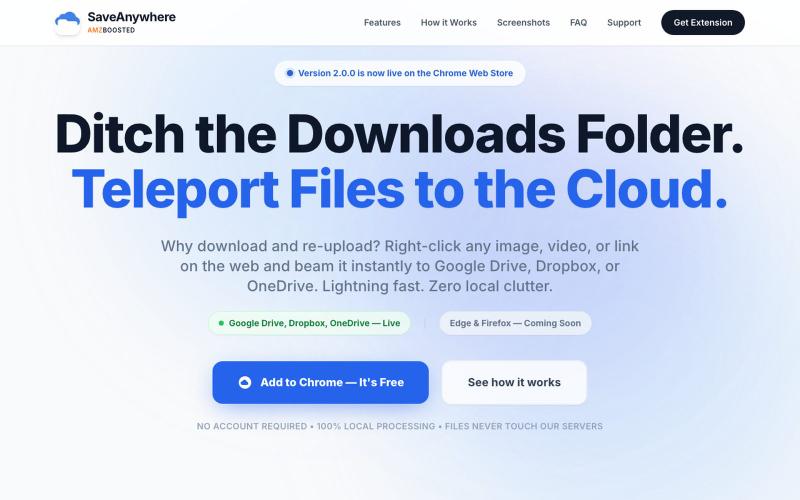
SaveAnywhere是Chrome扩展,直接将文件、图片、链接保存到Google Drive、Dropbox和OneDrive,本地处理。

@SaveAnywhere · X
Free chrome extension :

一键创建并发布格式丰富的文章到网络。

@masafumiohta · X
I’ve been using Windows as my daily use lately despite I have been using Mac/Linux for a long time, but I keep running into all sorts of issues, so I’ve been fixing them vibe-coding with Claude. I’m gonna dump all that stuff on This blog is fully automated with Claude Code, from coding all the way to reporting. It’s nothing special—anyone could do it—but it’s actually pretty fun once you try it. The only annoyed is that it burns through tokens like crazy. Most of the tips are pretty interesting, so I hope you find them useful.
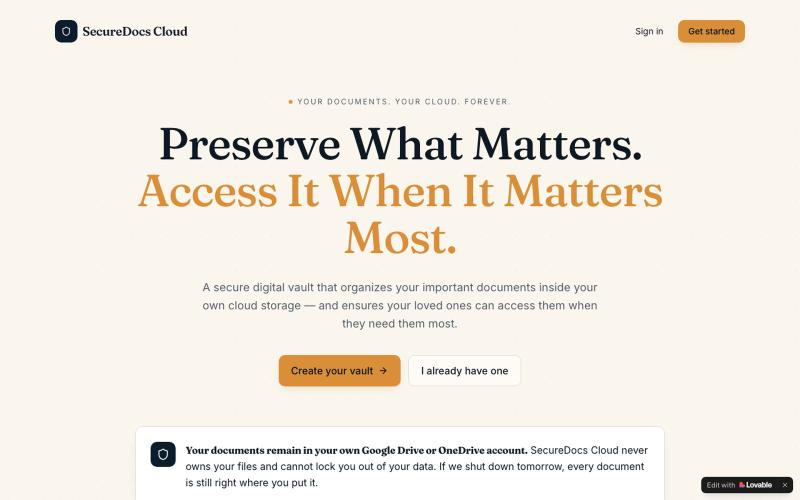
SecureDocs Cloud — 安全云存储,支持家庭成员共享重要文件。

@DwivediNitil · X
Go physical to digital
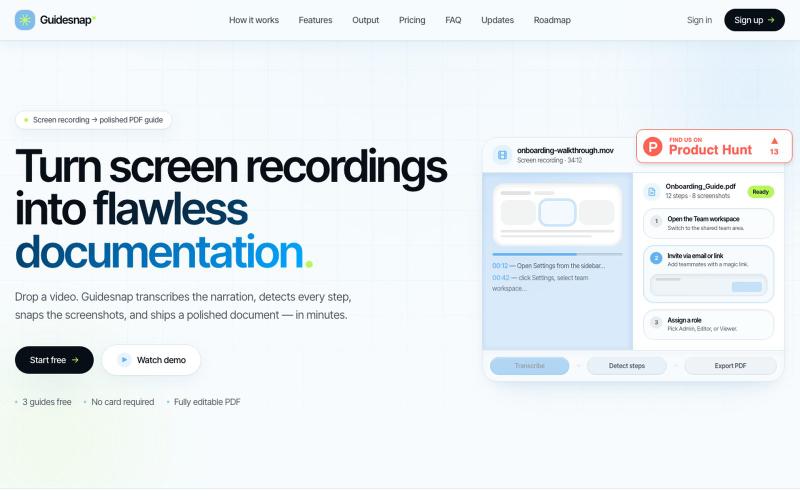
将屏幕录制转换为精美的PDF指南。

@vanmurten_eth · X
Guidesnap: turn any screen recording into a polished PDF guide.

在浏览器中编辑、调整大小、裁剪和转换图像,无需上传文件。

@its_ajseven · X