
实用工具1 month ago
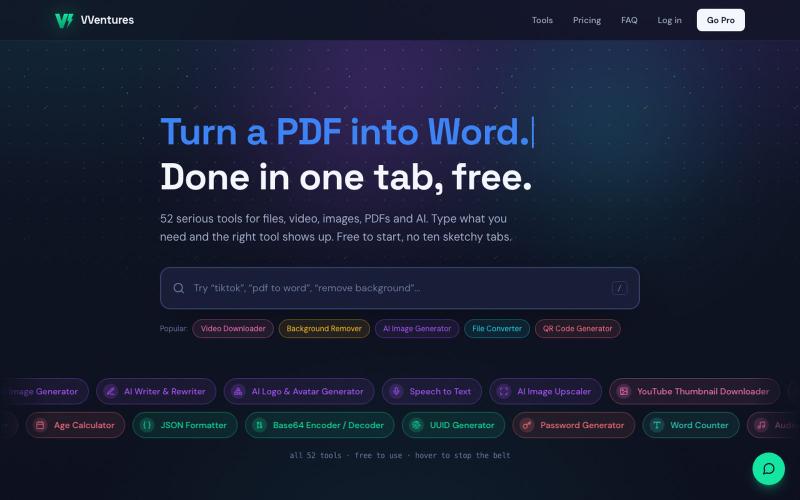
VVentures, 50+ Free Online Tools (Convert, AI, PDF, Media)
VVentures 提供50多个免费在线工具,用于文件转换、AI生成、PDF编辑和视频。

@smarterV01 · X
完整作品展
技术栈
60 projects
VVentures 提供50多个免费在线工具,用于文件转换、AI生成、PDF编辑和视频。
@smarterV01 · X
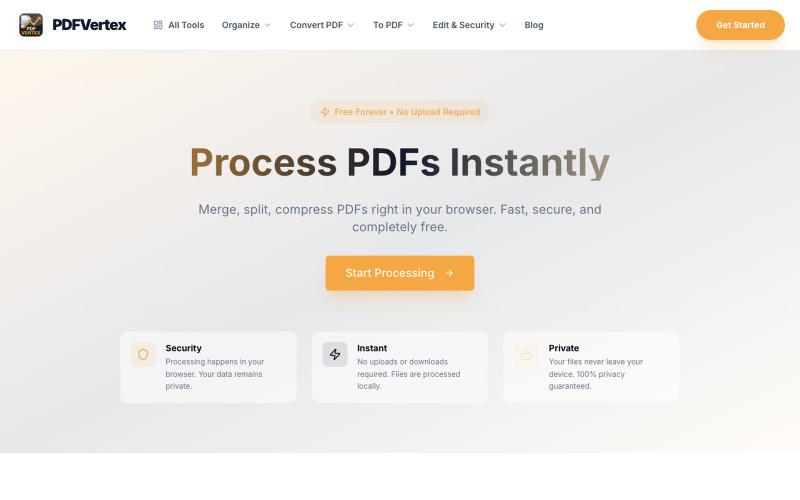
Professional PDF tools for free. Convert, merge, split, compress, and edit PDFs online. Fast, secure, no registration required.

@fouadelbouiadii · X
Process PDFs Instantly Merge, split, compress PDFs right in your browser. Fast, secure, and completely free.
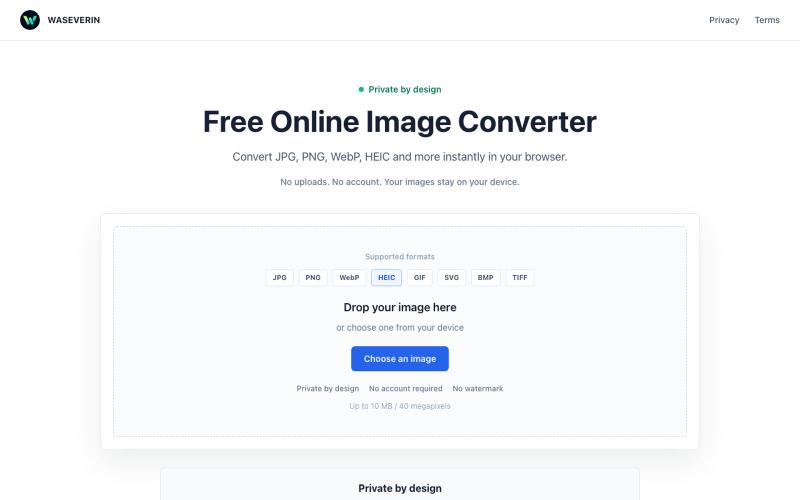
在浏览器中直接将图片在 JPG、PNG、WebP 和 HEIC 格式之间转换。

@wGzKjDhsac93581 · X
Just launched my first side project 🚀 WASEVERIN Image Converter A lightweight browser-based image converter. ✓ No uploads ✓ No account required ✓ Privacy-friendly Convert JPG, PNG, WebP, HEIC and more. Building AI tools & digital products.
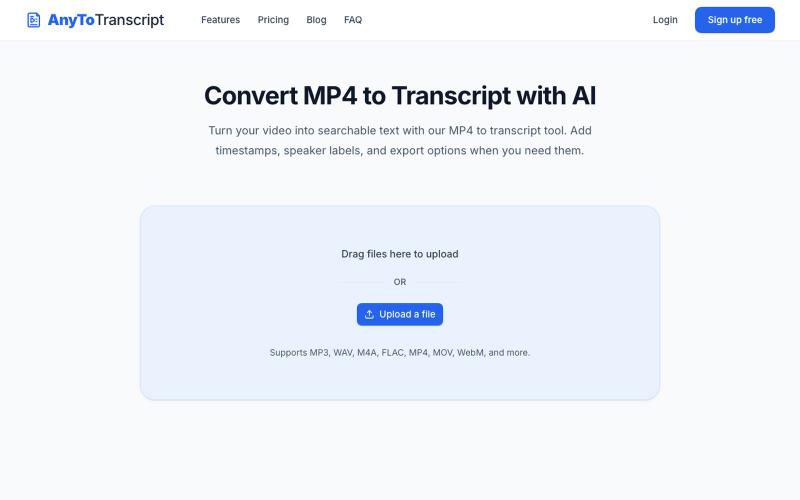
上传音频或视频文件,转换为可搜索的文本记录。
yongkunchen · V2EX
新上线了一个音视频转文字的小工具 最近抽时间做了一个小工具 AnyToTranscript ,主要是把音频和视频快速转换成文本,支持时间戳和说话人识别。 目前已经上线了,自己也还在不断优化。如果你平时有整理访谈、会议、课程或者视频字幕的需求,欢迎体验一下: https://anytotranscript.com/ 如果你愿意试用,也很欢迎告诉我使用过程中遇到的问题,或者有哪些功能是你觉得值得加的。对独立开发者来说,这些反馈真的很有帮助。
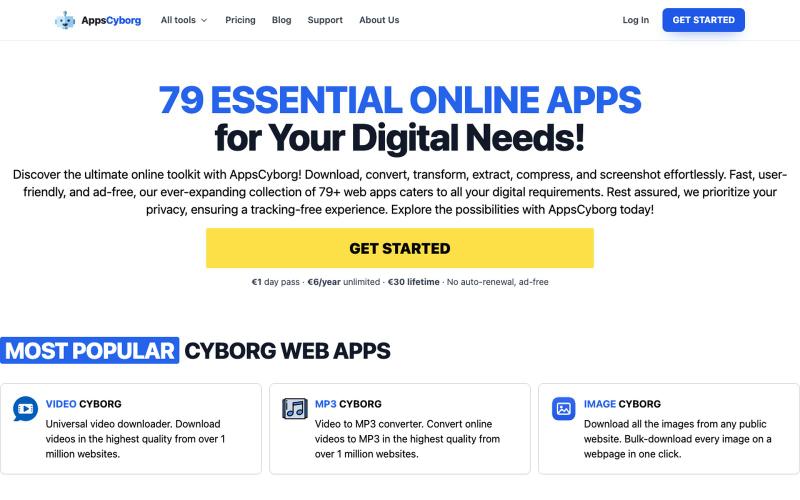
79+ privacy-first online tools to convert, compress, and download files. Ad-free, no tracking. €1 day pass, €6/year, or €30 lifetime — no SaaS lock-in.

@philippenamias · X
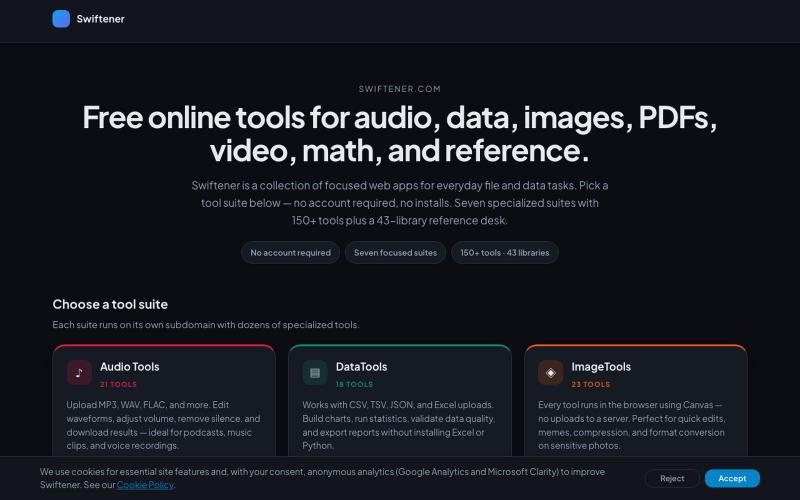
Swiftener:150+免费在线工具,编辑音频、图像、PDF、视频等,无需注册。

@factfile0 · X
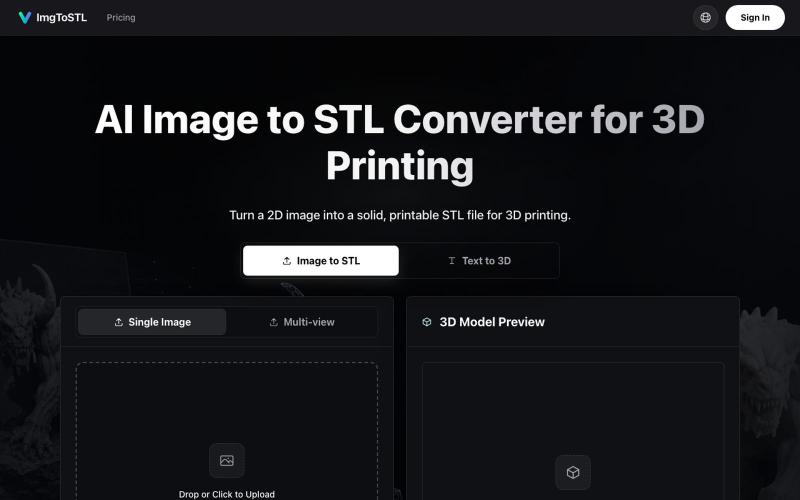
将图像转换为 3D 可打印的 STL 模型。
ImgToSTL — 面向 3D 打印的 AI 图片转 STL 转换器
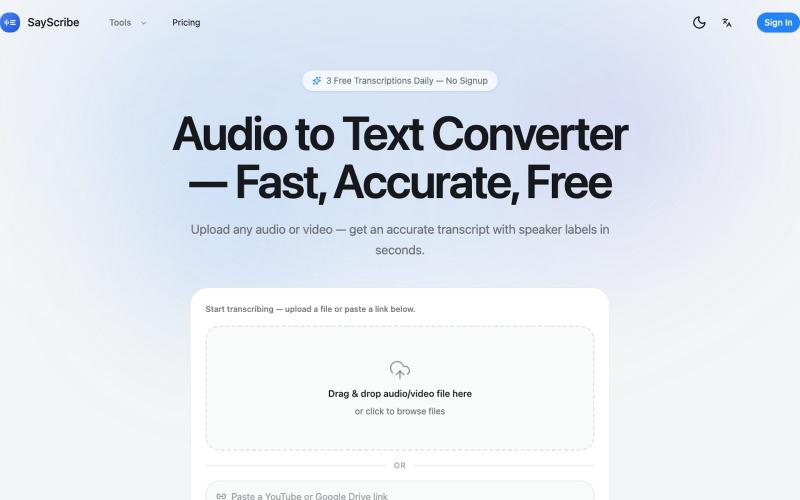
上传音频或视频,SayScribe 自动转成带说话者标签和时间戳的文字稿。
zxhywork · V2EX
SayScribe AI - 音频转文字的在线工具 花了几周搞了一个基于 OpenAI Whisper 的 AI 转录工具 **[SayScribe]( https://sayscribe.org)**,目前 5 个工具全部免费,每天 3 次无需注册。上线前请 SEO 专家做了一轮诊断,踩了不少坑,分享出来给同样在做工具站的 V 友参考。 --- ## 做了什么 核心工具是 **[Audio to Text Converter]( https://sayscribe.org)**(主页),上传音频/视频文件,AI 自动转成带 speaker labels 和时间戳的文字稿。选这个词的原因是:Google 第一页有个 DR 只有 10 的小站排第三,KD 才 20.2 ,链接预算只要 15-35 个引用域就能进前十——典型的弱盘面蓝海。 然后在主页基础上拆了 4 个子工具,每个打一个独立搜索词: - **[MP3 to Text]( https://sayscribe.org/mp3-to-text)** — 只转 MP3 。KD 41.7 比主页难一些,但
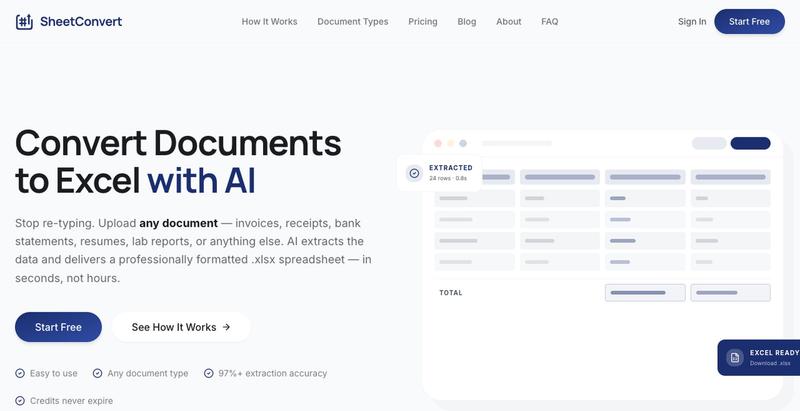
Convert invoices, purchase orders, receipts, bank statements, resumes, business cards, and more into structured Excel spreadsheets in seconds. Powered by Google Gemini AI. Pay only

@mauliikk · X
I recently built a product called You basically upload a document in bulk lets say you upload 50 receipts, sheetconvert will extract all the data in a categorised excel sheet
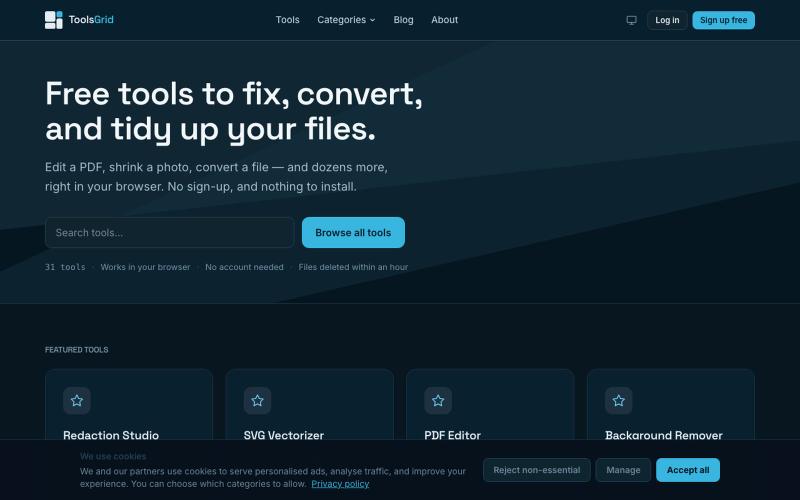
编辑和转换 PDF、图像、视频、JSON、SVG 和电子邮件文件的免费在线工具。

@bigchusstheory · X
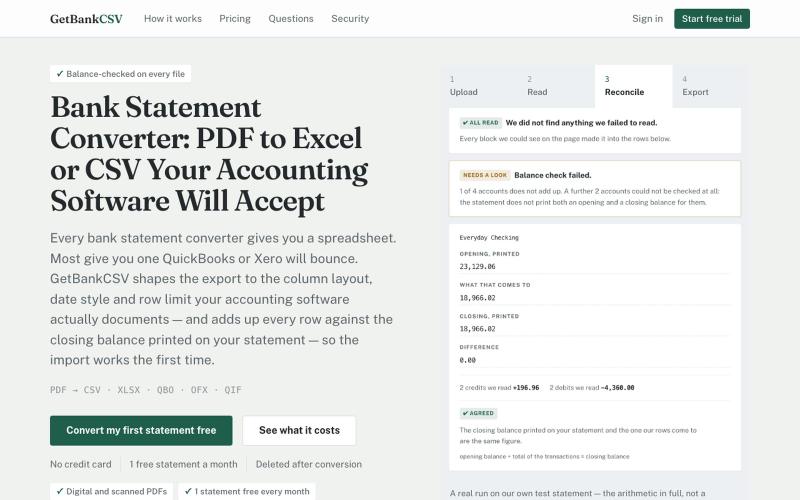
将 PDF 银行对账单转换为 CSV、Excel、QBO 等格式,并检查余额。
funet · V2EX
做了个 PDF 银行流水转 CSV 的站,重点是「哪里没读出来会告诉你」 这是一个 [bank statement converter]( https://getbankcsv.com/):把 PDF 银行对账单转成 CSV / Excel / QIF / OFX / QBO 。这个品类工具不少,我做的时候盯的是两个一直没被解决的问题。 ## 一、转出来的文件导不进会计软件 这跟提取质量无关,卡的是列名、日期格式、文件大小这些事。Intuit 自己的文档写得很明确: QuickBooks 收的 CSV 必须是英文、不超过 350 KB 、单次最多 1000 行、只能是三列 ( Date, Description, Amount )或者四列。一年的活期账单,后两条都会超。 所以我按 QuickBooks 和 Xero 各自文档要的形状分别出文件,而不是给一个通用 CSV 让你自己改。 ## 二、漏读了,但没人告诉你 这个更要命。版面解析或者 OCR 漏掉一整块交易,输出看起来完全正常,你导进账里, 几个月后对账才发现少了一截。 我这边的做法:
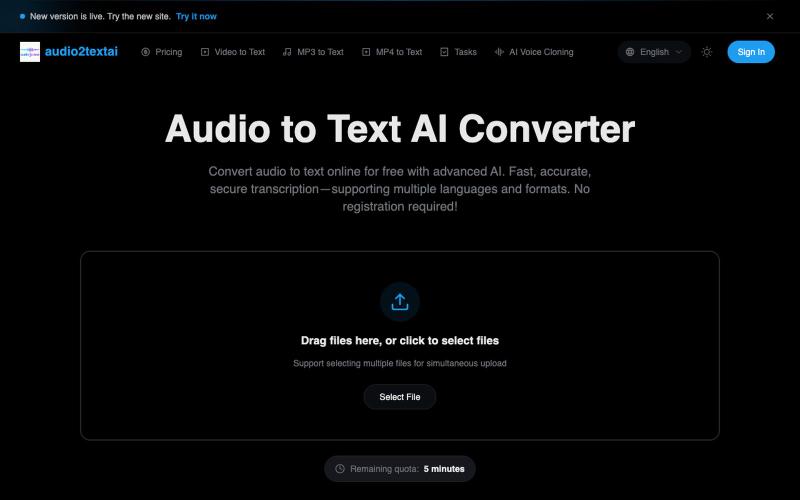
快速、精准的 AI 音频转录工具,无需注册,支持多种格式和语言。
音频转文字工具 — AI 音频转文字,快速、精准、安全的转写服务