
生产力1 week ago
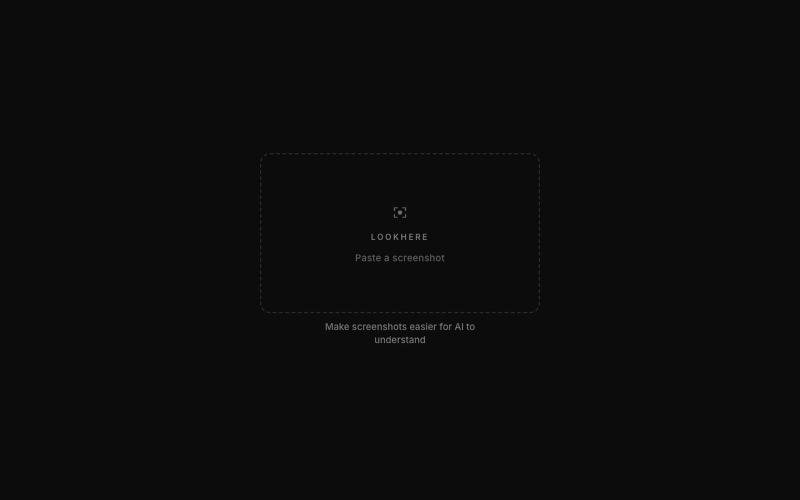
Lookhere — Make screenshots easier for AI to understand
标记和提取截图部分分享给 ChatGPT 或 Claude。
akshitdandyan · Product Hunt
Label.Photos Make screenshots easier for AI to understand
完整作品展
技术栈
33 projects
标记和提取截图部分分享给 ChatGPT 或 Claude。
akshitdandyan · Product Hunt
Label.Photos Make screenshots easier for AI to understand
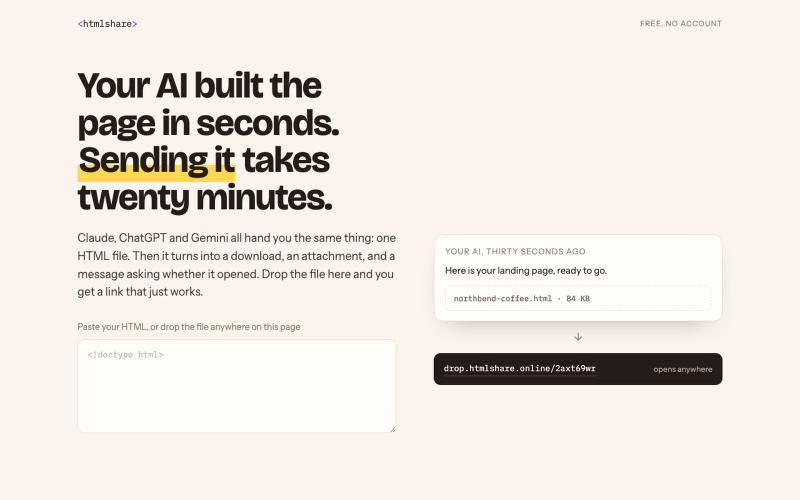
用临时链接分享 HTML 文件,无需邮件附件。

@prabalhere · X
I built to share HTML pages (mostly vibe-coded ones) with your team/clients. Drop the file, get a link, gone in 24 hours. Free and anonymous. There are other tools, but they're expensive, and it shouldn't cost that much. Building this into something more!
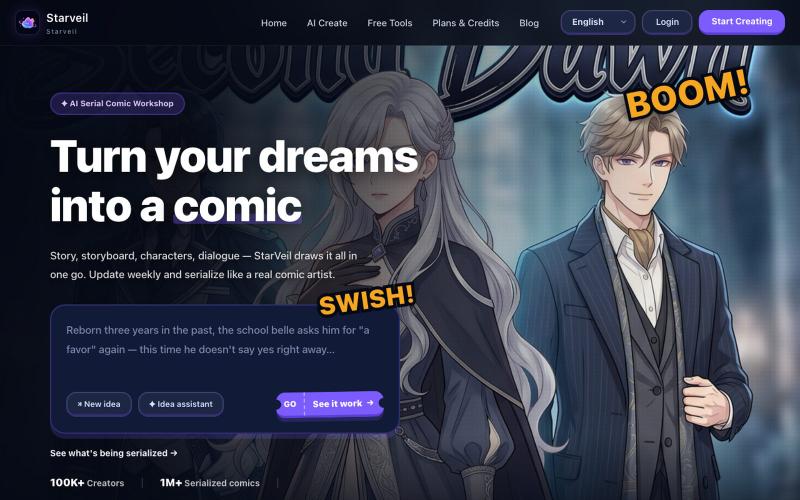
用 AI 从文本故事创建网络漫画和漫画,支持多种艺术风格和 4K 导出。
StarVeil AI - 星河入梦 — 使用AI生成连续漫画的网站
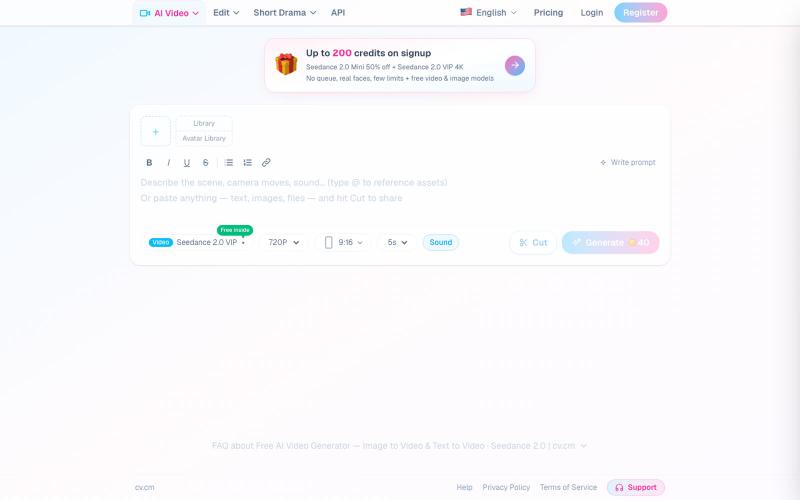
从文本或图像生成AI视频,通过短链接分享,无需注册。
cv.cm — 免费在线剪贴板,无需注册,粘贴文本/图片/文件秒生成超短链接分享,内置 AI 视频与图像生成(Seedance 2.0)
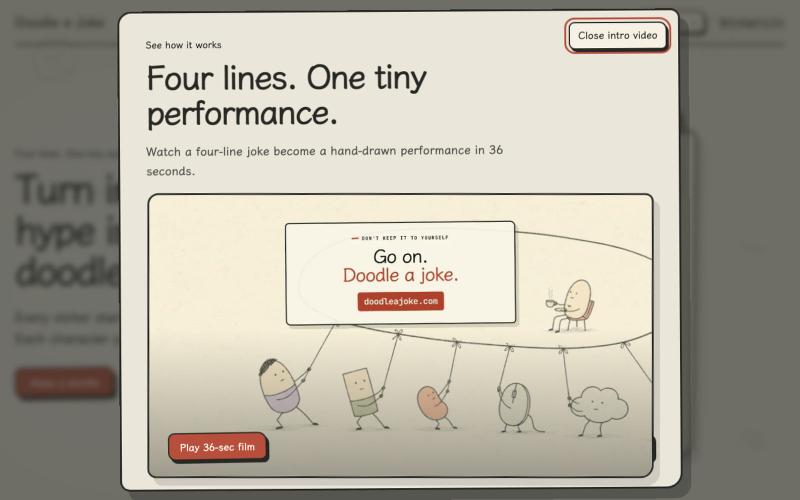
Turn four lines of internet hype into a tiny hand-drawn GIF joke.

@chaogetalks · X
Hyperframe 真的太强了!我给 网站 做了一个 intro demo video, 请欣赏! #Hyperframe #VibeCoding #AI #DoodleAJoke #AiVideo
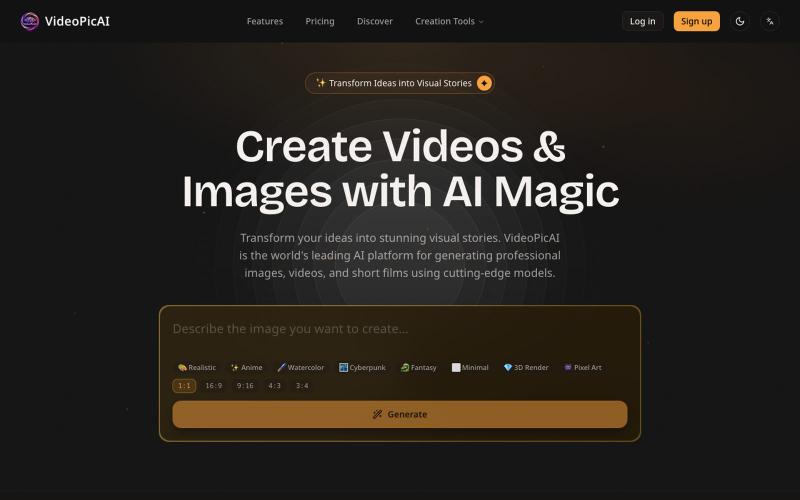
使用 VideoPicAI 通过文本描述生成 AI 图像和视频。
struy · HN
Transform your ideas into stunning visual stories. VideoPicAI is the world's leading AI platform for generating professional images, videos, and short films using cutting-edge models.
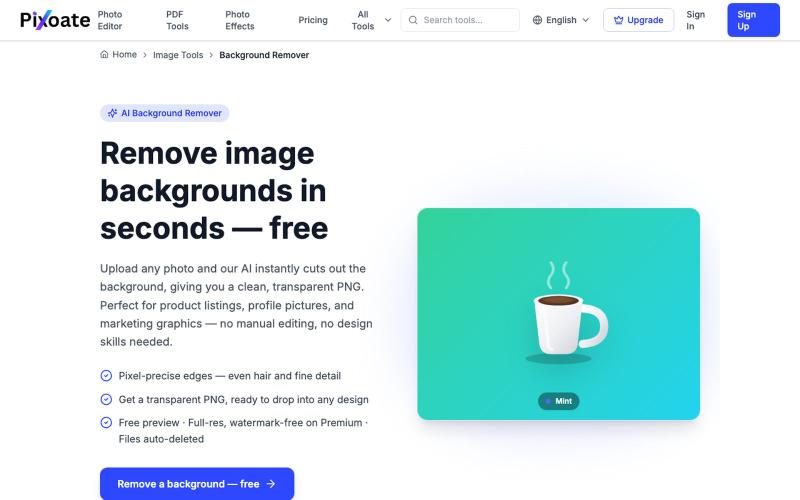
用AI快速移除图片背景,下载透明PNG文件。
HSK11 · HN
Unlimited Remove Background and AI Uplscale Image and Pdf Tool Kit

将社交媒体帖子转换为精美可分享图像,支持多个平台。

@larsbuilds · X
here's the link for the lazy ones :)
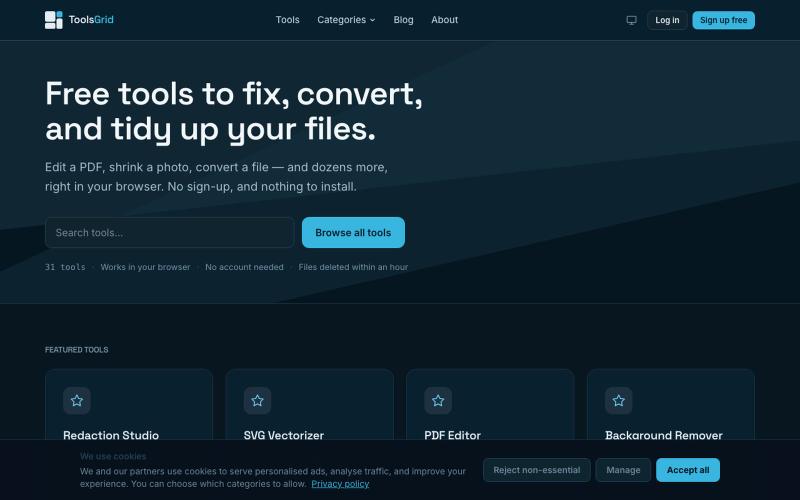
在线编辑和转换 PDF、图像、视频、JSON、SVG 和电子邮件的免费工具。

@bigchusstheory · X
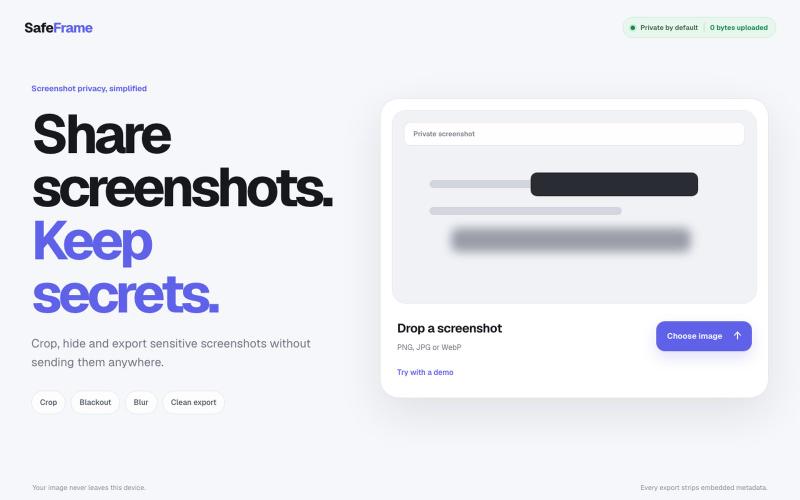
裁剪、编辑、模糊和导出截图,完全私密,无需上传任何数据。

@noshkass · X
Built SAFEFRAME a private, browser-only screenshot sanitizer. Crop, blackout, blur, and export sensitive screenshots without uploading a single byte. Try it: Built with ChatGPT Sites. @chatgptapp #Giveaway
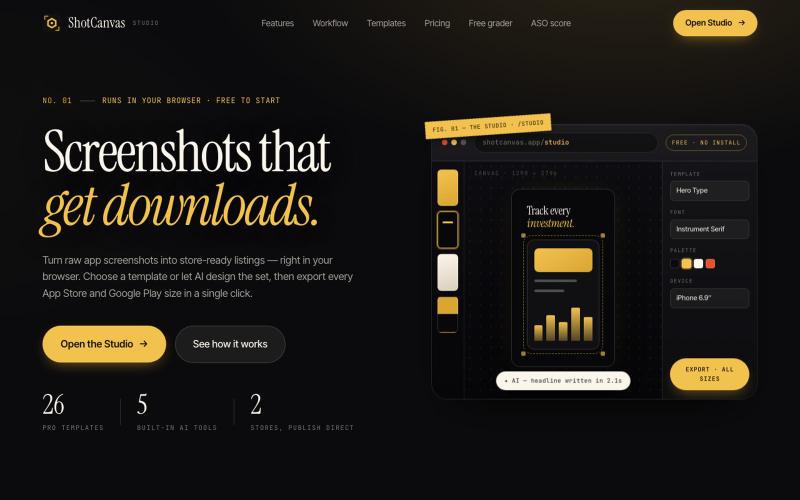
ShotCanvas Studio turns raw app screenshots into store-ready listings — 26 pro templates, AI-designed layouts and headlines, and one-click export in every App Store and Google Play

@shotcanvasapp · X
anyone willing to give feedback, ill do the same in return!

在浏览器中编辑、压缩、转换和合并视频和音频文件。
zhw2590582 · V2EX
最近对网站进行了重构,做成了免费的视频工具站:[ArtPlayer Tools]( https://artplayer.org/tools/) 主要是围绕着 ffmpeg.wasm 和 mediabunny 实现的一些可以直接在浏览器里用的视频/音频工具,常用的有: - 视频压缩:[Compress Video]( https://artplayer.org/compress-video/) - 视频裁剪:[Crop Video]( https://artplayer.org/crop-video/) - 视频合并:[Merge Video]( https://artplayer.org/merge-video/) - 视频尺寸调整:[Resize Video]( https://artplayer.org/resize-video/) - 视频旋转:[Rotate Video]( https://artplayer.org/rotate-video/) - 视频调速:[Change Video Speed]( https://artplayer.org/change-video-speed/) - 添加文字到视频:[Add Text to Video]( https://artplayer.org/add-text-to-video/) - 添加水印:[Watermark Video]( https://artplayer.org/watermark-video/) - 提取字幕:[Subtitle Editor]( https://artplayer.org/subtitle-editor/) - HLS 转 MP4:[HLS to MP4]( https://artplayer.org/hls-to-mp4/) - 音频可视化:[Audio Visualizer]( https://artplayer.org/audio-visualizer/) 大部分工具都是本地处理,文件不会上传到服务器。最开始是因为自己偶尔要处理一些视频,开剪辑软件又有点重,在线工具又担心隐私,所以就慢慢做成了一个站。 目前还在持续完善,体验肯定还有不少粗糙的地方,比如不同浏览器的兼容、移动端操作、长视频性能之类的。 网站: [ArtPlayer Tools]( https: