
创意工具1 month ago
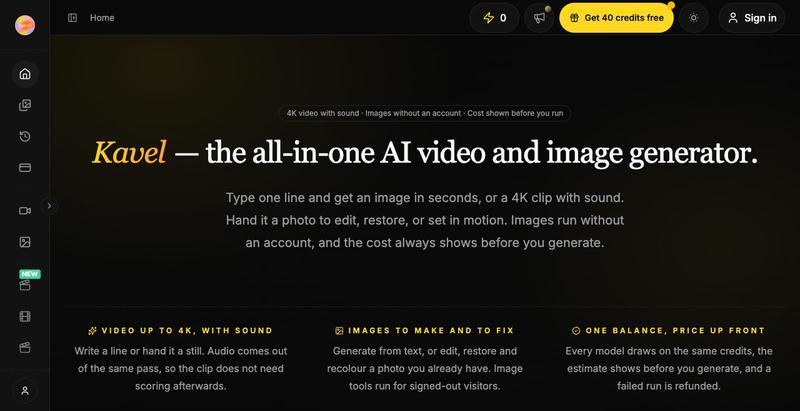
Kavel: Free AI Photo & Video Tools, No Sign-Up
Kavel是免费AI图片和视频编辑工具,30+一键特效,无需注册。
kavel — AI 图片和视频生成工具,支持多种趣味场景的生图和生视频 — 免费
完整作品展
技术栈
60 projects
Kavel是免费AI图片和视频编辑工具,30+一键特效,无需注册。
kavel — AI 图片和视频生成工具,支持多种趣味场景的生图和生视频 — 免费

用于查看和接受Claude代理代码编辑的Markdown编辑器
samuelstros

浏览器中的AI视频编辑器,支持云工作流和快速编辑。

@AtifIqrar · X
Building TurboCut 🚀 An AI video editor that runs directly in your browser for private, lightning-fast editing, with optional cloud AI for heavier workflows. Built for YouTubers, content creators, educators and agencies who want to save hours editing.
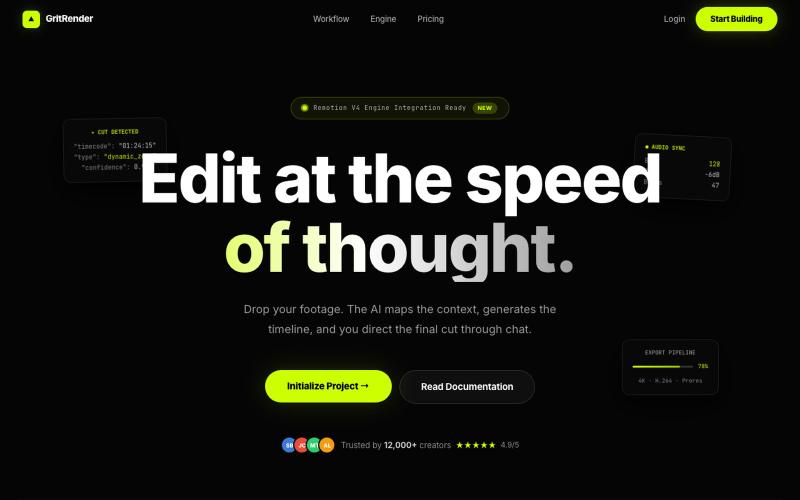
使用AI辅助编辑视频,同时保持完全的创意控制。
u/Juliur_ · Reddit
Built a "Cursor for Video Editing" because I couldn't stand another AI editor making decisions for me I've been building video tools for a while and here's my honest take: fully automated AI video editors are garbage. They cut the wrong frames, misplace captions, and you're stuck manually undoing everything. It's faster to just edit the damn thing yourself—but that takes 4+ hours per video. The problem isn't AI. It's that AI editors pretend they know better than you. They don't. So I buil
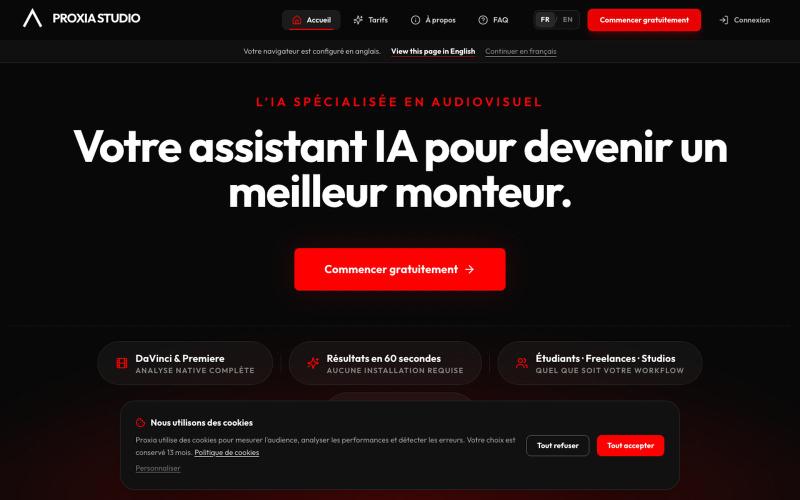
为DaVinci Resolve和Premiere Pro项目提供AI分析、时间码反馈和注释导出。

@crazynineCR · X
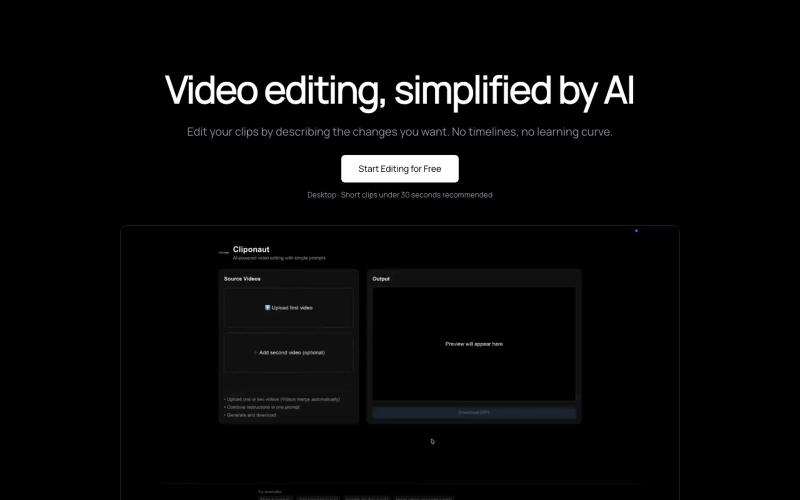
通过描述来编辑视频。无时间轴。无复杂性。

@uxayaan · X
Building Cliponaut - ChatGPT for video editing
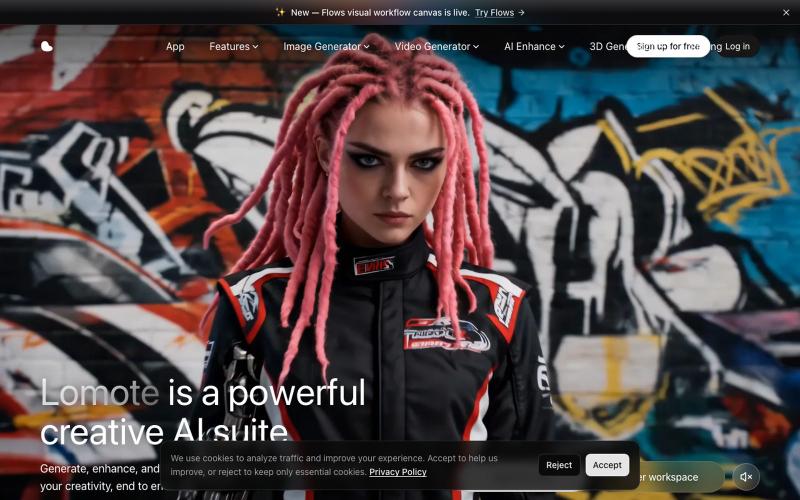
Lomote:AI 创意工作室,可生成、增强和编辑图像、视频及 3D 模型。

@Agueroyps3 · X
折腾了一段时间,我做的 Lomote 终于上线了。 想解决的问题很简单:生成图片、视频、3D 模型,做图片或视频增强、搜索相似图片时,不用在一堆工具之间来回切换。 在 Lomote 里,这些能力都可以通过工作流组合起来。 感兴趣可以试试:
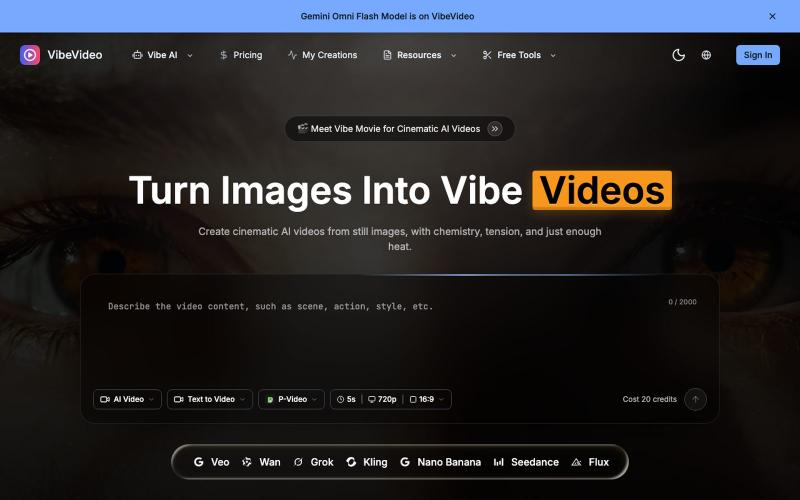
用AI将图像和文本转换成电影级视频,支持动作控制。
Vibe Video — 面向普通用户的 AI 视频生成网站,支持文生视频、图生视频、参考图生视频和电影化镜头控制,适合创作者和营销团队快速产出视频

在浏览器中编辑、压缩、转换和合并视频和音频文件。
zhw2590582 · V2EX
最近对网站进行了重构,做成了免费的视频工具站:[ArtPlayer Tools]( https://artplayer.org/tools/) 主要是围绕着 ffmpeg.wasm 和 mediabunny 实现的一些可以直接在浏览器里用的视频/音频工具,常用的有: - 视频压缩:[Compress Video]( https://artplayer.org/compress-video/) - 视频裁剪:[Crop Video]( https://artplayer.org/crop-video/) - 视频合并:[Merge Video]( https://artplayer.org/merge-video/) - 视频尺寸调整:[Resize Video]( https://artplayer.org/resize-video/) - 视频旋转:[Rotate Video]( https://artplayer.org/rotate-video/) - 视频调速:[Change Video Speed]( https://artplayer.org/change-video-speed/) - 添加文字到视频:[Add Text to Video]( https://artplayer.org/add-text-to-video/) - 添加水印:[Watermark Video]( https://artplayer.org/watermark-video/) - 提取字幕:[Subtitle Editor]( https://artplayer.org/subtitle-editor/) - HLS 转 MP4:[HLS to MP4]( https://artplayer.org/hls-to-mp4/) - 音频可视化:[Audio Visualizer]( https://artplayer.org/audio-visualizer/) 大部分工具都是本地处理,文件不会上传到服务器。最开始是因为自己偶尔要处理一些视频,开剪辑软件又有点重,在线工具又担心隐私,所以就慢慢做成了一个站。 目前还在持续完善,体验肯定还有不少粗糙的地方,比如不同浏览器的兼容、移动端操作、长视频性能之类的。 网站: [ArtPlayer Tools]( https:
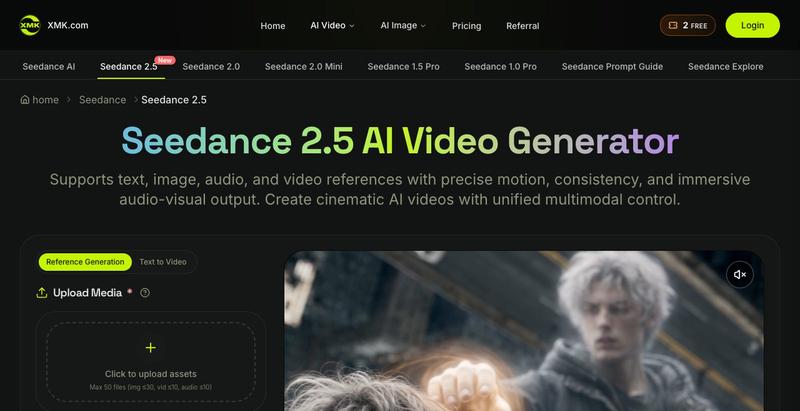
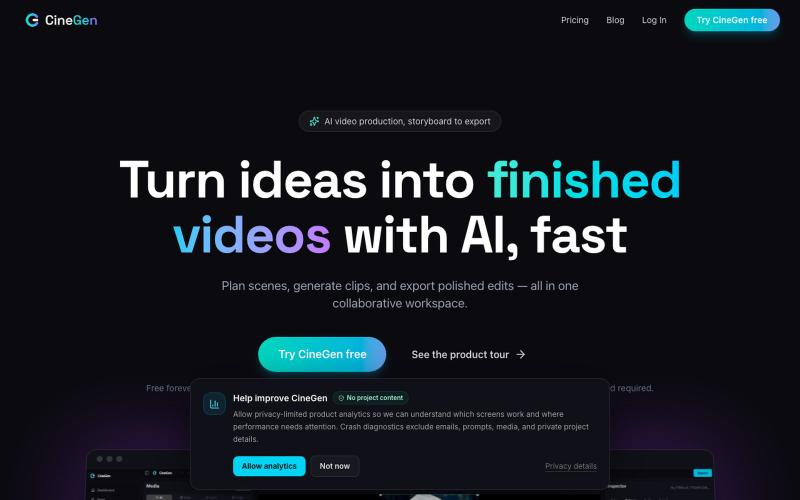
使用AI角色、3D场景和多轨编辑生成高分辨率视频的影视制作工具。
u/OutdatedMemeKing · Reddit
I've been working on video editing software. (This does have AI capabilities inline, but is not the full focus) Hi everyone! I've been working on video editing software for a while. I had this idea back when Gen AI was really popping off and everyone was trying it out. I saw major gaps in it as well as in websites that were coming out in regards to allowing users to create video content. The gaps I saw were mainly consistency being a major issue also that prompt box that every
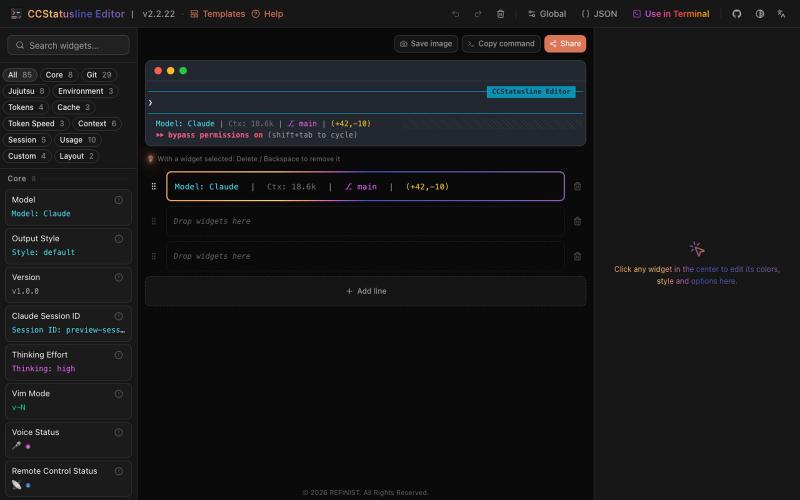
Drag-and-drop visual editor for Claude Code status line with terminal preview.

@refinistdev · X
Tired of hand-editing your Claude Code status line? I built a visual editor for ccstatusline 🎨 → drag & drop widgets → true-to-terminal preview, no Nerd Font needed → one command to apply Free & open source 👇 #ClaudeCode #ccstatusline