
生产力2 weeks ago
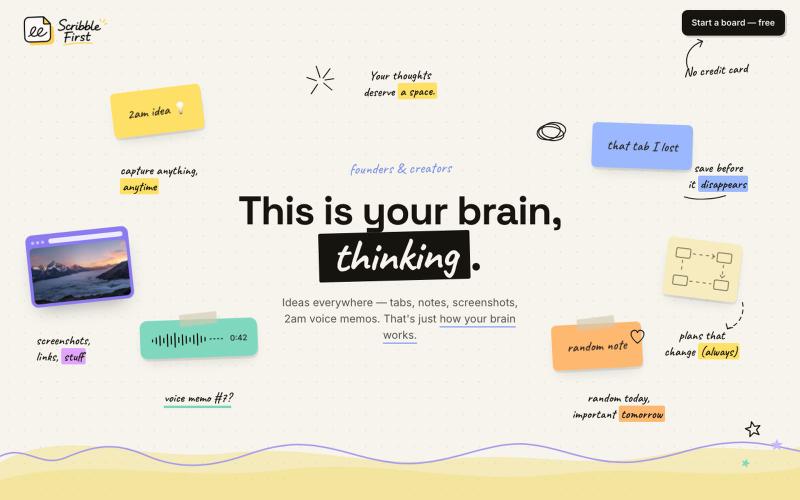
Scribble First — just scribble, AI takes it from there
Scribble First 将素描、语音笔记和截图一键转换成文档、计划和新闻稿。

@adarshbytes · X
完整作品展
技术栈
18 projects
Scribble First 将素描、语音笔记和截图一键转换成文档、计划和新闻稿。
@adarshbytes · X
用AI矢量追踪将设计提取转换为可编辑的SVG文件。
u/Strong-Thing-8888 · Reddit
I built an AI tool that turns complex artwork into clean, editable SVG files I created DesaynClaw for designers who spend too much time manually tracing logos, jersey graphics, and detailed artwork. Upload a PNG or JPG, let the tool extract and clean the design, then export it as an editable SVG. It also includes background removal, image upscaling, palette tools, and before-and-after comparison. The platform is still improving, so I’m looking for designers who can test it
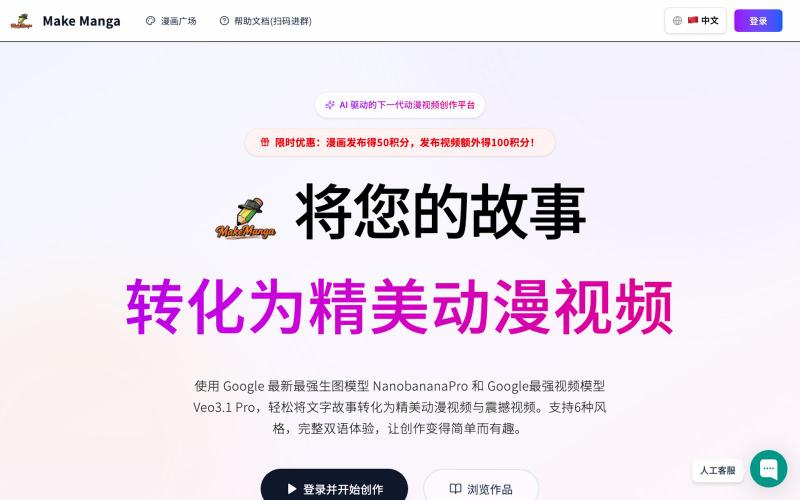
Make Manga:用 AI 将故事转化为漫画和视频。
MakeManga — AI 生成漫画,支持 Nano Banana 和 Seedream 4.0 模型,只需提供故事,剩下的分镜和角色生成等都交给 AI
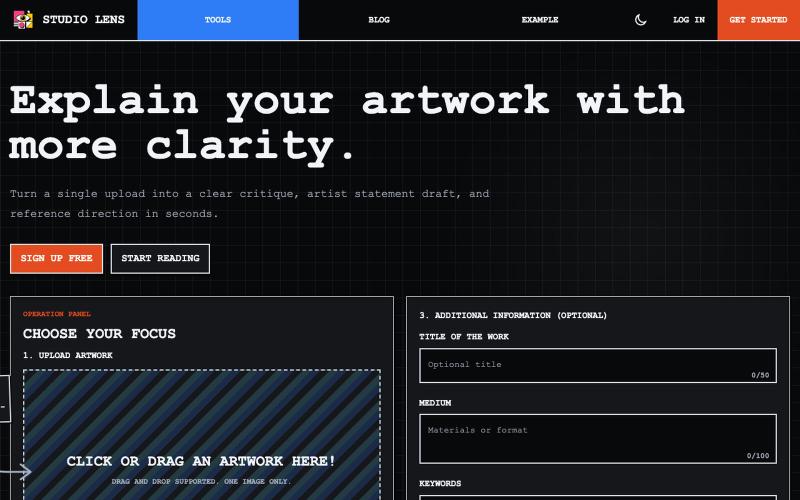
上传艺术作品图像,生成视觉分析和艺术家声明。

@dvd1932 · X
An SaaS that explains Art for/to you. (Free) 🧙♂️
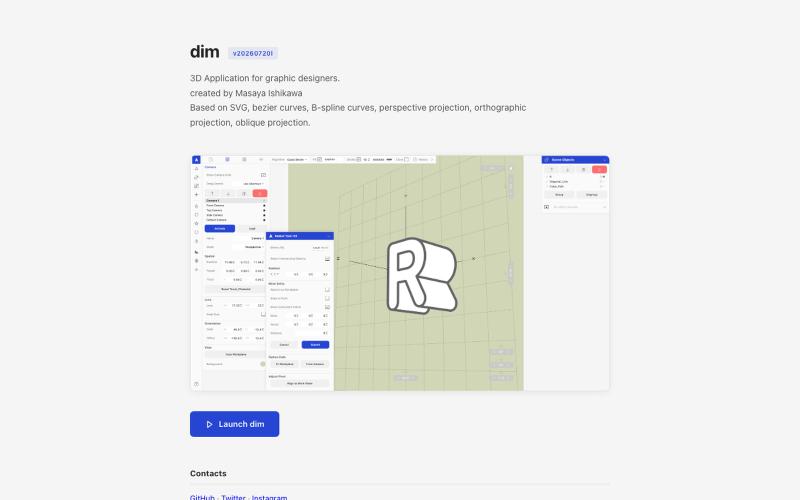
从 Adobe Illustrator 导入 2D 路径,在 3D 中变换并以矢量格式导出。

@kamone · X
I built (vibe coded) my own geometry engine from scratch. It keeps path as path, and does the transformation and the silhouette splitting. You can see the code here. One single html file.

图片转 ASCII 字符画、复制符号、查看码表、进制转换——全在浏览器。
HeStudy · V2EX
做了个纯前端的 ASCII 工具站:图片转字符画、banner 生成、符号一键复制 平时偶尔需要查 ASCII 码表、复制一些特殊符号(箭头、制表符这类),每次都是搜一个满屏广告的老站凑合用,索性自己做了一个: https://getascii.com 目前有这些工具: 图片转 ASCII 字符画(拖一张图进去就行,支持调宽度/字符集/反色) 文字转 ASCII banner 大字 常用符号一键复制(箭头、制表符、数学符号、颜文字) 完整 ASCII 码表 + 一个交互式键盘映射图(点键盘上的键显示对应的 dec/hex 码) 进制转换器( hex/dec/bin ↔ ASCII ) 几个实现上的点: Astro 构建的纯静态站,所有工具都是纯客户端计算,图片不会上传到任何服务器 没有账号系统,没有付费墙,打开就用 整站是绿色荧光终端风( CRT 扫描线 + JetBrains Mono ),算是给终端审美交个作业 顺手给它做了个 25 秒的宣传片: https://www.youtube.com/watch?v=AjzU5mw1PrI