
生产力1 month ago
Dshelf: A calm reader for your PDFs
用Dshelf将PDF转化为宁静的阅读体验,配有精美图书馆和AI页面指导。

@dshelf_app · X
完整作品展
技术栈
60 projects
用Dshelf将PDF转化为宁静的阅读体验,配有精美图书馆和AI页面指导。
@dshelf_app · X
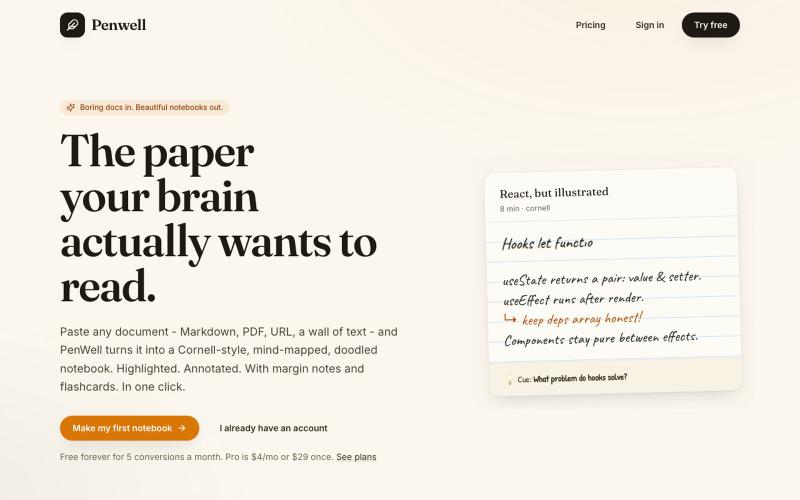
粘贴文档生成康奈尔式笔记本,带思维导图和涂鸦。

@penwellapp · X
Boring docs in. Beautiful notebooks out. Try it here: 🚀 We just launched on Product Hunt! Your support would mean the world: #BuildInPublic #ProductHunt #AI #Notes #IndieHackers #CornellNotes #Productivity #StudyNotes #Penwell
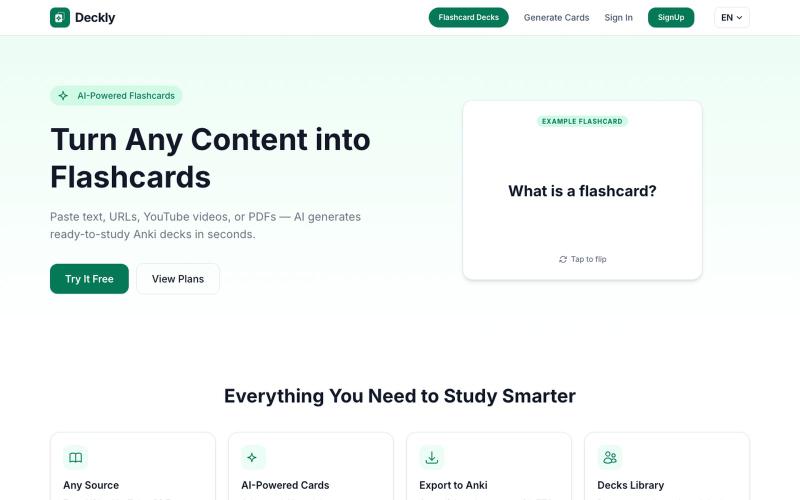
把 YouTube 视频、PDF 和网址转换成 Anki 抽认卡组,只需数秒。
u/holios89 · Reddit
Built an AI SaaS that turns your notes/articles/PDFs into study flashcards — looking for harsh feedback (and bugs) Hey folks, Solo/small side project here: Deckly ( deckly.one ) — an AI-powered flashcard generator for spaced-repetition learning (Anki-compatible export). You give it text, a PDF, or an article link, it generates a deck of flashcards (Q&A, Cloze, or multiple choice), optionally with TTS audio and images per card, and you can study it right in the browser or export to `.apkg`.
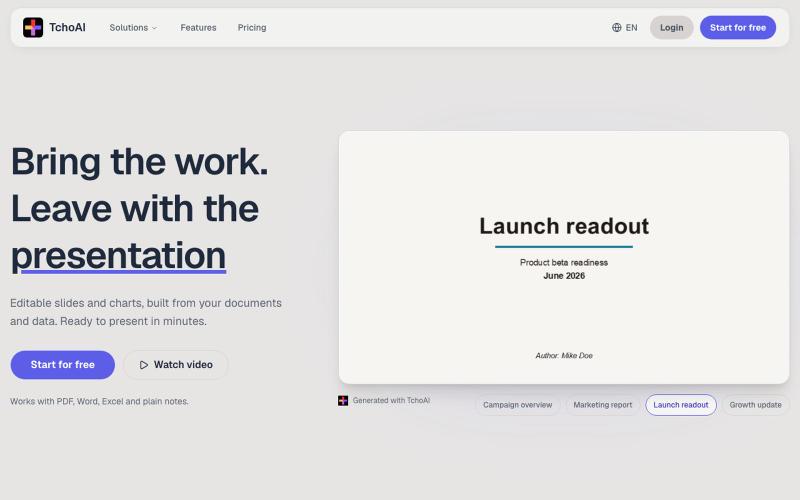
TchoAI:将文档和笔记转换为可编辑的演示幻灯片和图表。
dyfang · HN
TchoAI – Transform your documents into editable slide decks
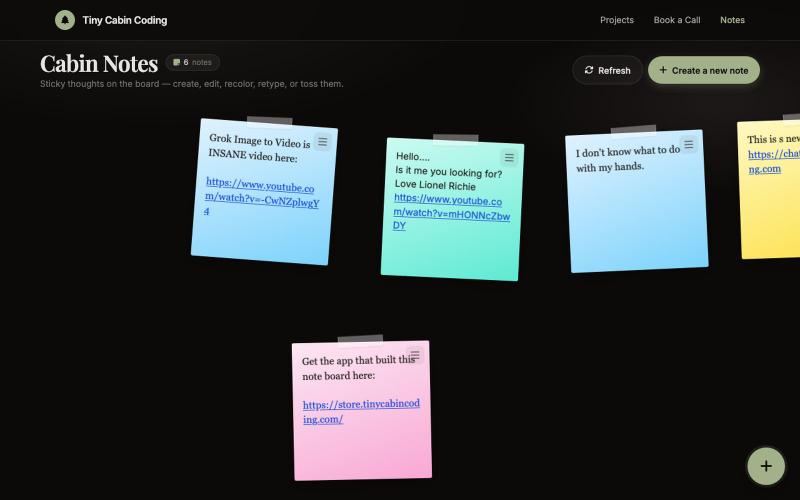
用AI助手Codex和Grok创建和组织笔记。

@Number1AIFanboy · X
I got to go to bed. More coding tomorrow. I just had a realization that I'm building cool shit, using @grok in an app that I built with Codex and refined with Grok. And now Grok just works on himself. LFG🚀 Drop me a note here: Get the app here (use LAUNCH50):
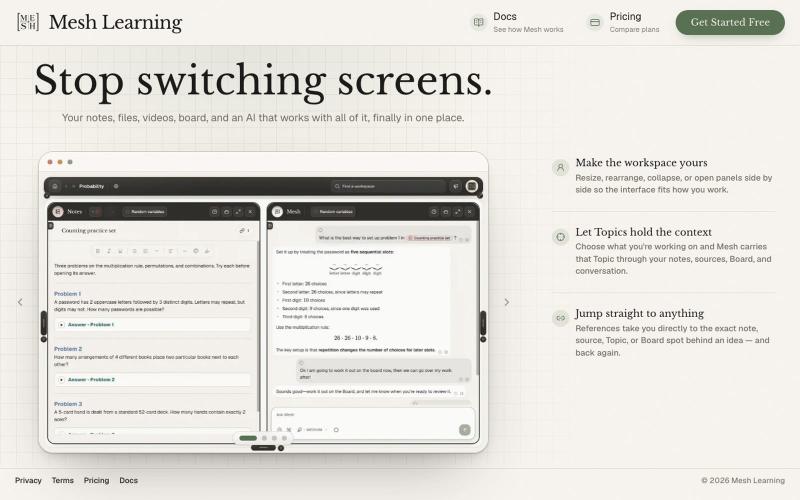
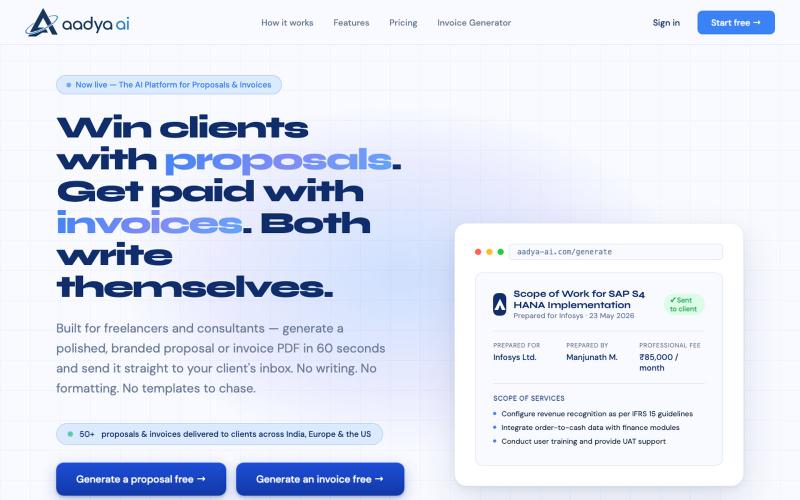
AI 60 秒内生成品牌化提案、发票和专业文档 PDF。

@AadyaAI · X
Aadya AI turns a client conversation into a branded, ready-to-send proposal or invoice PDF in 60 seconds — no templates, no formatting, no chasing.
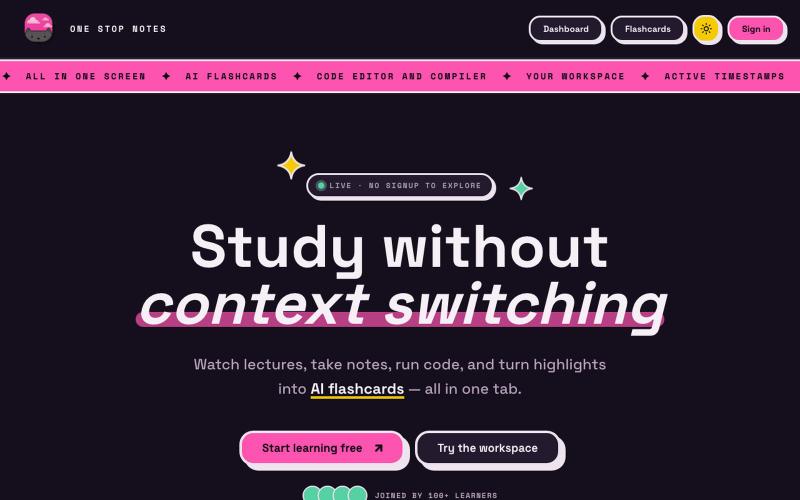
在一个屏幕中观看视频、运行代码、做笔记并生成AI学习卡。

@angelgetemm · X
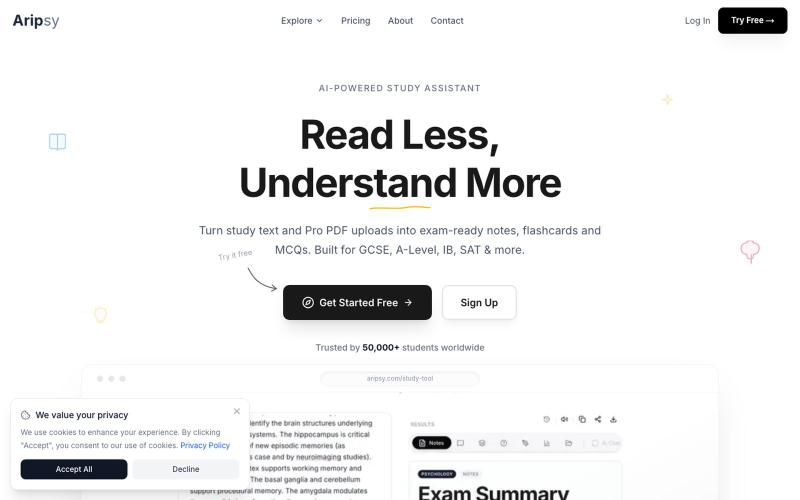
从学习文本和PDF生成考试笔记和闪卡。

@studywitharipsy · X
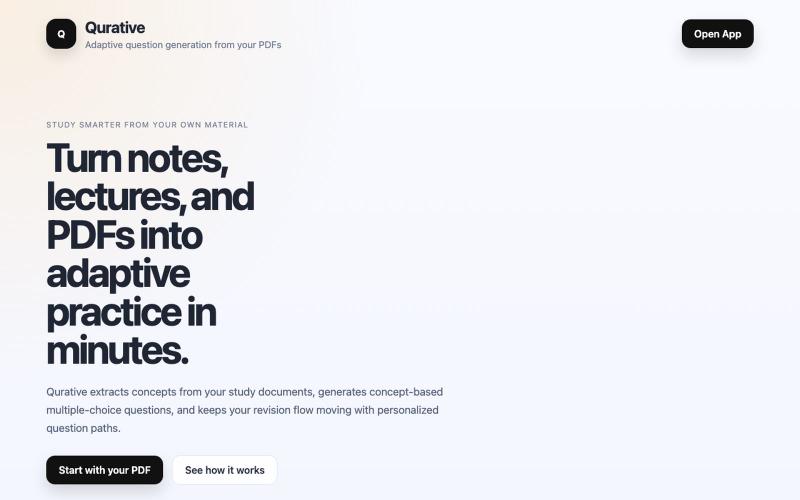
Qurative将PDF转换为自适应练习题和个性化复习流程。

@qurative · X
vibe coded a landing page for seo and shit, will fix it later focusing on adding features to the dasboard
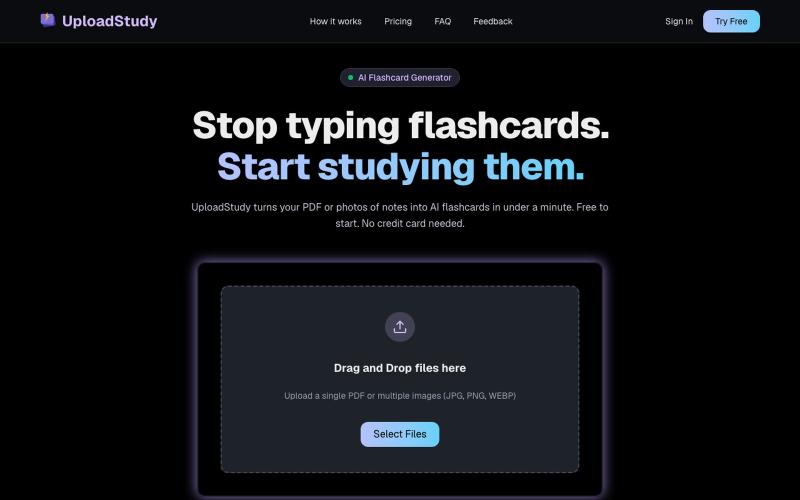
从PDF和笔记照片快速生成AI学习卡片。

@MrDave_id · X
I built an ai flashcard generator
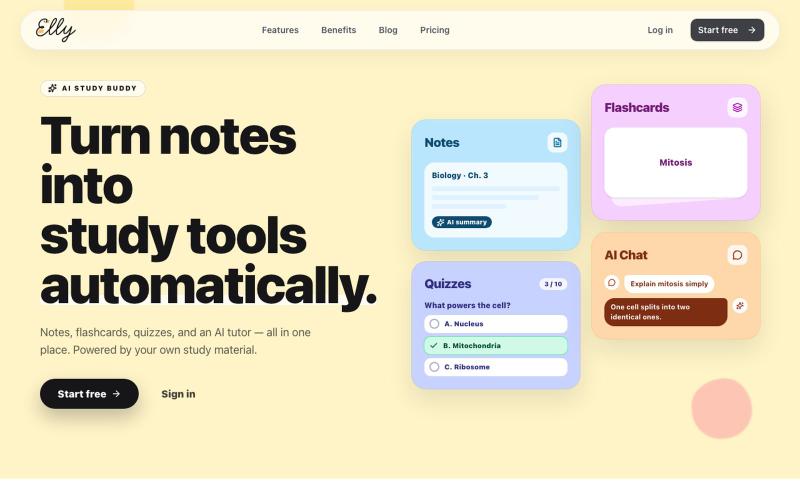
Turn notes into flashcards, quizzes, and AI-powered explanations with Elly. Study faster with active recall tools made from your own material.

@ven_tsx · X
for students
