
其他3 weeks ago
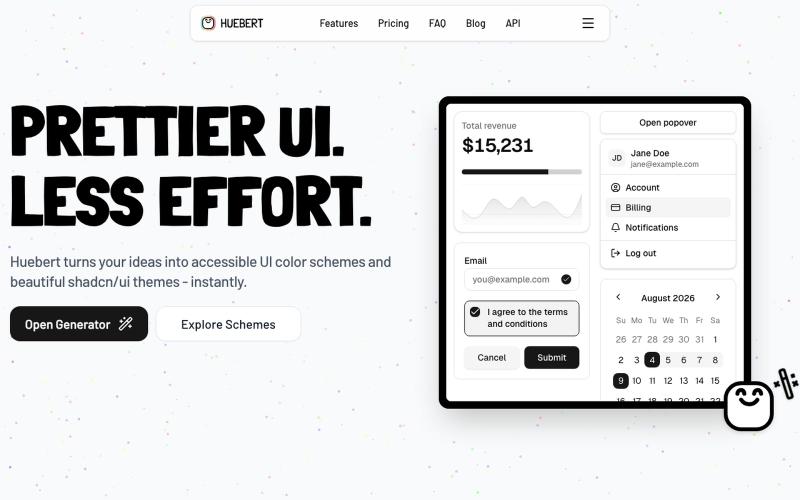
The UI color scheme generator
Generate accessible UI color schemes and shadcn/ui themes in seconds.

@FlowHaa · X
Let's go :) My latest product: What are you working on?
完整作品展
技术栈
22 projects
Generate accessible UI color schemes and shadcn/ui themes in seconds.
@FlowHaa · X
Let's go :) My latest product: What are you working on?
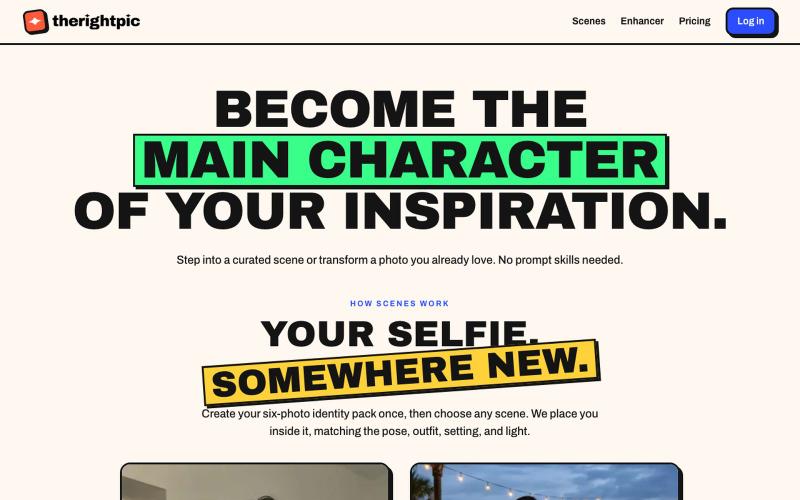
将自己融入精选AI场景或转换照片,无需提示词。
u/TheChilledTribe · Reddit
My product bet: image prompt libraries are a workaround for a missing discovery layer There’s a strange workflow around AI images: People see an image they like, search for the prompt or ask the LLM to craft a prompt to reproduce the same style, paste it into another ChatGPT, and hope they can reproduce the result. That feels less like a creative tool and more like moving source code between text boxes. I’m building therightpic around a different product hypothesis: The gallery should
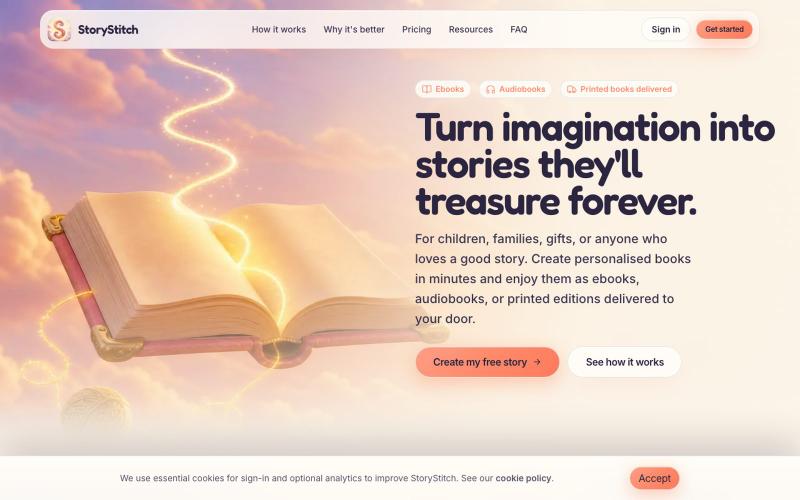
利用一致的AI角色创建个性化插图故事书和有声书。

@StoryStitchApp · X
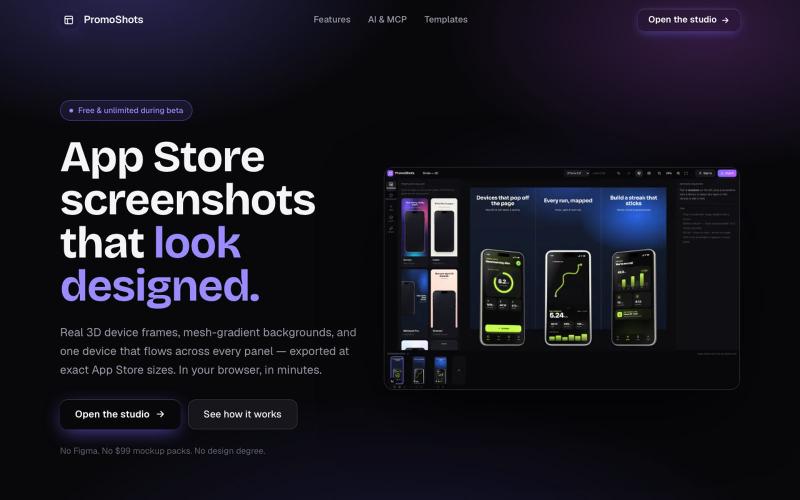
设计App Store截图集,配合3D设备框架、渐变背景和一键导出。

@MSiatrak · X
Checked my Umami stats this morning - straight from Claude Code via my Umami MCP 📊 ~30% of visitors are on mobile… and every single one hit the "desktop only" gate. Shown 11 times, 0 continued past it. A third of traffic couldn't even try it.
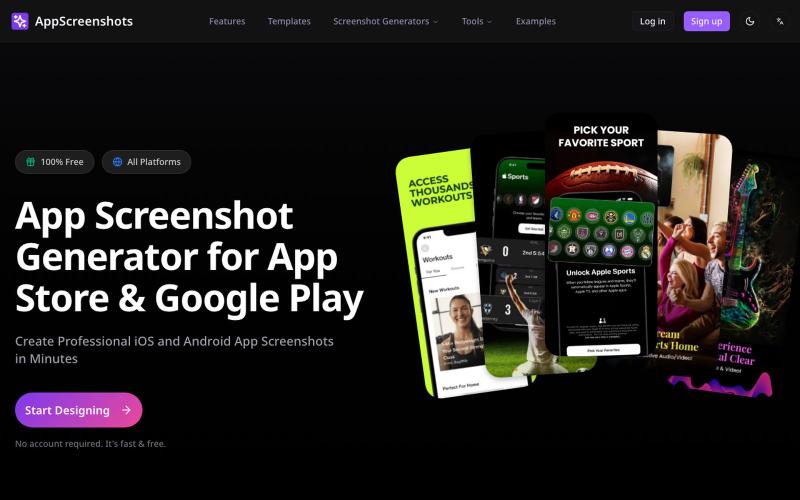
为iOS和Android应用生成带3D设备模型的应用商店截图。
AppScreenshots — 生成应用商店截图,支持 iOS、Android、Chrome、HarmonyOS 等平台,支持 3D 设备展示和 AI 驱动的 Mockup 创建工具
将设计组件自动转换为代码的AI工具。

@ShrirajKun · X
could do one thing ... train a model specifically to break the design component by component then make it generate a code for it .. i tried something a vibe coding platform after frusting with existing vibe coding platform
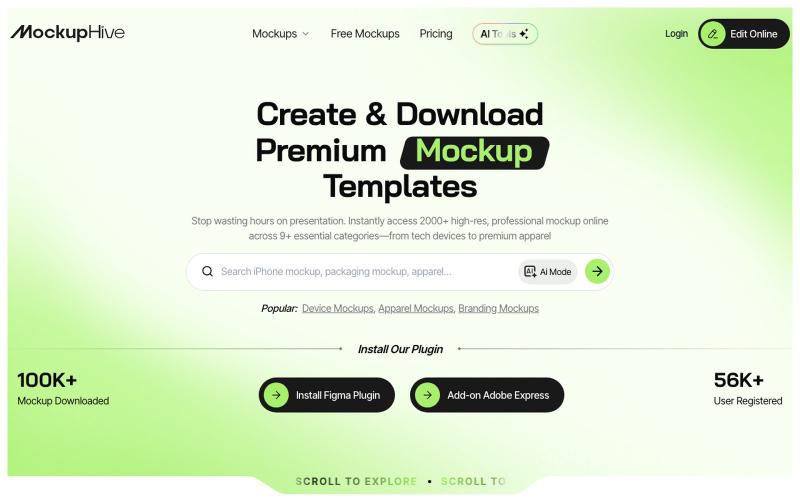
为UI/UX、品牌和产品设计创建和展示逼真的设计效果图。

@mhroxy3112 · X

为 Codex Desktop 设计自定义主题,调整背景、颜色、透明度和视觉效果。
plutozc · V2EX
做了个 Codex Desktop 主题预览和切换工具,先调好再安装 最近一直在用 Codex Desktop ,觉得默认界面看久了有点单调,就顺手做了个主题编辑工具,分享一下: [Codex Skin]( https://getcodexskin.com) 可以先在网页里预览主题,调整背景透明度、面板透明度、颜色、模糊和圆角等参数,满意之后再下载并切换到 Codex Desktop 。 目前支持: - 自定义 JPG 、PNG 、WebP 背景 - 在线实时预览主题效果 - 调整透明度、颜色、模糊、圆角 - 预览满意后生成安装命令 - 不喜欢了可以恢复默认外观 目前主要面向 macOS 上的 Codex Desktop ,还是个人项目,功能和兼容性都在继续打磨。 欢迎试试,也想听听大家对主题参数、预览效果和安装流程的反馈。 直接网址: https://getcodexskin.com [轻喷 轻喷,可能还有些 bug
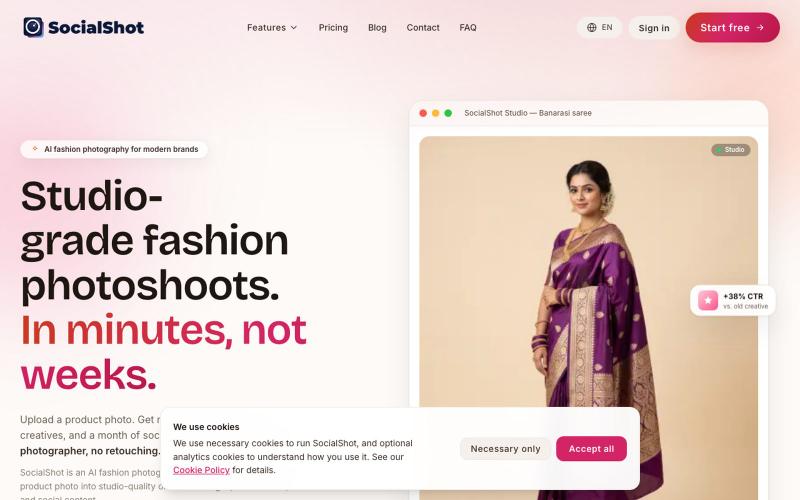
用AI从单张手机照片生成时尚产品及广告创意照片。
u/DryProgress9179 · Reddit
I built an AI product photoshoot tool for small fashion sellers: one phone photo in, marketplace-ready images out Been shipping this solo for a few months: socialshot.ai The problem I kept running into talking to small apparel sellers is that a catalogue shoot is not one cost, it is a recurring one. Photographer is roughly 15-40k INR a day, a non-agency model another 8-25k, and then you still redo the edit for every channel because no two marketplaces accept the same image. Amazon wants
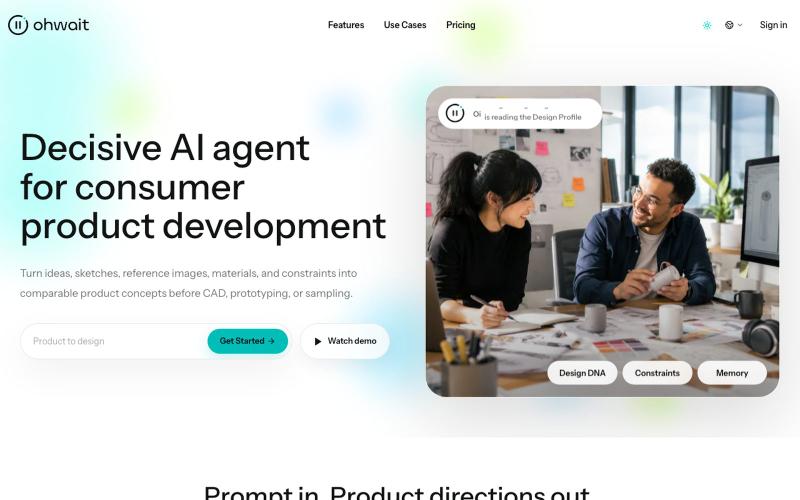
Ohwait 是一个能从想法、草图和图像生成可比较的产品概念的 AI 代理。

@hedge8og · X
4月23日,我开始用 Codex 搭自己的产品。到现在,满3个月了。 截至7月19日,Codex 页面显示247.1亿个 Token,连续使用54天。标题里的“250亿”是取整,准确数字以截图为准。 这三个月,我把 做上线了,产品介绍视频改了很多版,也借助 Codex 做了不少以前一个人很难完成的工作。 具体一点:我用它整理过 BP、导出过 PDF、做过 PPT 工作稿,也把调研、文档、图片、浏览器操作、网站、视频和邮件这些常见 Skills 跑过一圈。有些后来真的进入了工作,有些试完就放下了。 现在回头看,最大的收获不是“我做过这么多种东西”,而是我越来越能分清:哪些能力能进入真实工作,哪些只是演示起来很厉害。 这些数字确实挺夸张。说实话,我自己看到也会觉得:是不是做了很多事? 但如果现在让我总结,我不会把它们当成绩。它们只能证明我很投入,蹬得快冒烟了,不能证明产品已经有价值,更不能证明商业已经成立。 我大学辍学,最高学历是高中,之前一直在制造业工作,也不会写代码。写这些不是为了卖惨,更不是想证明学历没用,只是先把我的真实起点说清楚。 2月 OpenClaw 火起来以后,我开始认真试各种 AI 工具,想先解决工作里那些重复、又不得不做的事情。 这期间还有一次,客户马上要我提案,但公司的设计师手上也有急活。我用 ChatGPT 做了产品效果图,最后拿到了订单。 老板后来跟我说:“早知道你可以帮我做这些,那些外包设计早就可以不用买了。” 到了4月,我又用扣子搭了发货模板和记账系统。原来需要手工对比核验的条形码、外箱码,我也开始想办法交给工具处理。 这张订单图只能证明订单记录是真实存在的,不能单靠它证明订单一定是 AI 带来的,更不是 Ohwait 的客户案例。AI 参与了产品效果图制作,之后拿到订单,是我对那次真实工作过程的记录。 那一刻让我兴奋的,其实不是发现了什么创业机会,而是我第一次觉得,模型真的可以成为人的“数字外骨骼”。 回头看这三个月,我现在有5个比较确定的结论。 ### 1. AI最好先从一个真问题开始 发货、记账、核验、临时要效果图,这些都不是什么宏大命题,但它们有一个共同点:问题原本就存在,而且有人正在为它花时间、花钱或者承担压力。 我现在判断一个 AI 工具有没有价值,还是看两件事:它有没有少让我重复